

PlayPlay Review: The Enterprise Video Maker You Reach Through Sales
PlayPlay sells itself as visual creation your whole team will enjoy. It is a video tool aimed at marketing, communications, HR, and internal comms teams inside mid-size and large companies, and it leans hard into brand consistency, collaboration, and speed. It has the logos to back the pitch, with more than 3,000 companies including L'Oreal, Booking.com, Heineken, IBM, and NHS Scotland listed as customers, and it holds a strong 4.7 out of 5 on G2 across more than 300 reviews.
How PlayPlay Actually Works
PlayPlay is browser-based, so there is nothing to install. You start a video from a template, from scratch, or with the AI Video Assistant, then build it screen by screen. Each screen is a building block with its own media, text, icons, and layout, and you stack them into a sequence rather than editing on a traditional layered timeline. A large template library, a stock library of images and video, and an audio bank supply the raw material, and a Brand Kit pushes your logos, colors, and fonts across everything the team makes. Newer AI features include an assistant that drafts a video from a prompt, AI voice and voiceover, auto subtitles, AI Clipping for short social cuts, and an AI Translator.What Users Like
- It is genuinely easy to start. Reviewers repeatedly call the setup intuitive and say people at any skill level can produce a professional-looking video quickly.
- The results look polished. Users making product videos, interviews, and announcements report being happy with the output, and several mention the AI voiceover sounds natural.
- The libraries save time. The template, image, and video libraries get called out as a real speed advantage.
- Support and account management stand out. Dedicated account managers and responsive chat come up again and again.
What Users Flag
- Limited creative freedom. Experienced editors say the screen-based approach lacks the control of a tool like Adobe Premiere, and that text and layout feel restricted.
- Editing quirks. Some reviewers hit issues trimming on the timeline bar or have to refresh the page for changes to appear.
- Language limits on AI generation. The AI video generator has been reported to support only English, German, and French.
- No subtitle file export. Users have asked for SRT export to reuse captions elsewhere.
The Catch Most Buyers Miss
Two things define the PlayPlay experience before you ever make a video. First, it is built for teams that want templated, on-brand graphics, usually with no one on camera. Second, and this is the part that surprises smaller buyers, even after you subscribe PlayPlay does not make the videos for you. A dedicated account manager trains your team and helps build a content plan, but your people still write, build, and export every single video. You are buying a better tool, not the finished content. Which leads to the question everyone asks next, and the one PlayPlay makes hardest to answer.![[object Object]](/blog/images/airtable/section1-playplay-vs-bigvu-ai-video-platform-wins-2026-features-prici.webp)
How Much Does PlayPlay Cost?
Here is the honest answer: PlayPlay does not tell you.
There is no price on the pricing page and no self-serve plan you can sign up for. To get a number, you click Talk to an expert and go through a sales process for a custom quote. For a large enterprise with a procurement team, that is normal. For a smaller team that just wants to know if this fits the budget, it is the single most common frustration, you cannot compare the cost without booking a call first.
From what smaller organizations are quoted, here is the shape of the deal:
- Entry offer, organizations under 50 employees: around €3,000 per year (~$3427), excluding VAT.
- Billing: annual, paid up front at the start of the subscription.
- Commitment: the standard term is 24 months, a two-year contract. Shorter 12-month terms may show up as end-of-quarter incentives when a rep is trying to close before a deadline.
- What is included: unlimited platform access and unlimited videos, and you keep the rights to your content.
![[object Object]](/blog/images/airtable/section2-playplay-vs-bigvu-ai-video-platform-wins-2026-features-prici.webp)
BIGVU Review: SuperAgent Makes All the Videos For You (and You Still Get Every Option)
BIGVU answers the same two questions in the opposite way. You can see the price, you can start today, and you can choose how much you want to do yourself. At one end, self-serve tools let you make everything in minutes. At the other, BIGVU SuperAgent makes the videos for you. That range is the point, so we will start with the part PlayPlay has no answer for.
SuperAgent: Done-For-You Content Marketing on Autopilot
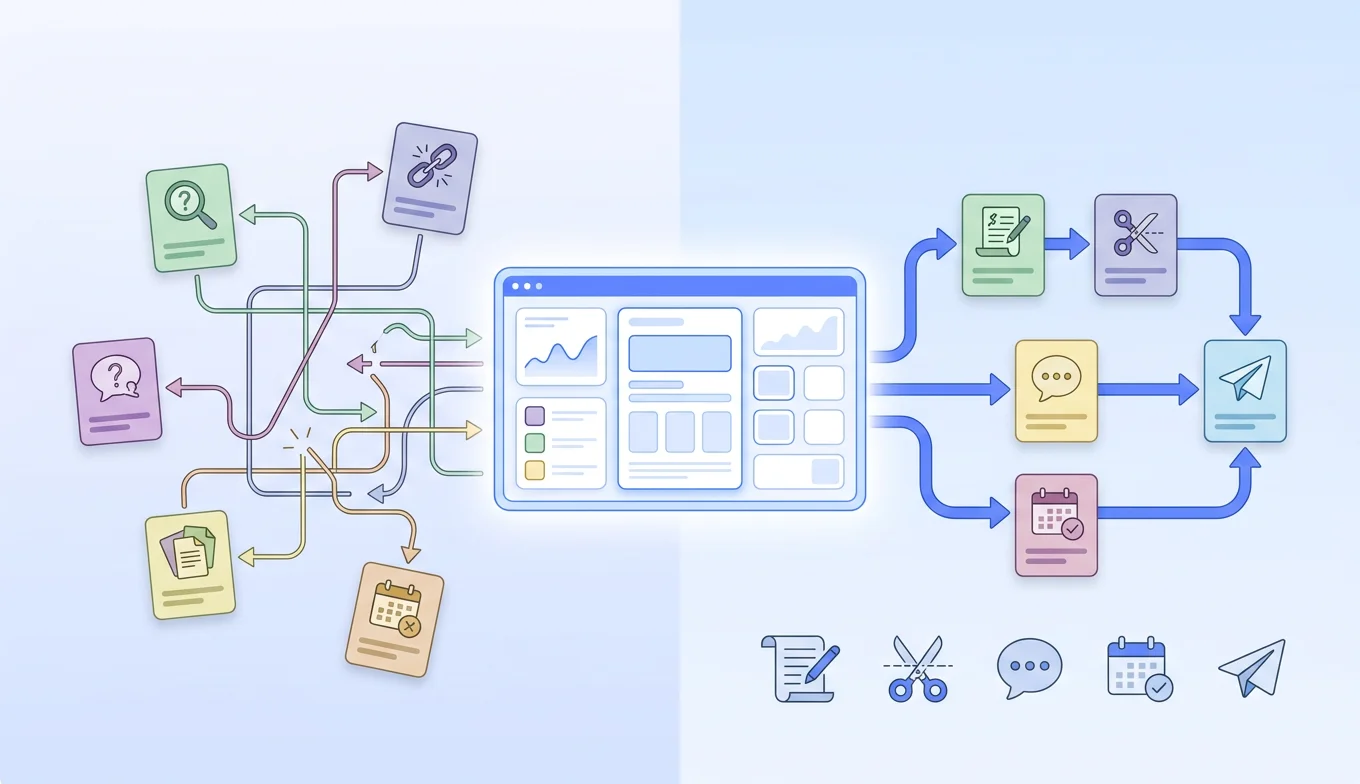
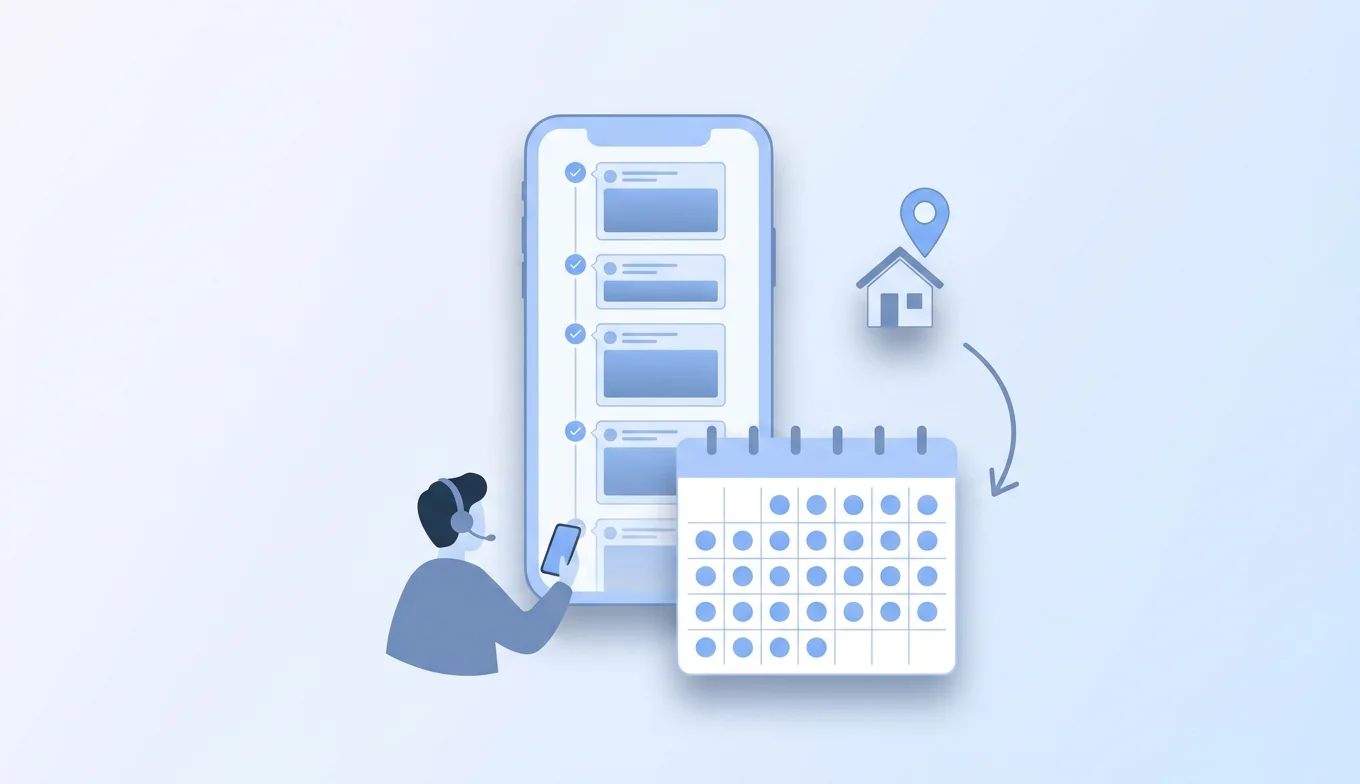
Most small and mid-size businesses do not have anyone whose job is making videos. So the videos do not get made. Every hour spent filming and editing is an hour not spent doing the actual work, and the result is the same everywhere: people post sporadically, or not at all, while the competitor who shows up consistently wins the attention. SuperAgent removes that trade-off. Think of it as a content team on a subscription: a strategist plus BIGVU's AI engine plan, write, shoot, edit, and publish a full month of on-brand video for you, grounded in your face, your voice, and your own material. You are never handed a blank page, and nothing generic or off-brand goes out, because you approve every topic and script before you record. What is included each month:- Monthly content strategy and a planned content calendar
- 8 on-brand videos produced for you
- AI avatars and talking-photo videos for the days you would rather not film
- Video email and social posts scheduled and published across your channels
- A dedicated strategist, priority support, and a monthly performance review
Prefer to Make Them Yourself? Every Option Is Right There
If you do have someone to make videos, BIGVU gives them every way to do it, on web or mobile, with scripts and videos syncing across devices:- On camera: the AI Script Generator turns a topic into a video-ready script, and the live scrolling teleprompter lets you read it while looking straight at the lens, with AI eye-contact correction to keep your gaze steady.
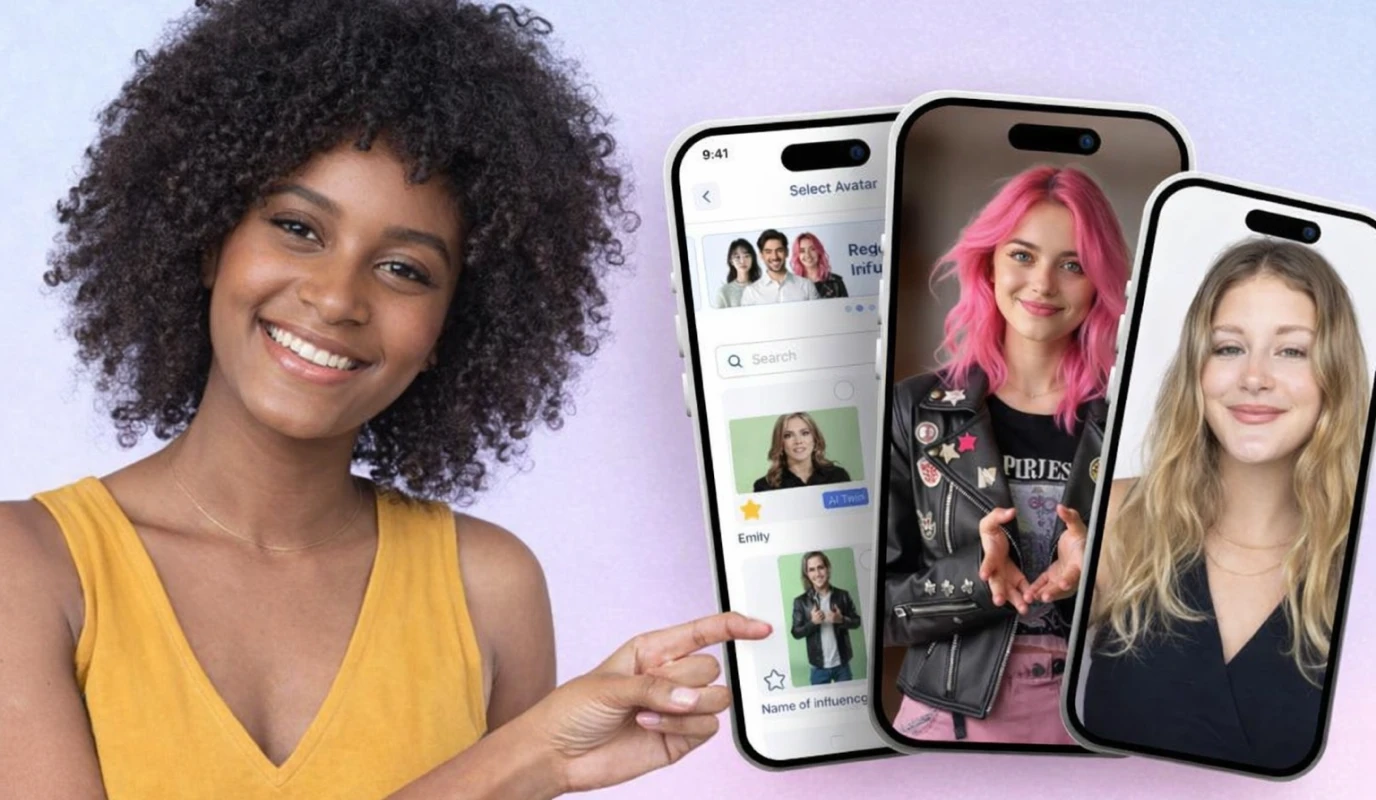
- No camera: the AI Avatar Video Generator presents a script for you, and Portrait to Video animates a single headshot to deliver your message.
- Your voice, any language: AI voiceover and voice cloning narrate in your own voice, or a natural AI voice, across 20+ languages.
- Finish and brand: burned-in captions for silent viewing, plus a Brand Kit that applies your logo, colors, and fonts inside the video.
Turn Video Into Leads
BIGVU also stretches past creation into marketing. Any video can become a branded video landing page or a trackable video email, VoiceMate (BIGVU's AI voice agent) answers the inbound leads those videos bring in across calls, WhatsApp, DMs, and website chat, and connectors publish to 20+ social accounts and send from Gmail or Outlook, all from one workflow.BIGVU Pricing: You Can See It, and You Can Start Today
This is the mirror image of a sales call. BIGVU is free to start with a free plan on web or mobile, so you can test the workflow before paying. Paid self-serve plans are published, start low on annual billing, and remove the watermark, with higher AI tiers for creators who want more credits. SuperAgent sits on top for anyone who wants the videos made for them, at a price you can see up front and with no multi-year contract.With BIGVU, You Have All the Options
That is the takeaway. On camera or not, self-serve or done-for-you, free plan or full SuperAgent service, you choose, you see the price, and you can start now. With PlayPlay, there is one path: talk to sales, sign an annual contract, and have your team make the videos.![[object Object]](/blog/images/airtable/section3-playplay-vs-bigvu-ai-video-platform-wins-2026-features-prici.webp)
PlayPlay vs BIGVU: Features and Pricing Compared
Here is where the two platforms line up, and where they clearly split.
Feature Comparison
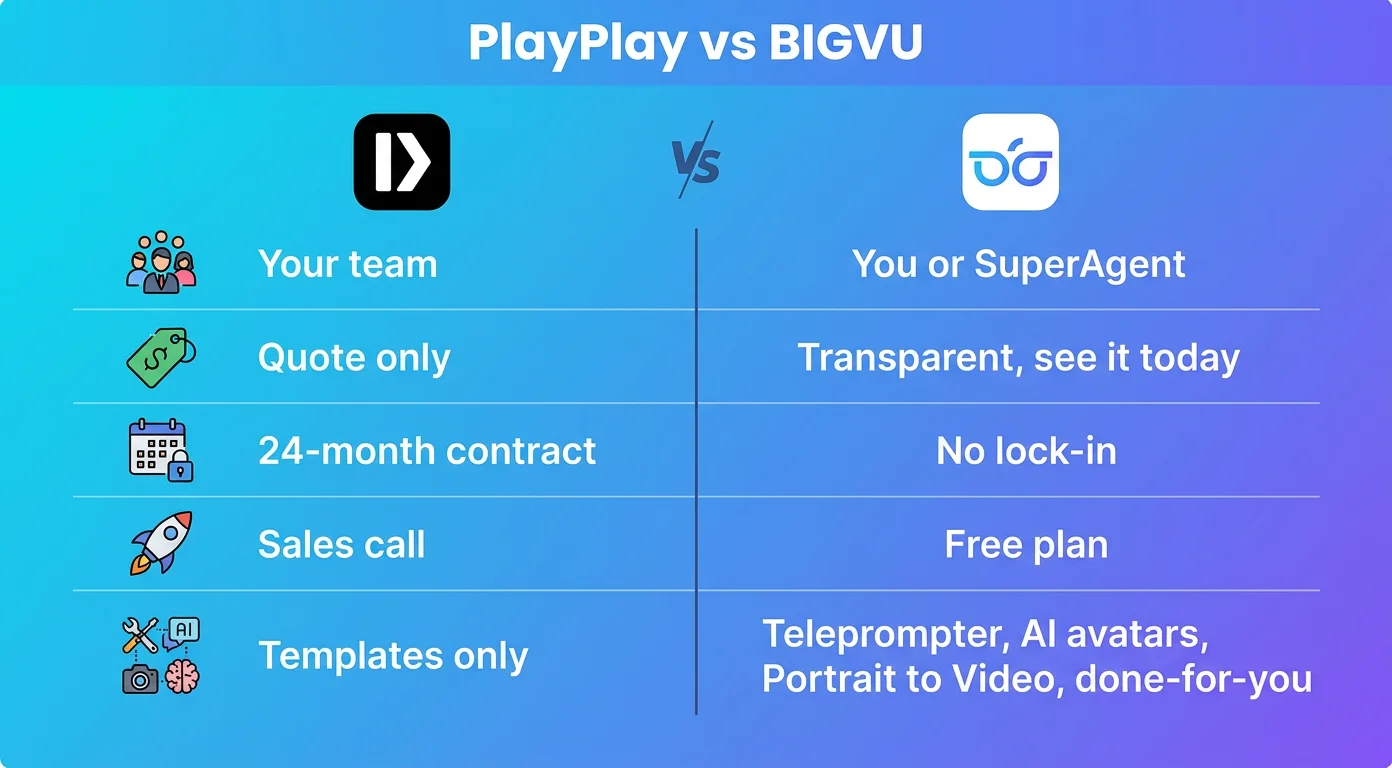
- Who makes the video: With PlayPlay, your team does, even after you buy. With BIGVU, you can self-serve or let SuperAgent make the videos for you.
- Core approach: PlayPlay builds videos from templates and screens in the browser. BIGVU records you on camera on web or mobile, or creates the video with AI avatars and Portrait to Video when you would rather not film.
- Teleprompter: BIGVU has a live scrolling teleprompter as a flagship feature. PlayPlay does not center on-camera recording.
- Done-for-you service: BIGVU offers SuperAgent, a strategist plus a month of produced video. PlayPlay offers an account manager who trains your team but does not produce your videos.
- Captions: BIGVU burns captions into the video. PlayPlay adds subtitles, but reviewers note there is no SRT export.
- Templates and stock: PlayPlay is stronger here, with a large template library, stock media, and an audio bank. BIGVU focuses on your own footage plus branding.
- AI voice and avatars: Both offer AI voice. BIGVU adds AI Avatars, Portrait to Video, and voice cloning. PlayPlay adds PlayPlay Design for on-brand AI images.
- Marketing and lead gen: BIGVU turns videos into branded pages and trackable video emails, adds the VoiceMate voice agent, and connects to 20+ social accounts plus Gmail and Outlook. PlayPlay stays focused on creation.
- Localization: PlayPlay has an AI Translator, though its AI video generation has been reported to support only English, German, and French. BIGVU's AI voiceover spans 20+ languages.
- Platform: PlayPlay is browser-based. BIGVU works on web and mobile, syncing across devices.
- Built for: PlayPlay for enterprise brand and comms teams. BIGVU for creators, founders, and small and mid-size businesses.
Pricing Comparison
This is the sharpest contrast. PlayPlay is sales-led and quote-based: a 7-day trial with branding on your videos, then a custom quote you only see after a call, billed annually and up front, typically on a 24-month contract. You will not find a number on the pricing page. BIGVU is the opposite. There is a free plan you can use today, published self-serve tiers that start low on annual billing, and SuperAgent done-for-you at $239 per month billed annually ($299 monthly) with no long-term commitment. You see the price, pick a plan, and start, no sales call required. For a large organization with procurement and a brand-governance mandate, PlayPlay's model is normal. For anyone who wants to see a price and start today, self-serve or done-for-you, BIGVU wins on flexibility alone.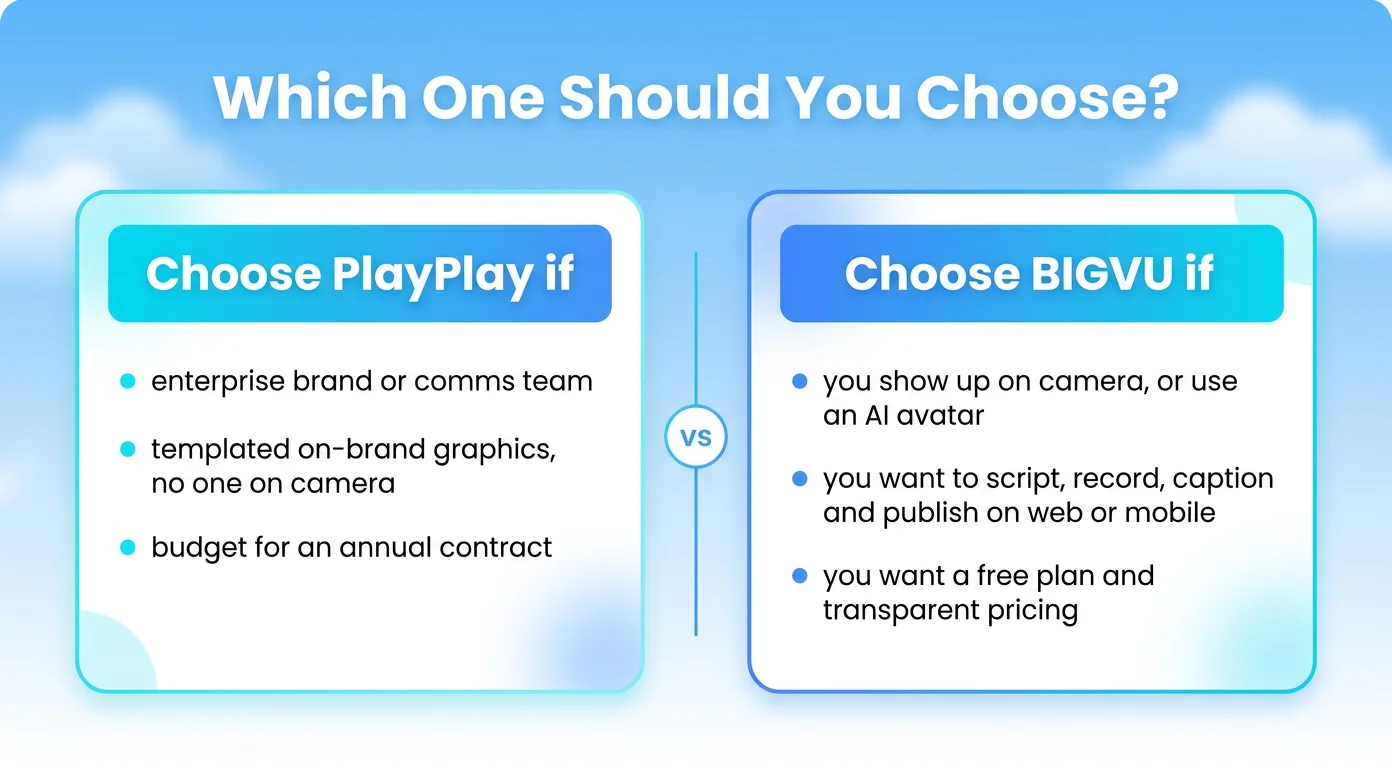
PlayPlay vs BIGVU: Which One Should You Choose?
Both are capable tools. The right choice comes down to how you want to buy, and how much of the work you want to do yourself.
Choose PlayPlay if:
- You are a brand, marketing, or internal comms team at a mid-size or large company
- Your videos are templated, on-brand graphics and text, usually with no one on camera
- Brand governance across many creators and a dedicated account manager matter more than self-serve speed
- You are comfortable signing an annual, quote-based contract and having your team produce every video
- You want to see a price and start today, with a free plan and no sales call
- You want every option in one place: on-camera teleprompter, AI avatars, Portrait to Video, and voice cloning
- You are a small or mid-size business with no one to make videos, and want SuperAgent to make them for you
- You want transparent pricing and no multi-year lock-in