
Use AI to create royalty-free background music fast, tailored to your video.
AI Background Music for Videos
Use AI to create royalty-free background music fast, tailored to your video.
From Edit to Soundtrack in 3 Steps
Start with your video, let BIGVU narrow the options, and add a soundtrack that fits the tone without leaving your editing flow.
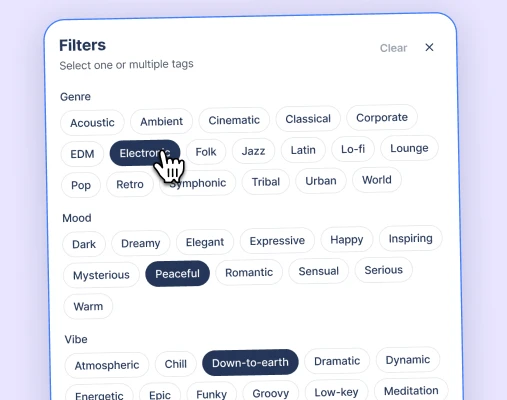
1. Pick the kind of sound you need
Start with the mood, genre, energy, or purpose of your video so BIGVU can help create tracks that fit the content faster.
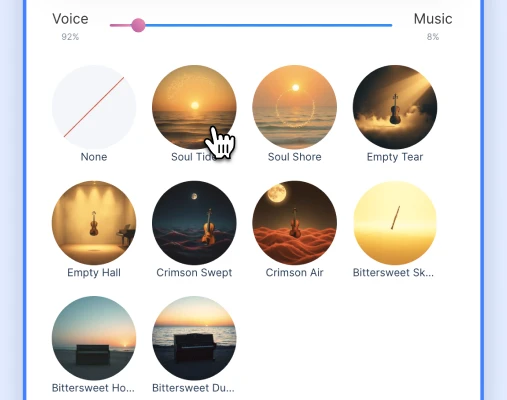
2. Browse AI generated royalty-free tracks
Preview music inside BIGVU's built-in library and choose a soundtrack without jumping to outside tools or worrying about copyright friction.
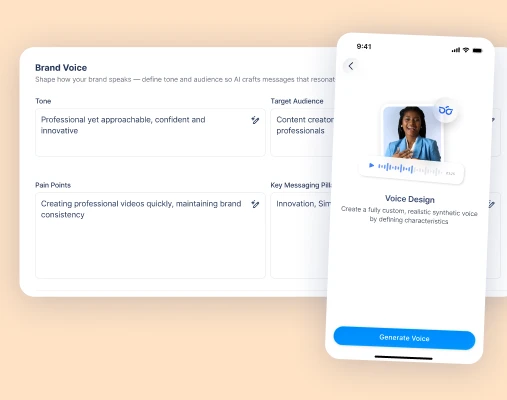
3. Create Custom Music
When the library is not quite right, generate tailored AI music so the soundtrack better matches your video's tone and pace.
See Background Music Powered by AI in action
Watch how BIGVU helps you add the right soundtrack faster.


 Style
StyleFind the right track faster

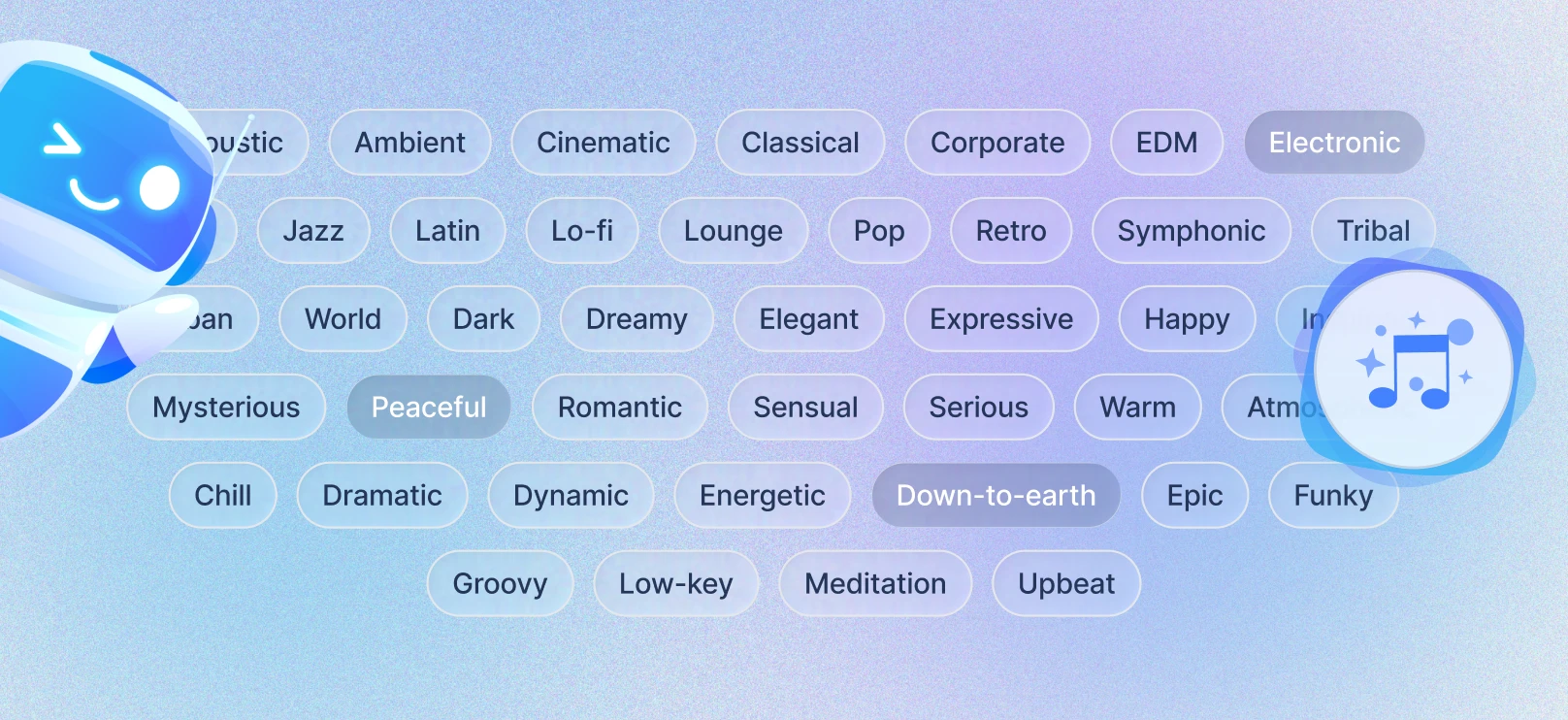
Narrow music by mood, genre, energy, and use case.

Spend less time searching through tracks manually.

Get to a better soundtrack match faster.
 Style
StyleUse royalty-free music inside your workflow

Browse and apply tracks without leaving BIGVU.

Choose music built for business, social, and branded video.

Avoid copyright friction and extra tool switching.
 Style
StyleMatch music to the video mood

Pick tracks that fit explainers, promos, training videos, and social content.

Preview options quickly and choose what fits the edit.

Make the final video feel more polished and intentional.
 Style
StyleBuilt for social, business, and branded video
Use it for product explainers, training videos, sales content, social posts, internal communications, marketing campaigns, and brand storytelling.
Match the soundtrack to the purpose of the video instead of treating music as a last-minute add-on.

Make polished audio choices faster across solo creator and team workflows.
 Style
StyleA music workflow that fits BIGVU editing

Stay inside BIGVU from video edit to soundtrack selection to publishing instead of piecing together music from separate platforms.

Keep creative decisions moving without stopping to hunt for usable tracks somewhere else.

Turn music from a production bottleneck into a built-in part of finishing the video.
 Style
StyleUseful for creators, marketers, and teams

Help anyone producing recurring videos add polished background music with less time spent searching and second-guessing.

Support creators who need fast publishing and teams who need brand-safe soundtrack choices.

Make music selection easier at scale without making it feel generic.