
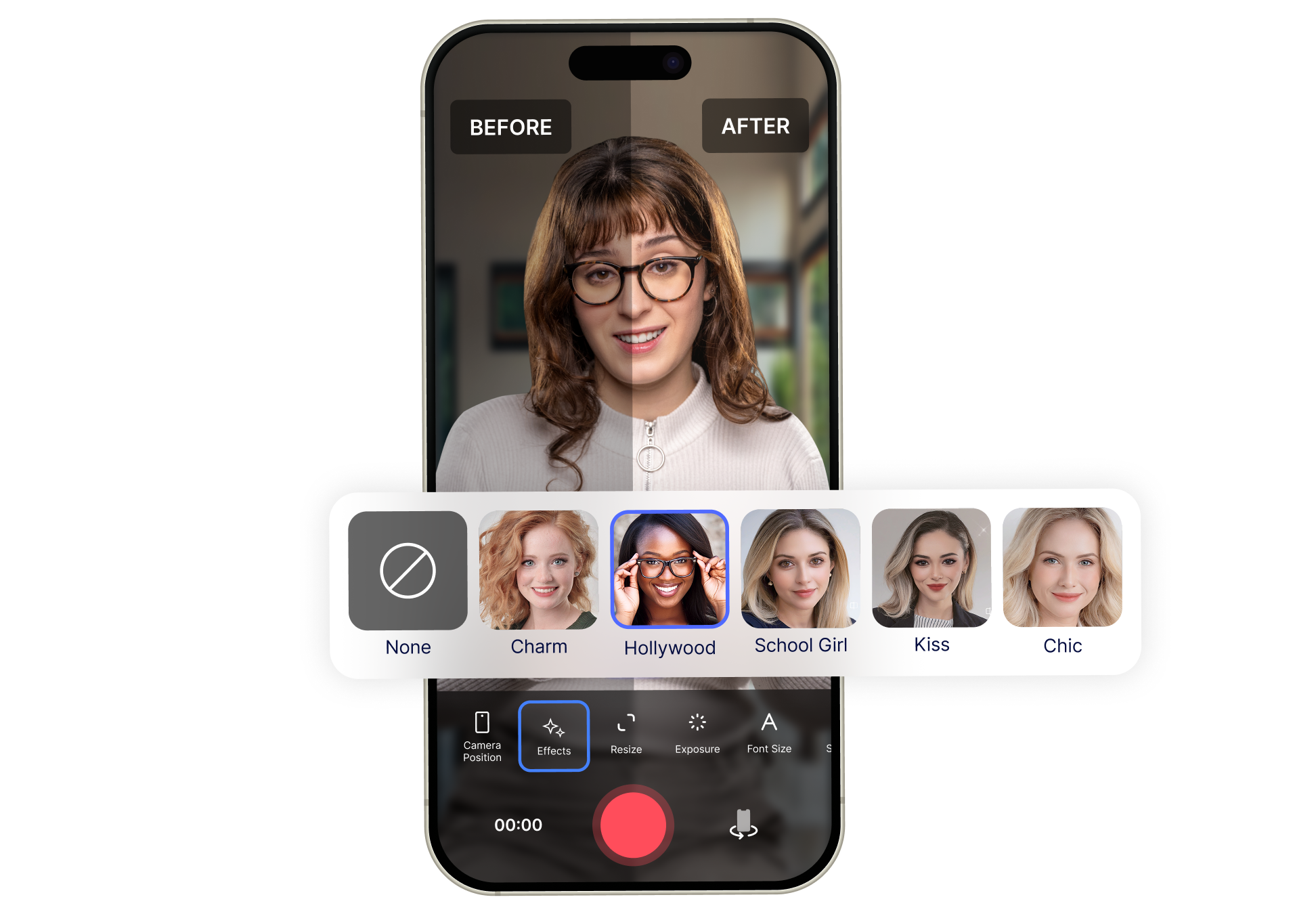
Apply real-time face filters so you look polished and confident in every video.
Look camera-ready while you record.
Apply real-time face filters so you look polished and confident in every video.
From Camera-Ready to Recorded in 3 Steps
Choose your filters, record with real-time enhancements, and capture a more polished take fast.
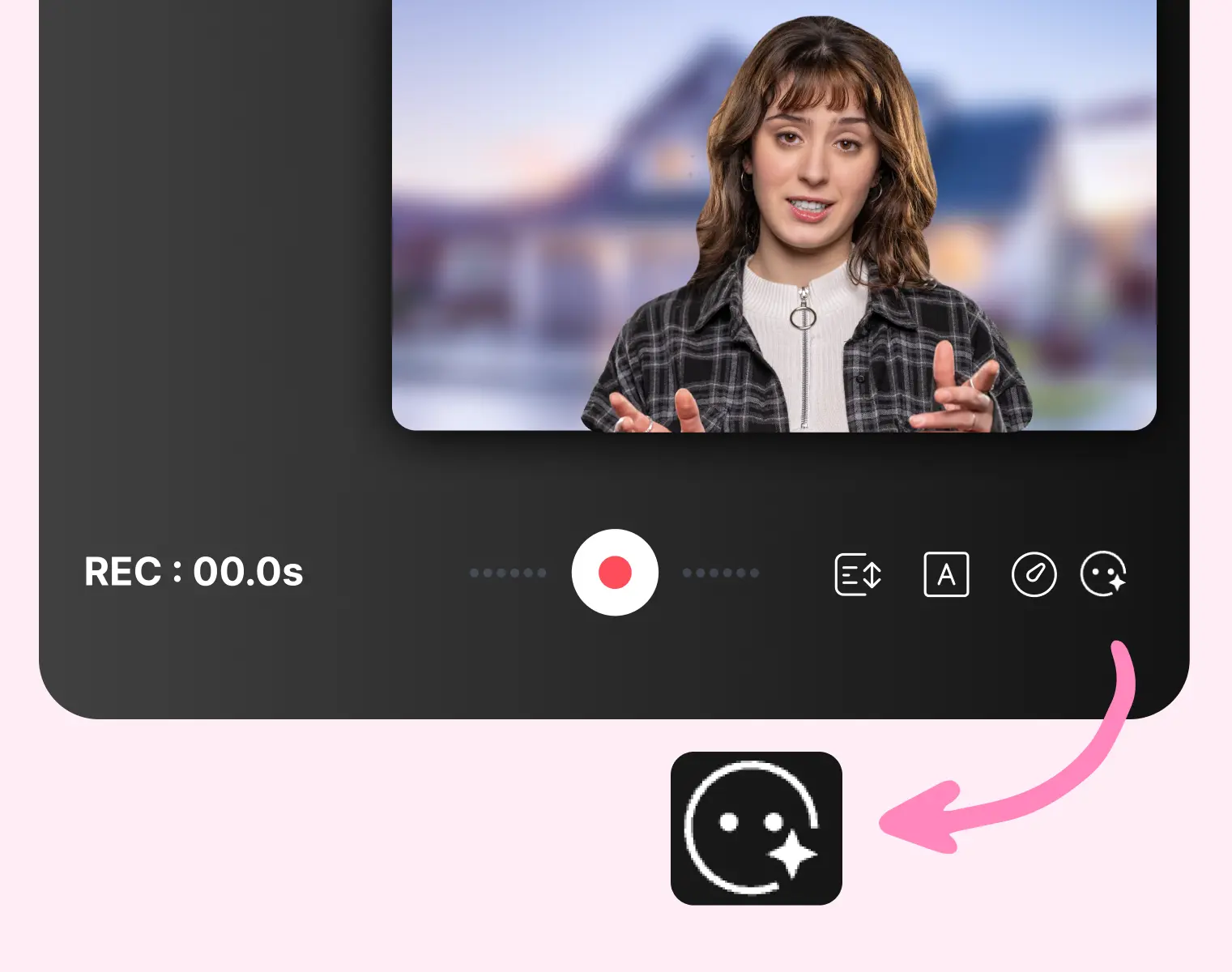
1. Choose your look
Apply face filters and beauty effects before you start recording.
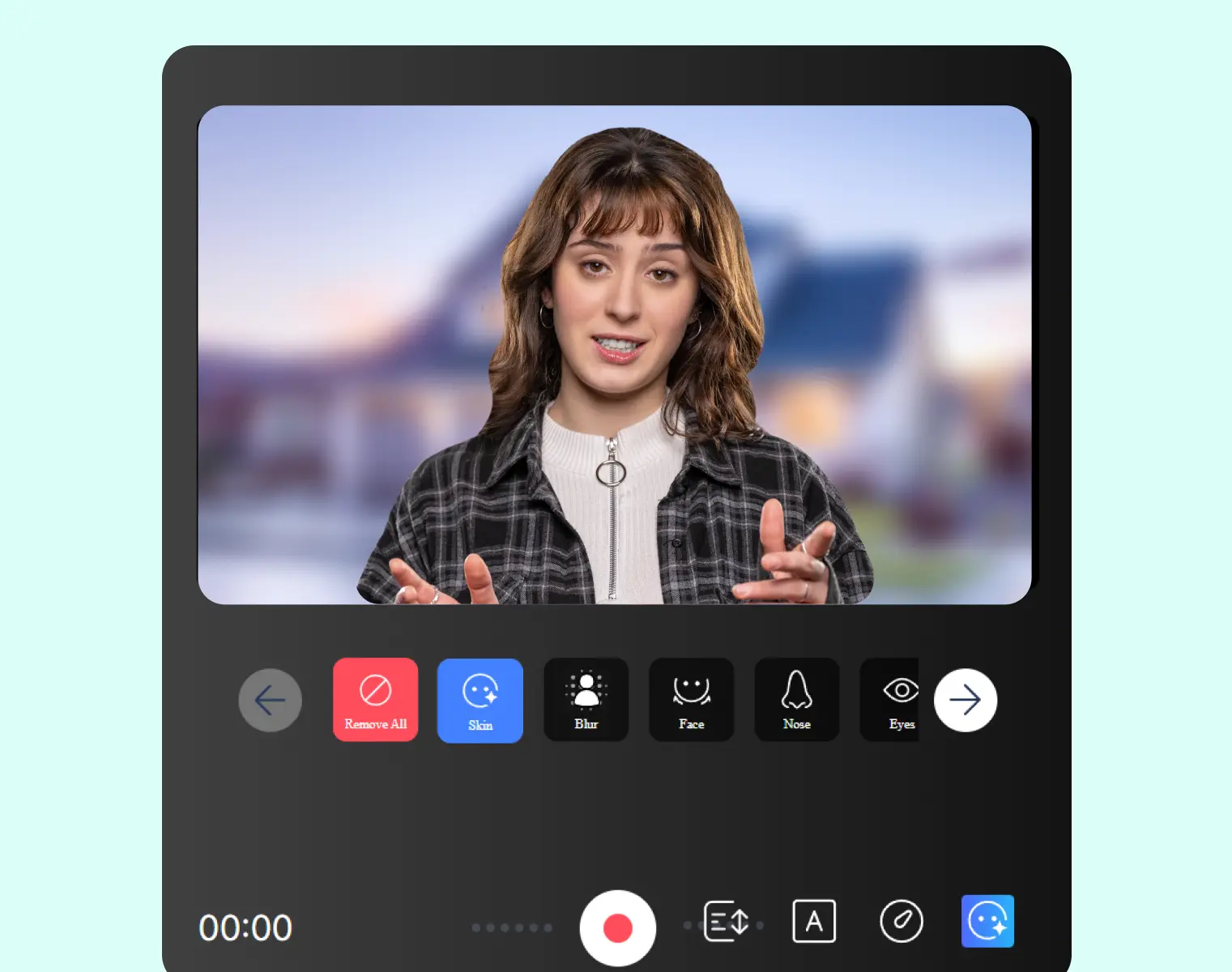
2. Record with real-time enhancement
Smooth skin, brighten your appearance, and refine your look while the camera rolls.
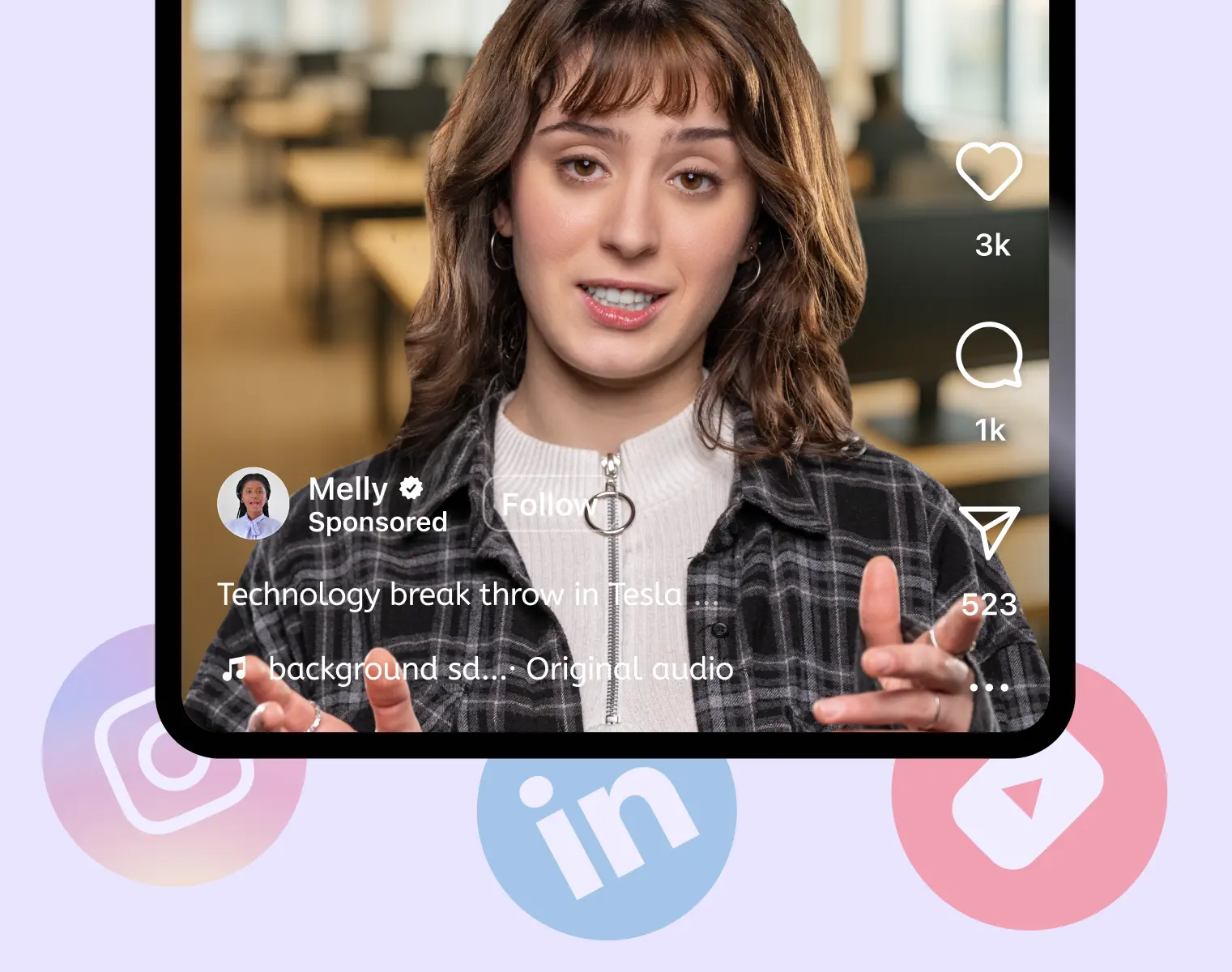
3. Capture a more polished video
Record confident videos without extra retouching or post-production cleanup.
Feel Confident on Video Without the Extra Stress
See how easy it is to record with real-time face filters.

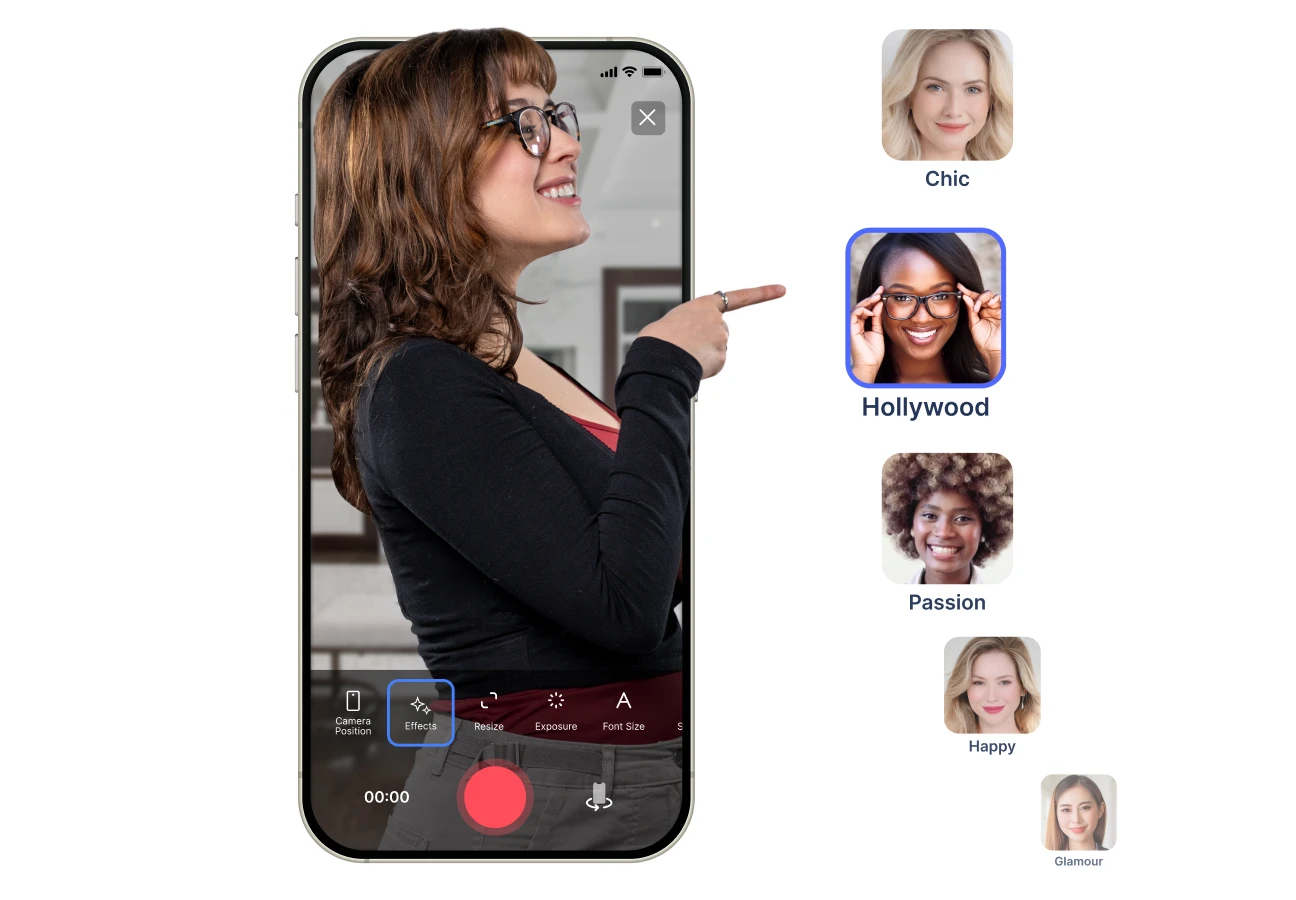
 Record
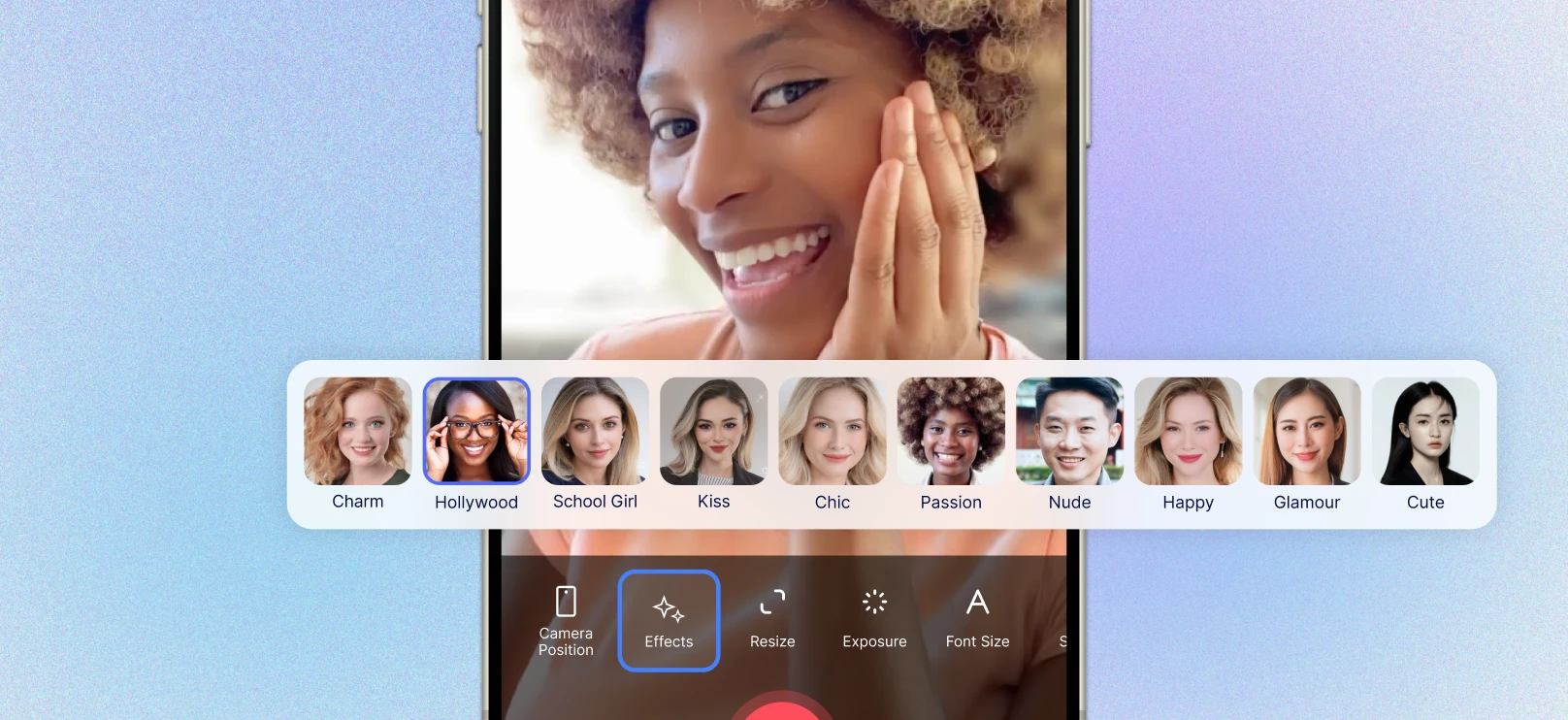
Enhance your look in real time

Apply beauty filters while you record, not after.

Look fresher, brighter, and more polished on camera instantly.

Reduce the need for separate retouching tools.
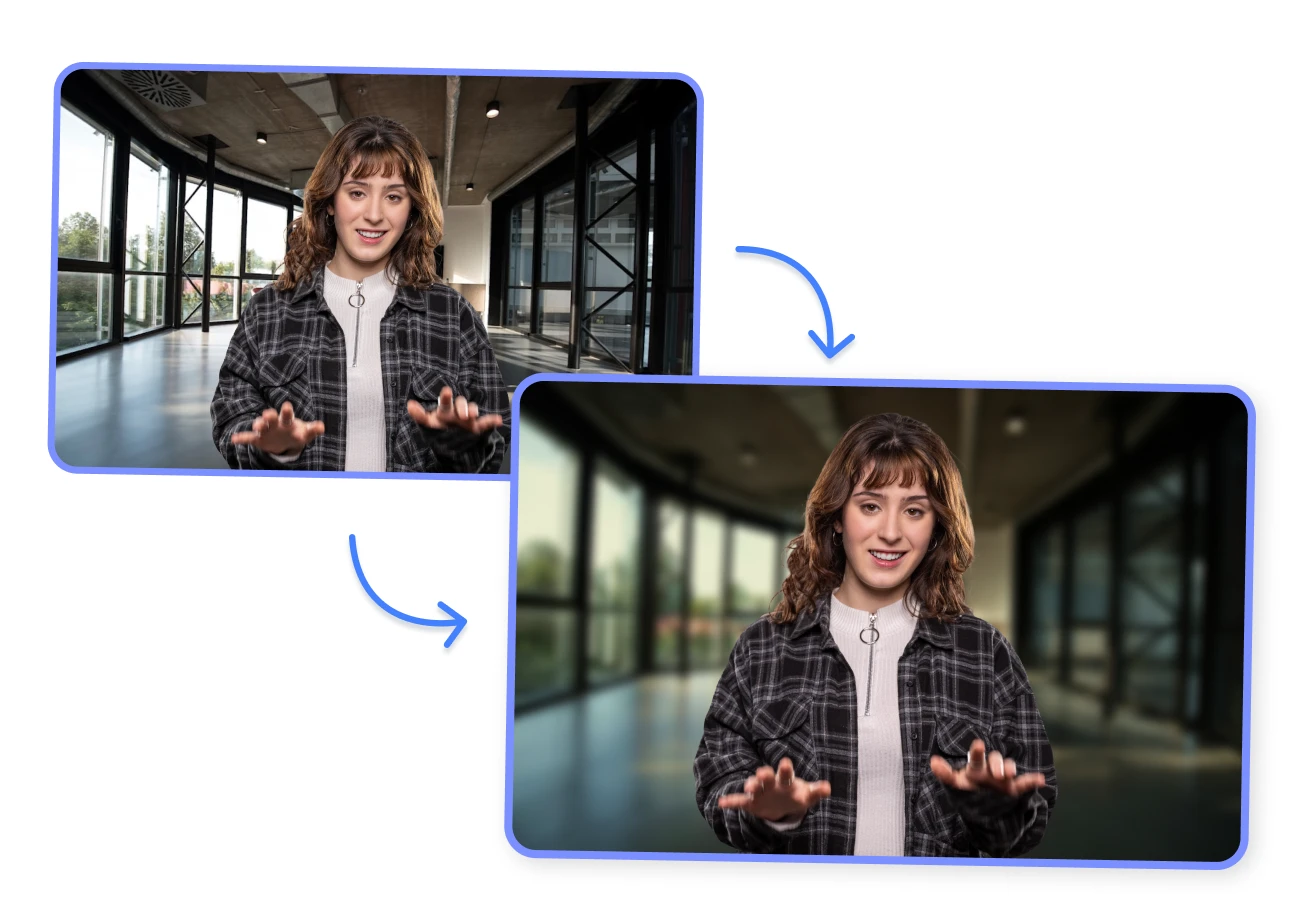 Record
Refine facial details naturally

Use tools like face slimming, nose reshape, lips enhancer, and eyebrow filler.

Make subtle adjustments directly inside the recording workflow.

Keep the result natural and presentation-ready.
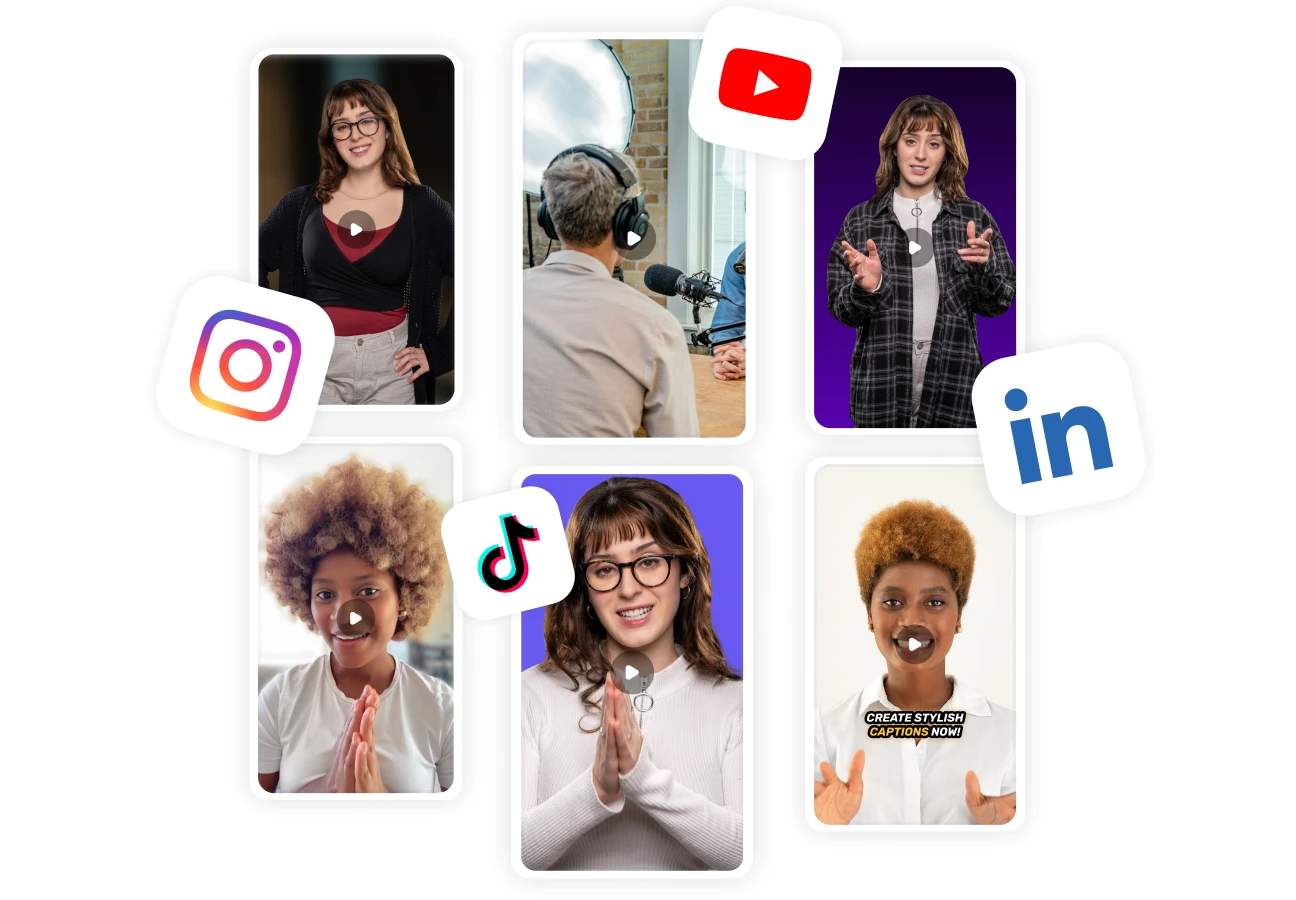 Record
Control the overall look of your video

Apply looks, color filters, and background blur while you record.

Create a cleaner, more flattering visual style in seconds.

Make everyday videos feel more intentional.
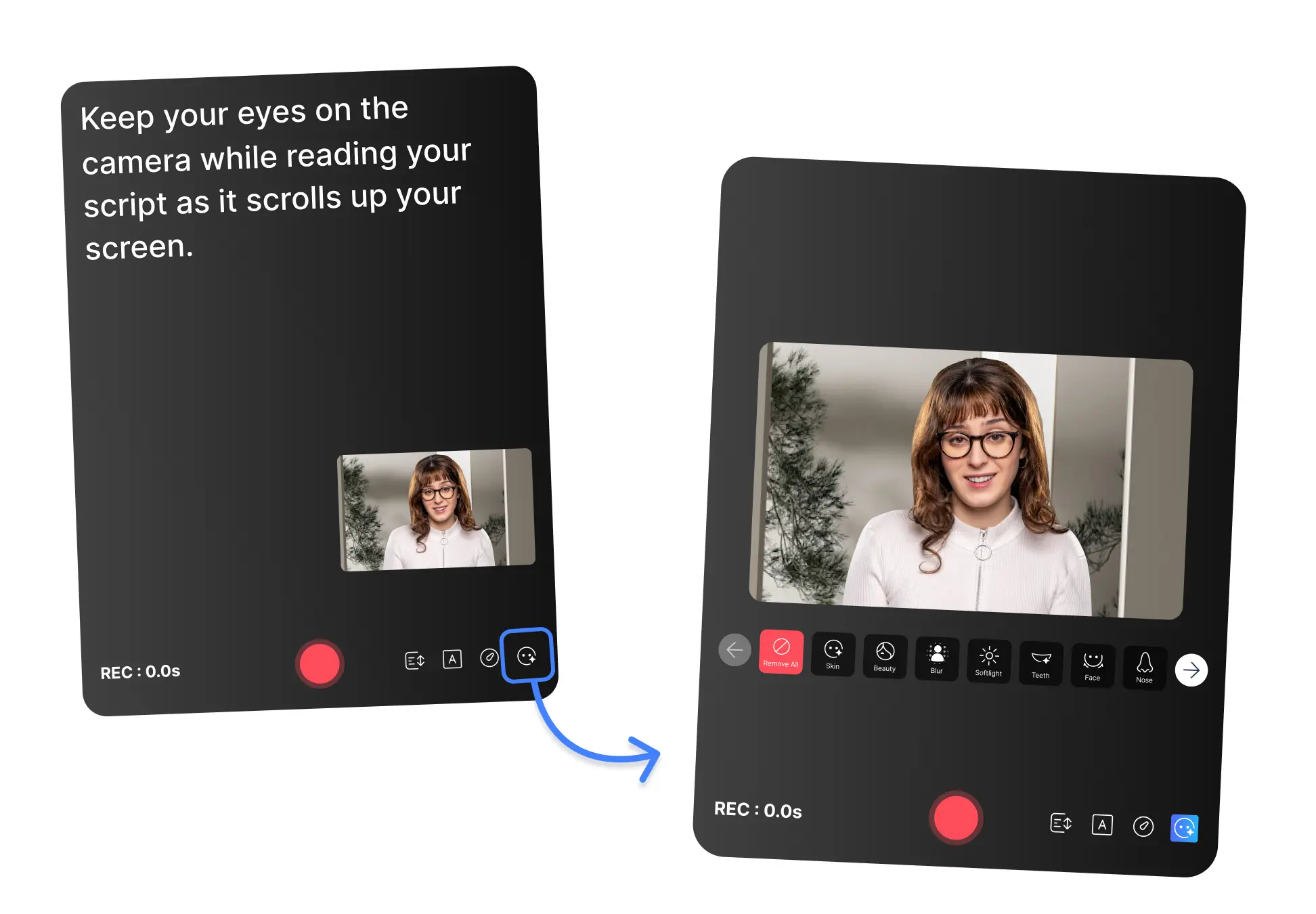 Record
Feel more confident on camera

Remove the pressure of looking perfectly ready before you hit record.

Help yourself feel more comfortable recording more often.

Turn camera confidence into more consistent content creation.
 Record
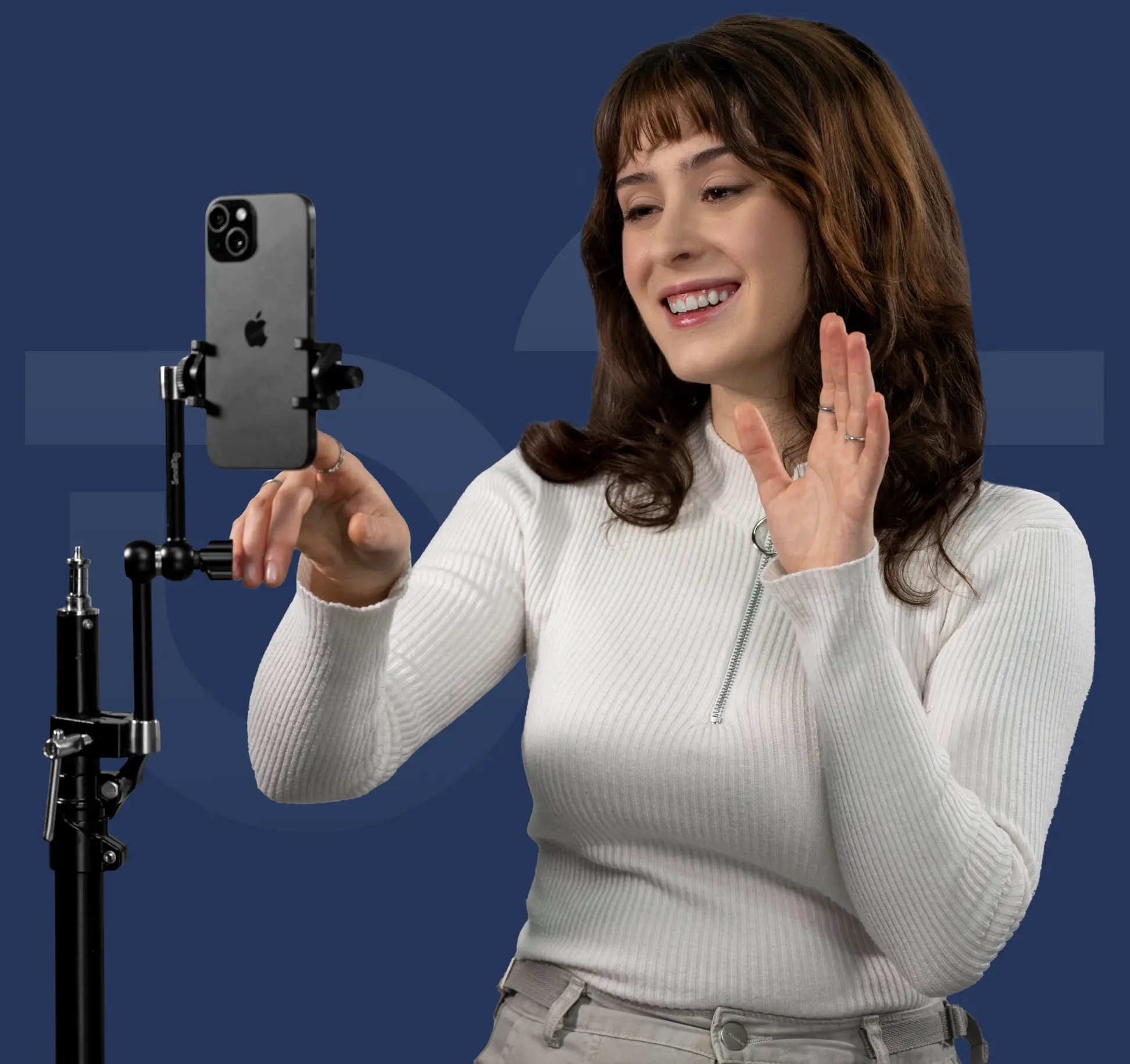
Made for everyday video workflows

Great for social videos, outreach, lessons, webinars, and talking-head content.

Use it when you want a cleaner on-camera look without a full setup.

Record faster with less friction before filming.
 Record
Fits the BIGVU recording flow

Use face filters alongside BIGVU’s teleprompter, webcam recording, eye contact correction, and publishing tools.
Keep recording, editing, and publishing in one workflow.
Create polished videos without switching tools.
F.A.Q
Got more questions? Reach out to us here