
Upload a portrait, add your script, and create realistic talking videos without filming a single take.
Turn Any Photo Into a Talking Video
Upload a portrait, add your script, and create realistic talking videos without filming a single take.
From Still Photo to Talking Video in 3 Steps
Start with one portrait, add your words and voice, and let BIGVU generate a polished talking video ready for every channel.
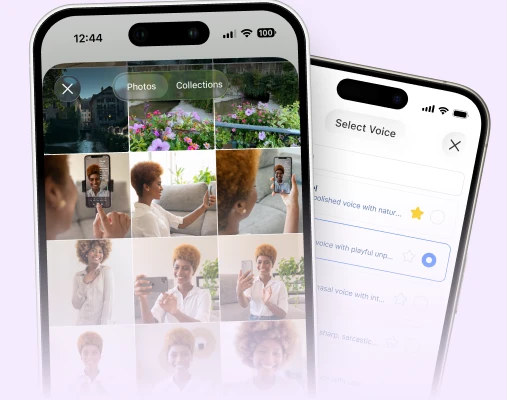
1. Upload your portrait
Choose a clear headshot or portrait photo and turn it into a reusable video presenter without setting up a camera or recording a take.
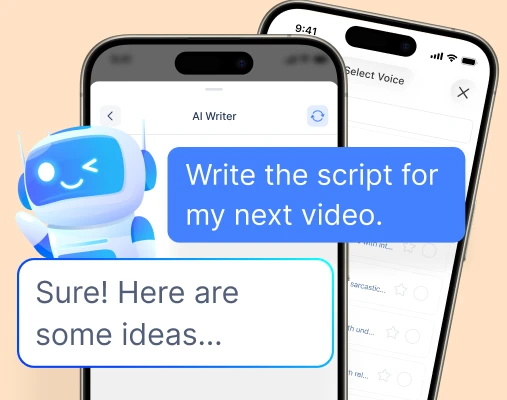
2. Add your script and voice
Paste your script, generate one with AI, then choose a BIGVU voice or clone your own so every video sounds the way you want.

3. Generate and publish
Create a lip-synced talking video, add captions and branding, and move it into the rest of your BIGVU workflow for publishing.
See AI Talking Photo in action
Watch how a single portrait becomes a realistic talking video in minutes.

 Create
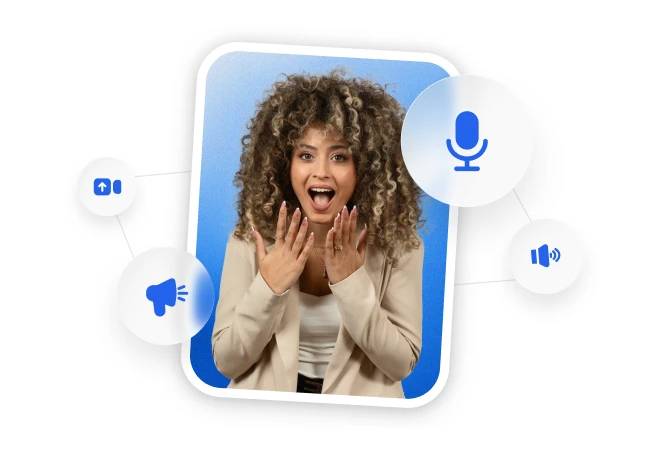
Bring any portrait to life

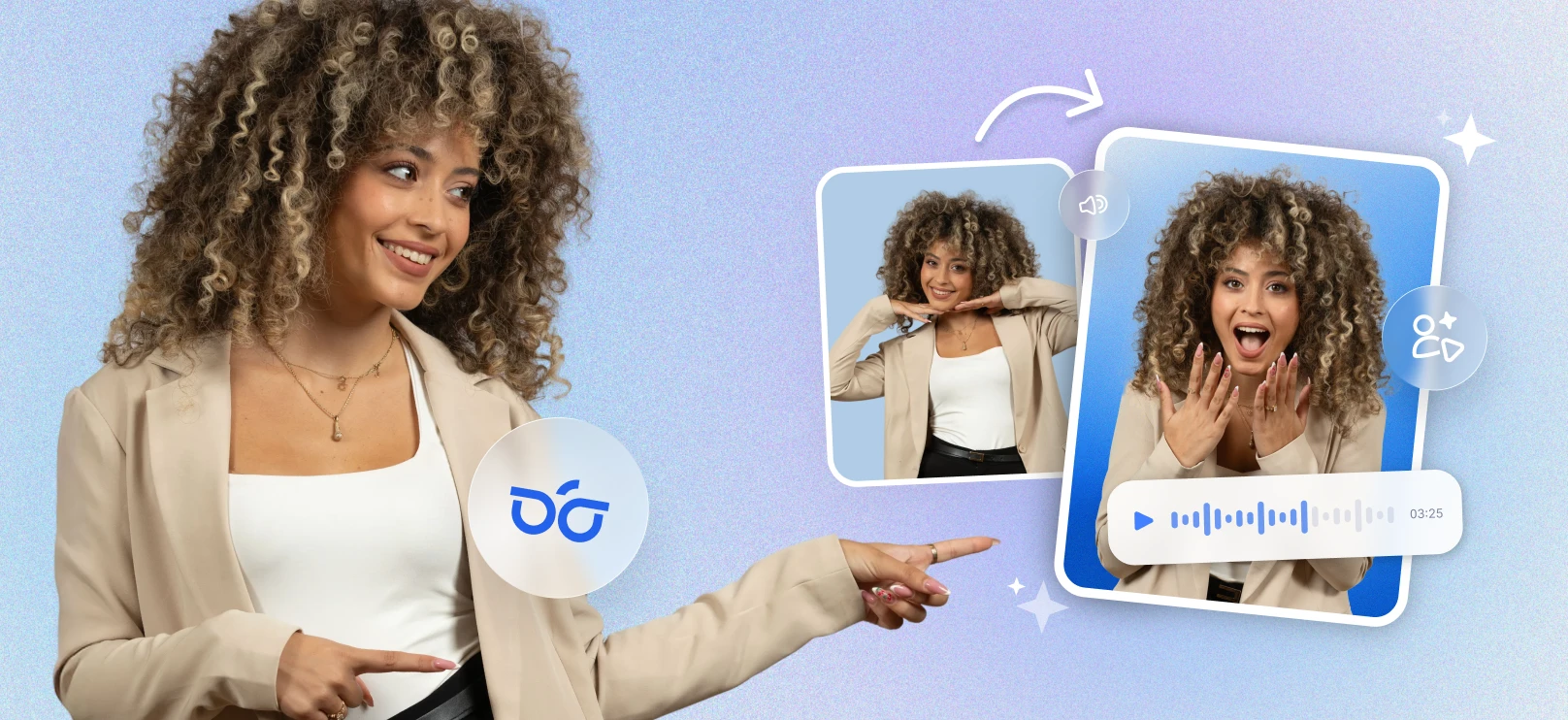
Turn a still photo into a speaking on-screen presenter with realistic facial motion and lip sync.

Create spokesperson-style videos without filming yourself each time you need new content.

Use one portrait as a repeatable creative asset across updates, promos, explainers, and social posts.
 Create
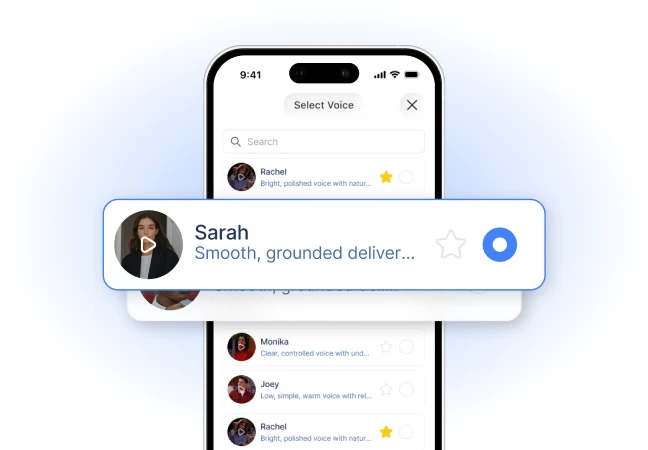
Make it sound like you

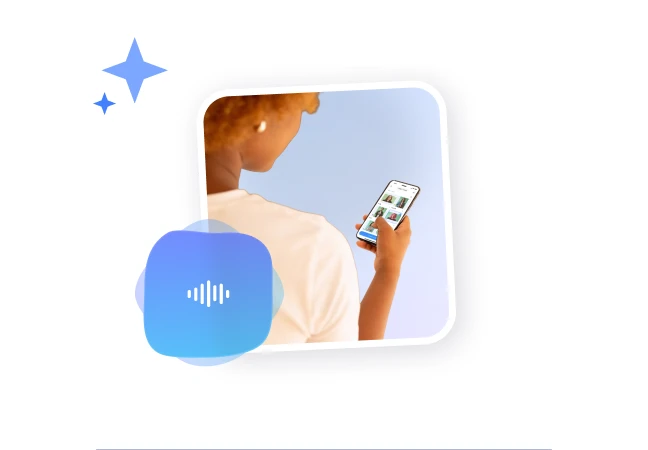
Choose from BIGVU's voice library or clone your own voice for more personal, recognizable video delivery.

Keep your talking photo videos consistent across platforms without re-recording every message.

Create more content faster while still sounding human and on-brand.
 Create
Turn one photo into endless video variations

Reuse the same image across market updates, FAQs, promotions, product explainers, and brand announcements.

Produce multiple videos from one approved portrait instead of organizing new shoots for every idea.

Scale output from a single visual asset while keeping your on-screen identity consistent.
 Create
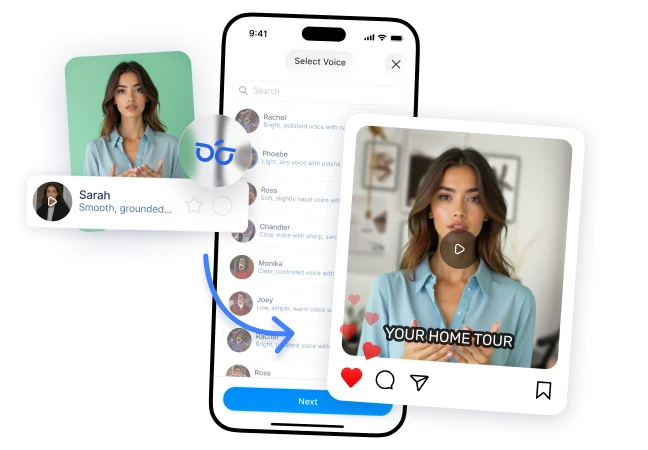
Keep the workflow in one place

Go from script to talking video inside BIGVU, then add captions, apply branding, and prep content for publishing.

Avoid stitching together separate tools for scripting, voice, animation, editing, and distribution.

Move faster with a cleaner creation flow built for recurring video content.
 Create
Create for real business use cases

Produce listing updates, neighborhood spotlights, campaign promos, FAQs, internal announcements, and product explainers.

Use AI Talking Photo when you want a presenter-led feel without getting on camera.

Give brands, creators, and teams a simple way to put a face to recurring communications.
 Create
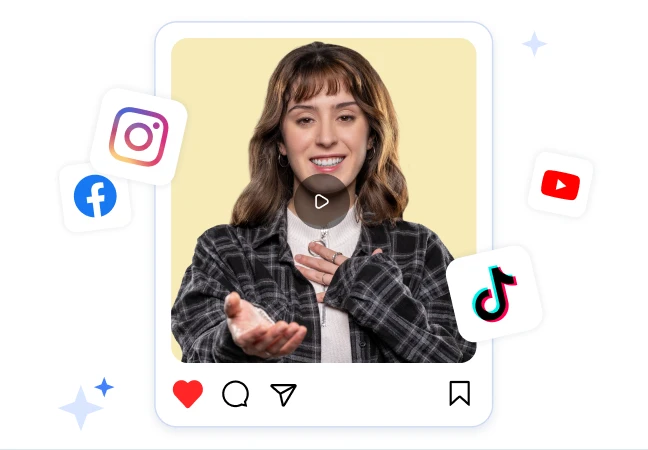
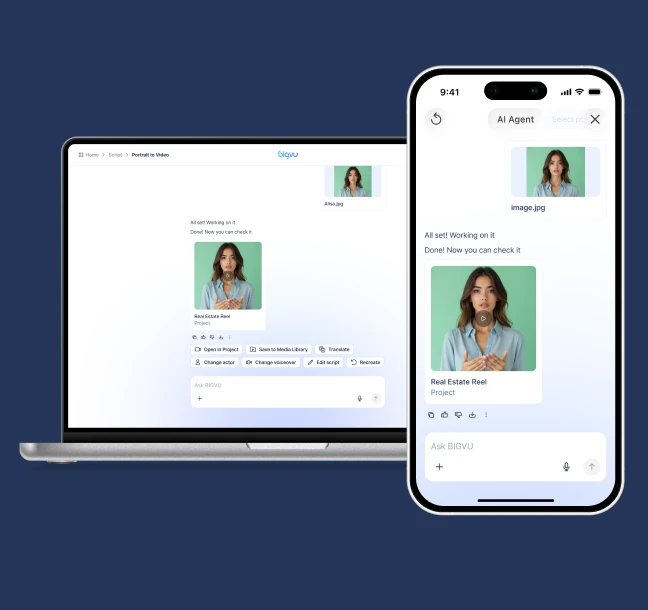
Publish across web and mobile

Create and manage talking photo videos from web, iPhone, or Android so your workflow is not tied to one device.

Support faster content production whether you work at your desk or create on the go.

Keep production flexible while reaching every channel BIGVU supports.
F.A.Q
Got more questions? Reach out to us here