
Add one video and VideoCheck AI checks your eye contact, smile, framing, lighting, sound and pace, then shows what worked and what to fix for a stronger next take.
Know what to improve before you post.
Add one video and VideoCheck AI checks your eye contact, smile, framing, lighting, sound and pace, then shows what worked and what to fix for a stronger next take.
From Your Video to a Stronger Next Take in 3 Steps
Add one video, get a plain-language report on your delivery, and record a stronger take.
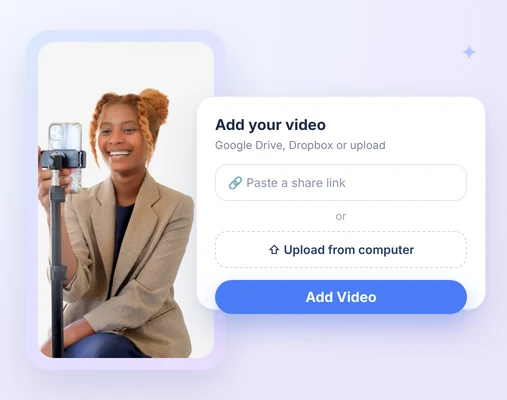
1. Add your video
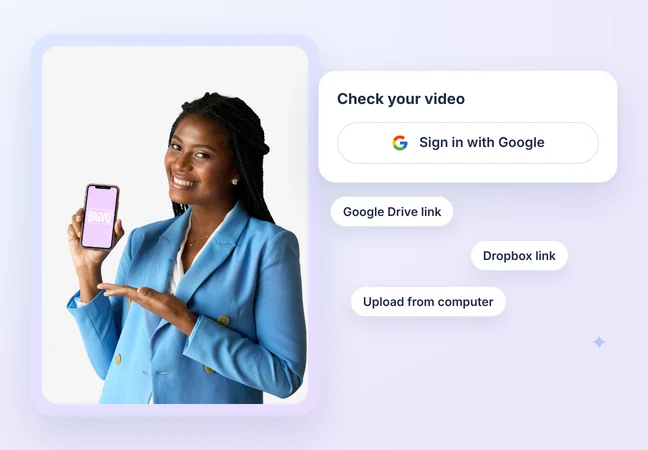
Sign in with Google, then paste a Google Drive or Dropbox share link, or upload a file from your computer. You don't need a BIGVU account.
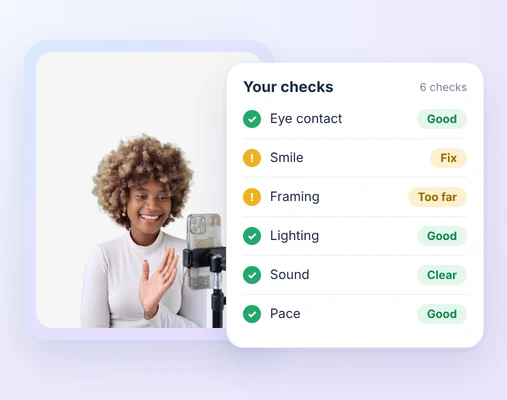
2. Review the analysis
Get a plain-language summary, what worked and what to fix across six checks, with the moments in your video each point comes from.
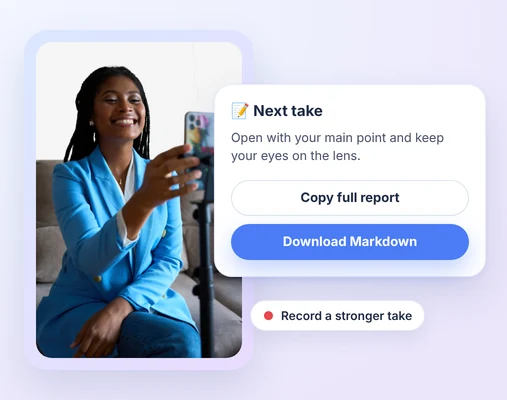
3. Improve your next take
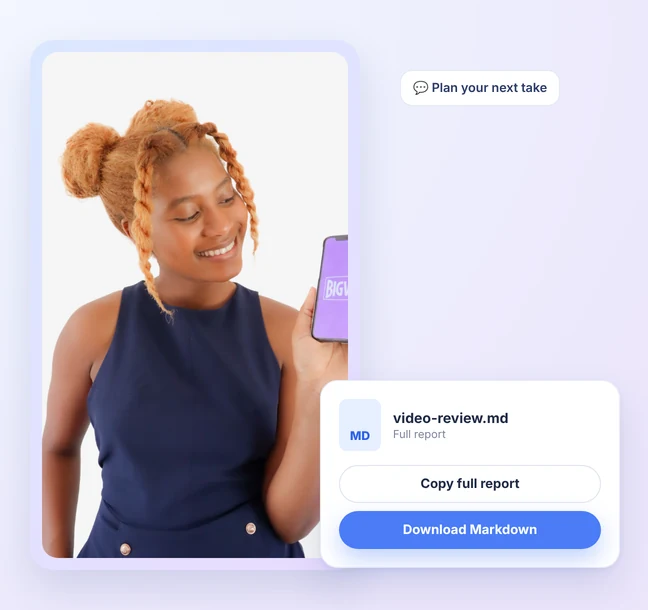
Copy the full report or download it as Markdown, then record a stronger take. You can also paste or upload it in Claude to plan your next take.
See VideoCheck AI in action
Watch one video go from upload to clear feedback on eye contact, smile, framing, lighting, sound and pace.
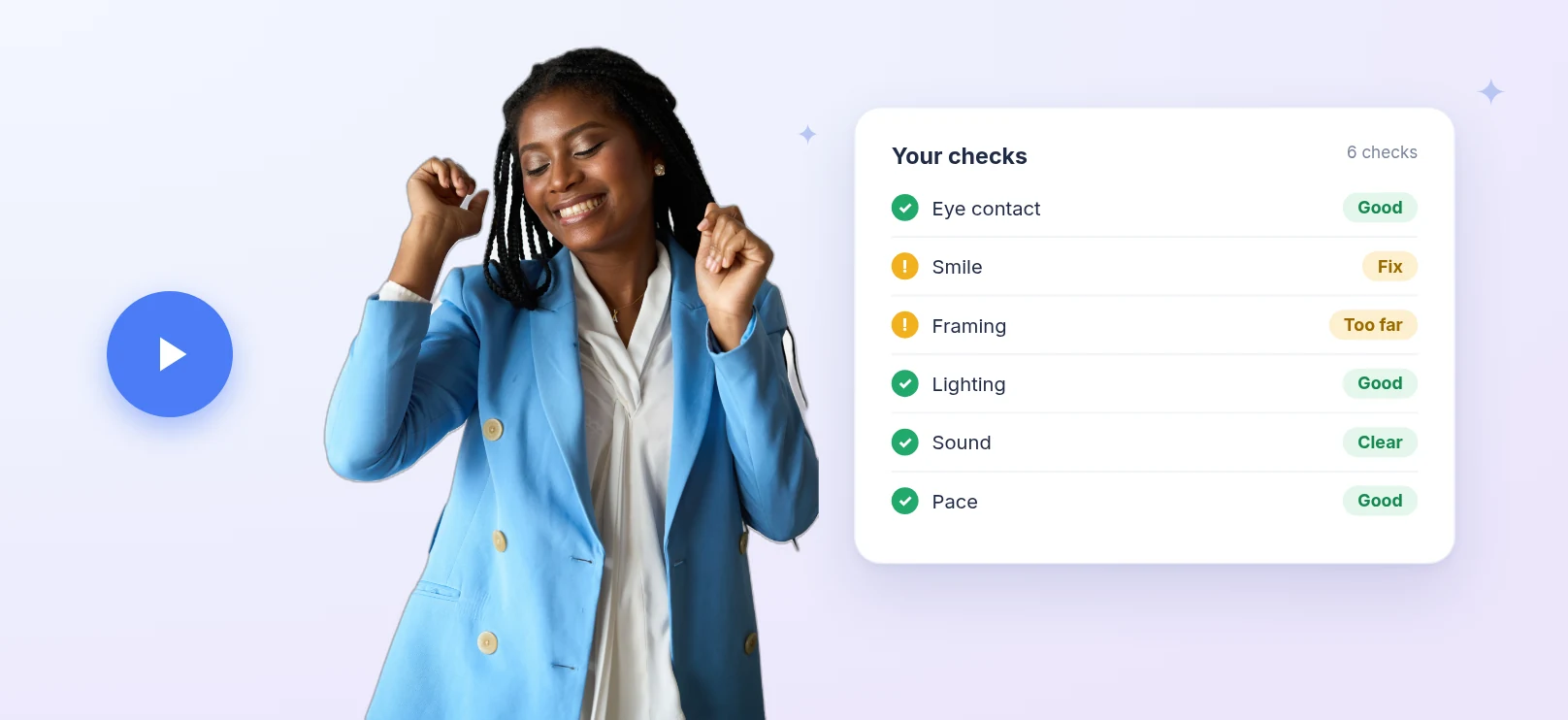

 Ai check
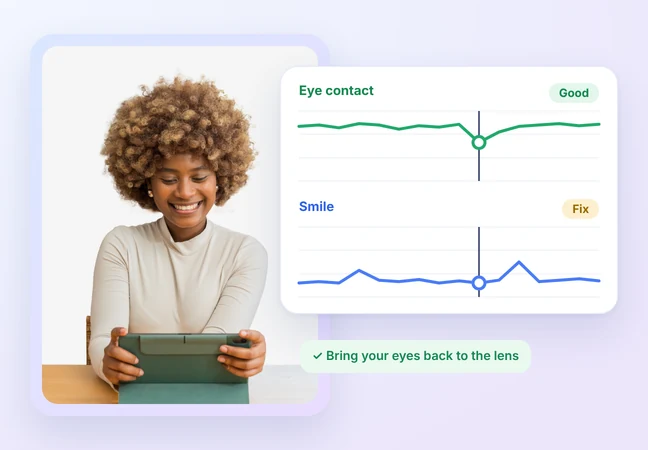
Eye contact and smile, checked

See how often you look at the lens while you speak.

Your smile is judged for warmth at key moments, against the purpose of your video.

Every point comes with the moment in your video it's based on.
 Ai check
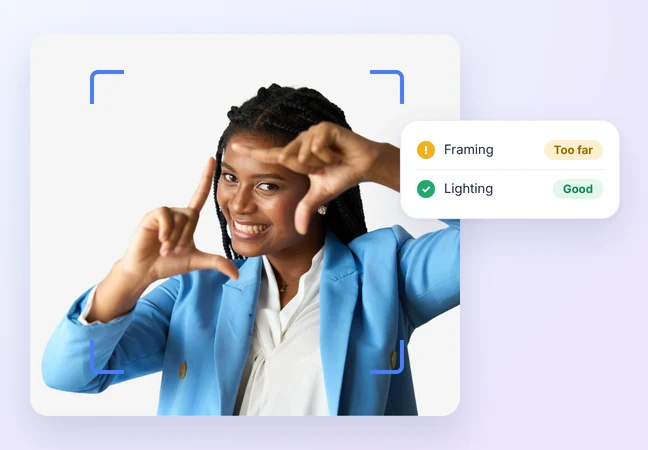
Framing and lighting, checked

Check your distance and position in the frame.

See your exposure and how evenly your face is lit.

Know what to change in your setup before you record again.
 Ai check
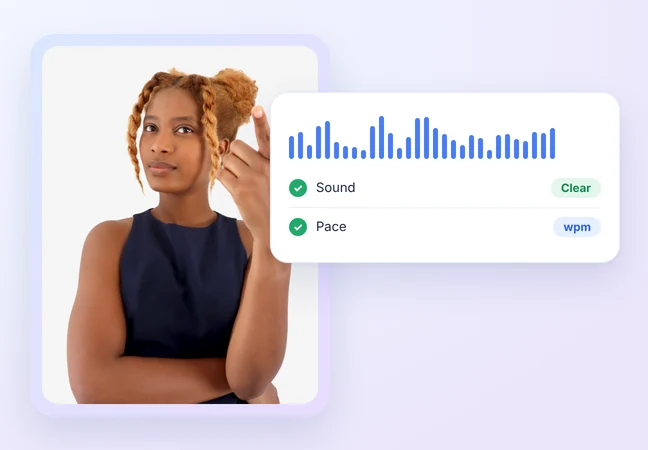
Sound and pace, checked

Check your voice clarity and background noise.

See your speaking speed in words per minute.

If a check can't be assessed, like no face or no speech, it's marked "Not assessed," never scored zero.
 Ai check
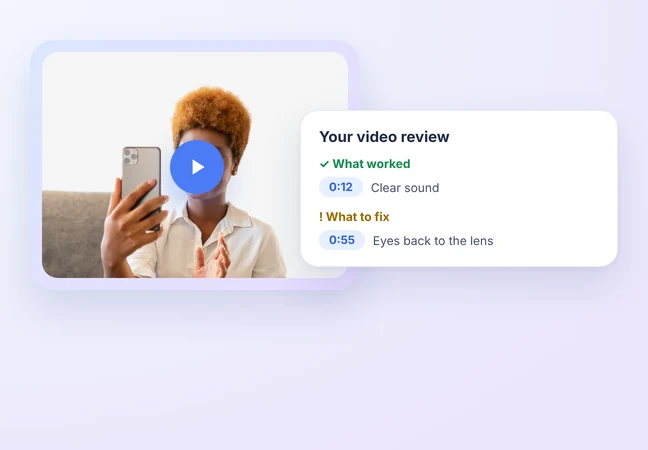
A report you can act on

A plain-language summary of your video.

What worked and what to fix, in one report.

Each point shows the moment in your video it comes from.
 Ai check
Free, no BIGVU account needed

Sign in with Google and check your video.

Paste a Google Drive or Dropbox share link, or upload from your computer.

Add one video and get your report in a few minutes.
 Ai check
Take your report anywhere

Copy the full report or download it as Markdown.

Paste or upload it in Claude to plan your next take.

Instagram and YouTube imports are coming later.