
Automatically remove or replace your video background with AI—no green screen required.
AI Video Background Remover — Remove or Replace Backgrounds
Automatically remove or replace your video background with AI—no green screen required.
From Any Location to a Studio‑Style Video in 3 Steps
Record from anywhere, let AI remove your background, and instantly place yourself in a clean or branded environment.
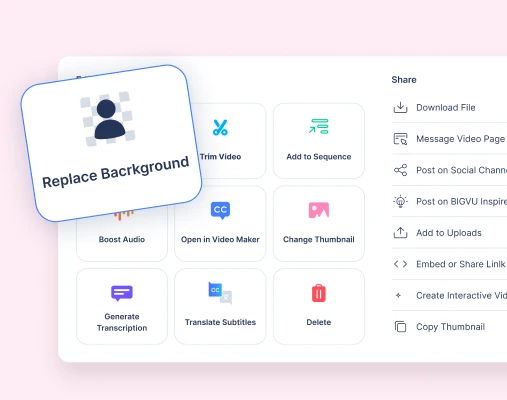
1. Record or Upload Your Video
Start with a webcam recording or upload an existing video. BIGVU prepares the footage so AI can detect the speaker and separate them from the background.
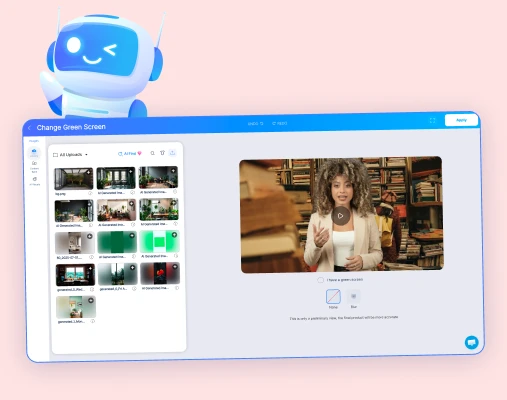
2. AI Removes the Background
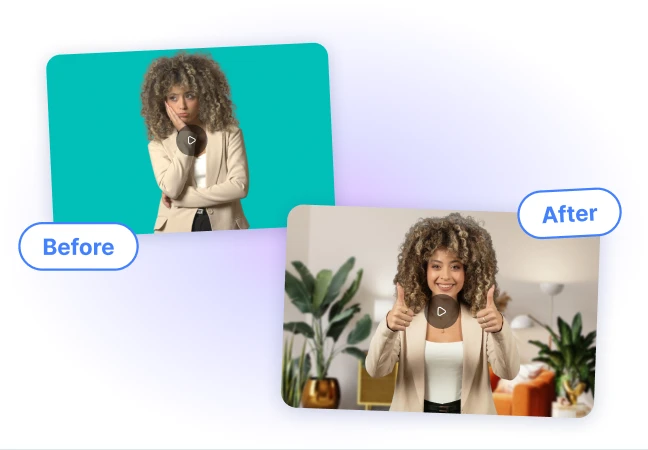
The AI automatically isolates the speaker and removes the original background without requiring a green screen.
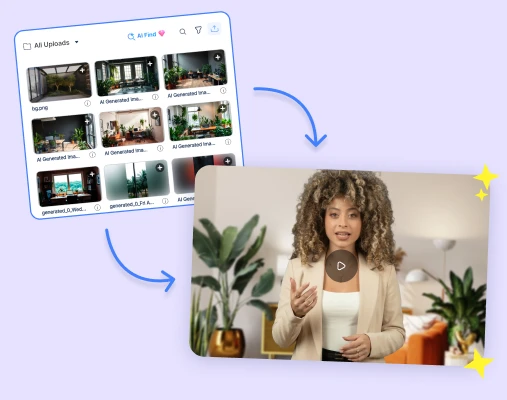
3. Choose a New Background
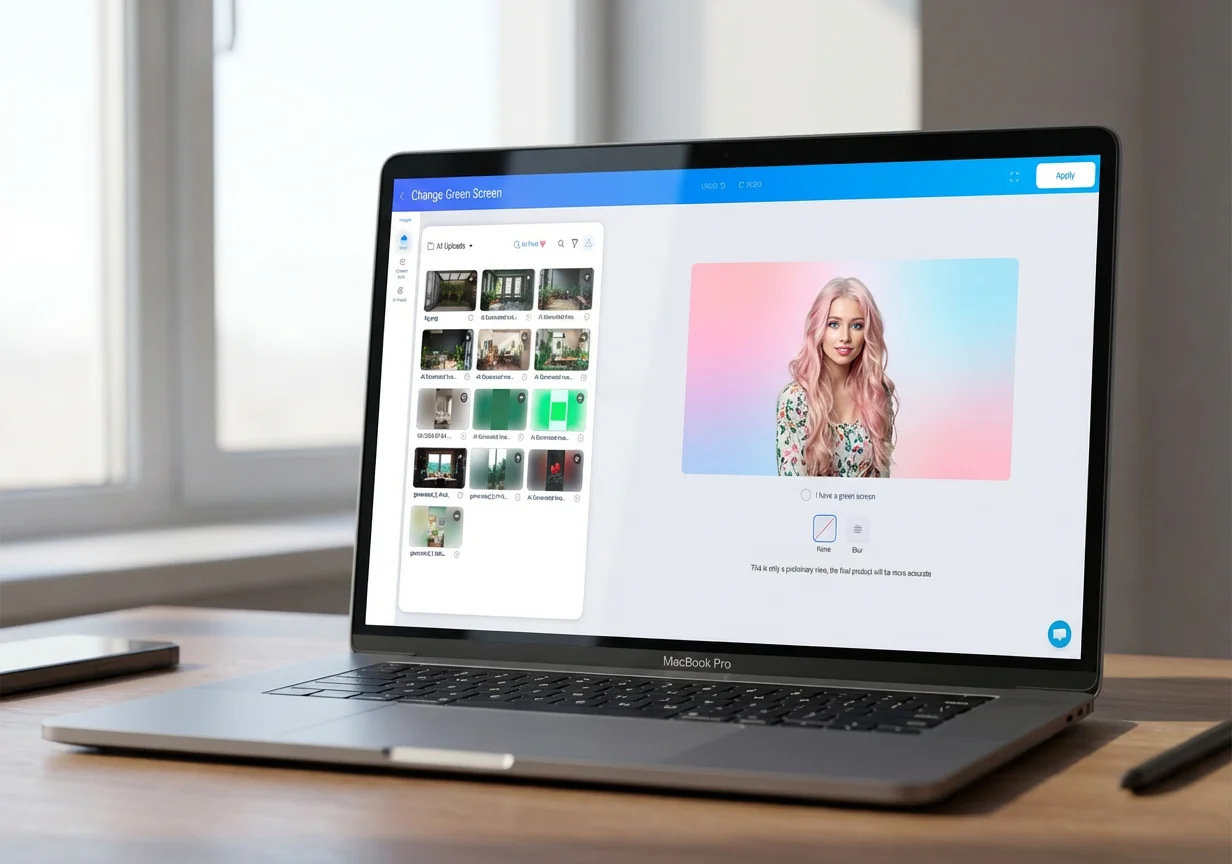
Replace the background with images, branded environments, or clean studio‑style visuals to create a polished video presentation.
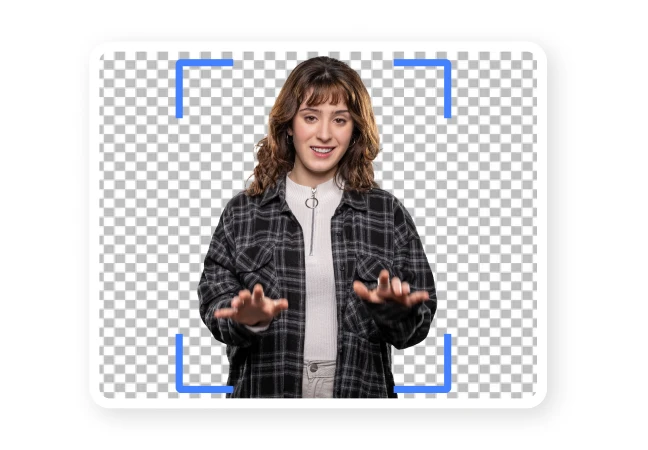
AI Background Remover Demo
See how AI removes and replaces video backgrounds instantly.


 Edit
EditAI Background Removal

Automatically detect and isolate the speaker in your video.

Remove distracting backgrounds instantly.

Create cleaner, more professional videos.
 Edit
EditReplace with Custom Backgrounds

Insert branded backgrounds, images, or environments.

Simulate studio or presentation settings.

Match your video to your brand or message.
 Edit
EditNo Green Screen Needed

Use AI to remove backgrounds without special equipment.

Record from home, office, or any location.

Produce professional videos anywhere.
 Edit
EditClean, Distraction‑Free Videos
Remove cluttered or busy environments.
Focus viewer attention on the speaker.

Improve clarity and presentation quality.
 Edit
EditIntegrated with BIGVU Video Tools

Works alongside captions, teleprompter, and editing tools.
Add branding and layouts after background removal.
Publish polished videos directly to your channels.
 Edit
EditCreate Professional Videos Anywhere
Record from any environment without worrying about the background.
Maintain a professional visual presentation.

Upgrade everyday recordings instantly.
F.A.Q
Got more questions? Reach out to us here