
Remove words from the transcript and AI instantly trims the matching video segment.
Text-Based Video Editing — Edit by Deleting Words
Remove words from the transcript and AI instantly trims the matching video segment.
Edit Video Faster in 3 Steps
Transcribe your video, remove unwanted words, and let AI automatically trim the matching video segments.
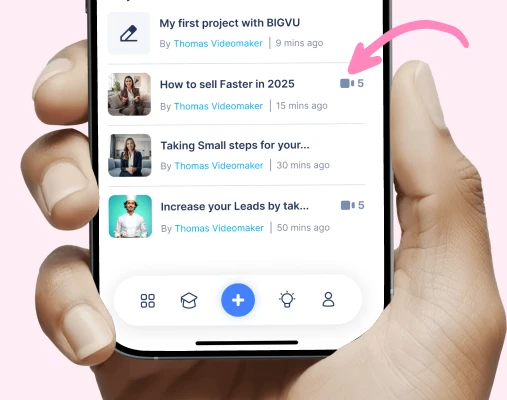
1. Generate the Transcript
AI automatically converts your spoken video into an editable transcript.
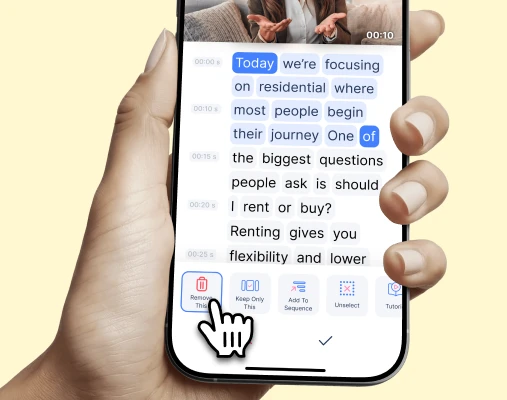
2. Select the Words to Remove
Highlight filler words, pauses, or entire sentences directly in the transcript.

3. AI Trims the Video
The system automatically cuts the matching video segment while keeping the surrounding clips aligned.
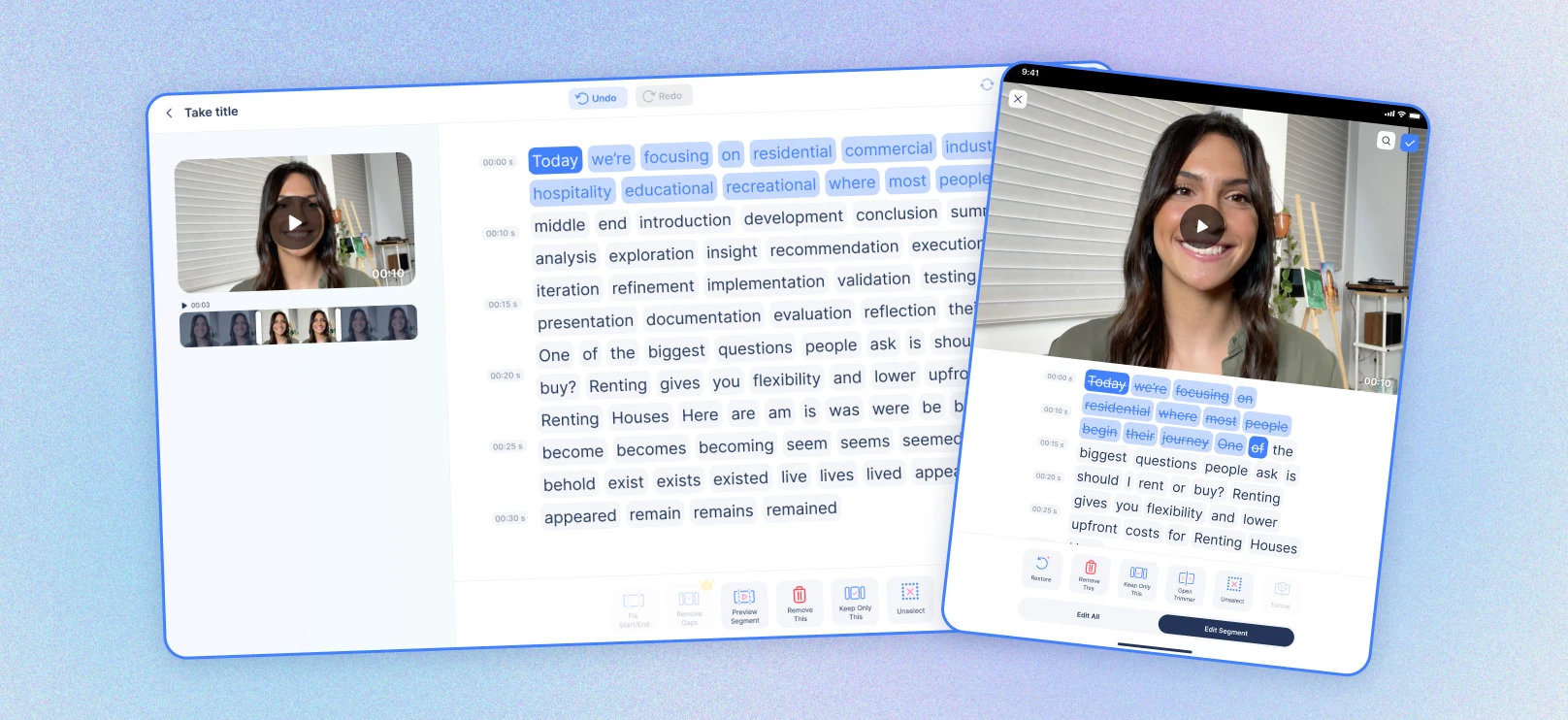
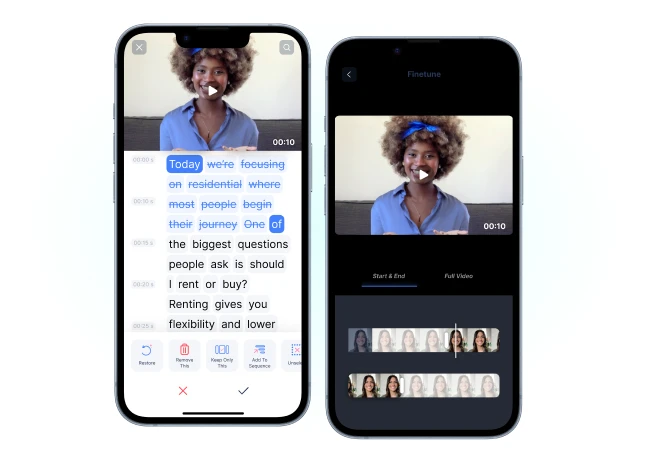
See AI WordTrim in Action
Watch how editing a transcript instantly edits the video.

 Edit
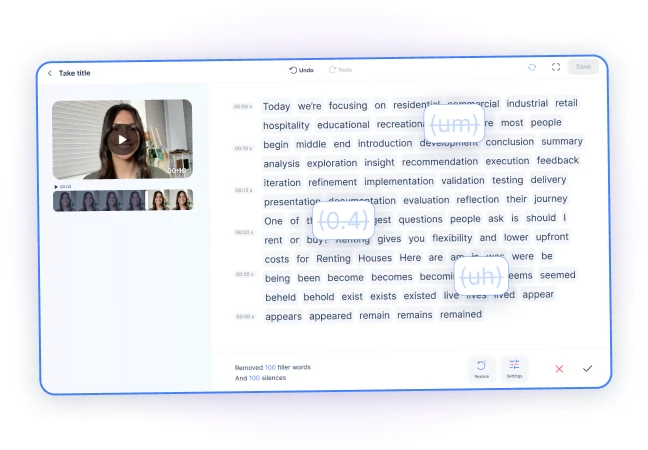
EditEdit Video Like Editing Text

Interact with your video through a transcript instead of a complex timeline.
Delete words to instantly remove the matching video moment.

Simplifies editing for creators without video editing experience.
 Edit
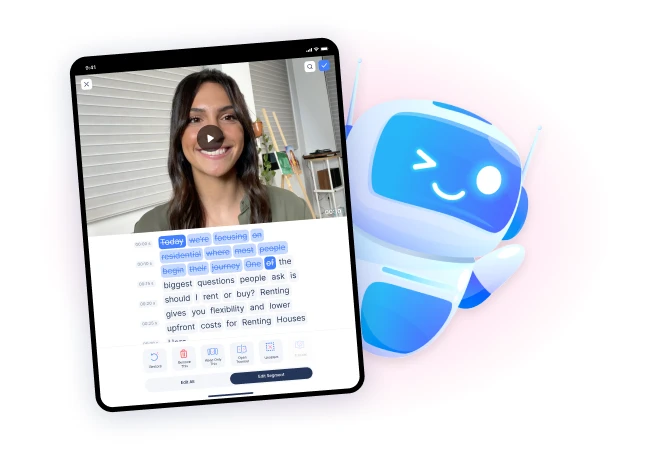
EditRemove Filler Words Instantly

Quickly delete 'um', 'uh', repeated phrases, or long pauses.

Create cleaner, more professional delivery.

Polish recorded videos without re-recording.
 Edit
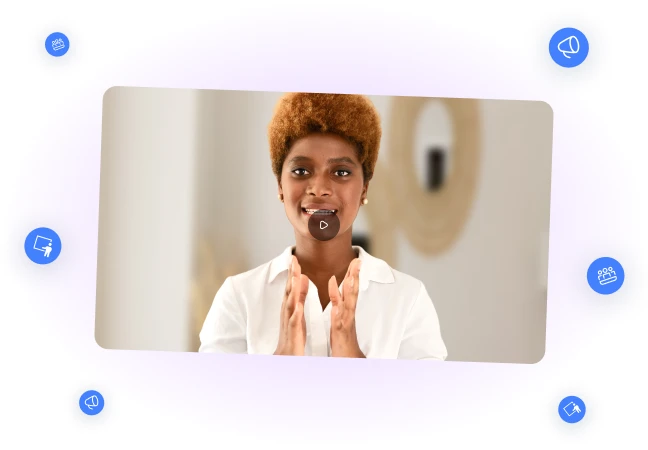
EditWord-Level Precision Editing

Select individual words, phrases, or entire sentences to trim.

AI automatically keeps surrounding clips aligned.
Maintain natural pacing without manual timeline adjustments.
 Edit
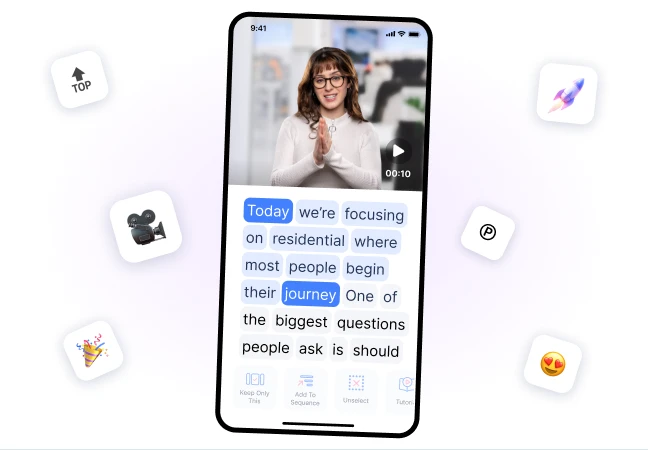
EditBuilt for Spoken Content

Perfect for tutorials, presentations, podcasts, and marketing videos.

Refine recorded content quickly after filming.

Keep your message concise and focused.
 Edit
EditFaster Than Timeline Editing

Skip complex editing tools and cut video using text.

Speed up editing for creator-style videos.

Make post‑recording cleanup dramatically faster.
 Edit
EditDesigned for Creators and Marketers

Ideal for social videos, training content, tutorials, and recorded presentations.

Edit content quickly without professional editing skills.

Perfect for creators who record frequently.