
Read your script while recording so you stay on message without memorizing.
Mobile Teleprompter App for iPhone & Android
Read your script while recording so you stay on message without memorizing.
From Script to Recorded Video in 3 Steps
Write or paste your script, record while it scrolls, and capture a clean take in minutes.
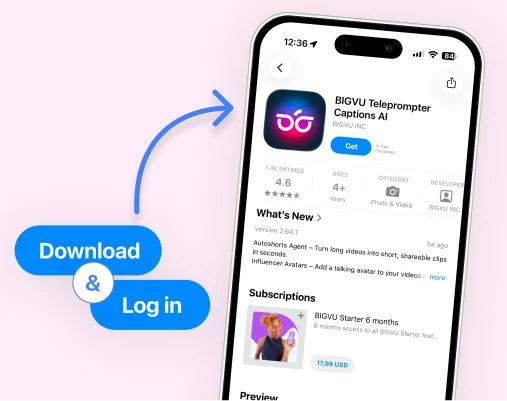
1. Add your script
Write or paste your talking points and prepare your video before you hit record.
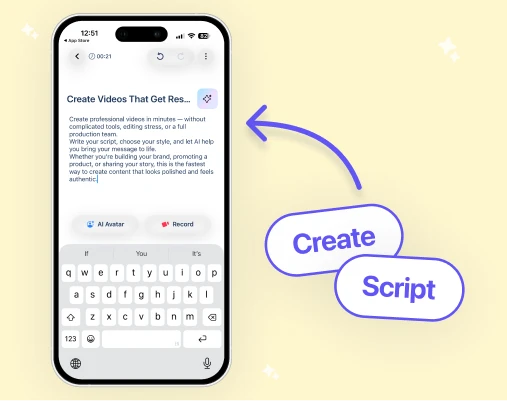
2. Record with teleprompter
Your script scrolls while you record so you can deliver your message smoothly without memorizing.
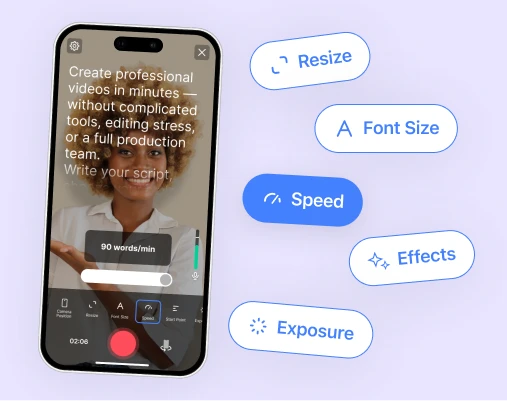
3. Capture a confident take
Record natural videos with fewer retakes and clearer delivery.
Mobile Teleprompter demo
See how easy it is to record a scripted video from your phone.
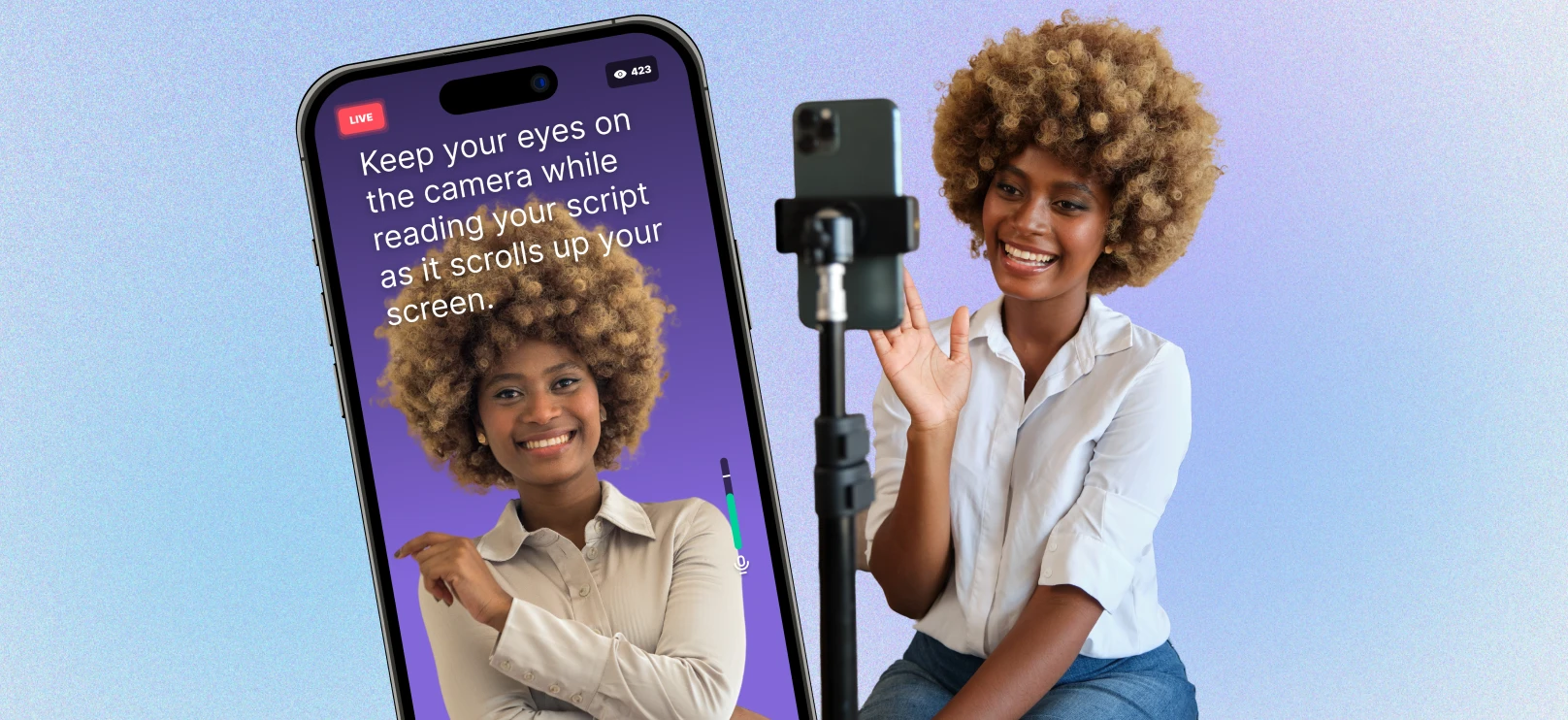

 Record
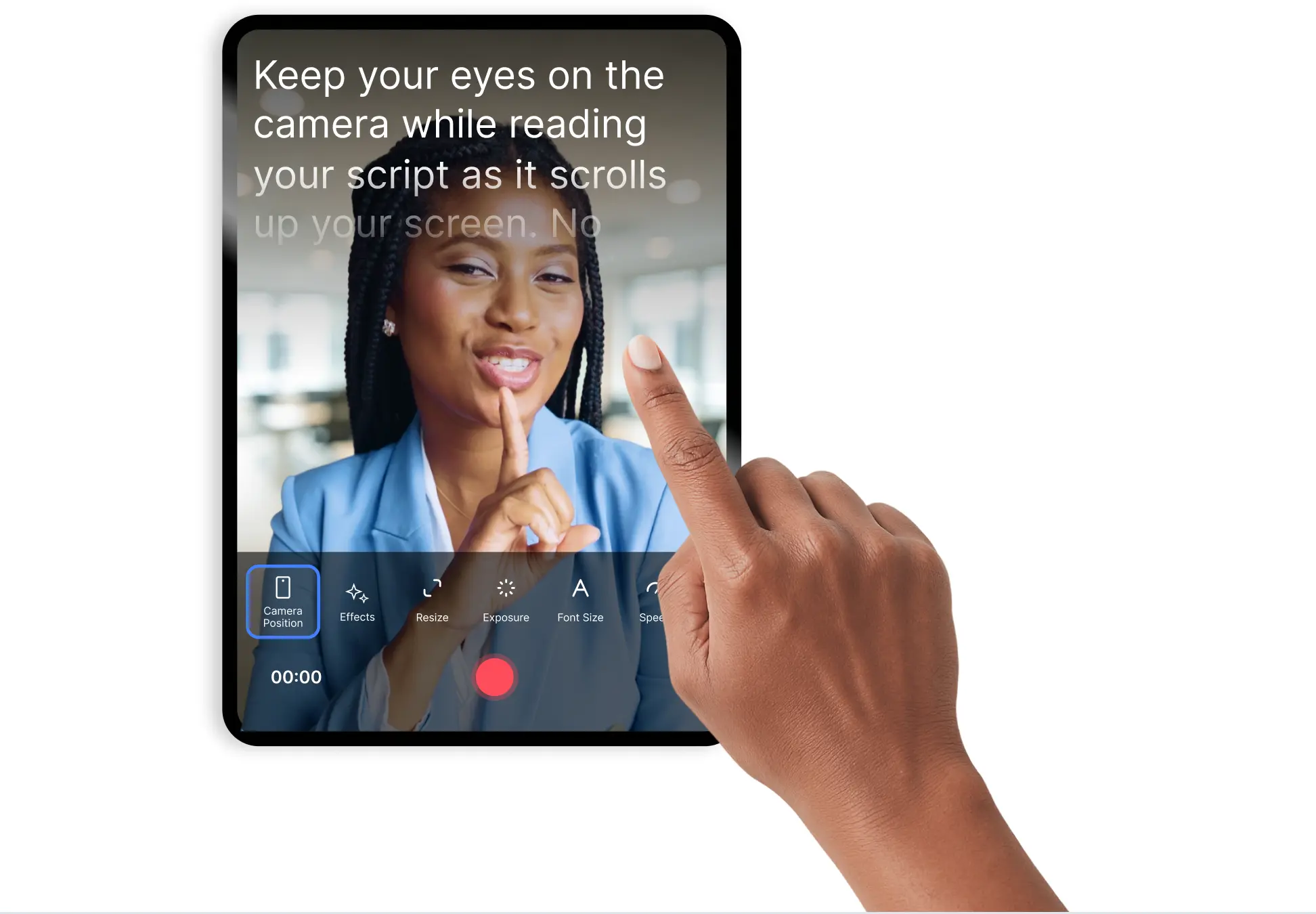
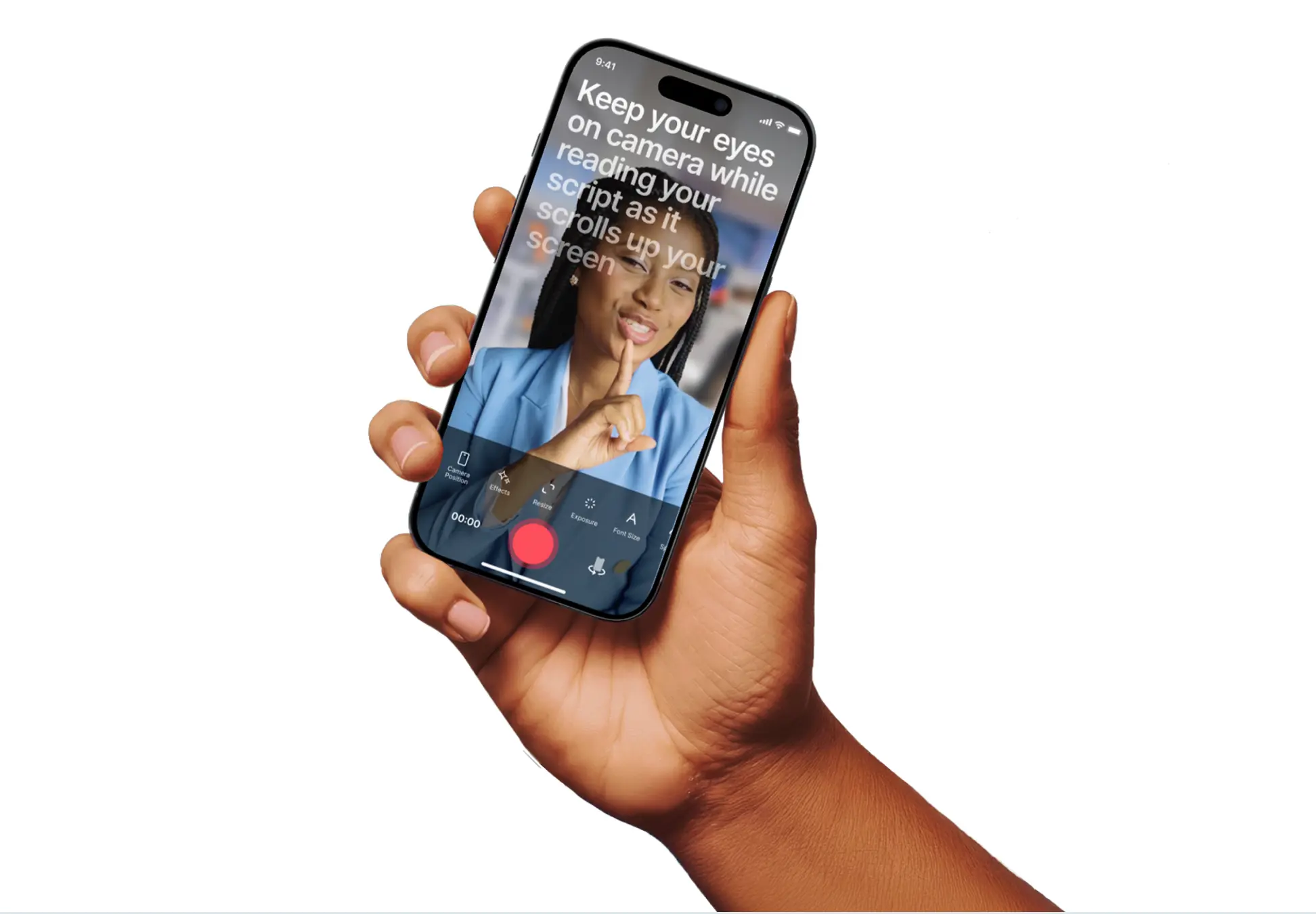
Read while you record

Your script scrolls directly on your phone while the camera records.

Stay focused on your delivery instead of memorizing lines.

Capture smoother takes with fewer restarts.
 Record
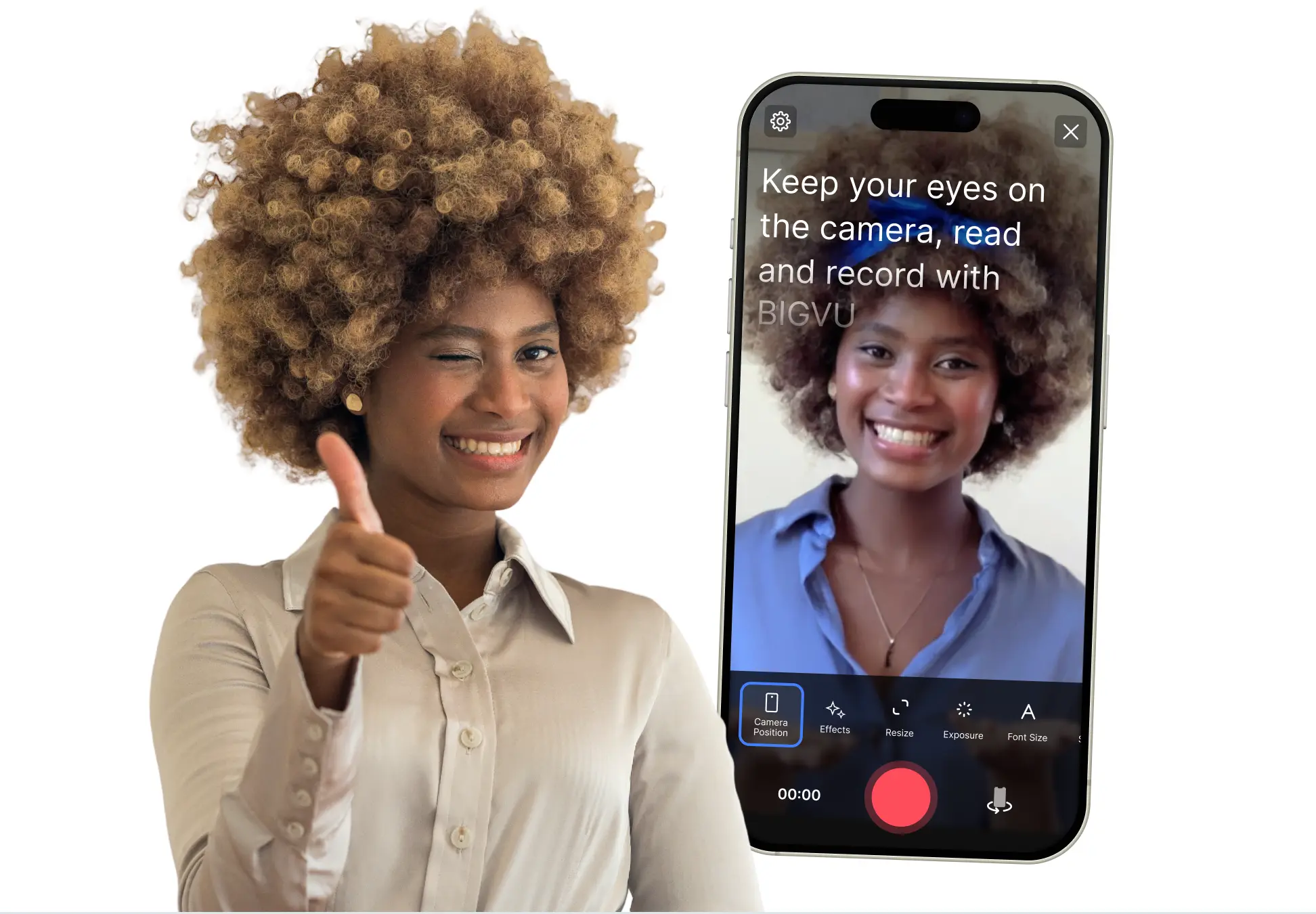
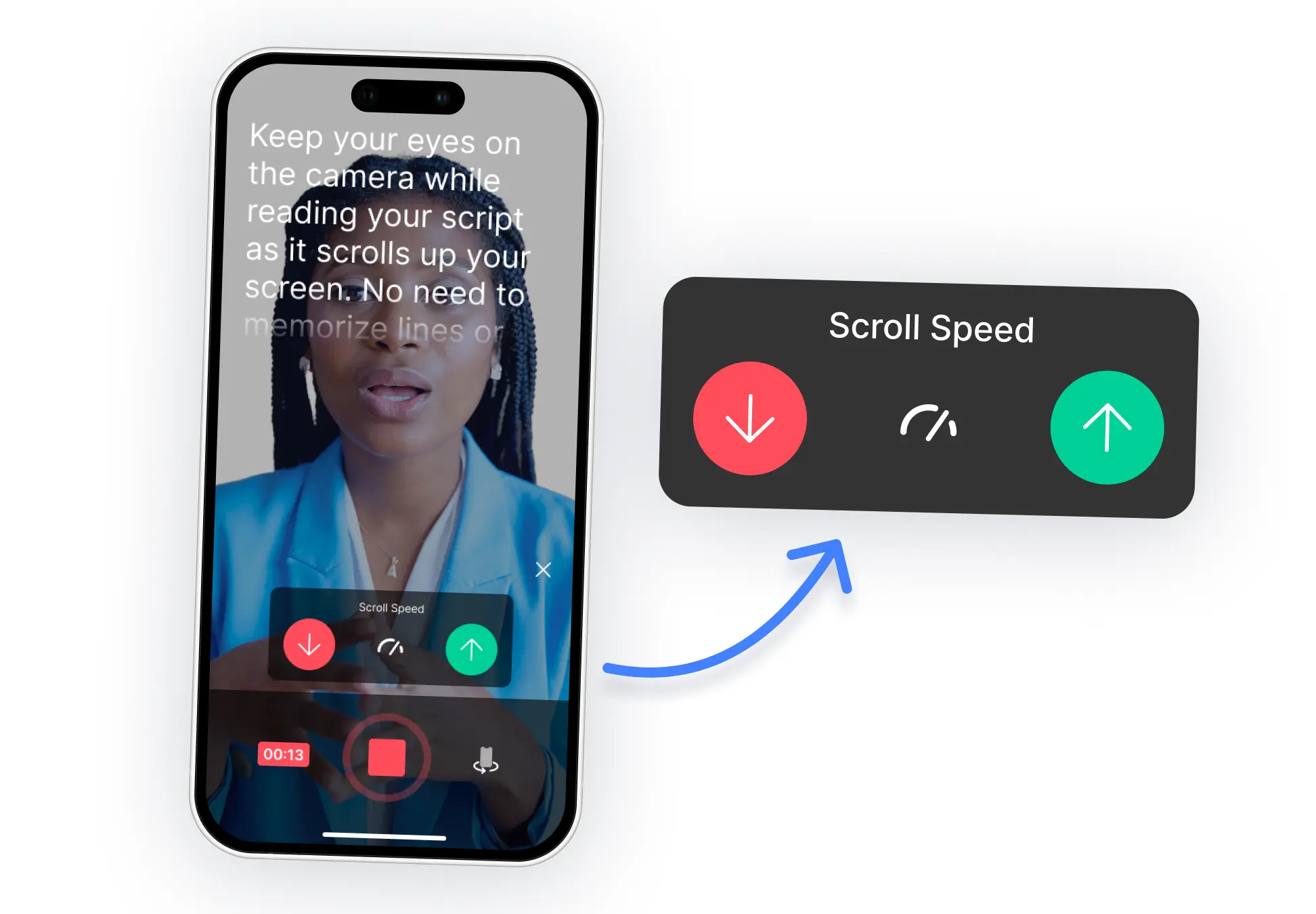
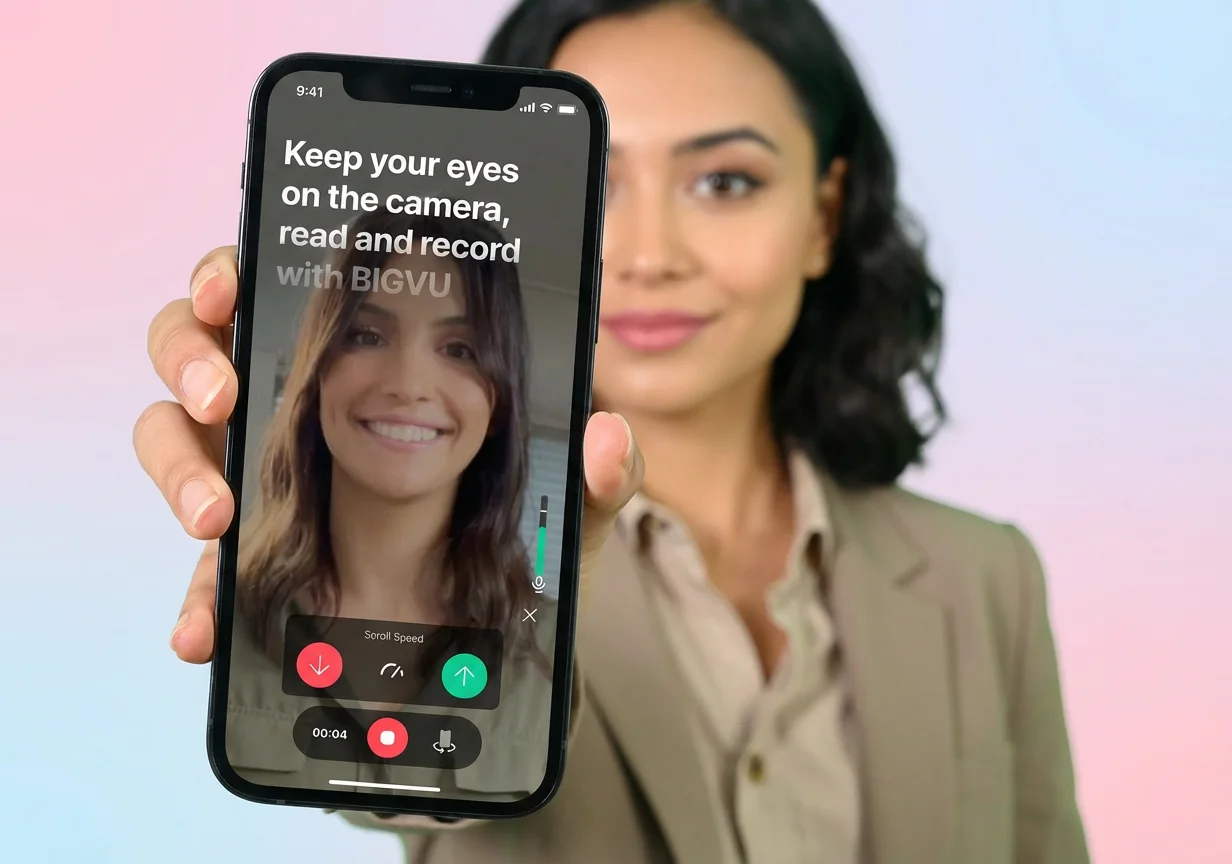
Control the scroll speed

Adjust scrolling speed so it matches how you naturally speak.
Pause or resume anytime while recording.

Keep your delivery comfortable and natural.
 Record
Auto‑pause when you stop speaking

The teleprompter detects when you pause.

Scrolling stops automatically so you never lose your place.
Start again exactly where you left off.
 Record
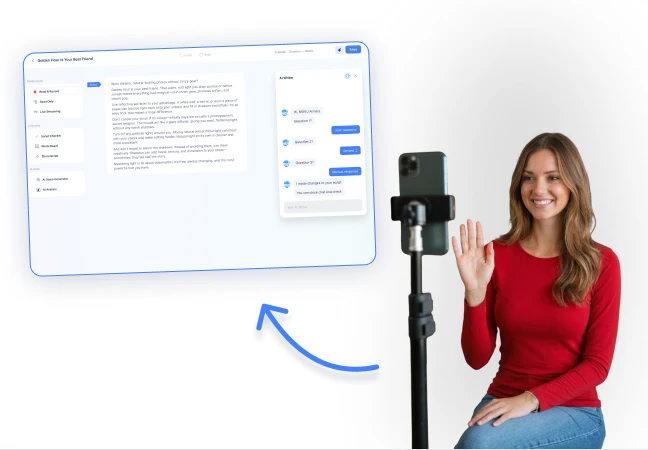
Record from anywhere
Use your phone to record videos wherever you are.
Perfect for field work, offices, homes, or travel.
Capture content without a full studio setup.
 Record
Built for mobile creators
Record social videos, outreach clips, tutorials, and updates.
Great for creators, educators, sales teams, and real estate agents.
Create consistent face‑to‑camera content.
 Record
Fits the BIGVU workflow
Record, then add captions, edits, and branding inside BIGVU.
Turn raw recordings into ready‑to‑publish videos.
Publish across social platforms quickly.
F.A.Q
Got more questions? Reach out to us here