
Create brand-new AI voices from characteristics like language, accent, and tone—or clone your own voice—then generate voiceovers directly inside BIGVU’s video workflow.
AI Voice Cloning & Custom Voice Design
Create brand-new AI voices from characteristics like language, accent, and tone—or clone your own voice—then generate voiceovers directly inside BIGVU’s video workflow.
How to Create AI Voices with BIGVU
Choose whether you want to design a new voice or clone your own, generate it, and use it directly in BIGVU’s video workflow.
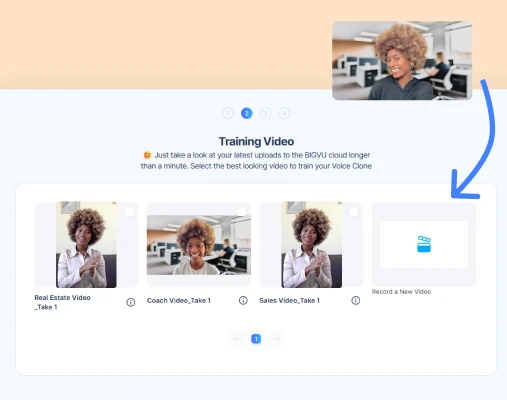
1. Define the Voice Characteristics
Set language, accent, gender, pacing, age, timbre, and extra notes to describe the type of voice you want to create.
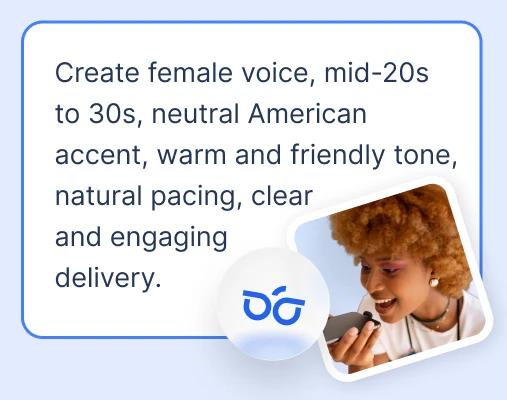
2. Generate and Select a Voice
BIGVU creates voice options based on your description so you can preview and select the one that fits best.
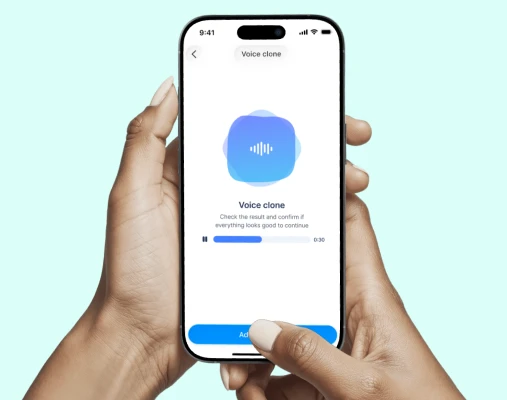
3. Use It in Video Creation
Use your designed voice in voiceovers and videos, alongside BIGVU's captioning, editing, and publishing workflow.
Transform your ideas or scripts into polished voiceover videos
With BIGVU's AI Voice Design, you can easily turn your thoughts into engaging videos in minutes.

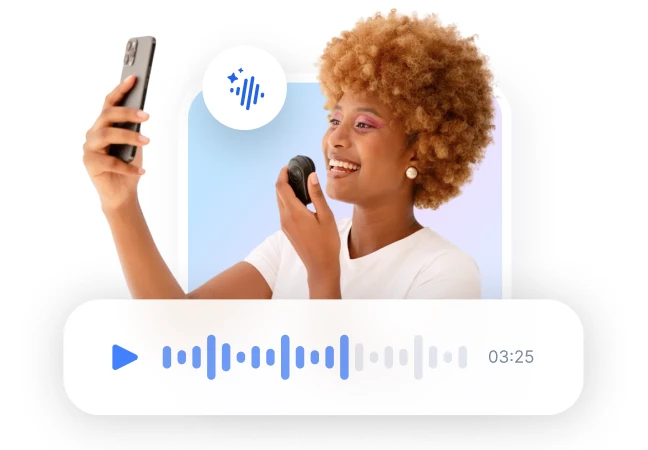
 Create
Design Your Brand Voice

Create a brand-new synthetic voice instead of cloning your own.

Define voice characteristics like language, accent, pacing, timbre, and tone.

Build reusable brand voices without licensing or ownership concerns.
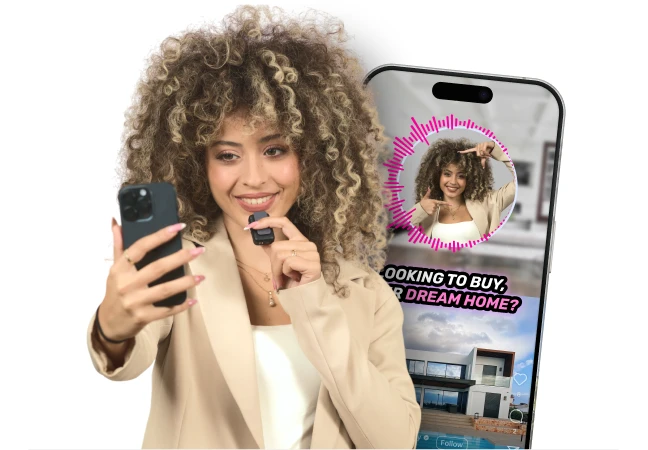 Create
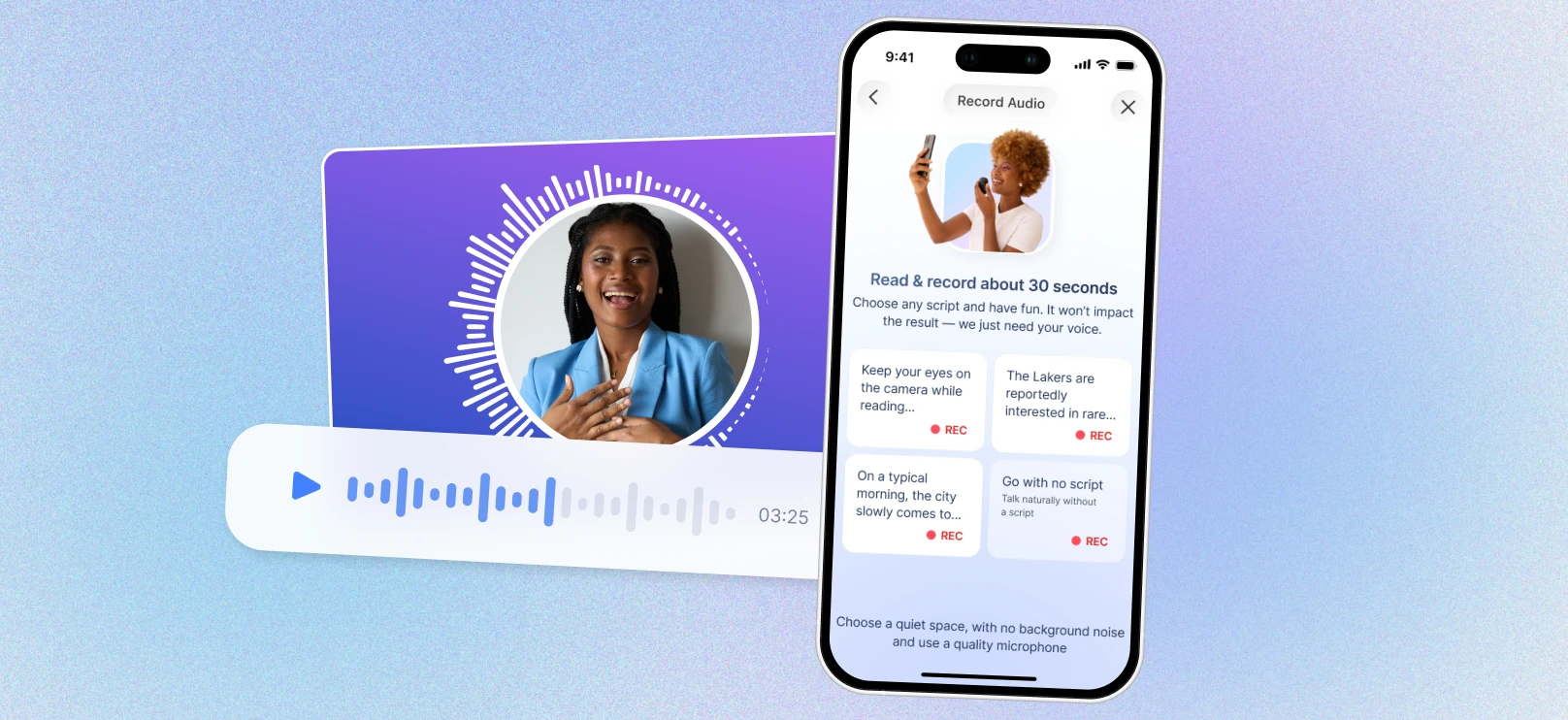
Voice Cloning Workflow

Clone your own voice once and reuse it across every video you generate.

Upload a short recording, and the AI will handle the rest.

Your very own tone and delivery, with no re-recording required.
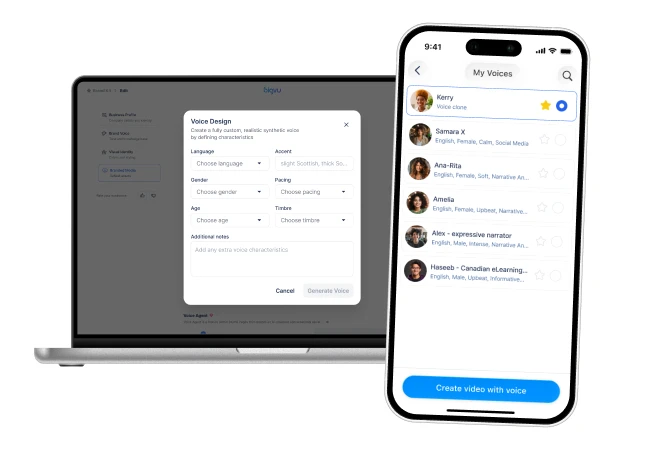 Create
Built into BIGVU on Web and Mobile

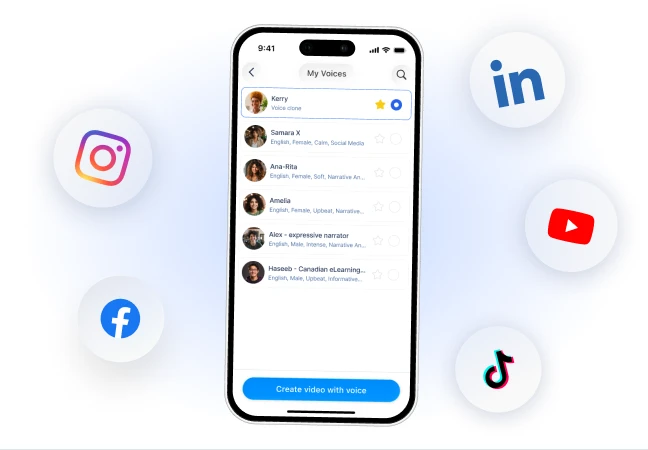
Create and manage voices inside BIGVU on both desktop and mobile.

Use your voice directly in scripting, teleprompter videos, captions, and editing.

Move from voice creation to finished video without leaving the platform.
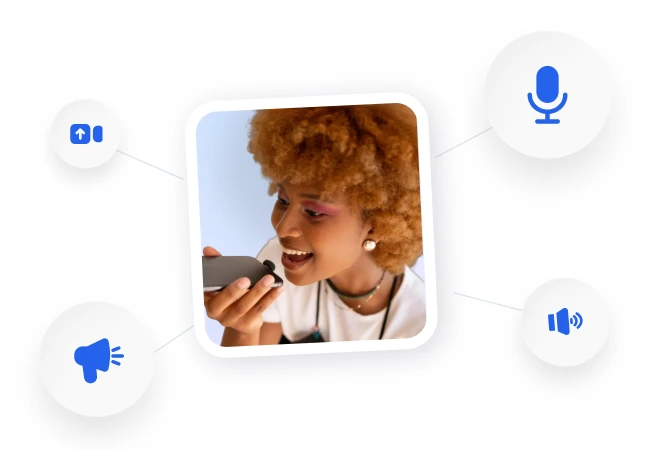 Create
Made for Video Workflows

Create voiceovers for explainers, promos, lessons, and recurring content.

Turn scripts into narrated videos faster with voice creation built into the workflow.

Support creators, marketers, educators, and teams producing video at scale.
 Create
Great for Branded Content

Build original voices that match your brand personality and delivery style.

Reuse voices across campaigns, series, and recurring video formats.

Keep a recognizable narration style across channels.
 Create
Faster Voiceover Production

Skip external voice tools and create voiceovers inside the same platform where you make videos.

Save time across scripting, narration, editing, and publishing.

Produce more narrated video content with less manual work.