The Art of the Gaze: Mastering Eye Contact on Camera
Quick Wins for Better Camera Presence
- The Sticker Trick: Place a small, bright arrow or "smiley face" sticker right next to your camera lens to draw your focus.
- Eye-Level Alignment: Use a tripod or a stack of books to ensure the camera is at eye level, preventing a "looming" or "submissive" angle.
- Distance Matters: Sit about an arm's length away to allow for natural head movement without losing the frame.
Step-by-Step: Setting Up Your Gaze
- Position your script: Place your notes or teleprompter app as close to the camera lens as possible to minimize noticeable eye tracking.
- Soft Focus: Avoid a "death stare." Blink naturally and use facial expressions to keep the delivery warm and engaging.
- Review and Adjust: Record a 10-second clip and watch where your eyes go. If you are looking at the screen, adjust your setup.
Mastering this skill reduces production friction and enhances the perceived quality of your brand. However, we know that being camera-ready every day is a challenge for busy entrepreneurs. For those moments when you need to maintain a professional presence without the fatigue of a live recording, BIGVU’s AI Avatar Videos can step in to deliver your message with perfect, consistent eye contact every time.
![[object Object]](/blog/images/airtable/section1-master-professional-video-eye-contact-tips-tiktok.webp)
Turning Connection into Growth: Creative TikTok Video Ideas for Your Business.
High-Impact TikTok Content Pillars
- .
- Behind-the-Scenes (BTS): Humanize your brand by showing the "messy middle" of your process. People buy from people they trust. .
- User-Generated Style Reviews: Share customer success stories or react to how people use your product in the real world.
Step-by-Step: Crafting a High-Conversion TikTok
- The 3-Second Hook: Start with a bold statement or a visual movement to stop the scroll. Use a text overlay to highlight the main benefit.
- Deliver the "Meat": Provide 15–45 seconds of pure value. Avoid fluff; get straight to the actionable advice or the "wow" factor.
- The Clear Call to Action (CTA): Tell them exactly what to do next—"Click the link in bio," "Comment your thoughts," or "Save this for later."
Choosing Your Engine: Comparing Biteable and InVideo for Seamless Video Production
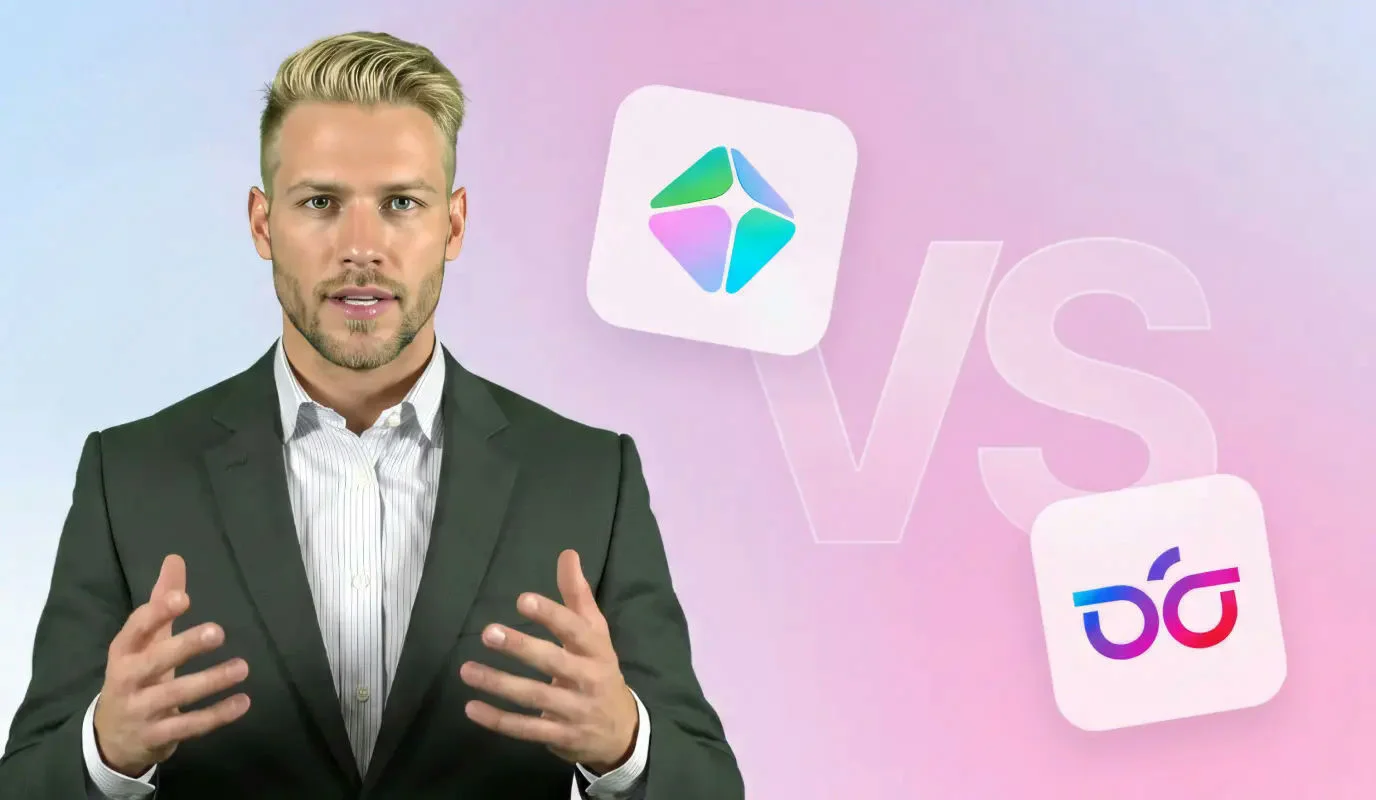
Biteable vs. InVideo: Finding Your Creative Match
- Biteable: This platform is built for speed and "studio-quality" simplicity. It is the go-to for business owners who need clean, animated templates for social ads or internal communications without a steep learning curve.
- InVideo: If you require granular control, InVideo offers a more traditional timeline editor and a massive library of over 8 million stock assets. It is ideal for creating long-form YouTube content or highly customized TikToks from scratch.
- The AI Factor: InVideo excels at "Text-to-Video" generation, while Biteable focuses on maintaining a consistent, high-end brand aesthetic across all your projects.
Step-by-Step: Selecting Your Video Engine
- Define Your Content Volume: If you need to batch-produce five simple videos in an hour, Biteable’s template-first approach is more efficient for maintaining consistency.
- Evaluate Your Asset Library: Choose InVideo if you lack original b-roll; its integrated iStock library allows you to build professional visuals without needing to film everything yourself.
- Match Your Skill Level: Start with Biteable if you find video timelines intimidating. Move to InVideo if you want to experiment with layers, transitions, and advanced audio syncing.
Regardless of the engine you choose, the most critical element remains your personal connection with the audience. These tools provide the visual "polish," but BIGVU ensures your message is delivered with the confidence and eye contact that builds real trust. By combining a robust editor with BIGVU’s AI Avatar or Teleprompter, you create a systematic workflow that turns video from a time-consuming chore into a high-ROI growth engine for your business.