

Start with the Video Type, Not the Tool
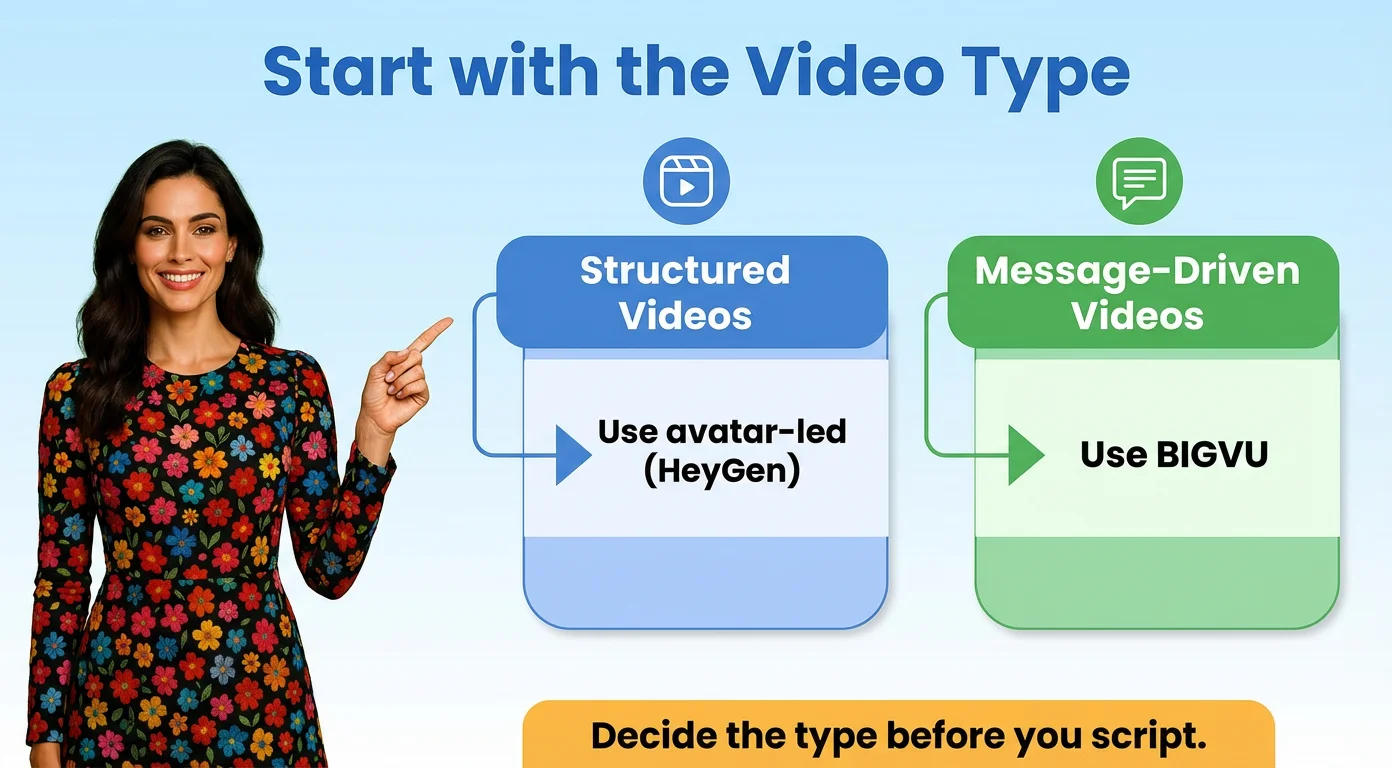
The wrong way to choose a video tool is to start with features. The right way is to start with the kind of video you need to make. The two home screens already show the difference.
HeyGen starts from a format
When we signed in to HeyGen, the home screen offered Video Prompts by format: Ads and Promo, Educational Video, Expert Explainer, Tips and How To, News Brief and Video Podcast. You pick the kind of video, and an avatar presents it. For explainers, onboarding, product walkthroughs, FAQs and training modules, where the goal is clear and consistent delivery, that works well.
BIGVU starts from the script
BIGVU's AI Script Generator turns a prompt into a script you then read on camera. If the video depends on your own voice, a sharper message or reuse across channels, starting from the script is usually the better fit.
Decide before you script
Once you know which type of video you are making, the rest gets easier. You know whether to write for an avatar explainer, for a teleprompter read or for a format you will cut into clips.
When to Use HeyGen
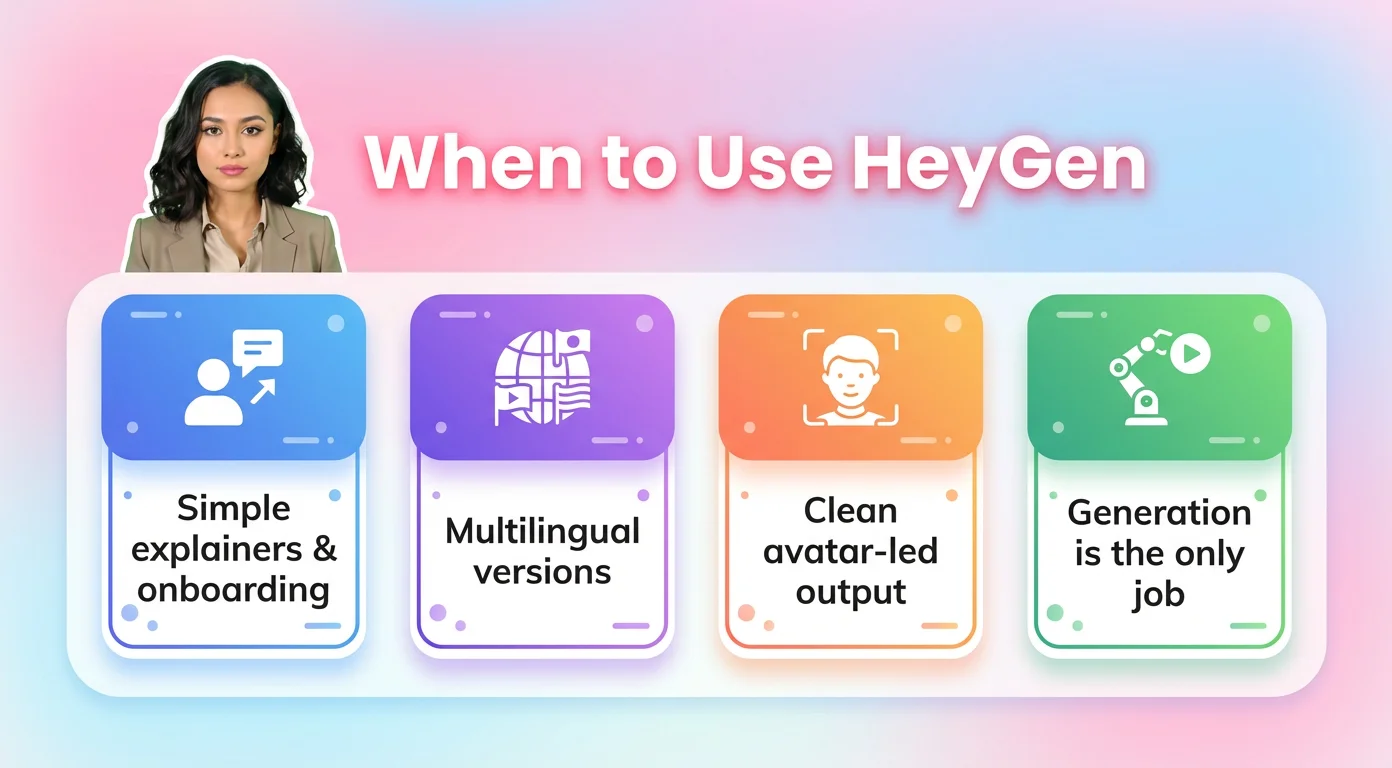
HeyGen is most useful when generating a presenter is the main job.
Simple informational content
HeyGen fits explainers, onboarding, training and product walkthroughs where the message is structured and repeatable. Its AI Studio templates are sorted by use case, with tabs such as Training, Corporate, Marketing, Sales and Real Estate, and the avatar picker offers stock presenters in several looks.
Multilingual versions of the same message
The Translate screen advertises 175+ languages. If you need one message in several languages, that is a practical shortcut. On the free plan, videos are capped at 1 minute and carry a watermark, so plan on a paid tier for real projects. See our HeyGen Free guide for the limits.
When you never want to be on camera
This is where HeyGen has a real advantage. Creator costs $29 a month for 600 credits, about 19 minutes of Avatar IV video by HeyGen's credit guide. BIGVU's AI Pro credits cover only about a one minute talking photo video, so for avatar heavy work HeyGen gives you far more synthetic minutes.
When to look beyond HeyGen
If the real need is your own delivery, editing, captions or repurposing, a generation first tool will not cover the whole workflow.
When to Use BIGVU
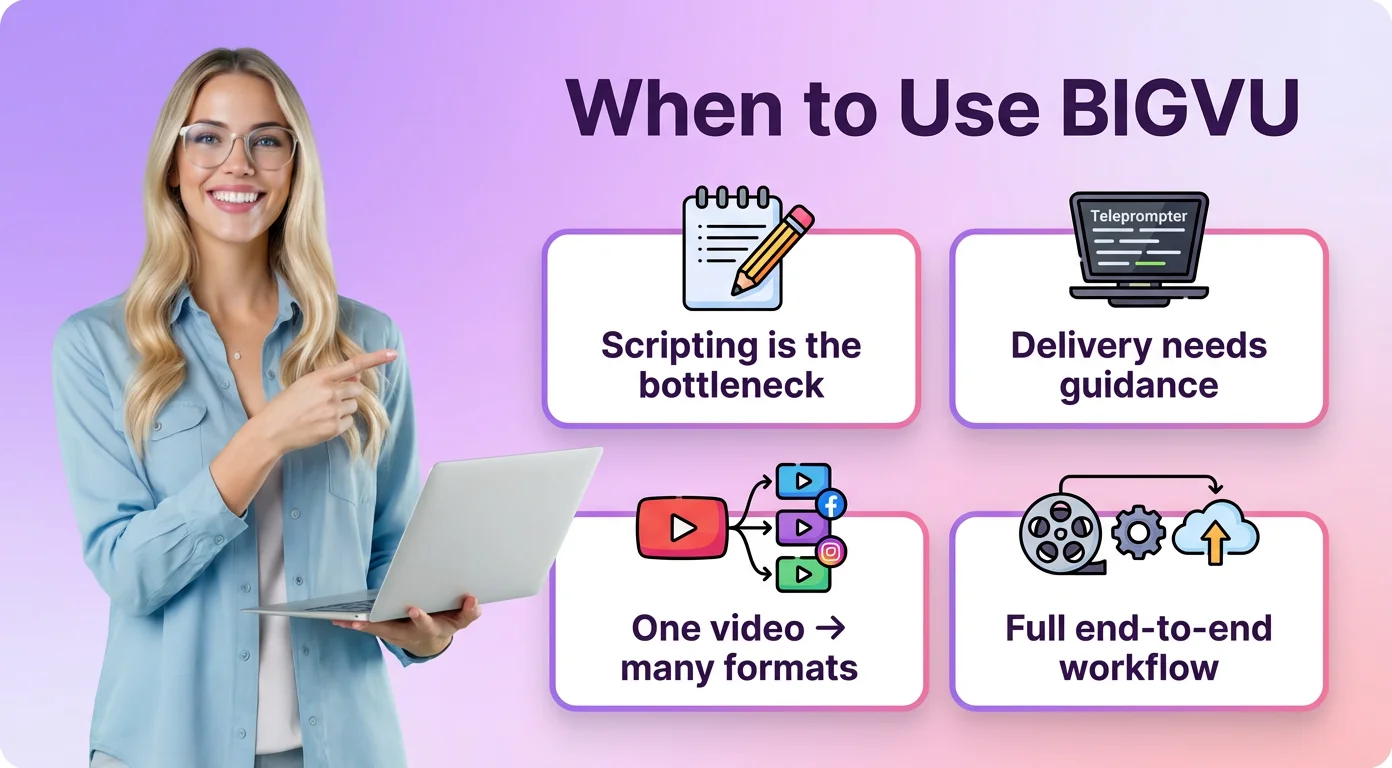
BIGVU is the better choice when the workflow around the video matters as much as the video itself.
When scripting is the bottleneck
Most people do not struggle with pressing record. They struggle with getting from idea to script. BIGVU turns rough notes, blog posts, FAQs or talking points into scripts that sound natural when spoken.
When delivery needs support
BIGVU's teleprompter app follows your voice as you read, so you keep a natural pace. AI Eye Contact Correction fixes the off screen gaze without recording again.
When one video needs to become many
If the job does not end with one video, Auto Shorts turns a long recording into short clips, and captions and resizing adapt the same message for each channel.
When you still want AI options
BIGVU is not limited to camera recording. Its AI talking photo animates a portrait, and the AI Twin on the Max plan clones your face and voice.
A Simple Decision Framework
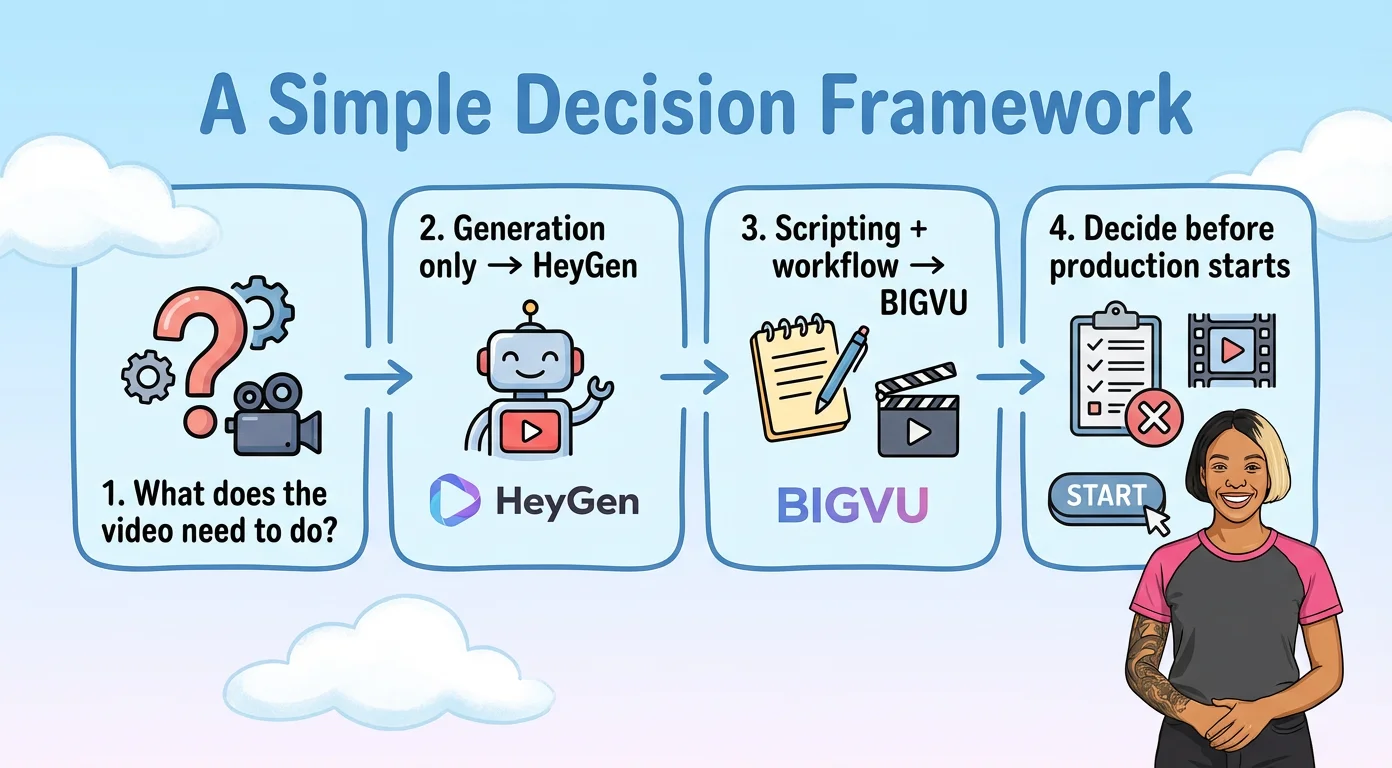
Most people do not need more video tools. They need a faster way to decide which tool fits which job.
- What is the video trying to do? Explain, train, answer a question, promote an offer or feed several channels.
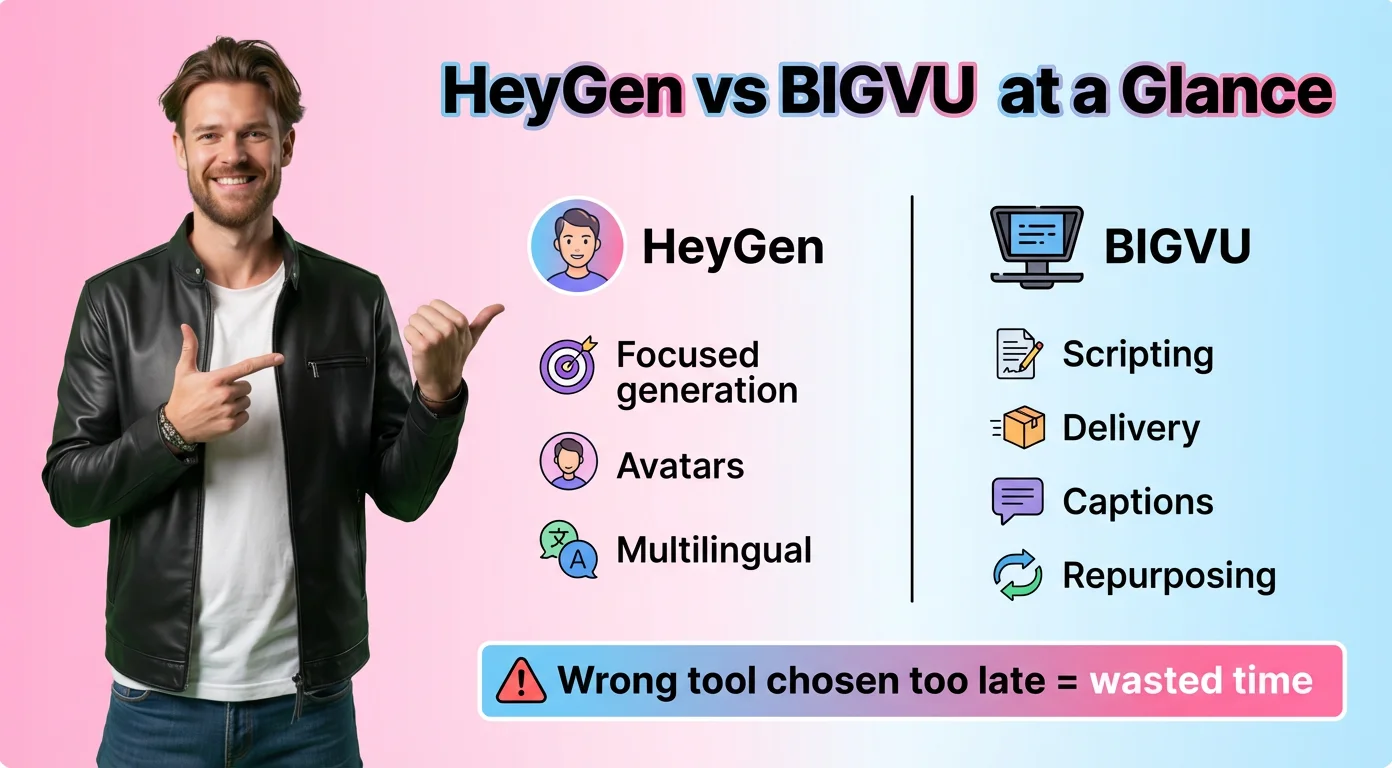
- Does generation or workflow matter more? If you only need an avatar to present a script, HeyGen may be enough. If you need scripting, delivery, editing, captions or reuse, BIGVU is the stronger fit.
- Does it need reuse? If the same message has to become clips, captions and resized versions, choose the tool that keeps those steps together.
- Pick before you script. Writing for an avatar is different from writing for a teleprompter. Choosing late is how people end up rewriting and recording again.
The practical rule: avatar first jobs go to HeyGen, and videos where you are the presenter go to BIGVU.
What This Choice Looks Like in Practice
Use HeyGen when the need is narrow
A training clip in three languages, an onboarding explainer or a product walkthrough presented by an avatar. HeyGen's own App Store images show the same avatar placed in new locations, which suits that kind of repeatable content.
Use BIGVU when the relationship matters
A founder update, a coaching tip, a listing tour by the agent or a sales follow up. Here the viewer wants to see you. BIGVU lets you script it, record it with the teleprompter and send it as a personal video email.
A fair caveat
Neither tool wins every job. If you hate being on camera and need many minutes of video, HeyGen's credits stretch further than BIGVU's for synthetic presenters. If your audience buys because they know you, an avatar can cost you trust that no template wins back.
Choose the tool when you choose the format, not after the script is written.