The Best AI Avatar Generators to Create Your Digital Twin
Key Benefits of AI Digital Twins
- Zero Setup Time: No cameras, microphones, or studio lighting required.
- Scalability: Produce dozens of videos in the time it takes to record one manually.
- Professional Polish: Ensure high-quality visuals and audio regardless of your actual environment.
- Multilingual Reach: Easily translate your digital twin's message into multiple languages to reach global markets.
Top Tools for Creating Your Digital Twin
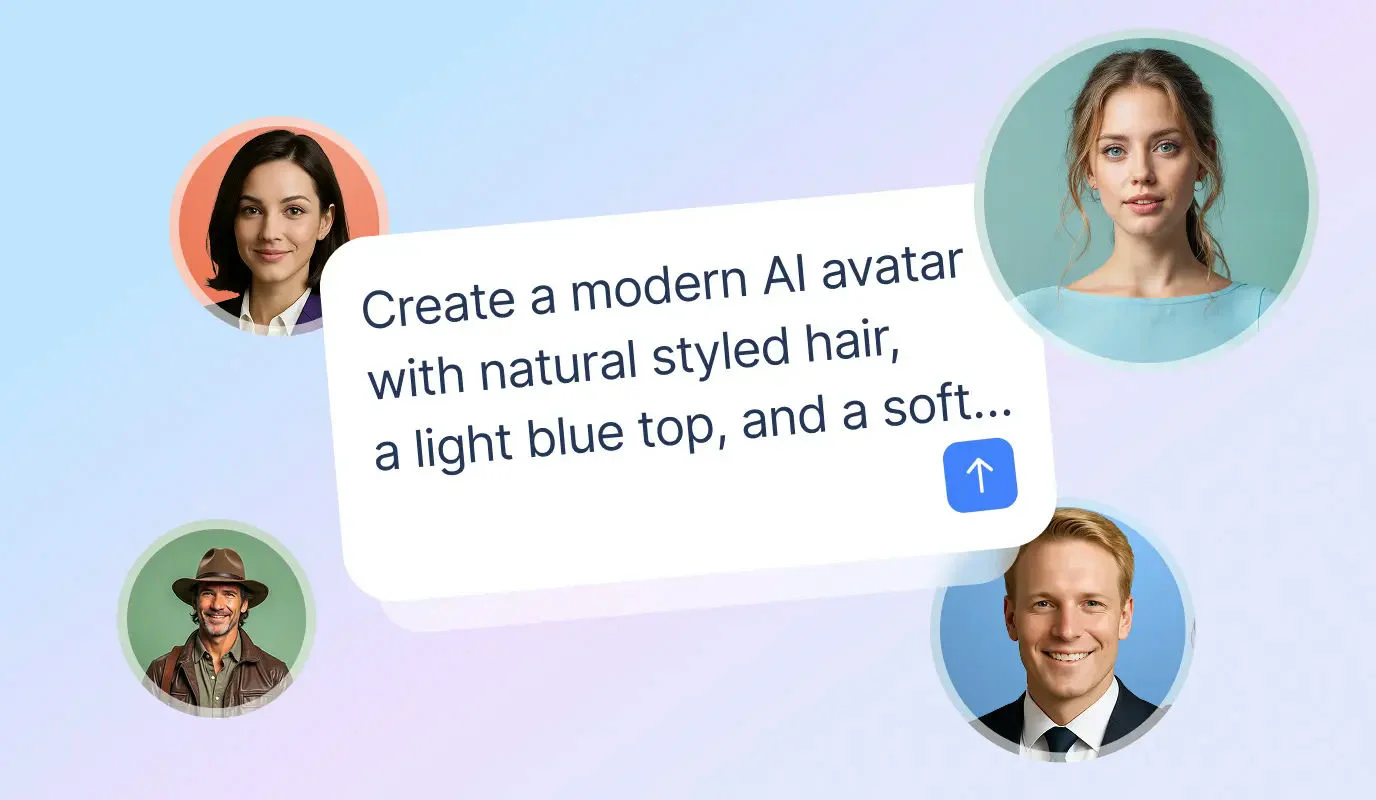
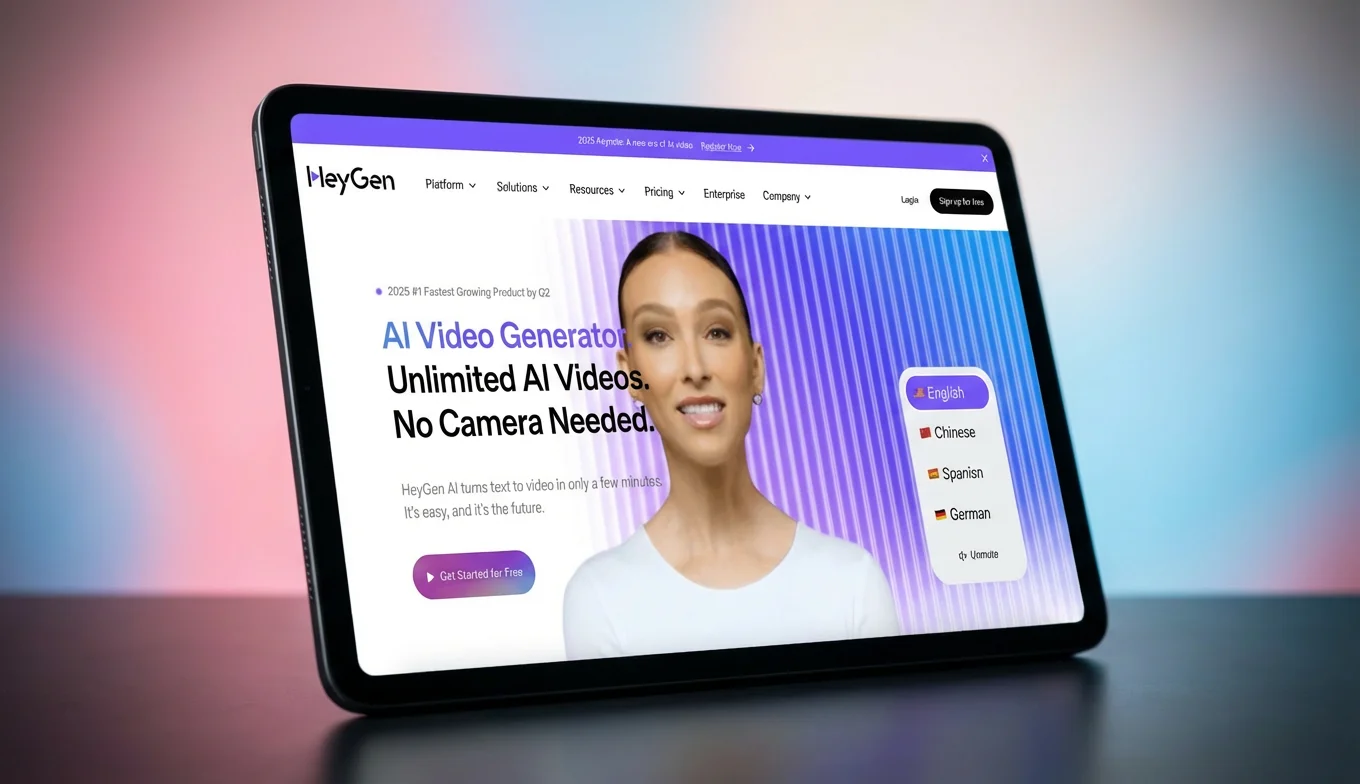
While several platforms exist, BIGVU stands out for its integrated approach, combining AI scriptwriting and editing with seamless avatar technology. Other notable mentions in the space include Synthesia, which is widely used for corporate training, and HeyGen, known for high-fidelity facial animation. Using these tools allows you to bypass the "equipment dilemma" and focus entirely on your strategy.Step-by-Step: Launching Your AI Avatar
1. Draft Your Script: Use an AI writer to craft a concise, 120–150 word message tailored to your specific business goal.
2. Select Your Avatar: Choose a digital twin that aligns with your brand’s persona and the professional tone of your proposal.
3. Customize the Environment: Select a background that complements your brand colors or the specific context of your video.
4. Generate and Review: Process the video and immediately move to a captions app to ensure your message is accessible to those watching on mute.
![[object Object]](/blog/images/airtable/section1-create-ai-digital-twins-and-high-converting.webp)
How to Craft High-Converting Introduction Videos for Your Business Proposals
Essential Elements of a High-Converting Intro
- The Hook: Grab attention in the first 3 seconds by mentioning a specific result or pain point.
- The Problem: Demonstrate a deep understanding of the client's current challenges.
- The Solution: Briefly explain how your service provides the bridge to their desired outcome.
- Social Proof: Mention a quick win or a notable client to establish authority.
- The Call to Action (CTA): Tell them exactly what to do next, such as "Click the link below to schedule a call."
Step-by-Step: Executing Your Video Pitch
.2. Deploy Your Digital Twin: Upload your script to the AI avatar generator. This bypasses the "equipment dilemma" entirely, providing a polished look even if you lack a professional studio.
3. Review for Pacing: Ensure the delivery is natural. A video between 60 and 90 seconds is the "sweet spot" for maintaining prospect interest during a proposal review.
By focusing on video smarter, not harder, you overcome resource constraints and ensure your business stays top-of-mind with every proposal you send. This systematic workflow allows you to scale your outreach while maintaining the high-quality standards your brand requires.How to Add Dynamic Karaoke Captions to Your Videos
Why Karaoke Captions are a Game-Changer
- Stop the Scroll: The movement of highlighting words acts as a visual "hook" that stops users from scrolling past your video.
- Enhanced Accessibility: They make your content digestible in loud environments or for those with hearing impairments.
- Reinforced Branding: By customizing the highlight color, you reinforce your brand identity throughout the entire video.
- Improved Clarity: Highlighting specific words helps emphasize your value proposition and key call-to-action (CTA).
Step-by-Step: Adding Karaoke Captions with BIGVU
.2. Select the Karaoke Theme: Navigate to the captions editor and choose a "Karaoke" style template. This automatically syncs the highlighting effect with your audio track.
3. Customize and Polish: Adjust the font, size, and colors to match your brand’s aesthetic. Ensure the text is positioned so it doesn't obscure your digital twin’s face.
4. Final Review: Play the video back to ensure the timing is perfect. A seamless sync between your avatar's lips and the highlighted text creates a high-end, professional feel.
By integrating these dynamic elements, you transition from simply "making a video" to creating a high-converting asset. This final step in the video smarter workflow ensures that your business stays top-of-mind, regardless of how or where your audience is watching.