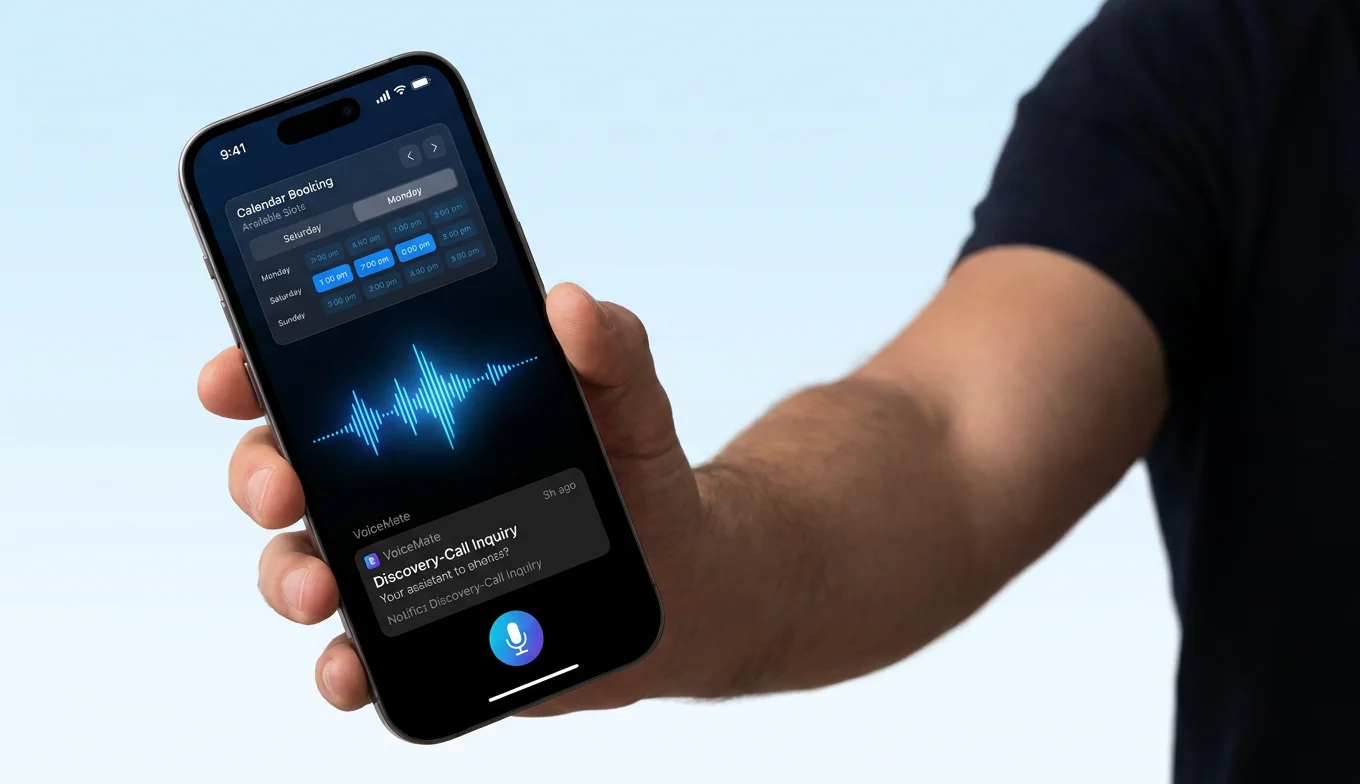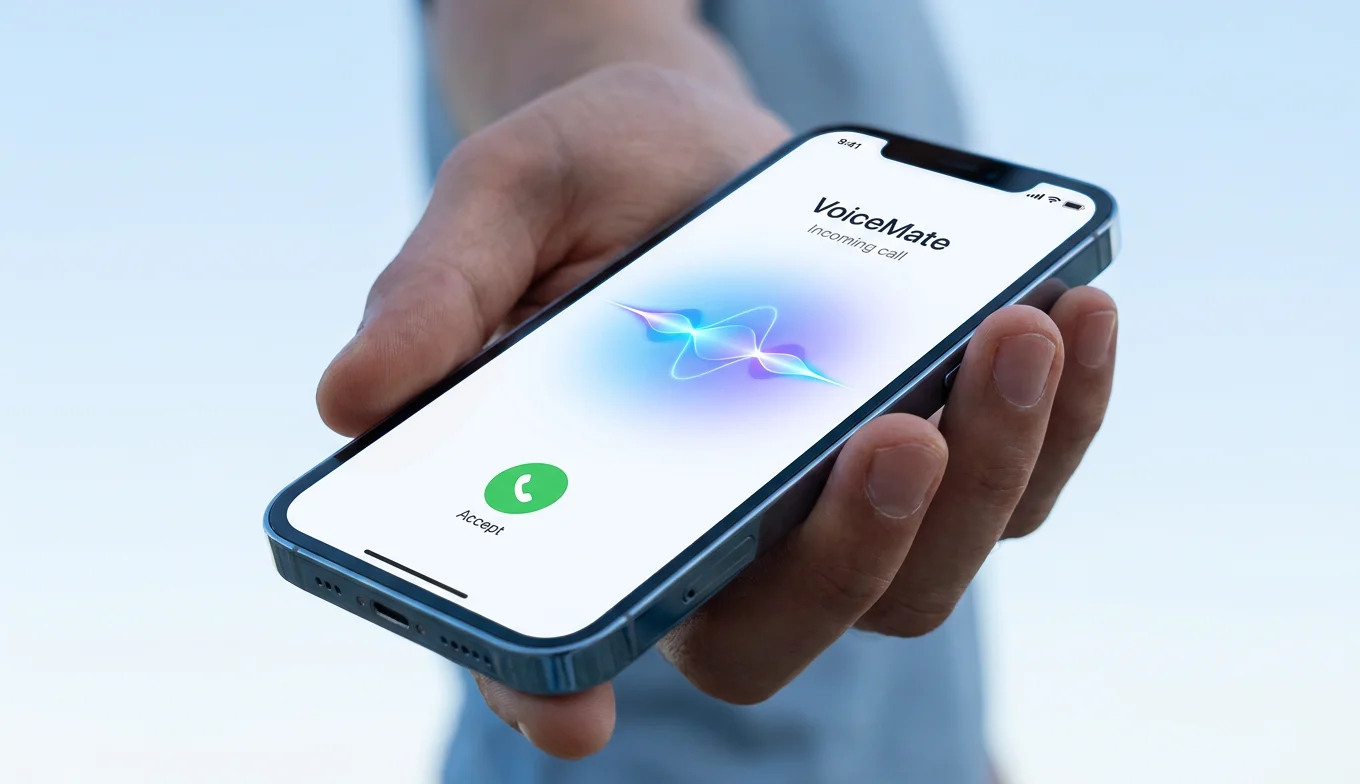
How do you turn a photo into a video with AI?
Here’s the full flow on the web. It’s one guided chat, so you don’t bounce between apps.
- Write the script. Type it yourself, or use AI Magic Writer to draft a market update or tip in your voice.
- Open Portrait to Video. The guided steps take over from there.
- Pick your voice. Choose from the library, or use Voice Cloning so it sounds like you.
- Choose your face. Upload your headshot, pull from your image library, or use the content bank.
- Generate and finish. Open the result in BIGVU Video Maker, where you can add captions, apply your brand kit, and publish.
On mobile, the flow is even tighter:
- Tap Text-to-Video.
- Choose your face.
- Add your script.
- Pick a voice.
- Generate.
The animation in BIGVU’s AI Talking Photo runs on VEED’s Fabric 1.0 API, a model built to turn an image plus audio into a talking video with synced lips, head movement, and expressions.
![[object Object]](/blog/images/airtable/section1-bigvu-ai-talking-photo-turn-photo-realistic-talking-video.webp)
Why creators choose BIGVU for photo to video
BIGVU chose the best photo to video API – powered by VEED’s AI video platform – to make sure that BIGVU users get the most cutting edge model on the market.
That gap shows up in reviews. D-ID sits at 2.2/5 on Trustpilot, where one user wrote that the “video generation and lip sync is completely off” and the avatar “failed to generate after multiple tries and consumed the credits.” On Product Hunt, another user flagged output where “teeth look weird” and facial expressions looked unnatural.
HeyGen is strong on avatar quality, but still draws repeated credit-deduction and billing complaints across user reviews. Even Synthesia gets notes that avatars can feel “a little stiff” when you want expressive gestures.
Most photo-to-video tools hand you a clip and leave. You still have to caption it, brand it, and get it posted somewhere.
BIGVU keeps the whole job in one place. You can write with AI Magic Writer, generate the talking photo, add captions and your brand kit, then publish to 20+ social accounts or send a video email without exporting and re-uploading anywhere.
You can also clone your own voice, so the video carries the human signal a stock avatar can’t.
What Photo and Script Work Best?
The AI needs a clear read on your face.
Lighting is the biggest lever. Natural daylight or even indoor light in front of you beats a high-resolution photo shot in the dark.
Use a front-facing portrait, keep your eyes and mouth unobstructed, and skip sunglasses or hair across your face. The headshot already on your business card usually works.
The script matters too.
Write for the ear, not the page.
Use short sentences. Use contractions. Say it out loud first. If it sounds stiff when you speak it, rewrite it.
The lip sync is only as natural as the rhythm of your words.
![[object Object]](/blog/images/airtable/section2-bigvu-ai-talking-photo-turn-photo-realistic-talking-video.webp)
What photo and script work best?
The AI needs a clear read on your face.
Lighting is the biggest lever. Natural daylight or even indoor light in front of you beats a high-resolution photo shot in the dark.
Use a front-facing portrait, keep your eyes and mouth unobstructed, and skip sunglasses or hair across your face. The headshot already on your business card usually works.
The script matters too.
Write for the ear, not the page.
Use short sentences. Use contractions. Say it out loud first. If it sounds stiff when you speak it, rewrite it.
The lip sync is only as natural as the rhythm of your words.
![[object Object]](/blog/images/airtable/section3-bigvu-ai-talking-photo-turn-photo-realistic-talking-video.webp)
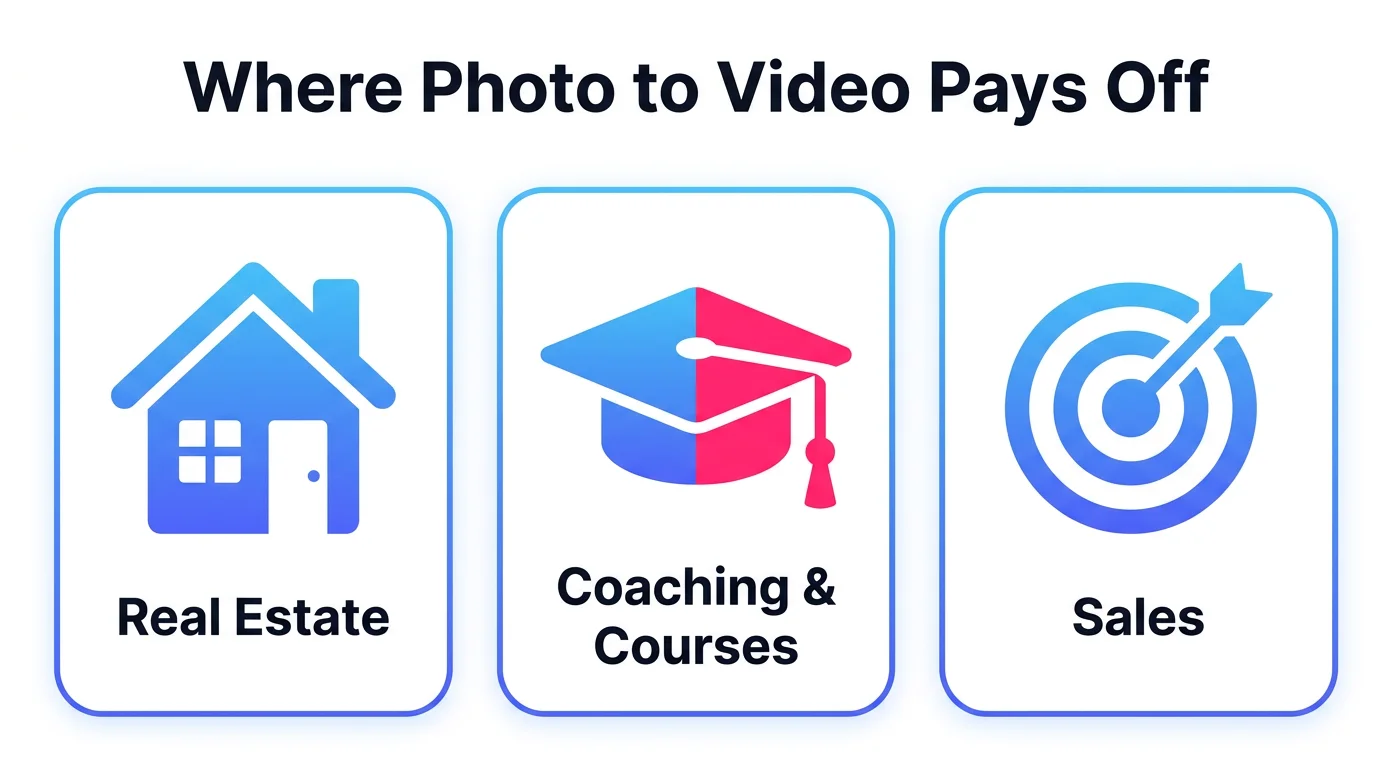
Where photo to video AI actually pays off
Real Estate
Real estate agents use photo to video for weekly market updates and quick messages to clients, no shoot required.
Pair it with Fototale for listings, and your whole real estate video workflow can run camera-free.
Coaching and Courses
Coaches and course creators can keep posting tips and refresh lesson content by rewriting the narration instead of reshooting.
Sales
In sales, a short personalized video in a follow-up can pull better replies than another plain-text email.
Name the prospect’s company, reference their situation, and schedule it across your channels in one sitting.
Is photo to video AI free?