

YouTube Video Dimensions & Resolutions: The 2026 Chart
Before the chart, one distinction that trips up most creators: resolution and aspect ratio are not the same thing. Aspect ratio is the shape of your frame (the width-to-height proportion). Resolution is the number of pixels inside that shape. That's why 720p, 1080p, and 4K can all share the exact same 16:9 aspect ratio — each step up simply packs in more pixels for a sharper image, not a different shape. So pick your aspect ratio for how the frame looks, and your resolution for how sharp it is.
Dimensions are the pixel measurements (width × height), and resolution is how much detail those pixels hold. Upload the highest resolution you have — YouTube automatically generates the lower ones for viewers on slower connections. 1080p is the practical standard; 4K future-proofs evergreen content (just note that 4K files are larger and can take roughly four times longer to process than 1080p).
| Resolution | Dimensions (16:9) | Best for |
|---|---|---|
| 8K (4320p) | 7680 × 4320 | Premium / cinematic, future-proofing |
| 4K (2160p) | 3840 × 2160 | High-detail, big-screen, evergreen content |
| 2K (1440p) | 2560 × 1440 | Gaming and sharp detail without 4K file sizes |
| 1080p (Full HD) | 1920 × 1080 | Recommended standard for most creators |
| 720p (HD) | 1280 × 720 | Minimum for an "HD" label / older devices |
| 480p (SD) | 854 × 480 | Low-bandwidth fallback |
| 360p | 640 × 360 | Legacy / slow connections |
| 240p | 426 × 240 | Legacy / slow connections |
![[object Object]](/blog/images/airtable/section1-youtube-video-size.webp)
YouTube Aspect Ratios Explained: 16:9, 9:16, 1:1 & 4:3
Aspect ratio is written two ways that mean the same thing: a colon (16:9) or a ratio to one (1.78:1). So 4:3 is 1.33:1, and cinema widescreen is 2.35:1 — same idea, different notation.
The YouTube long-video ratio is 16:9, and there's a reason it became the universal default. It's essentially a compromise: the old TV standard was the boxy 4:3 (1.33:1), while films were shot ultra-wide at 2.35:1. 16:9 sits almost exactly between the two — wide enough to feel modern, narrow enough to handle both. That's why every HD screen, 4K TV, and phone camera defaults to 16:9, and it's the safest choice for any standard upload.
When a video's ratio doesn't match the player, YouTube adds black bars instead of stretching the image:
- Pillarboxing — bars on the left and right (a narrow 4:3 or vertical clip shown on a wide screen).
- Letterboxing — bars on the top and bottom (an ultra-wide 2.35:1 film shown on a 16:9 screen).
On desktop, the player is built for 16:9 and will pad anything that doesn't fit. On mobile, the player adapts to fill the screen, so vertical and square videos look fine there — but if most of your audience watches on desktop, stick with 16:9 for long-form.
The other ratios, and when to reach for them:
- 9:16 (vertical) — full-screen on mobile; the format for Shorts.
- 1:1 (square) — plays fine but pillarboxes on desktop; handy for cross-posting to social feeds.
- 4:3 (1.33:1) — the retro / throwback look (think old home-video footage).
- 2.35:1 (widescreen) — not native to YouTube, but creators add letterbox bars in editing for a cinematic feel.
Quick takeaway: shoot and upload in 16:9 for standard videos and 9:16 for Shorts — then treat aspect ratio as a creative choice when you want a specific mood (wide = cinematic, boxy = nostalgic), not just a technical default.
![[object Object]](/blog/images/airtable/section2-youtube-video-size.webp)
YouTube Shorts Size, Dimensions & Length (2026)
Shorts use 1080 × 1920 pixels in a 9:16 vertical ratio (a 1:1 square at 1080 × 1080 is also accepted and still counts as a Short).
On length, here's the 2026 update most older guides get wrong: the maximum is now 3 minutes, up from the old 60-second cap, for any vertical or square video uploaded after October 15, 2024. You can use the full three minutes — but most high-performing Shorts still land in the 15–45 second range, because retention beats runtime. A tight Short that people finish will almost always out-reach a longer one they swipe away from.
One catch with audio: you can use most songs from the Shorts Audio Library for up to about 90 seconds inside a 3-minute Short, though some tracks are limited to 60 or 30 seconds. If your Short runs over a minute and uses licensed music, you may hit a Content ID claim — royalty-free tracks from the YouTube Audio Library avoid that.
![[object Object]](/blog/images/airtable/section3-youtube-video-size.webp)
File Size, Formats & Upload Limits
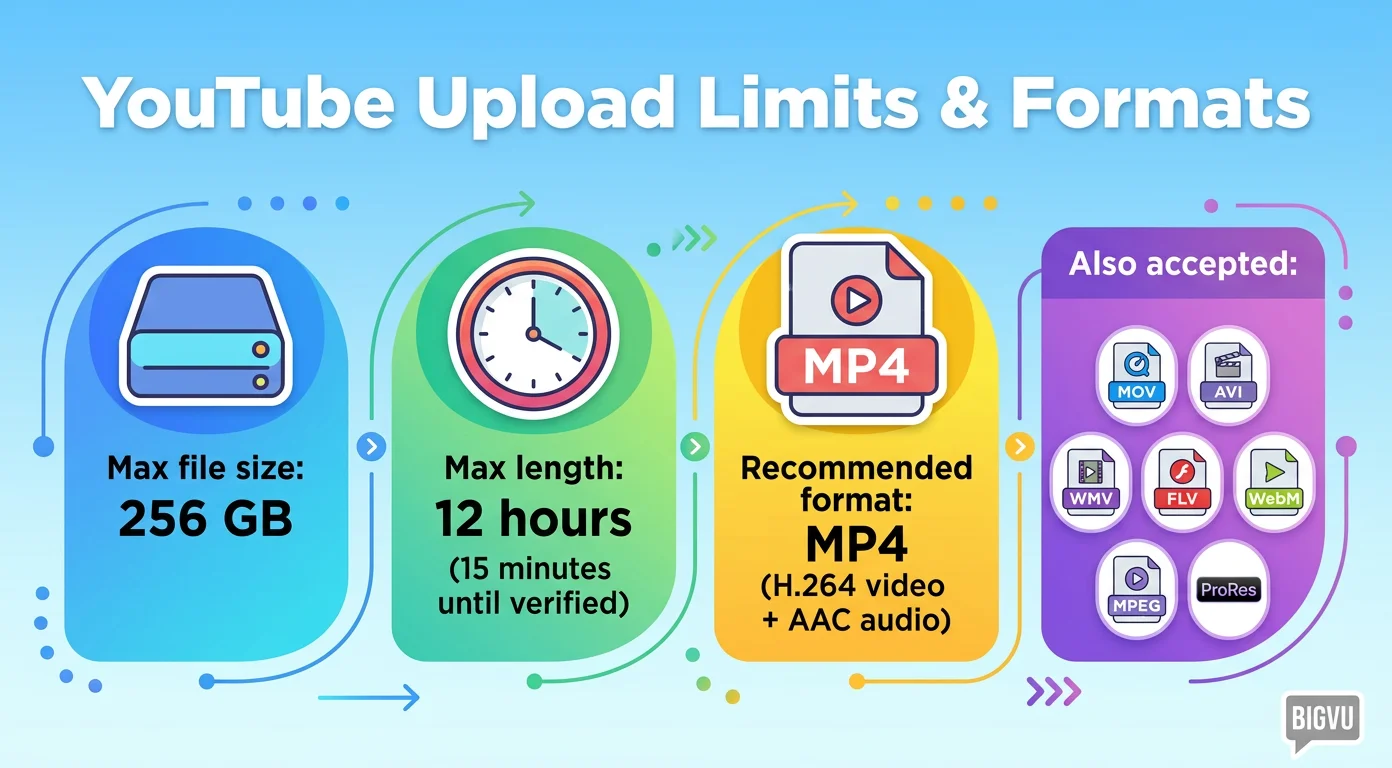
The maximum upload is 256 GB or 12 hours, whichever is smaller (capped at 15 minutes per video until you verify your account).
YouTube accepts a wide range of formats: .MP4, .MOV, .AVI, .WMV, .FLV, .WebM, MPEG-1/2/4, .3GPP, ProRes, DNxHR, CineForm and HEVC (H.265). For the most reliable upload and the best quality-to-file-size balance, go with MP4 using H.264 video and AAC audio — it's the combination YouTube handles best.
Get Every Size Right — and Turn One Video Into Many
A few sizes that round out the picture:
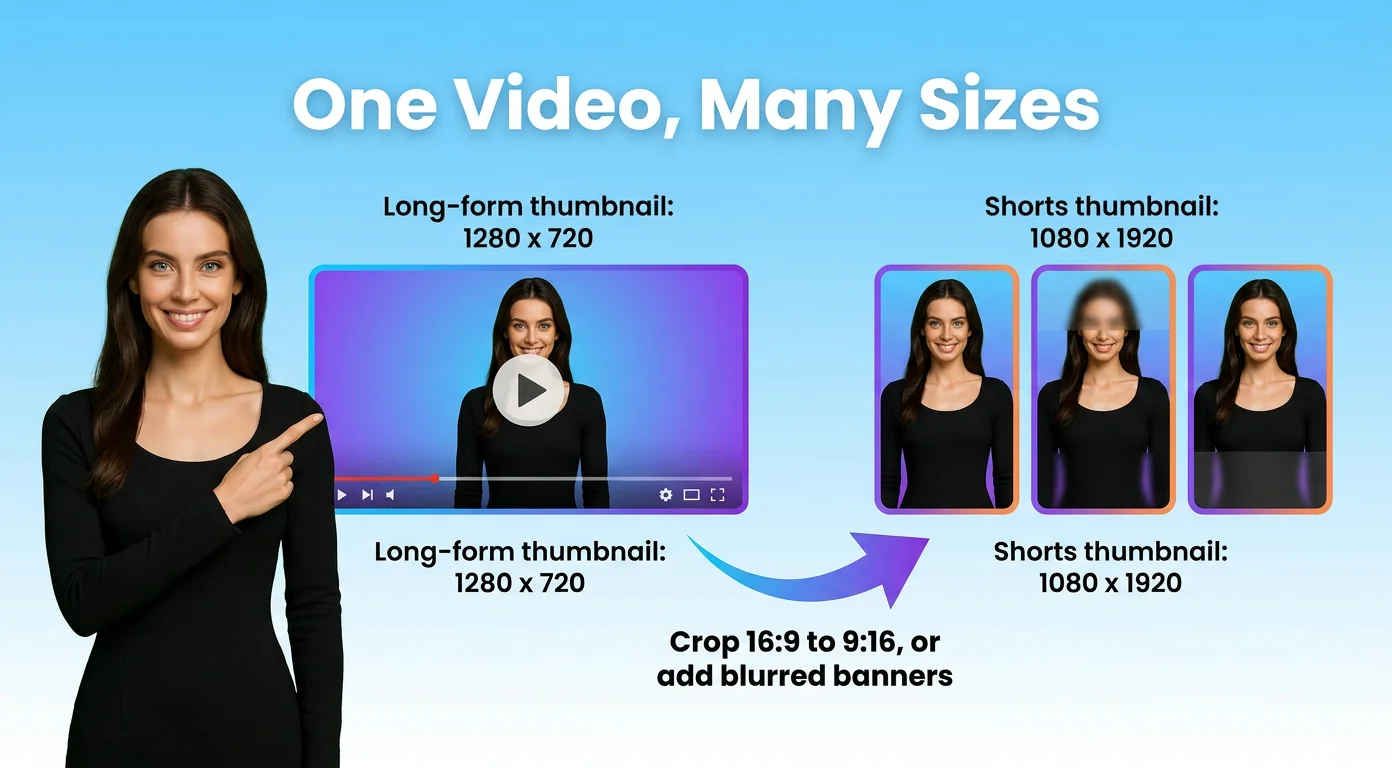
- Long-form thumbnail: 1280 × 720 pixels (16:9), minimum width 640px.
- Shorts thumbnail: 1080 × 1920 pixels (9:16).
- Use bold text, high-contrast images, and consistent branding so your thumbnail matches the video's shape.
The real time-saver is repurposing: take one 16:9 video and crop it to 9:16 for Shorts, or add blurred banners to keep the full frame on screen without awkward cropping. That's how one upload becomes five or more pieces of content across long-form and Shorts.
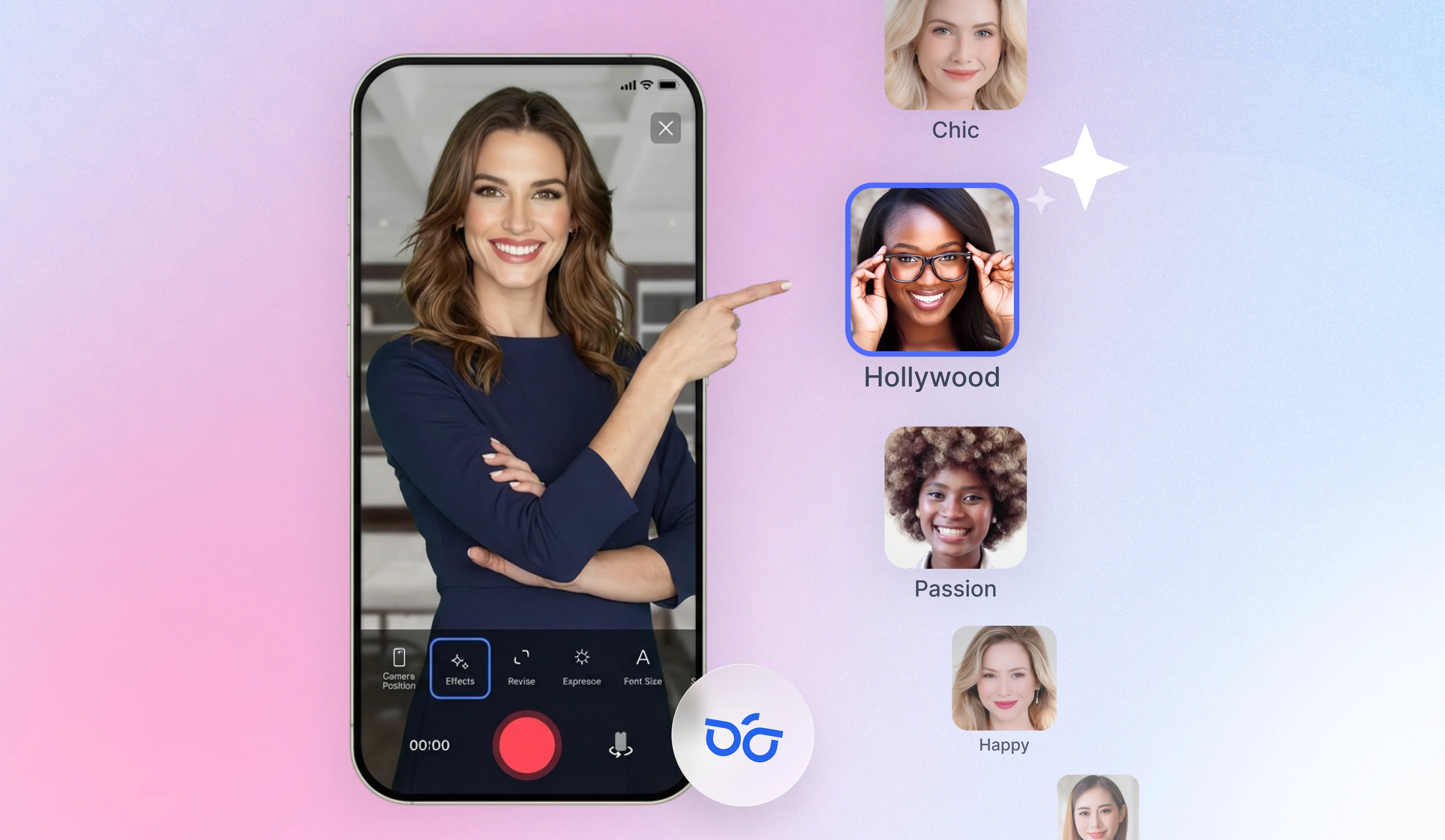
With BIGVU you can record in 4K, 1080p, or 720p, switch aspect ratio inside the Video Maker, auto-crop to vertical with subject tracking, and design matching thumbnails — all in one place. Sign up free and put the right size to work.