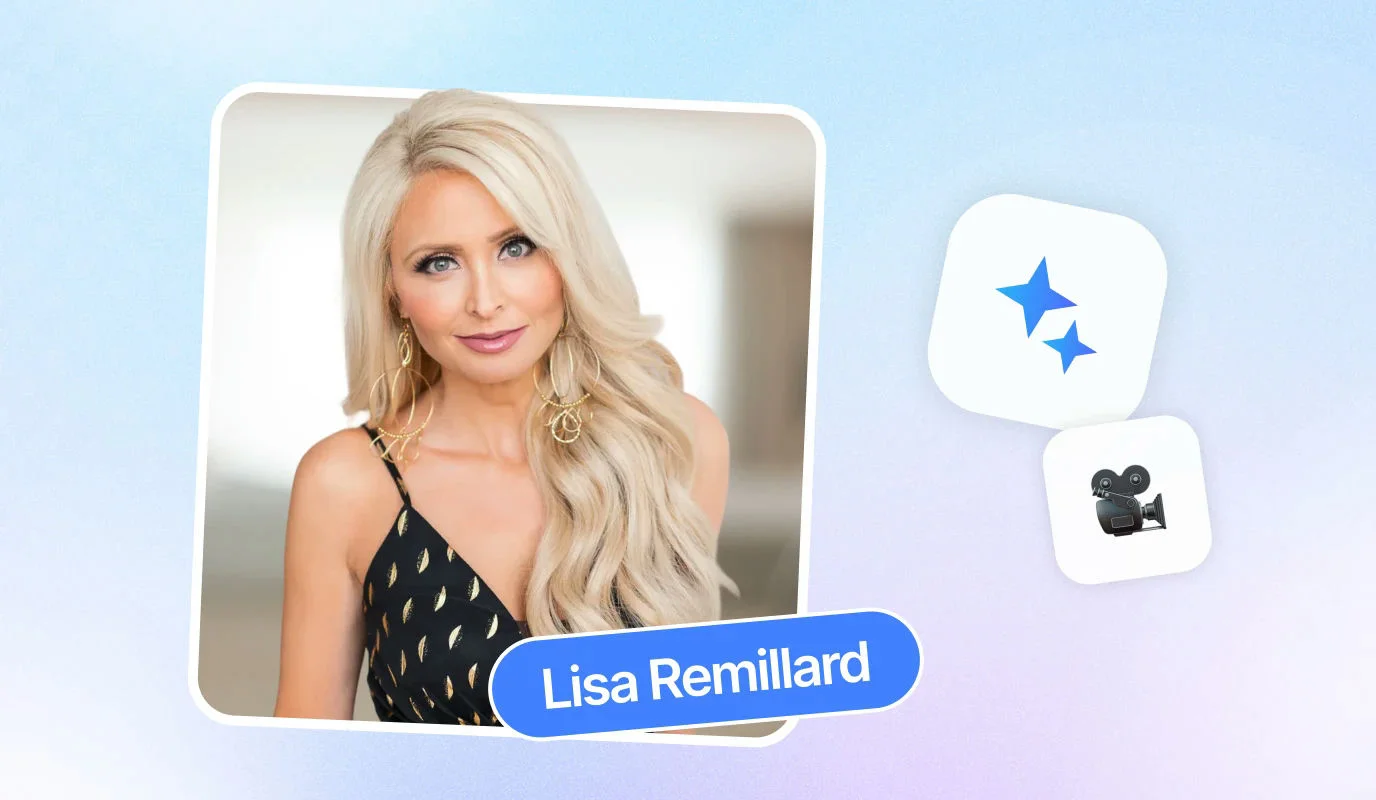
Scripting for the Ear: Mastering Conversational Delivery
Writing for a screen is fundamentally different from writing for a page. As Sharon Delaney McCloud emphasizes, "You must write your content for conversational spoken word, not for reading." When you write for the ear, you prioritize how words sound and feel, ensuring your message lands with impact rather than getting lost in complex syntax. If your script feels like a formal document, your delivery will feel like a lecture.
The Art of the Conversational Script
To bridge the gap between you and your viewer, your script must mirror natural speech. This means ditching formal jargon in favor of active voice and simple sentence structures. If a sentence is too long to say in one breath, it is too long for your script. Your goal is to be understood immediately, not to impress with vocabulary.
- Use Active Voice: Instead of saying "The report was finished by the team," say "The team finished the report." It is punchier and more direct.
- Keep it Simple: Use words you would use in a coffee shop conversation. Avoid "utilize" when "use" works perfectly.
- Write in Fragments: Natural speech isn't always grammatically perfect. Short, punchy fragments help maintain a dynamic pace and prevent you from sounding robotic.
Executing with Precision: The Teleprompter Advantage
Once your script is conversational, the next step is delivery. Using a tool like the BIGVU teleprompter allows you to stay on track without losing that crucial eye contact with your lens. Here is how to master the setup:
- Upload your script: Break your text into small, digestible chunks to make it easier to read at a glance.
- Adjust the scroll speed: Set the text to match your natural speaking pace, allowing for strategic pauses and emphasis.
- Position for eye contact: Keep the text as close to the camera lens as possible so your eyes don't appear to be scanning the screen.
Finally, remember that accessibility is key to engagement. Adding captions to your videos ensures that even those watching on mute can follow your story. By scripting for the ear and leveraging the right tools, you transform a dry presentation into a compelling, professional conversation that resonates with your audience.
![[object Object]](/blog/images/airtable/section1-master-your-virtual-presentations-pro-tips-for.webp)
Command the Digital Stage with Vocal Variety and Body Language.
While your script provides the foundation, your delivery builds the house. Research shows that 55% of your message is conveyed through body movements and 38% through vocal delivery, leaving only 7% to the actual words. To command the digital stage, you must align your physical presence with your message to build trust and authority.
The Power of Vocal Variety
Your voice is an instrument that requires intentional tuning. Avoid the common pitfalls of "up-speak"—ending sentences on a high note that sounds like a question—and "vocal fry," that gravelly tone at the end of a breath. As Sharon Delaney McCloud notes, "You cannot fry your voice if you're speaking at the appropriate volume."
- Control Your Pace: Speaking at a slightly slower pace increases your perceived competence and confidence in the eyes of your audience.
- Embrace the Pause: Use strategic silence to let key points sink in rather than filling gaps with filler words like "um" or "uh."
- Project Volume: Speak as if you are addressing someone across a room to maintain energy and prevent vocal strain.
Visual Cues for Virtual Authority
In a virtual setting, your "stage" is limited to the camera frame. You must be purposeful with your movements to appear approachable and engaged. "When you show the inside of your palms," McCloud explains, "you're showing a vulnerable place which makes you immediately more approachable."
- Find Your Safe Zone: Keep your gestures within the camera frame, generally between your waist and chest, so they are visible but not distracting.
- Maintain Eye Contact: Look directly into the camera lens, not at your own image on the screen, to create a genuine connection with the viewer.
- Check Your Posture: Sit or stand tall to open your diaphragm, which improves both your visual presence and your vocal projection.
Finally, remember to smile. It is the simplest way to appear approachable and human behind a digital screen. When you combine vocal control with intentional movement, you transform from a talking head into a commanding professional presence that resonates with your audience.
![[object Object]](/blog/images/airtable/section2-master-your-virtual-presentations-pro-tips-for.webp)
Perfect Your Virtual Environment and Technical Setup for a Professional Finish.
Your delivery and script are only as effective as the frame they sit in. As Sharon Delaney McCloud notes, "Moving forward, whether you like it or not, you are now a broadcaster." This means your workspace is no longer just an office; it is a production studio. To ensure your audience focuses on your message rather than your background, you must curate a professional environment that minimizes distractions and maximizes clarity.
Optimizing Your Visual Frame
The most common technical mistake is poor lighting. Always ensure your primary light source is in front of you, not behind you, to avoid appearing as a silhouette. Position your camera at eye level to create a natural, face-to-face feel. If you are using a laptop, use a stand or a stack of books to raise the lens so you aren't looking down at your viewers.
- Face the Light: Position your desk toward a window or use a ring light to illuminate your face evenly.
- Manage Glare: If you wear glasses, tilt the frames slightly or adjust your light angle to prevent distracting reflections on the lenses.
- Background Check: Choose an uncluttered, professional backdrop that reinforces your authority without competing for the viewer's attention.
Dressing for the Digital Lens
What you wear impacts how the camera perceives your professional image. Opt for solid, bright jewel tones like sapphire blue or emerald green, which look crisp on screen. Avoid busy patterns that can cause a "shimmering" effect on camera. However, the most important element isn't the fabric. As McCloud asserts, "The number one thing you need to wear is your confidence."
Technical Pre-Flight Checklist
Before hitting the "Go Live" or "Record" button, run through these essential steps to ensure a seamless presentation:
- Test Your Audio: Use a dedicated microphone if possible; clear audio is often more important than high-definition video for retention.
- Set to Landscape: Ensure your device is in landscape mode for a professional, cinematic feel that fills the viewer's screen.
- Check Your Framing: Center yourself in the frame with a small amount of "headroom" above you to avoid looking cramped.
Mastering these technical nuances transforms your virtual presence from amateur to expert. Remember, every presentation is an opportunity to audition for your next promotion. By combining a conversational script, commanding body language, and a polished technical setup, you position yourself as a leader in the hybrid work era.
![[object Object]](/blog/images/airtable/section3-master-your-virtual-presentations-pro-tips-for.webp)