Why Camera Presence Affects Whether Clients Hire You
The trust gap no one talks about
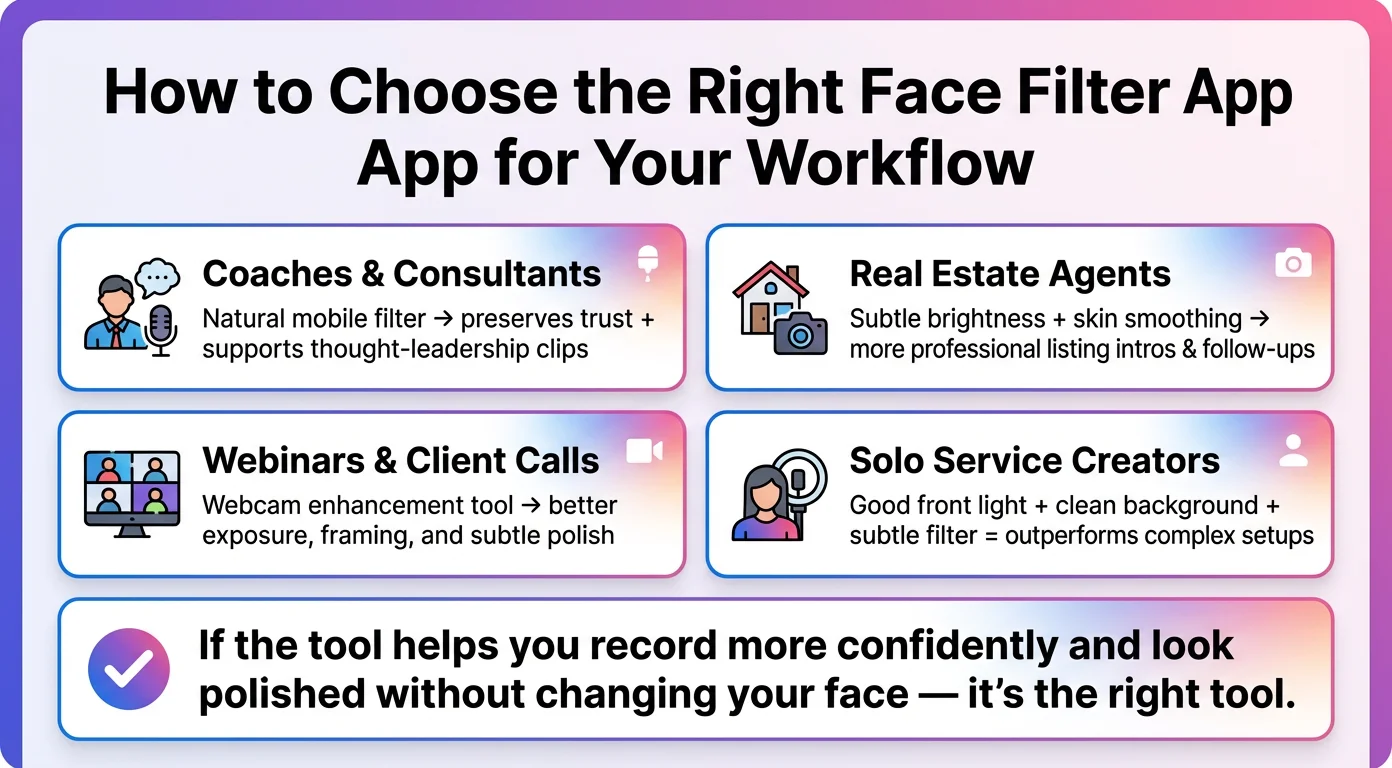
When someone watches your video, they're running a background check — not on your credentials, but on whether you seem real, competent, and like someone they'd want in their corner. Research on thin-slicing suggests people form strong impressions within seconds. Poor camera presence doesn't just look bad; it creates doubt where there should be confidence.
For coaches and consultants selling high-ticket programs, that doubt can cost a sale before the first sales call. For real estate agents sending listing videos or introduction clips to buyers, it can mean a referral partner quietly chooses someone else.
What "looking bad" actually signals to a viewer
A dark, noisy, or visually cluttered recording doesn't just look low-effort — it signals low preparation. Clients who are evaluating whether to trust you with a $500K home purchase or a $10K coaching program are making judgment calls about your attention to detail. Your video setup is part of that data.
The goal isn't to look like a TV anchor. It's to remove the visual friction that pulls attention away from your message and weakens the credibility of what you're saying.
How often your face is on screen in a service business
If you use video for any of the following — listing intros, sales page VSLs, onboarding videos, email follow-ups, social content, webinars, or client welcome messages — your camera presence compounds over time. Every video is a small vote for or against your brand. A consistent, polished look builds trust faster than any single high-production piece.
![[object Object]](/blog/images/airtable/section1-look-better-camera-face-filter-apps-setup-tips-coaches-consu.webp)
What Actually Makes You Look Bad on Camera (Before Filters Enter the Picture)
Lighting is the single biggest variable
A face filter can't save bad lighting. If you're backlit — sitting in front of a window — your face becomes a silhouette. If your only light source is overhead, it creates harsh shadows under your eyes and nose that no amount of smoothing will fix. The practical solution: face a soft light source. A window works perfectly. A $30 ring light works even better. Front-facing light flattens shadows, makes skin look more even, and reduces the need for any post-processing.
Camera angle changes everything about how you read on screen
Most people position their laptop camera at desk level, which means the camera is shooting slightly upward. This angle is unflattering for nearly everyone and makes it harder to hold eye contact with the viewer. Raise your screen — a stack of books, a laptop stand, a small tripod — so the lens sits at or just above your eye line. That one adjustment tends to make more of a difference than any filter.
Webcam quality sets the ceiling
A strong filter on a low-quality webcam still produces a low-quality image. Built-in laptop cameras have improved, but many still struggle in moderate light. If you're doing regular video content from a desktop, upgrading to a dedicated USB webcam — or using your phone's rear camera with an app like Camo — will give you noticeably sharper, better-exposed footage before you apply a single effect.
Background and framing
A cluttered or distracting background shifts visual attention away from you. It doesn't need to be a pristine studio — a clean wall, a bookshelf, or a simple backdrop works. Keep roughly two-thirds of the frame above your shoulders, and leave a small amount of headroom above your head. That framing looks deliberate and professional without any production value.
![[object Object]](/blog/images/airtable/section2-look-better-camera-face-filter-apps-setup-tips-coaches-consu.webp)
Best Face Filter Apps for Professional Video: Mobile, Desktop, and What to Avoid
BIGVU beauty filters — best for mobile recording workflows
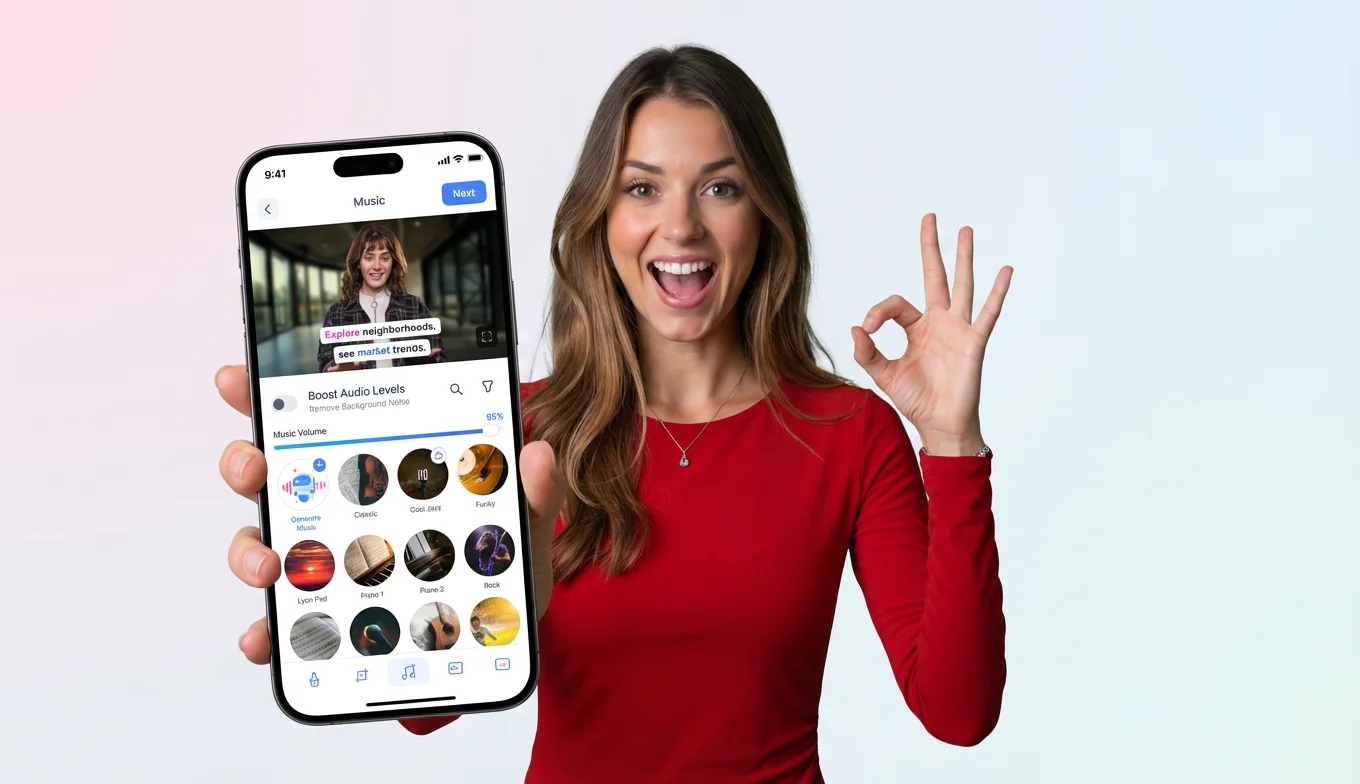
BIGVU's built-in face filters are designed for professionals who record content from their phone: listing videos, sales clips, educational content, quick follow-ups. The filters apply subtle skin smoothing and brightness correction directly within the recording app — you don't need to export to a separate tool. Because BIGVU's filters were built alongside a teleprompter and branding workflow, the filter doesn't sit in isolation; it's part of a complete take-and-publish setup. For coaches or agents who want to record once and be done, that matters. The effect stays in the natural range — it makes you look rested and well-lit, not retouched.
CyberLink YouCam — best for desktop meetings and live calls
YouCam applies real-time retouching to your webcam feed, which makes it useful for Zoom calls, webinars, and live video sessions where you want to look polished without editing after the fact. The controls are detailed — you can adjust smoothing, tone, and brightness independently. The risk is the same as with any face filter: dialing it up too high produces an obvious effect that reads as artificial. For coaches who run group calls or consultants who host regular client meetings, a subtle YouCam preset saved in advance is a low-friction way to show up consistently well.
Camo — best for improving raw webcam quality
Camo solves a different problem. It turns your iPhone into a high-quality webcam, giving you access to the rear camera's superior sensor, optical image stabilization, and exposure control. If your current issue is image softness, poor low-light performance, or a washed-out look — rather than skin texture — Camo addresses the root cause rather than layering a filter on top of a weak image. It pairs well with any video recording or conferencing tool that accepts a virtual camera input.
ManyCam — best for live presentations with production needs
ManyCam is the most feature-heavy option in this list, with virtual camera output, scene switching, overlays, and built-in filters. For coaches running live workshops or trainers doing multi-scene presentations, it adds genuine production capability. For a real estate agent recording a quick listing update from their phone, it's overkill. Match the tool to the actual complexity of what you're producing.
What to avoid
Any filter that noticeably alters your facial proportions, smooths skin to a plastic finish, or changes your skin tone should be treated as a liability in trust-based content. The viewer's brain notices — even if they can't articulate why — and it introduces a low-level friction into the credibility signal you're trying to build.
![[object Object]](/blog/images/airtable/section3-look-better-camera-face-filter-apps-setup-tips-coaches-consu.webp)
How BIGVU Combines Face Filters With Your Full Recording Workflow
The problem with using a separate filter app
Most professionals who try to add face filters to their recording process do it by adding another tool: record in one app, apply filters in another, export, bring into an editor, add captions, then brand. That chain is why content doesn't get made consistently. Every handoff is an opportunity to abandon the process.
How BIGVU keeps it in one place
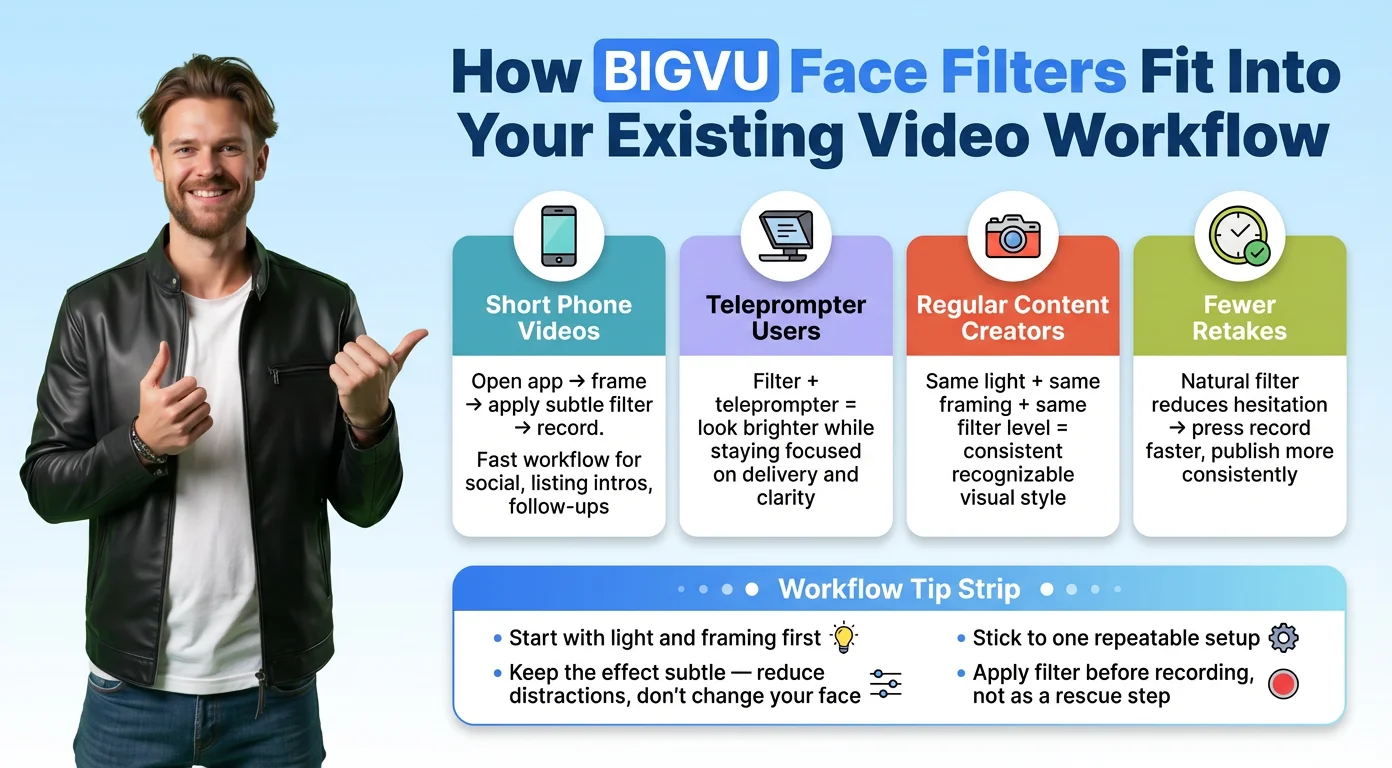
BIGVU's face filters work inside the same app where you use the teleprompter, add auto-captions, apply your logo and brand colors, and share to social or email. You apply a filter setting once, and it stays set for every recording. No exporting, no switching apps, no re-editing. For a real estate agent recording five listing updates in a week, that workflow consistency is what makes volume content sustainable. For a coach building a weekly video presence, it's what makes it stick.
Filters + teleprompter = fewer retakes
A large portion of retakes happen for two reasons: the recording went off-script, or the person didn't like how they looked. BIGVU's teleprompter addresses the first reason — your script scrolls at your pace directly over the camera, so you stay on message and maintain natural eye contact. The face filter addresses the second. When you feel more confident about your appearance, you press record faster, finish in fewer takes, and publish more often.
Maintaining consistency across your video library
Over time, consistency in how you look on camera becomes part of your brand. Viewers who watch multiple videos from you should see the same lighting, the same framing, the same level of polish. BIGVU's saved filter and branding settings make that repeatable without having to think about it every session — your logo placement, caption style, and filter level are locked in and apply automatically.
Camera Presence Checklist: 5 Things to Do Before Your Next Video
Run through this before every recording session. None of it takes more than two minutes once it becomes habit.
- Face your light source. Window or ring light, directly in front of you. No backlight.
- Raise your camera to eye level. Laptop stand, stack of books, small tripod — anything that brings the lens up to your eye line or just above it.
- Check your background. Remove visual clutter. A clean wall or simple backdrop keeps the focus on you.
- Set your filter before you press record. A subtle smoothing and brightness setting in BIGVU, saved as your default. It should make you look rested and well-lit — not retouched.
- Do a 10-second test clip. Watch it back on your phone at full volume in a quiet room. If you look and sound like yourself, just better, you're ready to record.
The goal is a setup you can repeat without thinking about it. Consistent camera presence compounds — every video you make from a reliable baseline builds the professional image that makes clients trust you before you've said a word.