Mastering Authentic AI Scripting and Your Personal Voice
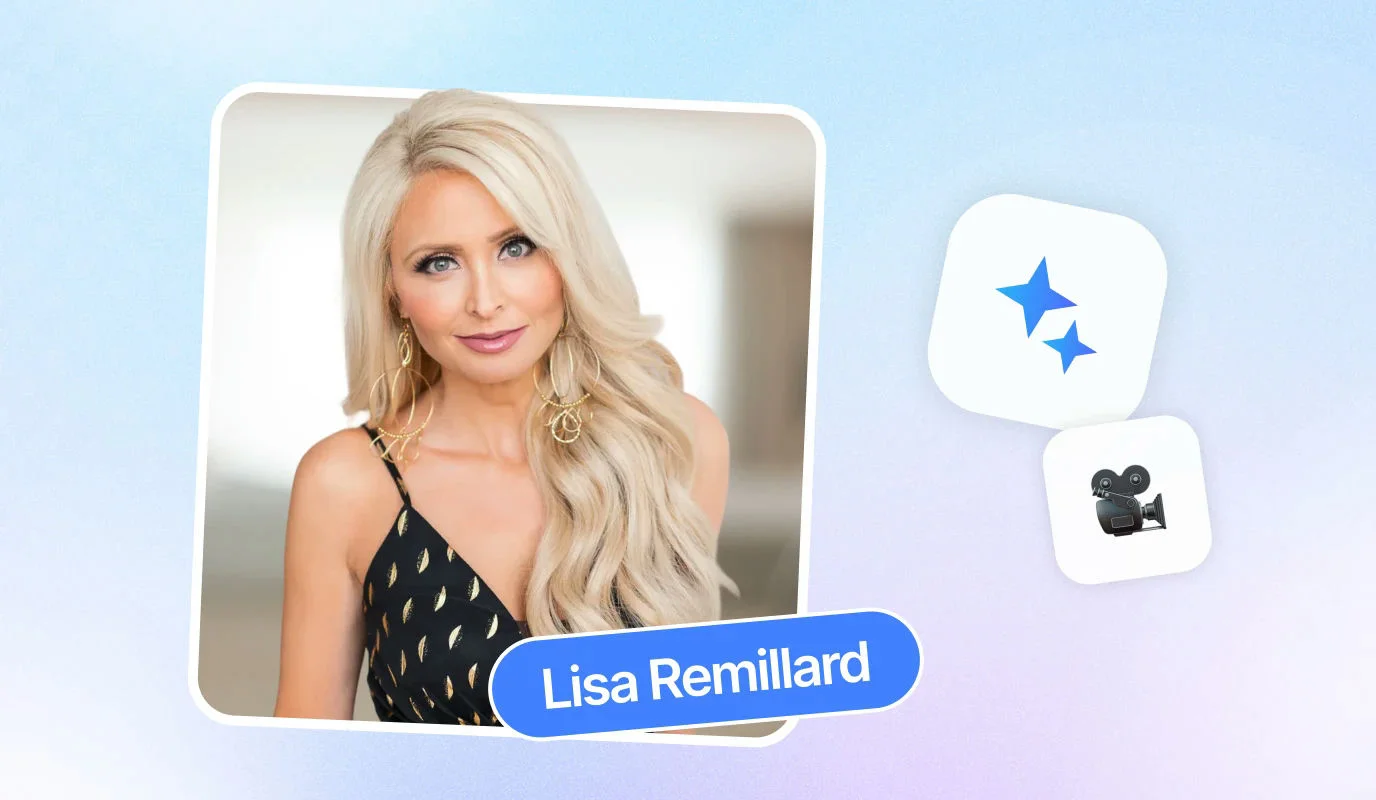
The biggest hurdle in video production is often the blank page. As Robert Kennedy III highlights, AI can transform a five-minute script from a daunting task into a 20-second reality. However, the secret to scaling isn't just speed; it's maintaining the "you" in the script. Without your personal touch, automated content risks feeling robotic and disconnected from your audience.
Training AI to Speak Your Language
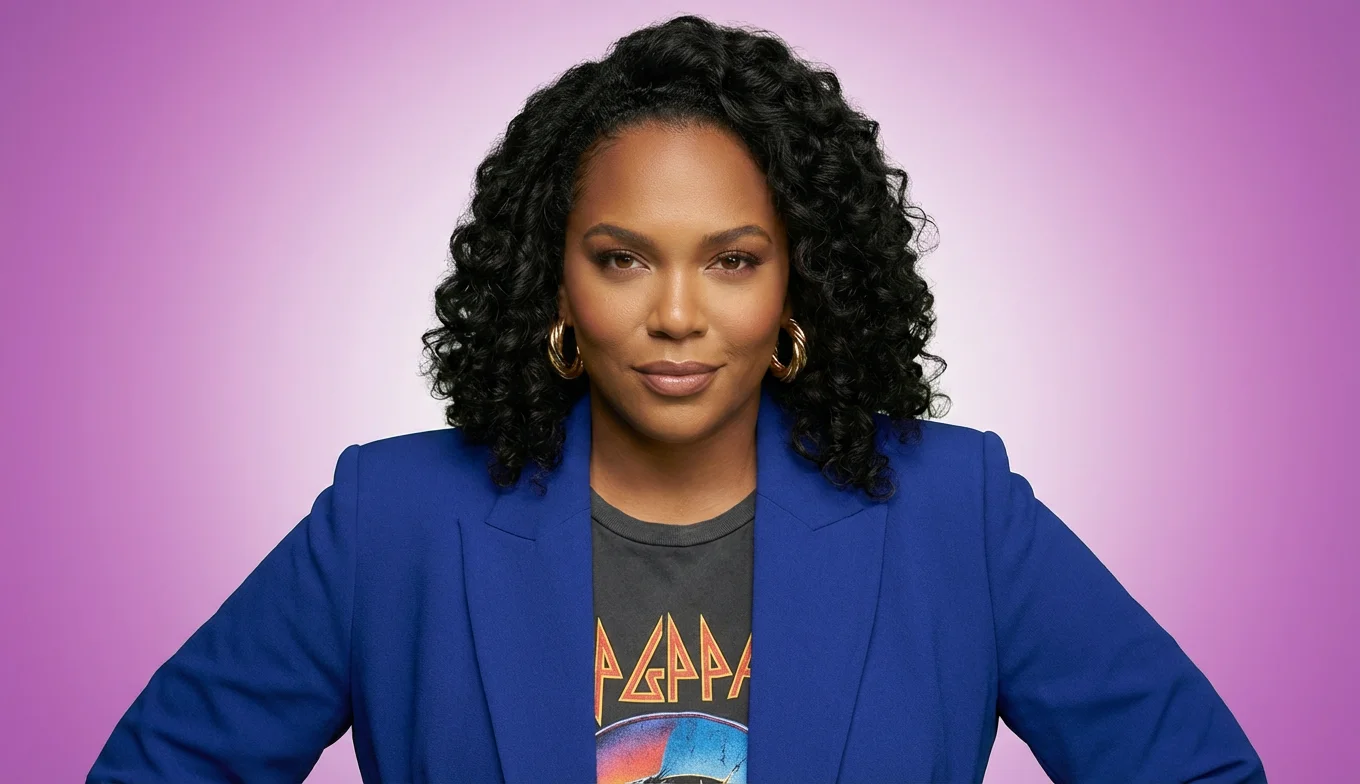
AI tools function best as a "creative director in your pocket," as Sharon Del McLeod describes. To avoid generic outputs, you must treat the AI as a thought partner rather than a total replacement. This means providing specific instructions and storytelling frameworks that mirror your natural communication style. As Cheryl Tan notes, the AI helps create the result you want based on your own initial ideas and bullet points.
- Define Your Audience: Before generating text, identify exactly who you are talking to so the AI can select the right vocabulary and resonance.
- Input Core Bullet Points: Feed the system your unique insights rather than asking it to guess your message from scratch.
- Set a Specific Tone: Explicitly instruct the AI to be "authoritative," "empathetic," or "humorous" to match your established brand voice.
A Step-by-Step Workflow for Rapid Scripting
- Identify the Goal: Determine the single most important takeaway for your viewer to prevent the script from drifting.
- Draft the Framework: Use the AI to expand your initial bullet points into a structured narrative that follows your personal storytelling flow.
- Humanize the Output: Review the script to ensure it remains focused. Lucy Griffiths emphasizes that scripting is vital for staying clear on "nervous" topics like money, ensuring you don't ramble.
- Refine and Iterate: If the first draft feels off, provide feedback. Robert Kennedy III warns that without clear instructions, the AI will simply "do what it wants."
By mastering this collaborative process, you can save over half an hour per video while ensuring every word resonates. This foundation of authentic scripting is what allows your AI avatar to deliver a performance that feels genuinely yours, even when you aren't in front of the camera.
![[object Object]](/blog/images/airtable/section1-how-to-scale-professional-video-production-using.webp)
Scaling Global Production with AI Avatars and Virtual Studios
Once your script is polished, the visual execution no longer requires a studio crew or hours of setup. AI avatars act as your digital twin, allowing you to produce professional-grade video content without ever stepping in front of a camera. This technology is particularly transformative for maintaining evergreen content; as Lucy Griffiths notes, using an AI avatar to update specific details like pricing or legislation in a course can save hours of re-recording and editing time.
Breaking Language and Logistical Barriers
Scaling globally requires accessibility. Modern AI tools support video production in up to 29 different languages, allowing you to reach international markets with a consistent personal brand. This removes the traditional hurdles of translation and local filming crews.
- Zero-Setup Production: Generate high-quality video assets from any location without needing lights, cameras, or microphones.
- Personalized Outreach: Create tailored video messages for individual clients or prospects at a scale that was previously impossible.
- Rapid Iteration: If a message needs to change, you simply update the text script and regenerate the video in minutes.
A Step-by-Step Guide to Creating Your Avatar
- Optimize Your Environment: Sharon Del McLeod emphasizes that credibility drops if facial expressions are unclear. Use a clean background and even lighting for your initial training video.
- Maintain Physical Stability: Keep your head steady and maintain direct eye contact with the lens to ensure the AI accurately maps your movements.
- Select Brand-Consistent Attire: Choose professional clothing that reflects your brand identity, as this avatar will be the face of your automated content.
Enhancing Professionalism in the Virtual Studio
A raw avatar video is only the foundation. To maximize engagement, you must leverage built-in editing features that cater to modern viewing habits. Robert Kennedy III highlights that captions are essential, as they allow users to engage with content in environments where they cannot turn the volume up.
- Dynamic Overlays and Graphics: Use visual breaks to keep viewers engaged and reinforce key learning points.
- Platform-Specific Formatting: Automatically adapt video aspect ratios for TikTok, LinkedIn, or YouTube to ensure maximum reach across channels.
- Audio Integration: Add background music and brand logos to create a polished, "high-production" feel without the high-production cost.
![[object Object]](/blog/images/airtable/section2-how-to-scale-professional-video-production-using.webp)
Maximizing Engagement and Reach with Automated Multi-Channel Distribution
Producing a high-quality video is only half the battle. To truly scale your brand, you must ensure your content reaches your audience wherever they spend their time. AI-driven distribution tools streamline this final stage, allowing you to transform a single master asset into a multi-platform campaign with minimal effort.
Tailoring Content for Every Platform
Consistency doesn't mean "one size fits all." Each social channel has unique requirements and user behaviors. As Robert Kennedy III highlights, "Captions are essential because they allow users to engage with content in environments where they cannot turn the volume up." Beyond accessibility, your content must feel native to the platform it lives on.
- Dynamic Aspect Ratios: Automatically adapt your video for TikTok, LinkedIn, or YouTube to ensure maximum visual impact and reach across different devices.
- AI-Optimized Metadata: Generate platform-specific titles and descriptions that leverage SEO to improve discoverability and engagement.
- Visual Retention: Use overlays to maintain attention. Lucy Griffiths notes that "using overlays and graphics is vital to keep them engaged so they actually learn and take action."
A Step-by-Step Workflow for Global Reach
- Prepare the Master File: Finalize your AI avatar video with integrated brand logos and background music for a professional, high-production finish.
- Automate the Variants: Use AI tools to generate different versions of your video, each optimized for the specific technical specs and aspect ratios of your target channels.
- Schedule Your Distribution: Plan your posts across multiple platforms simultaneously, ensuring a steady stream of content without the need for manual daily uploads.
- Leverage Community Resources: Do not work in a vacuum. Use available tutorials and community support to stay updated on the latest AI distribution features and best practices.
Ultimately, AI is a productivity tool designed to amplify your reach, not replace your unique perspective. By automating the technical hurdles of distribution, you free up time to focus on high-level strategy and audience connection. As Cheryl Tan emphasizes, AI is a "thought partner" that helps you achieve the professional results you want based on your own creative vision and initial ideas.
![[object Object]](/blog/images/airtable/section3-how-to-scale-professional-video-production-using.webp)