
What Is Creator Decoder?
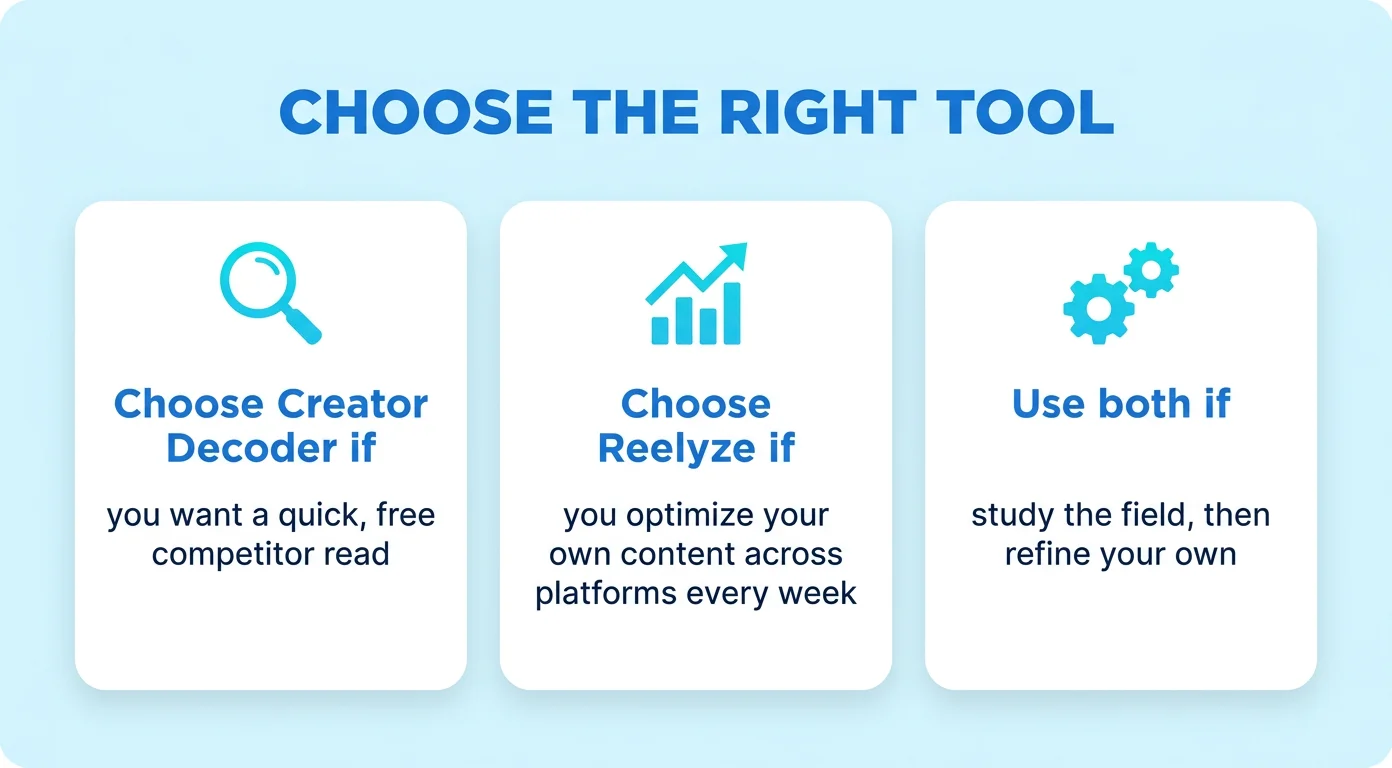
Creator Decoder is a free tool that reverse-engineers any public Instagram creator's recent reels. You paste a handle and it reads roughly the last 20 reels the way an analyst would, pulling the verbatim opening hooks, the real view and engagement numbers (measured, not estimated), the editing rhythm, posting cadence, and the call to action behind each one.
Its signature move is the "them vs you" comparison: it stacks a creator's playbook against your own account and even rewrites their best-performing hooks in your style. Because it reads a whole recent-reels set at once, it's built for competitive pattern-spotting, helping you understand why a rival's content works before you plan your own. It's focused on Instagram reels and runs in about a minute with no setup.
![[object Object]](/blog/images/airtable/section1-creator-decoder-vs-reelyze-ai-reel-analyzer.webp)
What Is Reelyze?
Reelyze is an AI reel analyzer that diagnoses short-form videos frame-by-frame and explains why they under- or over-perform. It scores hook strength and first-three-second retention, evaluates scene-by-scene pacing, flags timestamped drop-off points with the likely cause, and checks audio-visual alignment, then turns that into fixes you can apply before posting.
It works across Instagram Reels, TikTok and YouTube Shorts, and goes beyond a single teardown. It can auto-sync your Instagram account for derived metrics like save rate and share rate, track competitor accounts over time, surface trending formats in your niche, generate scripts (hooks, beats, CTAs, captions, hashtags), add AI voiceover via an ElevenLabs integration, and give ongoing recommendations through an "AI Coach." Pricing is freemium: a free tier (1 analysis, 1 script) up to Creator ($19/month), Pro ($49/month) and Studio ($149/month) plans, each with a 7-day trial.
![[object Object]](/blog/images/airtable/section2-creator-decoder-vs-reelyze-ai-reel-analyzer.webp)
Creator Decoder vs Reelyze: Head-to-Head
Here's how the two compare at a glance:
| Creator Decoder | Reelyze | |
|---|---|---|
| Best for | Quick competitor teardown | Ongoing self-optimization |
| Platforms | Instagram Reels | IG, TikTok, Shorts |
| Analyzes | Hooks, real numbers, cut pace, the ask | Hook score, retention, drop-off, pacing |
| Your content | Compared vs a chosen creator | Auto-synced + AI Coach |
| Competitors | Any public handle, free | 2–5 accounts (paid) |
| Creates | Rewrites your hooks | Full scripts + AI voiceover |
| Setup | Paste a handle, no login | Sign up + connect account |
| Price | Free | Free tier; $19–$149/mo |
The pattern is clear. Creator Decoder optimizes for speed and competitive breadth: free, instant, and built to show you what a rival does that you don't. Reelyze optimizes for depth and continuity: a paid workspace that grades your own videos, tracks progress over time, and even helps produce the next script. Neither is simply "better"; they're aimed at different moments in the workflow.
![[object Object]](/blog/images/airtable/section3-creator-decoder-vs-reelyze-ai-reel-analyzer.webp)
Which One Should You Use?
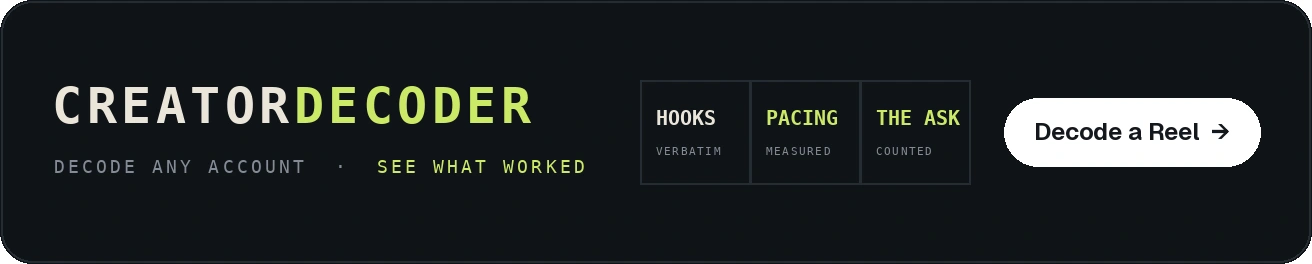
Choose Creator Decoder if…
You want a quick, free read on why a competitor's Instagram reels are working, you care most about hooks and the "them vs you" gap, and you'd rather not sign up or manage a subscription. It's ideal for a monthly competitive audit or a fast gut-check before you plan a batch of content.
Choose Reelyze if…
You post short-form regularly across more than one platform, you want frame-by-frame diagnostics on your own videos (retention, drop-off, save and share rates), and you'll actually use ongoing coaching, script generation and voiceover. It's the better fit for a creator or team treating video as a weekly system.
Use both if…
Many people will. Creator Decoder is a sharp, zero-cost way to study the field and borrow proven hook structures; Reelyze is where you then pressure-test and refine your own output over time. Used together, one points you at what's working out there, and the other makes sure your version lands.
The Step Neither Tool Does: Making the Video
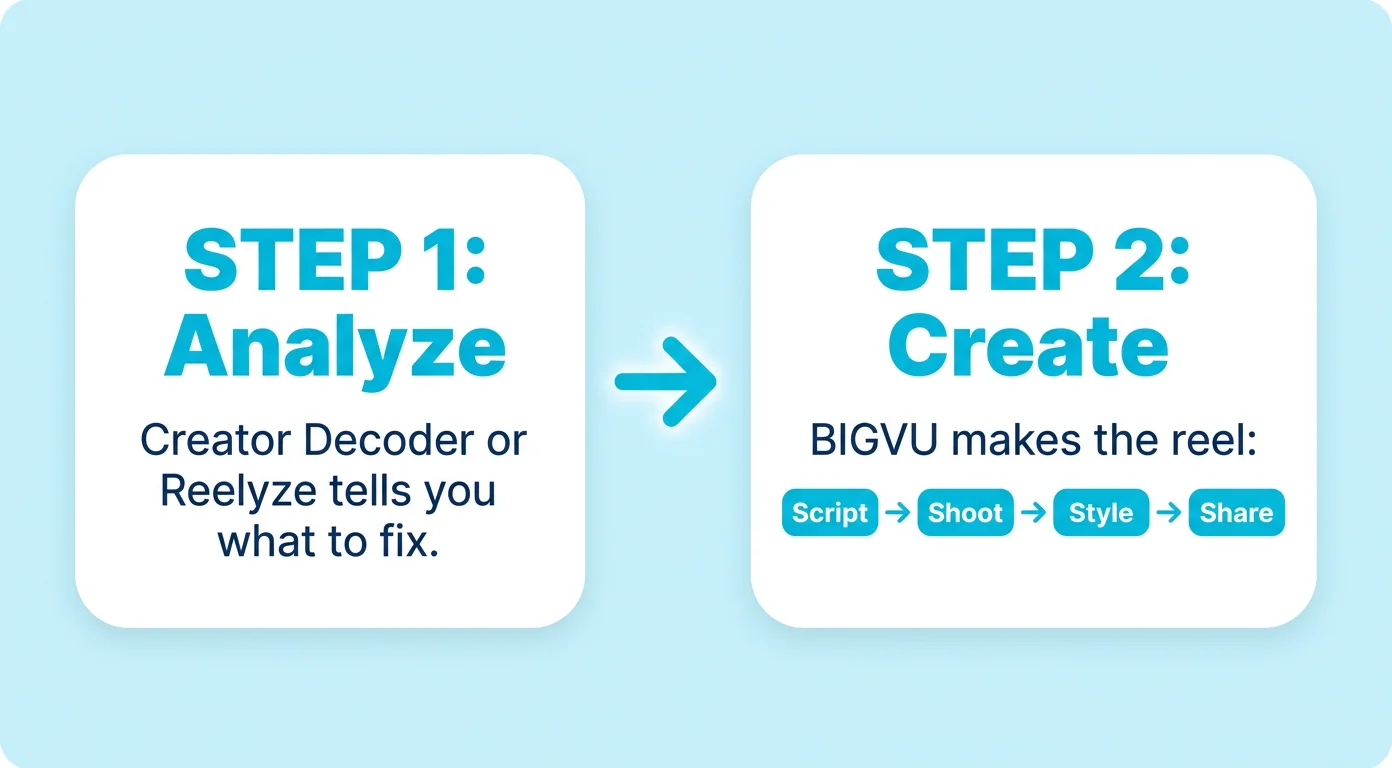
Here's the honest limit of any analyzer: it can tell you your hook is weak, your captions are missing, or your ask is buried, but it won't plan, script, shoot or caption the reel for you. That's where BIGVU comes in.
Start with the Content Planner. Instead of acting on one teardown at a time, it turns your audience, brand and messaging into a ready-to-shoot content calendar, then guides each idea from hook to script to finished video. The patterns you spot in Creator Decoder or Reelyze become a steady posting plan rather than a one-off fix.
From there the rest of the workflow lives in the same place: draft openers with the AI Script Generator, deliver them to camera with the Online Teleprompter, add styled captions with the AI Subtitle Generator, and turn listing or product photos into video with Fototale. Analyze with whichever tool fits your workflow, then plan and produce it in BIGVU.