BIGVU: Built for Real Estate Agents Who Need to Talk to Camera Between Showings
BIGVU is a mobile-first video tool designed around the workflow of someone who has fifteen minutes between a listing appointment and a closing call. It handles the full loop — script, record, caption, brand, publish — from a phone or browser, so an agent can film a market update in the parking lot and post it before their next meeting.
Factor 1 — A Teleprompter Built Into the Camera
The single biggest reason agents feel "weird on camera" is that they have nothing to read from. They memorize three lines, forget the fourth, and start over. Or they prop up a tablet with a separate teleprompter app, glance sideways, and look like they're reading off a tablet — because they are.
BIGVU puts a scrolling teleprompter directly over the front-facing camera. Agents paste a script, set the scroll speed, and speak naturally while looking straight at the lens. When paired with AI eye contact correction, the gaze stays fixed on the viewer even if the eyes drift to track the script. The result is a video that feels direct and confident — the same delivery agents get from years of in-person listing presentations, without memorization.
Factor 2 — AI Script Writing for the Scripts Agents Actually Need
"I don't know what to say" is the second most common blocker. A blank page is harder to beat than a shaky hand.
BIGVU's AI script writing generates the scripts agents actually write in a week: monthly market updates, neighborhood tours, just-listed announcements, just-sold congratulations, buyer education shorts, FSBO outreach, expired-listing follow-ups. It's tuned for spoken delivery — short sentences, natural pauses, pronounceable numbers — not written prose that sounds stiff when read aloud. An agent picks the topic, adjusts the tone, and has a shootable 60-second script in under a minute.
Factor 3 — Multilingual Auto-Captions With Branding Applied Automatically
80% of social video is watched with the sound off. Captions are not optional, and they are not a design element — they're the video. BIGVU auto-generates multilingual captions directly from the recorded audio, with styled subtitle presets agents can apply in one tap.
Branding is just as automatic. BIGVU ships with pre-built Brand Kits for eXp Realty, RE/MAX, Keller Williams, Coldwell Banker, and Century 21, and any agent can upload their own logo, colors, and fonts once and have them applied to every video from that point forward. Intro, logo overlay, outro, caption color: all set-and-forget.
Pain → Benefit: Agents stop juggling a teleprompter app, a caption app, and a branding app. One tool handles the whole recorded-video loop so the between-appointment window is actually usable.
Start your free trial → Try BIGVU free
![[object Object]](/blog/images/airtable/section1-canva-versus-bigvu-real-estate-agents-video-tool-wins-2026.webp)
Canva for Real Estate: Great for Flyers, Honestly Limited for Video
Canva is the most widely adopted design tool in real estate and it earned that position fairly. The template library is massive, the drag-and-drop editor is genuinely easy, and any agent can be turning out polished flyers in ten minutes with zero design background. "Just use Canva" is the default advice in every agent Facebook group for a reason.
The partnerships matter
Two of the biggest brokerages in the country built Canva into their core tech stack. eXp Realty gives every U.S. agent a full Canva Enterprise account with the eXp Listings App, which pulls MLS data directly into pre-approved templates — agents update a price or a photo once and the change flows through every flyer, post, and brochure. Keller Williams signed a flagship partnership in 2025 that integrates Canva with KW Command for the same kind of listing-data autofill. For agents at these brokerages, Canva is not optional; it's already configured, branded, and part of how the company operates.
What real agents actually use Canva for
The clearest signal comes from what successful agents teach other agents. YouTube tutorials on "Canva for real estate" walk through Magic Expand to stretch headshots, BrandFetch apps to pull in brokerage logos, seamless five-slide Instagram carousels, multi-canvas files that keep flyers and social posts for one listing in a single document, and AI-generated mockups for lead magnets. These tutorials are excellent and they reflect real working habits. They also share one thing: none of them cover recording video of the agent talking to camera. Agents who film themselves don't reach for Canva — they reach for a teleprompter app, a phone, and something that will caption and brand the recording afterward.
Where the video editor fits
Canva's video editor was added in 2025 and it works well for assembling clips, adding music, and cutting short promo reels from existing footage. It's a respectable addition to a design platform. The question isn't whether it works — it's whether "a design platform with a video editor attached" is the right shape for an agent whose weekly content plan includes market updates, neighborhood tours, FSBO outreach, and just-listed walkthroughs delivered on camera. That's a different workflow, and the next section walks through what it actually looks like in each tool.
![[object Object]](/blog/images/airtable/section2-canva-versus-bigvu-real-estate-agents-video-tool-wins-2026.webp)
Making a Real Estate Video: The Workflow in Each Tool
Put both tools on the same assignment — "I want to publish a 60-second neighborhood update this afternoon, between my 2pm listing appointment and my 4:30 showing" — and the differences stop being abstract. Here's how each workflow actually runs.
Starting the script
The agent has five minutes in the car before their appointment. They need a short, spoken-style script about the market in their farm area.
In BIGVU: open AI script writing, pick "Monthly Market Update," enter the neighborhood name and a couple of data points, get back a 60-second script written for spoken delivery in under a minute.
In Canva: use Magic Write to generate copy, then manually rework it for spoken rhythm. Magic Write writes prose, not scripts — it reads fine on a flyer, but stiffens when read aloud on camera. Either way, the script lives in a Canva doc, not inside a teleprompter.
Recording with a script in view
This is where the tools diverge hardest.
In BIGVU: the teleprompter scrolls over the front-facing camera. Paste the script, set the speed, press record. AI eye contact correction keeps the gaze on the lens even when the eyes track the words. One take, done.
In Canva: there is no teleprompter. The documented workarounds are to memorize, run a separate teleprompter app on a tablet positioned next to the camera, or use a second monitor with third-party software overlaid on Canva's presenter view. Every flowprompter-style tutorial confirms the same thing: Canva doesn't offer this feature and the recommended path is a second device.
Turning listing photos into a video
The agent wants to follow the talking-head portion with a 20-second listing walkthrough built from MLS photos.
In BIGVU: Fototale takes the listing photos and produces a cinematic walkthrough automatically — pans, zooms, transitions, logo, captions, all applied. About three minutes from upload to finished clip.
In Canva: the video editor is a timeline. Drop photos in one by one, set durations, add transitions, layer text, apply branding manually. About thirty minutes to do the same thing — longer if the agent wants transitions that don't look like the default Canva template everyone recognizes.
Captioning the recorded audio
Both tools generate captions automatically. The question is whether the output is publishable on the first pass.
BIGVU's captions are tuned for spoken delivery and handle a wide range of languages, which matters in markets where agents serve Spanish, Portuguese, Mandarin, or Hebrew-speaking buyers.
Canva's captions work well on clean English studio speech but drop quality on proper nouns — street names, brokerage names, HOA terminology. We saw "BIGVU" come out as "BigView," and sentences broken into half-words like "The funny thing is it actually I makes me think about how the." Fixable, but every video now needs a caption cleanup pass before it's publishable.
Applying the brand and publishing
The agent wants their logo and brokerage colors on every piece of content, with one-tap publishing to Instagram, Facebook, and LinkedIn.
In BIGVU: brand logos, colors, fonts, and intros apply automatically once the Brand Kit is set up. Pre-built Brand Kits for eXp, RE/MAX, KW, Coldwell Banker, and Century 21 come ready-to-go. Publishing is one tap across platforms.
In Canva: the Brand Kit on the $15/mo Pro plan stores logos, colors, and fonts fine (the free tier has no Brand Kit at all — that's where logo storage is actually blocked for agents who "just use Canva" without paying). Publishing is export-then-post, which is fine for occasional content but breaks down at three or four videos a week.
Following up with a past client by video
Not part of the published video, but part of the same weekly workflow: sending a personalized 45-second video to a past client asking for a referral.
BIGVU includes personalized video emails with trackable landing pages. Record, send, see opens.
Canva is not in the video email category. Export the file, attach to Gmail, hope the client clicks.
The through-line: most of the friction in a Canva video workflow isn't that any single step is impossible — it's that the steps that should be one-click (teleprompter, captions, Fototale, video email) are instead second-app workarounds. For an agent producing one or two videos a month, that friction is tolerable. For an agent building video as a real marketing channel, it compounds every week.
![[object Object]](/blog/images/airtable/section3-canva-versus-bigvu-real-estate-agents-video-tool-wins-2026.webp)
Pricing, Plans, and Which Tool Is Right for You
Headline pricing looks similar. The real cost depends on what an agent actually needs to do.
Canva pricing for real estate agents (April 2026)
- Free ($0): 1.6 million+ templates, basic editor, 5GB storage. No Brand Kit at all — can't store logos, colors, or fonts. This is where most "I tried Canva" agents actually live.
- Pro ($15/mo or $120/yr, 1 user): Brand Kit, premium templates, Magic Resize, Magic Write, 100GB storage. Fine for a solo agent doing mostly static design.
- Business ($10/seat/mo annual, 3-seat minimum = $30/mo floor): Team collaboration, approval workflows, linked folders, up to 100 Brand Kits, 500GB per seat. Makes sense for teams, overkill for a solo agent.
- Enterprise (custom, typically $13K+/yr): What eXp and KW negotiate. Includes Connect API, SSO, the eXp Listings App, and the MLS-autofill integrations most agents are actually benefiting from without realizing it.
BIGVU pricing for real estate agents
BIGVU's entry tier covers what agents on Canva Pro would need to stack together: teleprompter, AI script writing, multilingual auto-captions, Brand Kit with logo storage, personalized video emails, and one-tap multi-platform publishing. For current plan details and feature tiers, see BIGVU pricing.
When BIGVU is the right choice
BIGVU fits the agent who wants video to become a real marketing channel, not an occasional experiment. Weekly market updates, neighborhood tours, just-listed walkthroughs, filmed between appointments rather than on a production day. Agents running marketing solo without a video editor on retainer are the clearest fit. So are agents who feel camera-shy and need a script in front of them to sound confident, agents who send video emails for listing alerts or past-client nurture, and agents farming in multilingual markets. Brokerages at eXp, RE/MAX, KW, Coldwell Banker, or Century 21 get pre-built Brand Kits ready on day one.
When Canva is the right choice
Canva stays the right call for any agent whose marketing is overwhelmingly static — flyers, listing presentations, brochures, open-house signage, social graphics, market-stat carousels. The template library is unmatched for that work. Agents at brokerages with a Canva Enterprise integration already in place get even more value because the MLS data auto-fills into approved templates. For a quick single-listing landing page without touching WordPress, Canva websites ship fast. Agents who only record video occasionally and don't mind running a separate teleprompter app on a tablet can make Canva's video editor work.
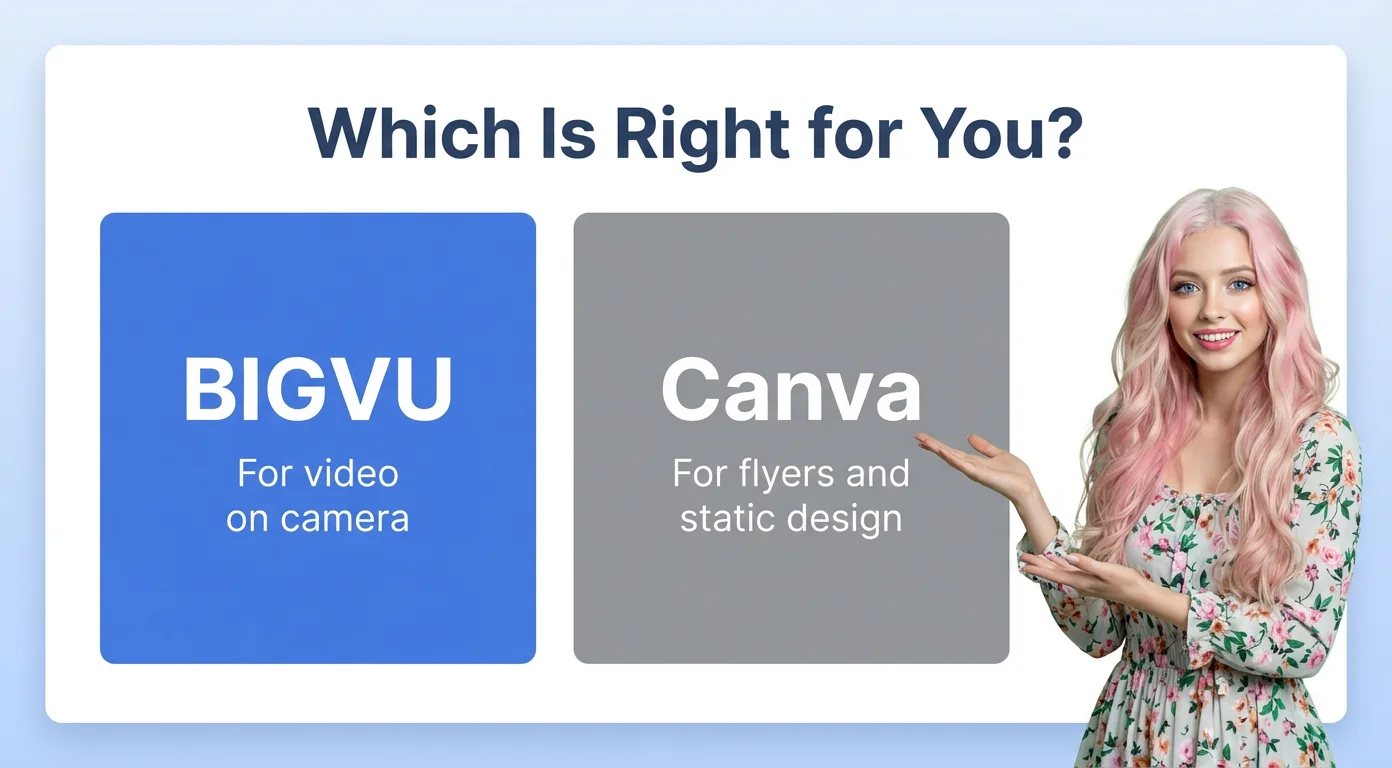
The honest answer: use both
Keep Canva for print and static social. Use BIGVU for anything where an agent speaks to camera. The agents who grow fastest in 2026 are the ones who stop treating video as a design problem and start treating it as a delivery problem — which is exactly the video editing for real estate agents workflow BIGVU was built around.
We've watched the patterns across 100,000+ realtors using BIGVU: the ones who publish weekly video for a quarter consistently outperform the ones who don't. The tool isn't the point — the consistency is. The tool just determines how sustainable the weekly habit actually is.
Ready to add video without adding hours to your week? Start your free BIGVU trial →
What Real Estate Agents Are Saying About BIGVU
Over 100,000 realtors are using BIGVU to film the kind of content their old workflow made impossible. A few themes come up again and again:
"Video is one of the key ways I connect with clients and agents. BIGVU simplifies the process, helps me organize my thoughts, stay focused, and deliver my message clearly without overthinking. It hasn't replaced how I build relationships. It just made creating consistent, confident video content a lot easier. And in today's world, that consistency really matters."
— James Cottrell, Realtor, eXp Realty
Join thousands of real estate agents using BIGVU to win more listings, stay top of mind with past clients, and build a personal brand that doesn't depend on finding spare hours in the week → Start Free Today