The Anatomy of an Effective AI Portrait Prompt
Every AI portrait generator relies on your input to produce a result. The more specific you are, the closer the output matches what your brand actually needs. But writing a great prompt from scratch isn't intuitive — most people either write too little (and get generic results) or too much (and confuse the AI). A well-structured portrait prompt has five core components.
First, the **subject description**: who this person is. Gender, age range, and appearance details give the AI a starting point. For brand use, think about who your audience relates to — a young professional in their 20s communicates differently than a senior executive in their 50s.
Second, **hair and styling**. This might sound minor, but hair style and color dramatically affect the perceived personality of a portrait. Straight dark brown hair reads differently than curly red or wavy pastel blue. The choice should match your brand's tone — corporate, creative, casual, or edgy.
Third, the **setting and background**. This is where brand context lives. A green-screen background gives you maximum flexibility for post-production. A modern office says "professional." A podcast studio says "thought leader." A city street or beach says "lifestyle brand." Gradient backgrounds (blue, pink, purple) work beautifully for clean social media content and website hero images.
Fourth, **style**. This is the visual treatment of the portrait itself. Photorealistic is the default for business use — natural skin texture, DSLR quality, lifelike detail. But brands targeting younger audiences might opt for a Pixar-style 3D character, an anime-inspired look, or a casual UGC selfie style that feels native to TikTok and Instagram. High-fashion editorial style works for beauty, lifestyle, and premium brands.
Fifth, **framing and composition**. An upper-body shot (waist up, arms visible, symmetrically centered) is the most versatile for brand content — it works on websites, social media, and video thumbnails. A headshot (shoulders up, face as the focus) is ideal for LinkedIn and team pages. Full-body portraits work for lifestyle and e-commerce content.
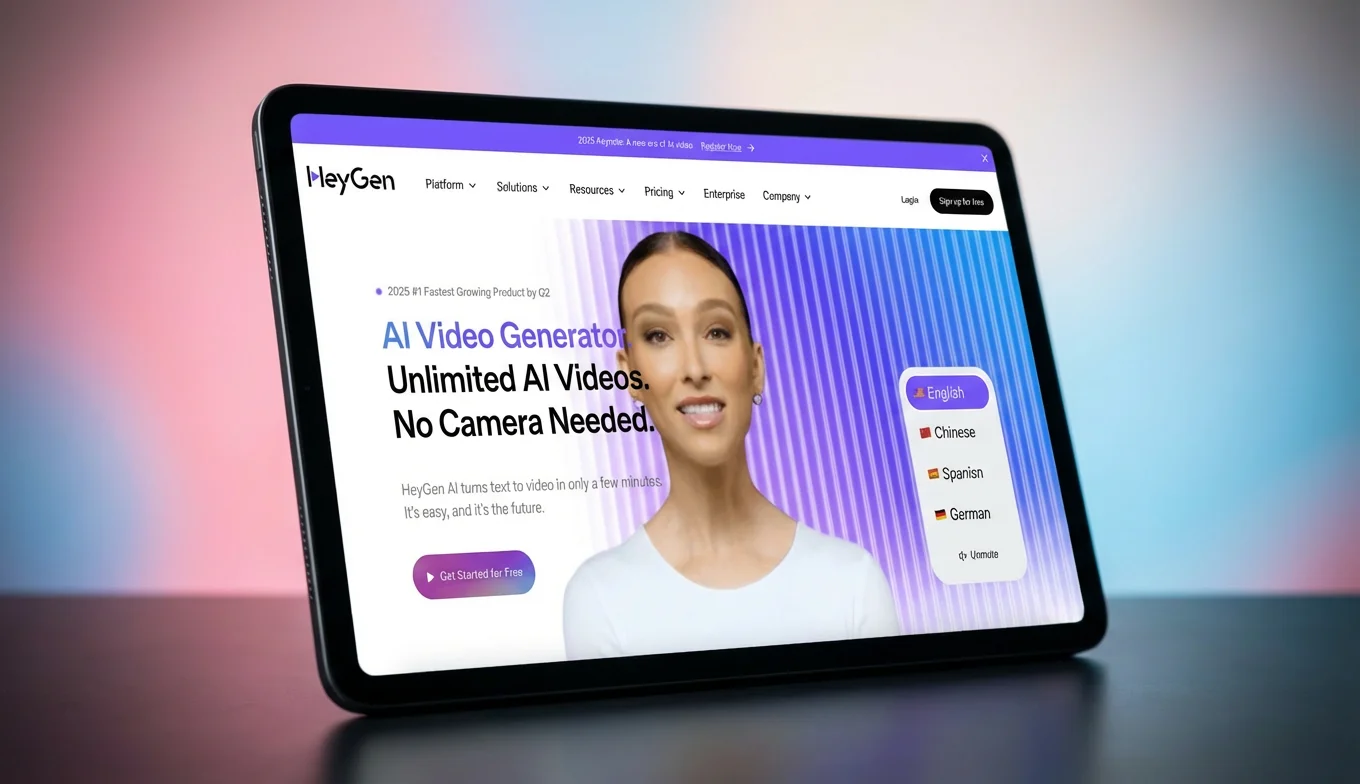
Tools like Synthesia let you prompt avatar outfits with hex color codes. HeyGen offers pre-built "Look Packs" for quick styling. Arcads focuses on demographic matching for UGC ad content. But each of these requires you to either write detailed prompts or stay locked into their avatar ecosystem.
![[object Object]](/blog/images/airtable/section1-best-ai-portrait-prompts-create-professional-brand-images.webp)
The Best AI Portrait Prompts by Use Case (With Templates)
Here are ready-to-use prompt structures organized by the scenarios brands encounter most. Each template covers all five elements so you can plug in your details and generate immediately.
**Corporate headshots and LinkedIn profiles.** The goal is clean, trustworthy, and approachable. Keep backgrounds simple, attire professional, and expressions warm.
_Template:_ "Photorealistic portrait of a [gender] in their [age range], [appearance], with [hair style and color], wearing a [professional outfit], against a [solid gradient or blurred office background], soft studio lighting, warm friendly expression, upper body framing with arms visible, DSLR quality"
_Example:_ "Photorealistic portrait of a woman in her 30s–40s, Caucasian/European appearance, with straight light brown hair, wearing a navy blazer over a white blouse, against a smooth light blue gradient background, soft studio lighting, natural confident smile, framed from the waist up, symmetrically centered"
**Social media and content creator portraits.** These need personality. Brighter settings, more expressive styling, and environments that tell a story.
_Template:_ "Casual UGC-style portrait of a [gender] in their [age range], [appearance], with [hair], wearing [casual/creative outfit], in a [lifestyle setting], natural daylight, authentic relaxed expression, smartphone camera look"
_Example:_ "Casual UGC-style selfie portrait of a young woman in her 20s, mixed/multiethnic appearance, with wavy pink hair, wearing a graphic tee and denim jacket, in a cozy living room with bookshelf and plants, warm ambient lighting, natural authentic look"
**Brand spokesperson and marketing assets.** Here you need visual consistency with your brand identity. Match colors, environments, and styling to your brand guidelines.
_Template:_ "High-fashion editorial portrait of a [gender] in their [age range], [appearance], with [hair], wearing [branded attire in brand colors], in a [branded environment], dramatic lighting, [holding product/prop if needed], vogue magazine style, upper body shot"
**Team page consistency.** The key is using identical settings, style, and framing while varying only the person. Create one master prompt and swap the subject details.
_Master template:_ "[Style] portrait of a [gender] in their [age range], [appearance], with [hair], wearing [company dress code], against a [same background for all], soft studio lighting, warm expression, upper body framing, symmetrically centered, DSLR quality"
Keep background, lighting, style, and framing locked — only change gender, age, appearance, and hair for each team member.
![[object Object]](/blog/images/airtable/section2-best-ai-portrait-prompts-create-professional-brand-images.webp)
Skip the Prompt Writing — Use BIGVU's Portrait Maker Instead
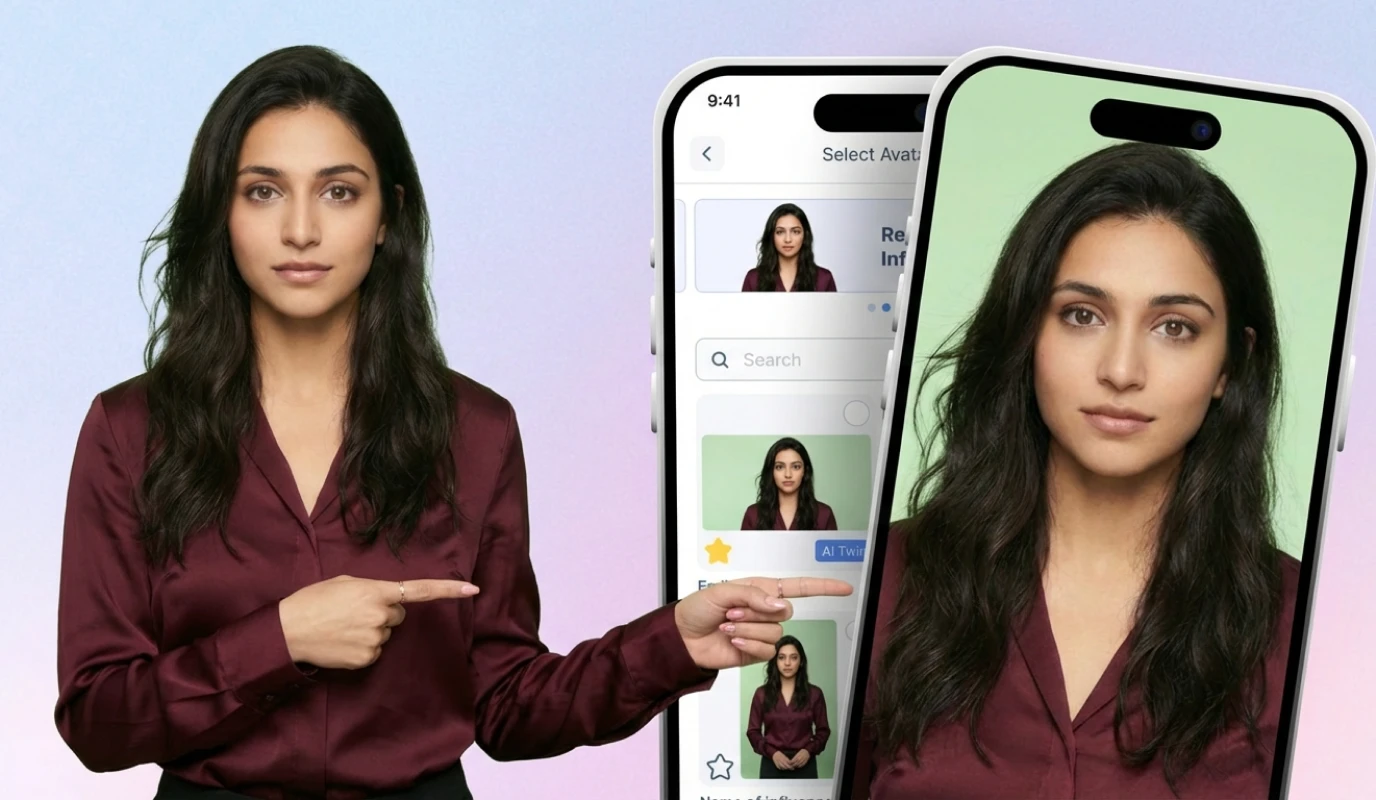
Writing prompts from scratch works, but it takes practice and iteration to get right. That's why BIGVU built the Portrait Maker — a visual tool that lets you create professional AI portraits by selecting options instead of writing descriptions.
Here's how it works. You open the Portrait Maker and see a set of pick-lists that cover every element a prompt needs. You select **gender** (male, female, or neutral), **age range** (from kid to senior), **appearance** (seven ethnicity options for diverse representation), and **hair** (18 options from straight black to wavy pastel blue to bald/buzz cut). Then you choose your **style** — photorealistic for business, high-fashion for premium brands, casual UGC for social media, or even Pixar, anime, and 3D cartoon for creative campaigns. Finally, you pick a **setting**: green screen for maximum flexibility, a podcast studio, a modern office, a home environment, outdoor park, city street, beach, inside a car for that authentic selfie angle, or clean gradient backgrounds in blue, pink, or purple.
You can also type a free-text description at the top to add specific details — for example, "Influencer in her 20s, working mom with dark long straight hair." The system combines your selections with your text to generate the portrait.
Every user gets up to three free portraits that are saved into a content bank for reuse. Once you have your portrait, the real power kicks in. BIGVU isn't just a portrait generator — it's a complete video creation platform. Your AI portrait can become a talking brand ambassador. Add a script using BIGVU's AI script writer or teleprompter, and the portrait transforms into a video spokesperson with natural lip sync and movement. The portrait can hold a product, display a phone screen with your app, or present in any branded setting you chose.
This is a fundamentally different approach from competitors. Synthesia requires you to use their avatar library or record footage of yourself. HeyGen locks you into their Look Packs and avatar models. Arcads focuses exclusively on ad creation. BIGVU gives you a complete workflow: create a portrait with visual controls, customize it to match your brand, and immediately turn it into video content — all from your phone or desktop.
For brands that want a consistent visual identity across video marketing, social media, sales outreach, and website content, the Portrait Maker eliminates both the prompt-writing learning curve and the need for multiple tools.