Best Video Face Filter Apps Compared
Here’s the short version before we dive into the full reviews.
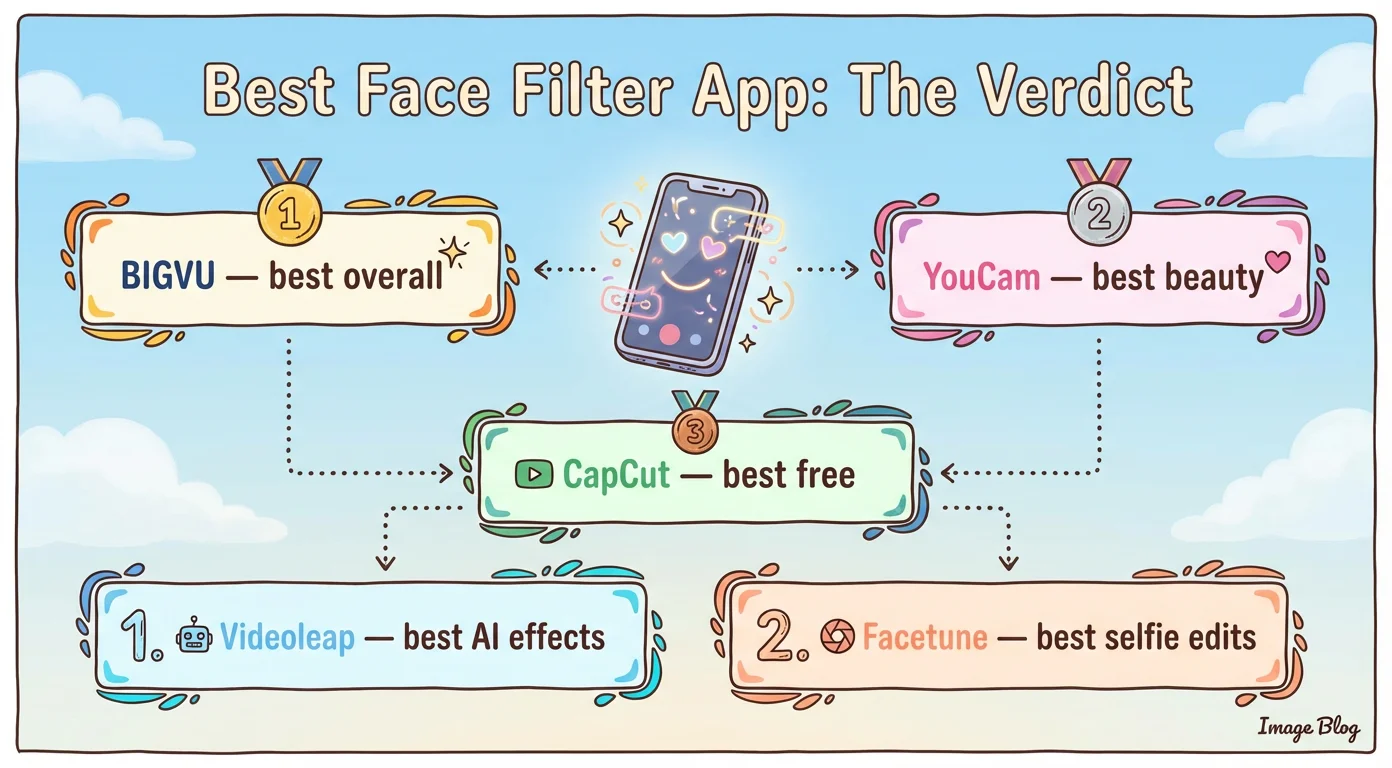
• BIGVU — best for professional talking-head videos, webinars, coaching videos, and business content.
• YouCam Video — best for advanced beauty retouching and makeup-style enhancements.
• CapCut — best free option for trendy social media edits and creative filters.
• Videoleap — best for fun AI effects and stylized transformations.
• Facetune — best for short selfie clips and detailed face retouching.
The right choice depends on how you record.
If you want to apply a face filter while recording video, you need a tool built for live video capture.
If you only want to retouch a clip after recording, an upload-and-edit app may be enough.
BIGVU — Best Face Filter App for Professional Video Recording
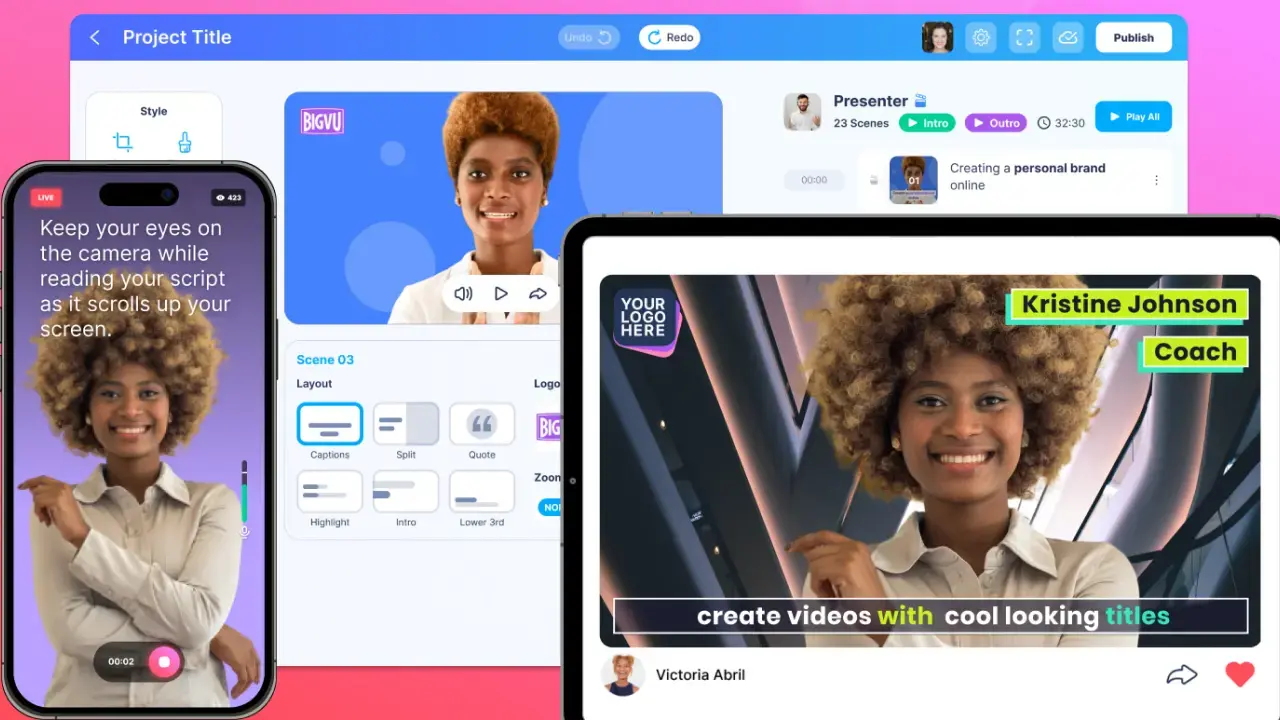
BIGVU stands out because it combines face filters with tools that help you actually deliver a better video. Instead of using one app for beautifying your face, another for reading your script, and another for editing, BIGVU brings everything together in one workflow. Its biggest advantage is the built-in teleprompter. If you create explainer videos, sales videos, coaching videos, training content, or social media updates, looking polished is only one part of the job. You also need to sound confident, keep eye contact, and stay on message. BIGVU helps with all of that. You can record with a script on-screen, enhance your appearance, and keep a natural look without overdoing the filter effect. BIGVU also works on the web, which makes it a strong option if you’re looking for a webcam filter app for business or creator content. Best for: creators, marketers, coaches, consultants, real estate professionals, and anyone recording professional selfie videos. What we like: • Live video recording with teleprompter support • Face enhancements for skin, teeth, nose, and overall appearance • Web and mobile access • Good fit for professional videos, not just entertainment content • Captions, editing, and publishing tools built in What to keep in mind: • Best value comes when you use the full workflow, not just the filter feature • Users looking only for beauty-style retouching may prefer a dedicated makeup-focused app How to use face filters in BIGVU: 1. Download BIGVU on iOS or Android, or open the web version. 2. Start a new recording in the teleprompter. 3. Tap Effects and choose the enhancement you want for skin, teeth, face shape, or nose. 4. Adjust the intensity slider for a more natural result. 5. Record your video and continue editing, captioning, or publishing inside the app. Pricing: BIGVU offers a free option for shorter recordings. Paid plans unlock longer recording time and advanced creation tools. Bottom line: BIGVU is the best option if you want a natural face filter app that also helps you speak confidently and create polished videos from start to finish.YouCam Video — Best for Beauty Retouching and Makeup Filters
YouCam Video is one of the strongest options if your top priority is facial enhancement. It offers beauty-focused retouching tools such as skin smoothing, makeup, lip color, teeth brightening, and facial adjustments. The results can look impressive, especially for selfie-style content. This app is a better fit for users who care most about appearance enhancement and less about the full video production workflow. Best for: beauty creators, selfie videos, and users who want more control over facial retouching. What we like: • Strong makeup and retouching tools • Good control over specific facial features • Clean mobile editing experience What to keep in mind: • No strong live recording workflow for professional video creation • Free export limits and feature restrictions can be limiting • Better for post-editing than live presentation videos Bottom line: If your goal is beauty enhancement first, YouCam Video is one of the best beauty filter apps for video recording — especially for selfie content.CapCut — Best Free Face Filter App for Social Media Creators
CapCut is one of the most popular free editing apps for short-form video, and it offers a wide variety of visual filters and effects. It’s especially useful for creators making TikToks, Reels, and other trend-driven content. Its strength is not face-specific beauty retouching. Instead, it shines as a free editor with lots of creative tools, templates, and filters that can help your videos look more dynamic. Best for: social media creators who want a free tool with lots of effects and templates. What we like: • Free to use • Large filter and effect library • Great for TikTok-style edits • Strong all-around editing toolkit What to keep in mind: • Less precise for detailed face retouching • Can feel overwhelming for beginners • Filters often affect the entire image, not only facial features Bottom line: CapCut is a great choice if you want a free editor with lots of creative options, but it’s not the most natural-looking option for subtle face enhancement.Videoleap — Best for AI Effects and Stylized Looks
Videoleap is a good option if you want fun, stylized AI transformations rather than realistic, professional-looking face enhancement. It can turn your selfie clips into more artistic or themed visuals and works well for creative experiments. Best for: creators who want AI effects, visual experimentation, and short-form entertainment content. What we like: • Fun AI effect options • Creative templates and stylized outputs • Useful for trend-based content What to keep in mind: • Less useful for natural professional videos • Short clip limitations may apply for some AI effects • Not ideal for business-facing camera content Bottom line: Videoleap is best for playful, visual transformation — not for subtle on-camera polish.Facetune — Best for Short Selfie Video Retouching
Facetune remains a recognizable name in face editing, and its video tools are useful for users who want to retouch short selfie clips with features such as smoothing, reshaping, makeup, and color editing. Best for: short selfie videos and users who want strong face-editing controls. What we like: • Detailed retouching options • Well-known interface style • Useful for quick appearance improvements What to keep in mind: • Short video limits can be restrictive • Mobile-first workflow • May feel too heavy-handed if you want a subtle, natural look Bottom line: Facetune is useful for short clips and detailed beauty edits, but it’s less suited for longer professional videos.![[object Object]](/blog/images/airtable/section1-video-face-filter-apps-complete-guide-top-5-apps.webp)
How to Choose the Best Face Filter App for Videos
Not all video face filter apps are built for the same purpose.
Before choosing one, ask yourself these questions.
• Do you need live recording or post-editing?
Some apps let you enhance your face while recording. Others require you to record first and upload the clip later.
• Do you want natural enhancement or dramatic transformation?
If you create professional content, subtle changes usually work better than strong beauty edits.
• Are you making business videos or entertainment content?
A tool that is great for TikTok trends may not be the best fit for webinars, tutorials, or sales videos.
• Do you need more than filters?
Many creators also need scripting, captions, resizing, editing, and publishing. In that case, an all-in-one platform may be more useful than a single-purpose filter app.
• What device do you use?
Some apps are mobile-only, while others also work on desktop or web.
If your goal is to look polished while speaking clearly on camera, prioritize tools that support live video recording, natural-looking enhancements, and a workflow built for talking-head content.
![[object Object]](/blog/images/airtable/section2-video-face-filter-apps-complete-guide-top-5-apps.webp)
Which Face Filter App Is Best for Different Use Cases?
Here’s our practical recommendation based on use case.
• Best for professional videos: BIGVU
• Best for beauty retouching: YouCam Video
• Best free option: CapCut
• Best for AI effects: Videoleap
• Best for short selfie retouching: Facetune
If you create business videos, educational content, coaching clips, social media explainers, or client-facing communication, BIGVU is the strongest overall choice because it improves both how you look and how you deliver your message.
If you mainly want beauty-focused retouching for short clips, YouCam Video or Facetune may be a better match.
And if you care most about free editing tools and social-style content, CapCut is hard to ignore.
The best app is the one that matches your content style, workflow, and audience expectations.
![[object Object]](/blog/images/airtable/section3-video-face-filter-apps-complete-guide-top-5-apps.webp)
How to Get the Most Natural Results From a Video Face Filter App
The best video face filters are the ones viewers barely notice.
A good filter should make you look more polished, not edited. If your skin looks overly smooth, your facial features look reshaped, or the lighting looks inconsistent from frame to frame, the result can feel artificial and distracting.
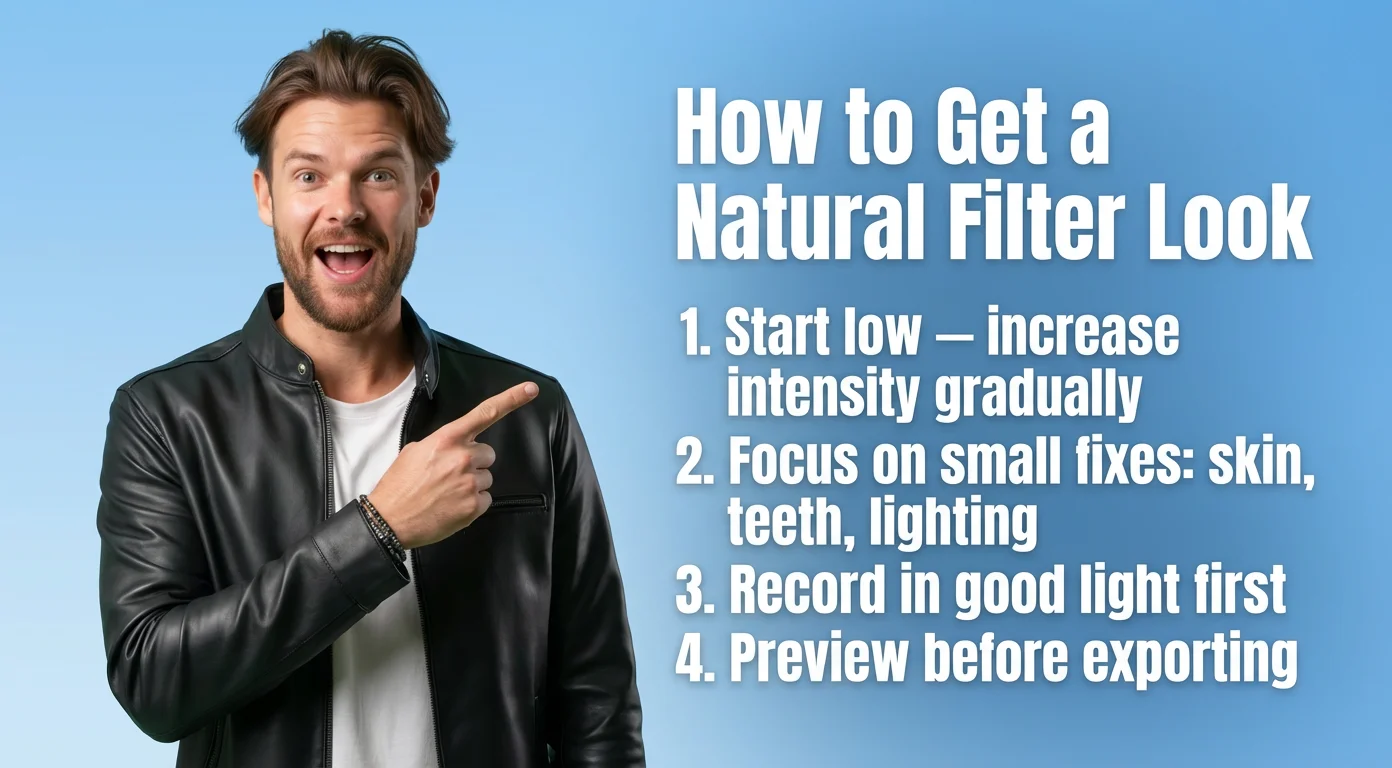
To get a more natural result, start with a low filter intensity and increase it gradually. It is usually better to make two or three subtle adjustments than one aggressive one.
If the app allows it, focus on small improvements such as soft skin smoothing, slightly brighter teeth, or minor lighting enhancement. These changes often look more professional than heavy beauty effects or dramatic reshaping.
It also helps to record in good lighting before you apply any filter. Face filter apps work best when the original video is already clear and well lit. A filter should enhance a solid recording, not try to rescue a poor one.
Finally, always preview your video before exporting it. What looks good in a still frame may look unnatural once you start speaking and moving.
If your goal is to look confident and credible on camera, the most effective approach is simple: use face filters to refine your appearance, not replace it.
Conclusion: What Is the Best Video Face Filter App?
The best face filter app for videos depends on your goals, but for most creators and professionals, BIGVU is the best overall option.
It does more than improve how you look on camera. It also helps you speak with confidence, maintain eye contact, add captions, edit your content, and publish it more efficiently.
That makes it the best choice for people who want a complete workflow instead of a single beauty filter tool.
That said, not every creator needs the same thing.
If you care most about beauty retouching, YouCam Video may be the better fit.
If you want a free creative editor, CapCut is a smart pick.
If you enjoy stylized AI transformations, Videoleap is a fun option.
And if you mainly edit short selfie clips, Facetune still has value.
Choose the app that matches your workflow, your audience, and the kind of videos you want to create consistently.