What Does HeyGen Do?
HeyGen lets you create professional videos using AI-generated avatars and synthetic voiceovers — no camera, studio, or editing experience required. You write a script, pick an avatar, and HeyGen renders a video of a realistic AI avatar reading it aloud.
Its core capabilities include:
- AI avatars (500+ stock options on the free plan, 700+ on paid plans, or a custom avatar built from your own photo or video)
- Voice cloning and text-to-speech in 175+ languages
- Automatic video translation with lip-sync
- Avatar IV — their latest generation model, which animates a still photo into a talking video
We tested Avatar IV — the results are genuinely impressive. The motion looks natural, not robotic.
Video Translation: How It Works
HeyGen's translation feature is one of its strongest differentiators. Here's the workflow:
- Choose your mode: lip-synced translation or audio dubbing (voice overlay only). Audio dubbing is unlimited on all paid plans.
- Set your source and target language, then click Translate.
- Within a few minutes, HeyGen delivers a translated version with the avatar's lips resynced to the new audio.
On the free plan, you can translate up to 3 minutes of video per month. Lip-synced translation on paid plans consumes Premium Credits.
HeyGen Pricing in 2026
HeyGen has four tiers, but the sticker price doesn't tell the whole story — advanced features like Avatar IV and lip-synced translation consume "Premium Credits" that are capped by plan, and can run out faster than you'd expect.
Free — $0/month. 3 videos/month, 3-minute max, 720p with watermark. Fine for testing, not for real work.
Creator — $29/month (~$24/month annually). Unlimited videos, 1080p, 700+ avatars, voice cloning, 175+ languages. The right starting point for most individuals.
Pro — $99/month. Same as Creator but with 4K export, faster processing, 10x more Premium Credit usage, and translation script editing. Worth it if you're producing at volume.
Business — $149/month + $20/seat. Adds team collaboration, longer video limits (up to 60 minutes), SSO, and integrations with Zapier, HubSpot, and similar tools. A significant price jump — only makes sense if you genuinely need the team features.
Enterprise — custom pricing. Priority support, dedicated success manager, no video duration cap.
HeyGen Pros & Cons
| Pros | Cons |
|---|---|
| Highly realistic AI avatars and voices | Credit system adds unexpected costs for Avatar IV and lip-sync |
| Fast multilingual content — 175+ languages | Some users report a buggy or confusing UI |
| Strong free plan for testing | Customer support can be slow; priority help only on Enterprise |
| G2's #1 Fastest Growing Product of 2025 | Business plan starts at $149/month — a significant jump from Pro |
![[object Object]](/blog/images/airtable/section1-heygen-ai-avatar-video-generator-complete-review-2026-best-a.webp)
HeyGen vs. BIGVU: Features, Workflow, and Who Each Tool Is For
Which Tool Is Right for You?
HeyGen is a genuinely strong tool for what it does: creating realistic AI avatar videos, fast, in dozens of languages. It's backed by serious investment ($65M+ raised), named G2's #1 Fastest Growing Product of 2025, and used by 100,000+ businesses worldwide. For anyone who needs spokesperson-style videos without going on camera, it delivers.
Two things to watch: the Premium Credits system means your real monthly cost depends on how much you use Avatar IV and lip-synced translation. And teams shopping for a collaborative plan should note the significant jump to $149/month for the Business tier.
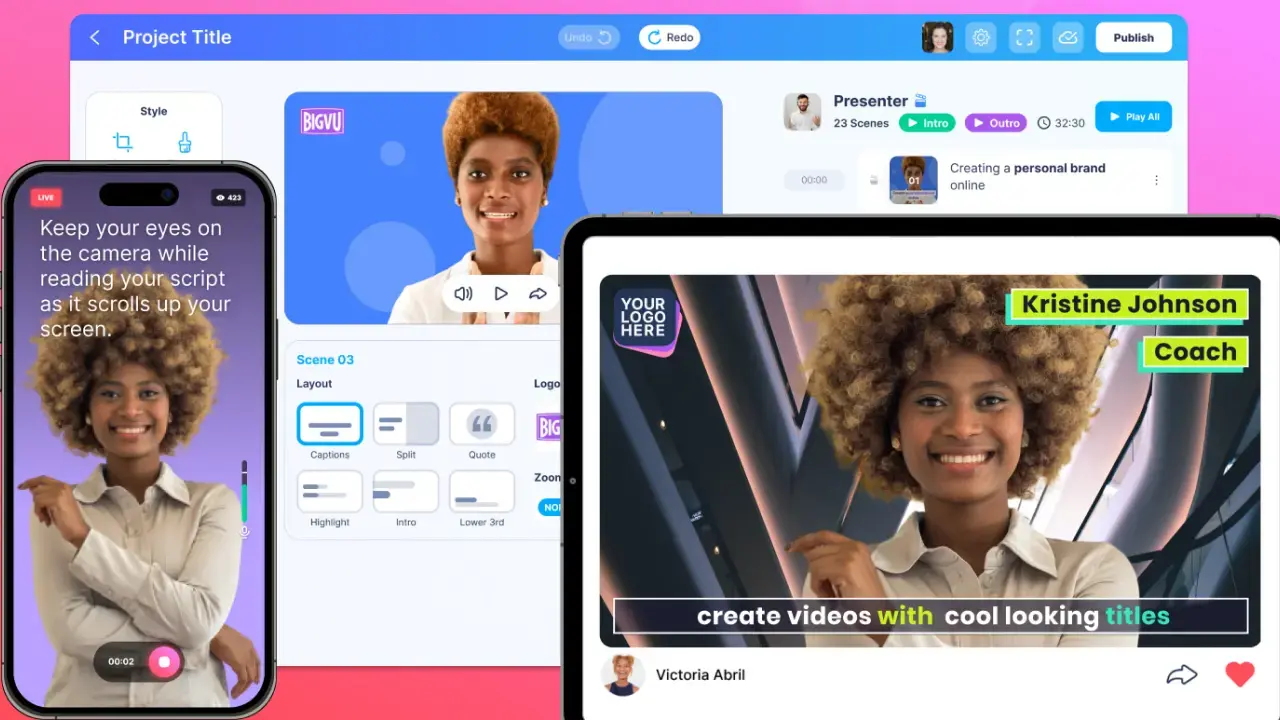
If your goal is a complete video workflow — teleprompter recording, editing, captions, branding, and publishing — without stitching together multiple apps, BIGVU is built for that. It keeps you in the frame, while giving you the AI tools to make every video polished and on-brand.
Try BIGVU for free and see what a full video studio in your pocket can do.