Biteable vs InVideo: Feature Comparison at a Glance
Side-by-Side Overview
| Feature | Biteable | InVideo |
|---|---|---|
| Core AI | AVA (proprietary) — script-to-video pipeline | 200+ models: Sora 2, Veo 3.1, Kling 3.0 |
| User base | 9M+ users, 10,000+ companies | 50M+ creators globally |
| Max video length | 10 min (Pro), 20 min (Premium) | 30 min from a single prompt |
| AI avatars | Life-like + animated, custom upload, 20–40 clips/mo | 4–40 avatars + AI Twins from recordings |
| Voice | 50+ AI voices, multi-language translation | Voice cloning from 30-sec snippet, ElevenLabs integration |
| Templates | 1,000s across 15+ categories | 7,000+ in InVideo Studio |
| Stock media | Storyblocks + Pexels, royalty-free music | iStock + Storyblocks (100–1,000 clips/plan) |
| Export quality | HD 1080p (Pro), 4K (Premium) | Up to 4K, no watermark on paid plans |
| Branding | Auto-brand from URL, 20 brand profiles, custom fonts | Basic branding |
| Screen recording | Yes (built-in) | No |
| Video analytics | Views, engagement, location data | Basic only |
| Mobile app | No | Yes (paid plans) |
| Teleprompter | No | No |
| Entry price (annual) | $15/mo (Pro) | $25/mo (Plus) |
Biteable: What It Actually Is
Biteable positions itself as the easiest AI video maker for businesses. Its AVA engine takes a text prompt through a structured workflow — you pick a video type (explainer, ad, announcement, product demo, hiring ad, listicle), provide your business info, and AVA generates a script, storyboard, and finished video with matching visuals, voiceover, and music. The auto-branding feature pulls your colors, fonts, and logo from your URL, which saves meaningful setup time for teams managing multiple brands.
Beyond AVA, you can start from a template, a blank canvas, a screen recording, or even a webpage URL — Biteable converts articles directly into videos, which is genuinely useful for content repurposing. Built-in analytics (view count, engagement, location) and screen recording round out what is a more complete business tool than it first appears.
InVideo: What It Actually Is
InVideo takes the opposite approach. Instead of one proprietary AI, it routes your prompts through whichever frontier model produces the best result for your use case — Sora 2, Veo 3.1, Kling 3.0, Pixverse, Hailuo, and 190+ others. You write a prompt, select your audience and platform, and the AI generates script, visuals, voiceover, subtitles, and music. You can then iterate by giving natural language commands: "make the intro more energetic" or "replace the stock footage with something more cinematic."
InVideo also offers AI Twins — digital versions of yourself created from a YouTube link or uploaded recording — and voice cloning from a 30-second audio snippet. For creators who want personalized AI content at scale without recording themselves every time, this is the most capable option available.
![[object Object]](/blog/images/airtable/section1-biteable-vs-invideo-2026-ai-video-maker-worth-money.webp)
AI Capabilities: Biteable AVA vs InVideo Multi-Model
How Biteable's AVA Works
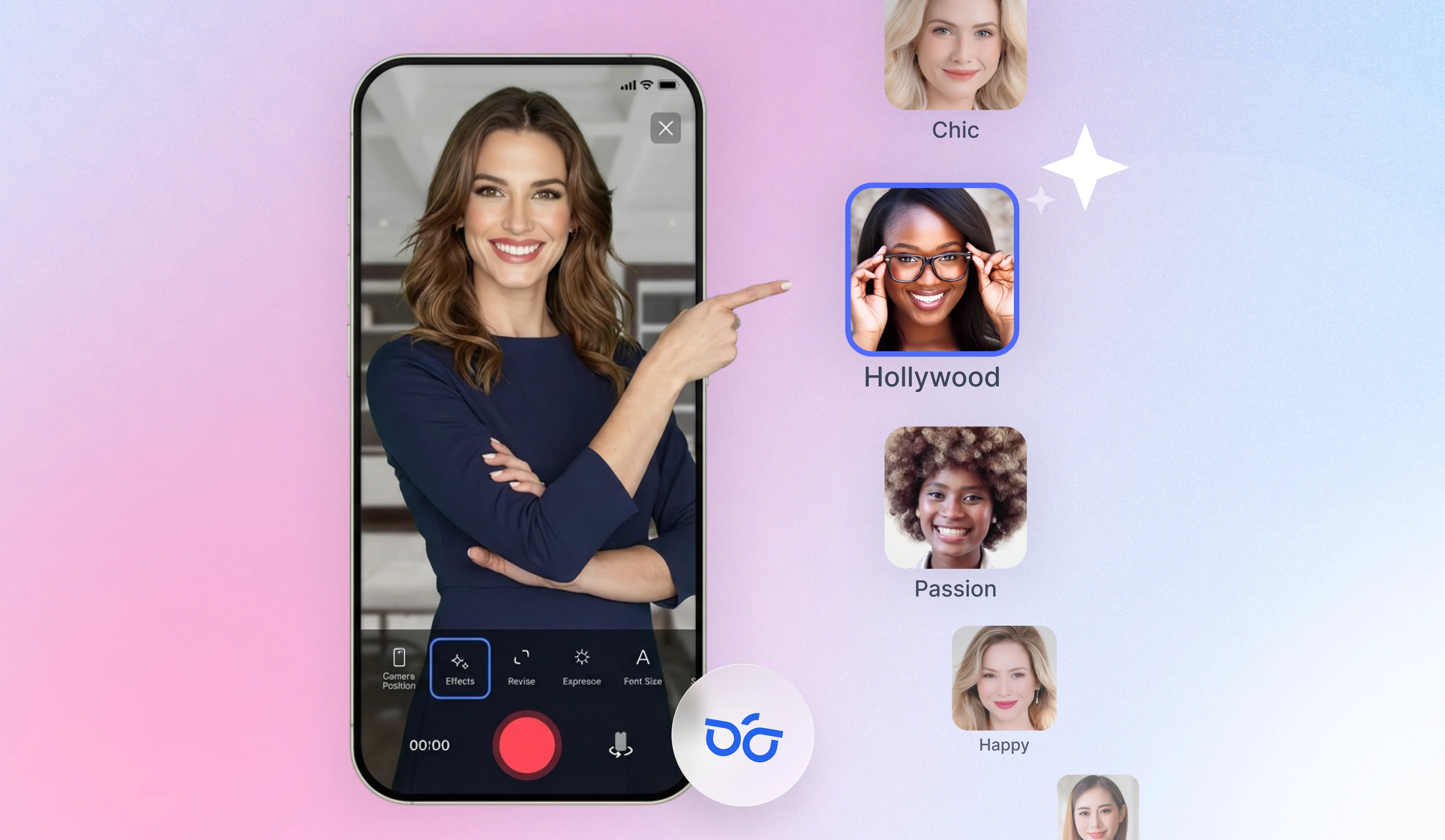
AVA is a guided, structured AI. You choose from 11 video types — business explainers, product demos, event announcements, tips listicles, hiring ads, and more — then provide your business context. AVA generates a complete storyboard and video from there. This predictability is a genuine strength: you know what you're going to get, the output is consistently on-brand, and the learning curve is minimal. The tradeoff is creative flexibility — AVA works within defined templates and structures rather than generating open-ended content from a freeform prompt.
Biteable's avatar library includes both life-like and animated options, and you can upload your own image to generate a custom avatar. The Pro plan includes 20 avatar clips per month, Premium includes 40.
How InVideo's Multi-Model Approach Works
InVideo's v4 agent accepts a freeform text prompt and routes it through the most appropriate models from its 200+ library. The result is a complete video — script, visuals, voiceover, subtitles, music — generated in one pass, up to 30 minutes long. You can iterate conversationally after generation, which makes complex revisions faster than a traditional editor.
The AI Twins feature is InVideo's most distinctive capability. You create a digital version of yourself from an existing recording or YouTube link, and that avatar can deliver any script in your voice and likeness. Voice cloning from a 30-second snippet, with ElevenLabs integration for high-quality synthesis, means your AI content can sound authentically like you even when you haven't recorded anything.
Where Each Wins
Biteable wins on consistency and simplicity. If you need a team of five marketers to produce on-brand videos without training or experimentation, AVA's guided workflow is the right choice. Every video looks like it came from the same playbook.
InVideo wins on capability and volume. If you need frontier AI models, voice cloning, 30-minute video generation, and the ability to iterate through natural language, InVideo is ahead. The multi-model approach also means InVideo automatically absorbs new AI breakthroughs as they're released — you don't have to wait for the platform to build their own version.
![[object Object]](/blog/images/airtable/section2-biteable-vs-invideo-2026-ai-video-maker-worth-money.webp)
Pricing Breakdown: What You Actually Pay on Each Platform
Biteable Pricing
Biteable offers a 7-day free trial (no credit card required) and three tiers:
Pro — $15/mo (annual) / $29/mo (monthly): 1 user, unlimited HD exports, 20 avatar clips/month, millions of stock clips, 1 brand profile, screen recording, video analytics, 10-min max video length.
Premium — $49/mo (annual) / $99/mo (monthly): 3 users, 4K exports, 40 avatar clips/month, 40+ AI voices, AI text translation, auto closed captions, custom fonts, 20-min max video length.
Business — custom pricing: Unlimited users, SSO, priority support, invoice billing.
The key gotcha: closed captions, text-to-speech, and custom fonts are Premium-only. If you need those features — and for social video, captions are non-negotiable — the real entry price is $49/mo, not $15/mo.
InVideo Pricing
InVideo uses a credit-based system across four tiers:
Free — $0: Limited AI access, watermarked exports.
Plus — $25/mo (annual): 100 credits/month, all AI models, 4 AI avatars + voice clones, 100 iStock clips, 20 GB storage, no watermark.
Max — $60/mo (annual): 400 credits/month, 16 AI avatars + voice clones, 2x concurrency, 100 GB storage, unlimited image generation.
Generative — $200/mo (annual): 1,000 credits/month, 40 AI avatars + voice clones, 10x concurrency, 2 TB storage.
The key gotcha: 100 credits per month on the Plus plan runs out faster than it sounds for video-heavy workflows. High-volume producers typically land on Max ($60/mo) or find themselves buying credit top-ups. Budget accordingly.
Real Cost Comparison
| Need | Biteable | InVideo |
|---|---|---|
| Entry price (annual) | $15/mo (Pro) | $25/mo (Plus) |
| Captions included | $49/mo (Premium only) | Limited |
| Voice cloning | Not available | $25/mo+ (Plus) |
| 4K export | $49/mo (Premium) | $25/mo (Plus) |
| Mobile app | Not available | Yes (paid plans) |
| Team (3 users) | $49/mo (Premium) | Separate team plan |
![[object Object]](/blog/images/airtable/section3-biteable-vs-invideo-2026-ai-video-maker-worth-money.webp)
Why On-Camera Creators Need a Different Tool Entirely
The Gap Both Platforms Share
Neither Biteable nor InVideo is designed for creators who want to appear on camera themselves. Both lean heavily into AI avatars, stock footage, and automated visuals. For coaches, consultants, and personal brands where the point of video is audience trust — not just content volume — this is a meaningful limitation. AI avatars don't build the same connection that a real person looking into a lens does.
Neither platform includes a teleprompter. If you want to record yourself speaking confidently on camera, you need a separate tool for that, which means a fragmented workflow and an extra subscription.
What BIGVU Does Instead
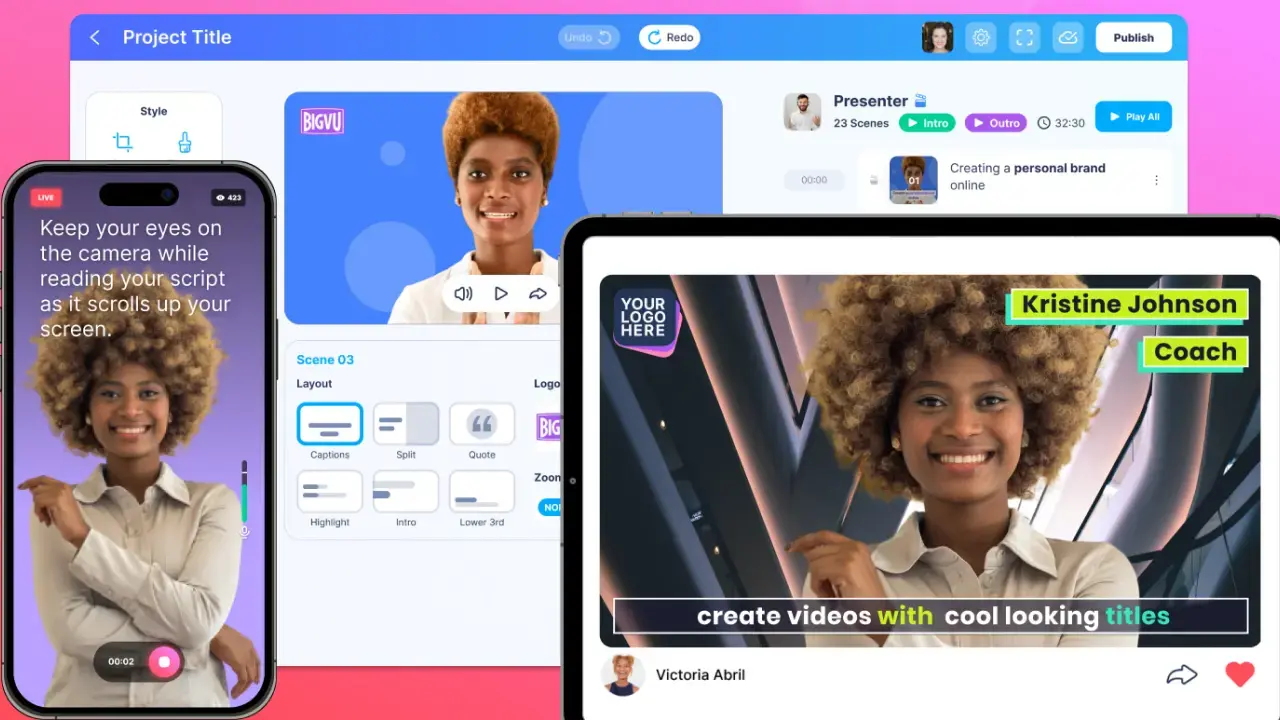
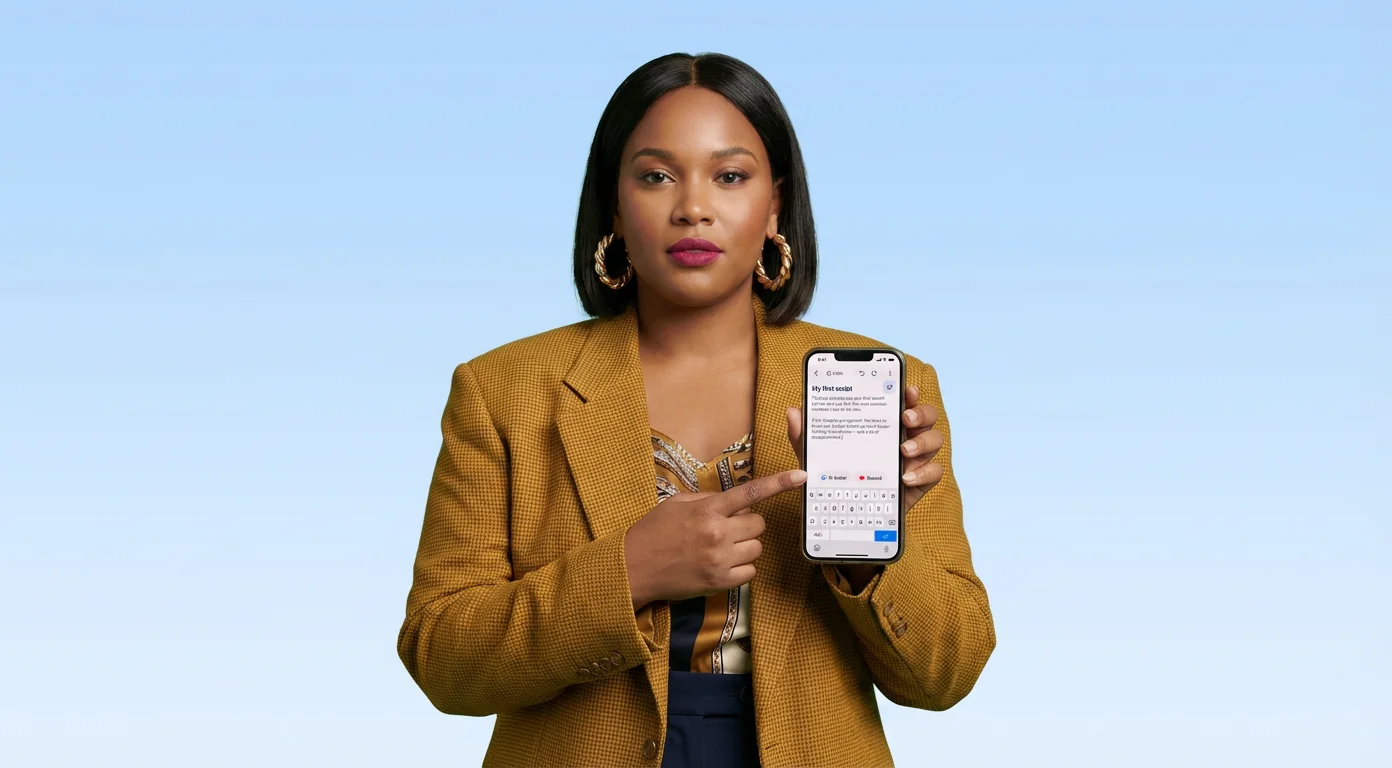
BIGVU is built for human-on-camera content. Its built-in teleprompter scrolls your script in front of the lens so you maintain direct eye contact with your audience — available on iOS and Android. The AI script writer generates a complete script from any topic in seconds, which feeds directly into the teleprompter for a seamless record-to-publish workflow.
After recording, BIGVU adds auto-captions with your brand fonts and colors, applies your brand kit to every video automatically, and generates short clips from long-form content via Auto-Shorts. Video landing pages with custom CTA buttons turn each video into a lead-generation asset rather than just a social post. BIGVU also supports direct live streaming to YouTube, LinkedIn, and Facebook — no stream key required.
Pricing Reality
BIGVU starts at $8/month and includes teleprompter, AI script generation, auto-captions, voice cloning, and social scheduling with up to 20 connected accounts. Biteable's comparable tier (Premium, with captions) runs $49/mo. InVideo Plus runs $25/mo but lacks a teleprompter entirely. For on-camera creators, BIGVU covers more of the workflow at lower cost.
Which Platform Should You Choose?
Choose Biteable If...
You're a marketing team or business producing branded template videos — explainers, training content, internal communications, social ads — at consistent volume. Biteable's AVA workflow, auto-branding from URL, team collaboration (up to 3 users on Premium), and built-in analytics make it the most complete business tool of the three. The guided AI approach works well for teams where not every person is a video editor.
Choose InVideo If...
You're a content agency, creator, or high-volume producer who needs frontier AI models, voice cloning, and the ability to generate long-form content quickly. InVideo's multi-model platform, 30-minute AI video generation, AI Twins, and natural language iteration make it the most capable pure-AI tool available. Accept that the credit system requires budget planning, and that the learning curve for InVideo Studio is steeper than Biteable.
Choose BIGVU If...
You're a coach, consultant, entrepreneur, or personal brand where the whole point of video is your face, your voice, and your authority. BIGVU's teleprompter, AI scripting, auto-captions, and brand kits are built for the on-camera workflow that neither Biteable nor InVideo supports. If audience trust is the goal — not just content output — BIGVU is the right tool.
Can You Use More Than One?
Yes, and many creators do. A common setup: BIGVU for on-camera authority content (coaching tips, thought leadership, demos) and InVideo or Biteable for AI-generated social assets, ads, or repurposed content. The tools solve different problems and don't really compete for the same use case once you understand what each is actually built for.