What makes a video face filter worth using?
Most face filter apps are designed for still photos. The ones built for video have to solve a harder problem: filters need to track your face in real time through movement, lighting changes, and speech — without flickering, smearing, or drifting off your features.
Live recording vs. post-editing
This is the most important distinction in the category. Apps that apply filters during live recording let you look polished while you speak. Apps that only work on uploaded footage require a separate recording step, which breaks the workflow for anyone using a teleprompter or recording directly to publish. If you create talking-head content, live recording support isn't a nice-to-have — it's the baseline.
Natural vs. dramatic
The uncanny valley problem is real in video filters. Overly smooth skin stops moving naturally when you speak. Teeth that are whitened too aggressively glow in a way that reads as edited. The best filters operate at an intensity where the result looks like a slightly better version of you — not a version that required software. For professional content, the target is subtlety.
Workflow integration
A face filter app that produces a polished clip but requires you to then export, re-import, caption, edit, and publish in four other apps creates more friction than it removes. For creators who make video regularly, the workflow cost of switching tools matters as much as the filter quality itself.
What we evaluated
We scored each app on five dimensions: filter quality during live recording, naturalness of results at medium intensity, workflow integration beyond the filter, free tier usefulness, and mobile vs. desktop availability. The results fell cleanly into two groups: tools for professional talking-head video and tools for social media creative content.
![[object Object]](/blog/images/airtable/section1-5-video-face-filter-apps-2026.webp)
BIGVU and YouCam Video: face filters for professional and beauty-focused video
These two tools sit at opposite ends of the professional spectrum — BIGVU for business and creator content, YouCam Video for beauty-forward selfie content — but both prioritize facial enhancement over creative effects.
BIGVU
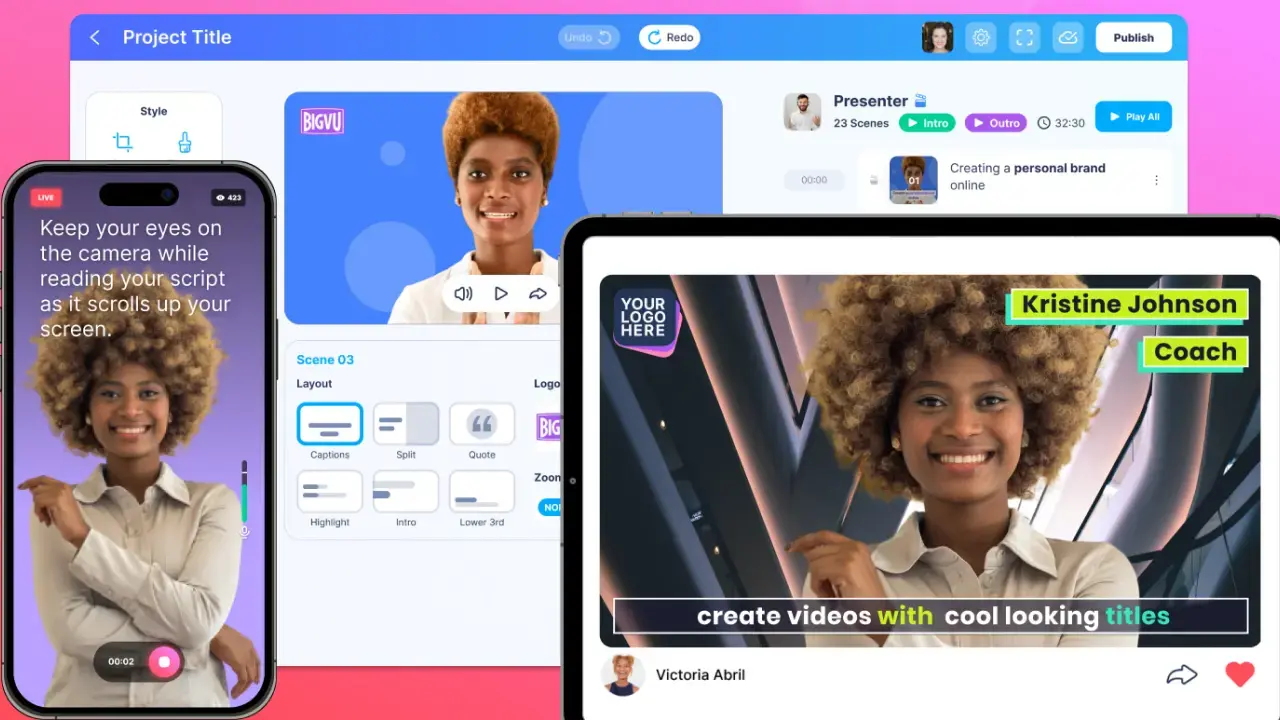
BIGVU's face enhancement tools are built into its recording interface, which means the filter and the teleprompter run simultaneously. While you read your script, the camera is already applying skin smoothing, brightness adjustment, and teeth whitening to the live feed. You don't record first and retouch later — the polished version is the recording.
The available adjustments cover skin texture smoothing, teeth brightening, nose refinement, and overall face softening. Each has an intensity slider, and the default settings are calibrated toward subtlety. At medium intensity, the results hold up well under natural speech movement — no flickering, no mask-like smoothing, no artifacts at the mouth during lip movement. That last point matters specifically for talking-head video, where most filter apps break down.
What separates BIGVU from every other app in this list is the post-filter workflow. After recording, auto-captions, a full editing suite, Brand Kit application, and direct social publishing are all available without switching apps. For a creator who films a weekly explainer or a sales professional who sends video emails, this removes the multi-app juggle entirely. No other face filter tool in this comparison connects appearance enhancement to a complete production and distribution workflow.
BIGVU also works on web, which makes it the only option here that functions as a webcam filter for desktop recordings — relevant for anyone presenting in webinars or recording at a desk rather than on a phone.
Free tier: available with basic recording and filter access. Paid plans unlock the full editing suite, longer recordings, and advanced AI tools including the AI Script Generator.
YouCam Video
YouCam Video is the most feature-rich beauty retouching tool in this comparison. The adjustment controls are granular — specific sliders for skin tone, skin smoothing, blemish removal, eye brightening, lip color, teeth whitening, and facial reshaping — and the results can be impressive for selfie-style content where the camera is close and lighting is controlled.
The limitation is workflow. YouCam Video works as a post-editing tool: you record first, then upload and retouch. There is no live recording interface with real-time filter application. For someone creating a scripted talking-head video, this means recording the clip, exporting it, importing it into YouCam, retouching it, re-exporting, and then continuing into editing and publishing. The tool is excellent at what it does; the workflow cost is real.
For beauty creators, lifestyle influencers, and anyone whose primary goal is facial enhancement on selfie-format clips, YouCam Video is the strongest single-purpose option. For professional video production workflows, the live-recording gap is a genuine limitation.
Free tier: available with basic retouching. Advanced features and higher export quality are gated behind the subscription.
![[object Object]](/blog/images/airtable/section2-5-video-face-filter-apps-2026.webp)
CapCut, Videoleap, and Facetune: face filters for social and creative content
These three apps approach face filtering differently — CapCut as a broad creative editor, Videoleap as an AI effects platform, and Facetune as a precision retouching tool. None of them are optimized for professional talking-head video, but each serves a distinct social media use case well.
CapCut
CapCut's face filter capabilities are part of a much larger creative editing toolkit. The beauty filters are applied post-recording and affect the face as part of the overall image — they don't track and adjust individual features the way BIGVU or YouCam Video do. For subtle professional retouching, this is a limitation. For social-style content where the visual treatment of the whole frame matters as much as the face, it's less of an issue.
Where CapCut genuinely stands out is volume and variety. The filter library is enormous, templates are constantly updated with trending formats, and the editing tools — transitions, text, effects, sound — are unusually capable for a free app. For creators whose primary output is TikToks, Reels, or YouTube Shorts, CapCut is hard to displace purely on value.
It's also worth noting that CapCut's face filters occasionally produce an overly-processed look at default intensity, particularly around the eyes and skin texture. If you use them, reducing the intensity slider below the default setting typically produces more usable results.
Free tier: fully functional for most features. Watermark applies to some exports.
Videoleap
Videoleap's face filter tools lean toward stylized transformation rather than natural enhancement. The AI effects — which can dramatically alter appearance, age, style, or aesthetic — are genuinely impressive for experimental and entertainment content. For any video where credibility depends on looking like yourself, they are the wrong tool.
Videoleap works best for short-form content where the effect is the point: a dramatic transformation, an artistic look, a themed visual. The editing tools are solid and the AI features are among the most creative in the category. But if your goal is subtle, professional polish for a business video, nothing in Videoleap's toolset is aimed at that use case.
Free tier: available with limited AI credits and export options.
Facetune
Facetune's video tools extend the brand's well-known photo retouching approach into short clips. The controls are precise — smoothing, reshaping, color correction, teeth adjustment — and the results on still or slow-moving selfie footage can look clean. The limitation is length: Facetune's video features are optimized for short clips, and longer recordings hit both quality and export constraints.
For someone editing a 15-second selfie video with detailed face retouching needs, Facetune is a capable tool. For anything longer or more professionally oriented, the format constraints become a practical barrier.
Free tier: limited free access; most useful features require a subscription.
![[object Object]](/blog/images/airtable/section3-5-video-face-filter-apps-2026.webp)
How to choose the right face filter app for your content type
The right tool depends on a single question: are you making professional talking-head video, or social and creative content?
If you're making professional video — sales, coaching, webinars, social media explainers
BIGVU is the only tool here that serves this use case completely. The live filter during recording means you don't add a post-production step. The teleprompter means you can look into the camera while reading your script. Auto-captions, editing, Brand Kit, and publishing handle everything after. If you want to look polished on camera and deliver a message clearly and efficiently, no other app in this comparison covers the full loop.
If your priority is detailed facial retouching on selfie clips
YouCam Video gives you the most control over specific features — skin tone, eye area, lips, teeth — and produces the most refined beauty results of any app here. Accept the post-editing workflow and it's the strongest single-purpose option.
If you're creating social content and want a free all-in-one editor
CapCut is the practical answer. The face filters aren't its strongest feature, but the overall creative toolkit — effects, templates, transitions, audio — makes it the most useful free editor for short-form social content.
If you want AI-driven stylized effects
Videoleap. The transformations are creative and genuinely impressive for entertainment content. Just don't expect subtle.
Getting natural-looking results from any filter
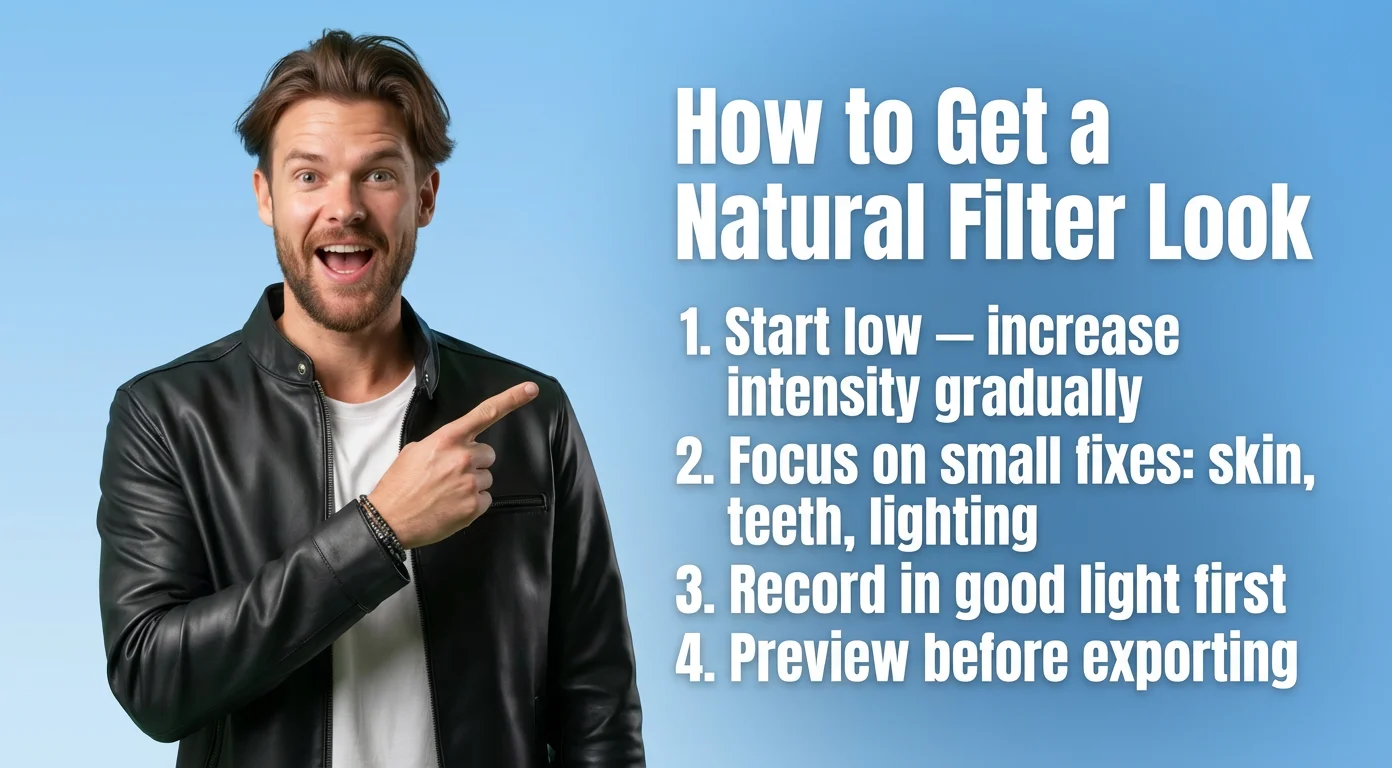
The single most effective technique is to reduce the intensity slider below the default. Most apps calibrate their default settings too aggressively — what looks impressive in a demo looks processed in an actual video. Start at 30–40% intensity, preview at full playback speed with audio, and only increase from there. Also record in good light before applying any filter. A filter enhances a solid source; it doesn't rescue a poorly lit clip. And always preview the full video before exporting — what looks fine in a static frame can look unnatural once motion and speech are added.
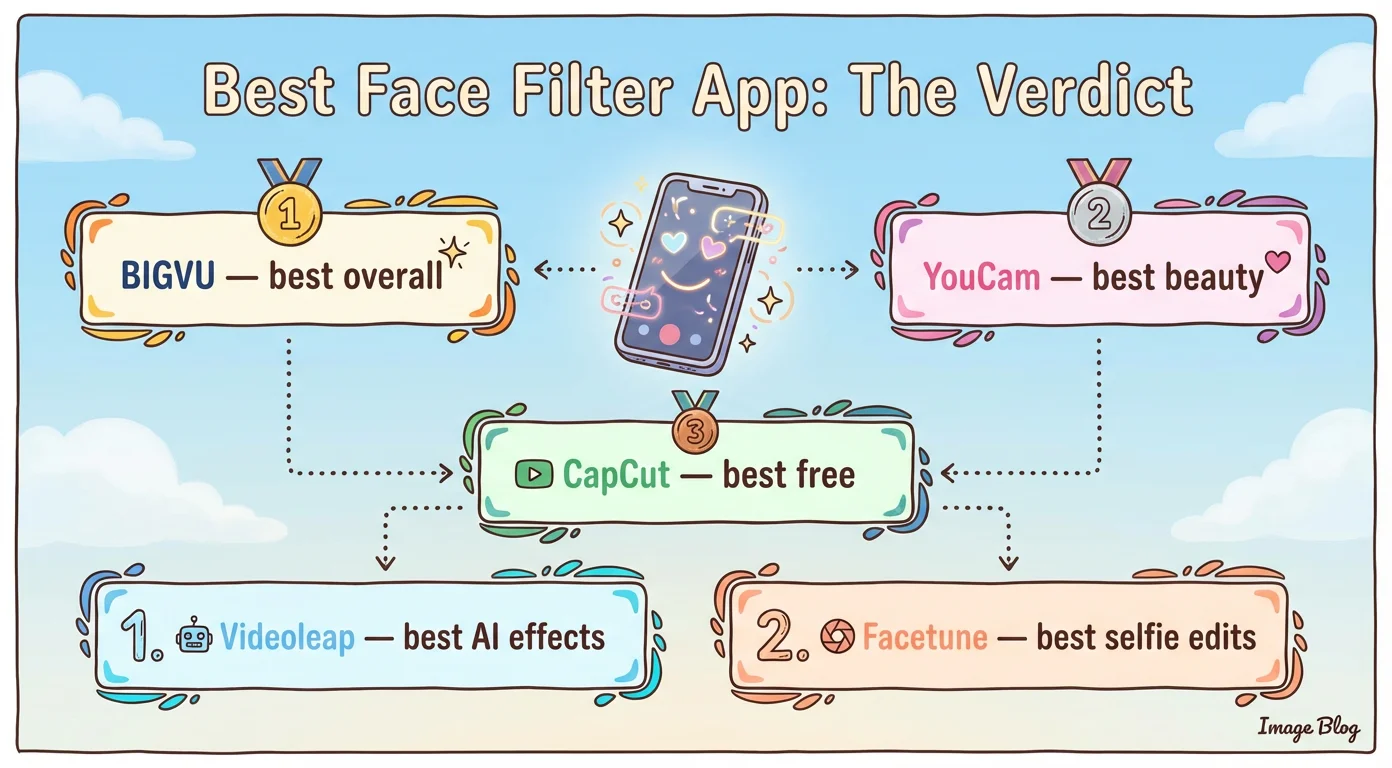
The bottom line: which face filter app wins in 2026?
For most creators and professionals, BIGVU is the answer — not because it has the most filters, but because it's the only app where face enhancement is part of a complete recording-to-publishing workflow. The live filter during recording, the teleprompter for confident delivery, the auto-captions and editing after — these pieces work together in a way that no other tool in this list replicates.
If you record professional talking-head video at any regularity, the value of that integrated workflow compounds quickly. You stop switching between apps, stop losing time to post-production retouching, and start publishing faster.
For beauty-first content, YouCam Video remains the precision choice. For free social editing, CapCut. For stylized AI effects, Videoleap. For short selfie retouching, Facetune.
But if you're asking which one actually makes your videos better — not just your face — BIGVU is the tool for that.