Immediate Upgrades: Mastering Your Video Quality and Framing
Lighting and Audio: The Non-Negotiables
Poor lighting and muffled audio are the fastest ways to lose an audience. You can immediately elevate your video quality by following these actionable steps:
- Prioritize Natural Light: Face a window to provide soft, even illumination on your face. Never have a bright light source behind you, as this creates a silhouette effect.
- Clear Audio is King: Audiences will forgive average video, but they won't tolerate bad sound. Use a lapel mic or ensure you are in a quiet, carpeted room to reduce echo.
- Stability Matters: Use a tripod or a stable surface to avoid shaky footage, which can appear amateurish and distracting.
Framing Your Professional Image
Follow this step-by-step setup for the perfect shot:
- The Rule of Thirds: Imagine your screen is divided into a 3x3 grid. Position your eyes along the top horizontal line to create a balanced, professional look.
- Mind the Headroom: Leave a small gap between the top of your head and the top of the frame. Too much space makes you look small; too little feels cramped.
- Camera at Eye Level: Position your lens so it sits at eye height. Looking up or down at a camera distorts your face and undermines authority.
By mastering these immediate upgrades, you eliminate the friction of DIY production. The BIGVU Webcam Recorder integrates directly with the Online Teleprompter, allowing you to maintain perfect eye contact with the lens while your script scrolls in real time. Unlike basic browser recording tools such as Cam-Recorder or Web Camera, BIGVU connects your recording directly to editing, captions, and publishing—so your framing stays consistent and your delivery stays confident from take one.
![[object Object]](/blog/images/airtable/section1-master-your-video-branding-and-virtual-presence.webp)
Beyond the Setup: Golden Rules for Building a Powerful and Authentic Personal Brand
Once your lighting and framing are polished, the focus shifts from how you look to who you are. Personal branding isn't about a logo; it's about the trust you build through consistent, authentic interactions. In a digital-first world, your video presence serves as your virtual handshake, making authenticity your most valuable currency.
The Three Pillars of Digital Authority
Building a brand requires a strategic approach to how you present your expertise. Focus on these three golden rules to stand out in a crowded feed:
- Be Authentically You: Let your personality come through. Viewers connect with people, not polished avatars. Speak in your natural voice and share your genuine perspective.
- Provide Immediate Value: Every video should solve a specific problem or answer a burning question for your target audience. Use the AI Script Generator to turn topics into structured, ready-to-record scripts so you never run out of valuable content ideas. Tools like Creatify focus on ad copy, but BIGVU's script generator is built specifically for talking-head delivery and teleprompter workflows.
- Maintain Visual Consistency: Use consistent tone, messaging, and quality across all platforms to ensure your brand is instantly recognizable, whether on LinkedIn or TikTok. The BIGVU Brand Kit stores your logo, colors, fonts, tone of voice, AI presenter, voice clone, music, and outros so every video automatically stays on-brand. While competitors like Veed.io, Synthesia, and HeyGen offer basic branding overlays, BIGVU's Brand Kit extends into AI video generation—your brand inputs drive scripting, avatar selection, and caption styling automatically.
Step-by-Step: Elevating Your Virtual Meeting Presence
Your personal brand extends beyond social media into every Zoom or Teams call. Follow these steps to ensure your virtual presence matches your professional reputation:
- Curate Your Environment: Use the AI Video Background Remover to eliminate distracting backgrounds without a green screen. Replace them with a clean, branded backdrop that reinforces your professional image.
- Master Eye Contact: Look directly into the camera lens, not at the faces on your screen. BIGVU's AI Eye-Contact Correction fixes your gaze automatically so you appear to be looking directly at the viewer, even while reading notes—a feature that competes directly with Descript and Veed.io, but works inside your full video creation workflow rather than as a standalone fix.
- Engage with Intent: Use active listening cues and address participants by name to foster a sense of connection in a remote setting.
Systematize Your Brand: Building a Repeatable Video Production Workflow
Consistency is the engine of any strong brand. The biggest threat to your video presence isn't a lack of ideas—it's the friction between having something to say and actually publishing it. Building a repeatable workflow turns video from an occasional effort into a reliable content machine.
The Script-to-Publish Pipeline
Stop starting from scratch every time. A systematized workflow looks like this:
- Generate Your Script: Open the AI Script Generator, describe your topic, and receive a structured, ready-to-record script optimized for spoken delivery. Unlike generic AI writing tools like Creatify or Veed.io, BIGVU's scripts are designed specifically for teleprompter delivery.
- Record with Confidence: Load the script into the Online Teleprompter or Mobile Teleprompter and hit record. The Webcam Recorder captures your video while you read naturally, and AI Eye-Contact Correction ensures your gaze stays locked on the viewer.
- Polish in Minutes: Add AI-generated subtitles with branded styling (not the generic output you'd get from Kapwing or Clideo), apply your Brand Kit for automatic logo, color, and font application, and drop in AI-powered background music.
- Publish Everywhere: Schedule directly to TikTok, LinkedIn, Instagram, YouTube, Facebook, and X using the Social Media Scheduler—no need for a separate tool.
By batching these steps, you can produce a full week's content in a single sitting. The key difference from piecing together separate tools like Filmora for editing and Kapwing for captions is that BIGVU keeps every step inside one workflow—so nothing breaks between script, recording, editing, and publishing.
Scale Your Presence: Distributing Branded Video Content Across Every Channel
Creating great video is only half the battle. The other half is ensuring your content reaches the right people, in the right format, on the right platform—without spending hours reformatting and re-uploading.
Multi-Platform Distribution Strategy
Each platform has its own rules, but your brand should remain constant. Here's how to scale without losing consistency:
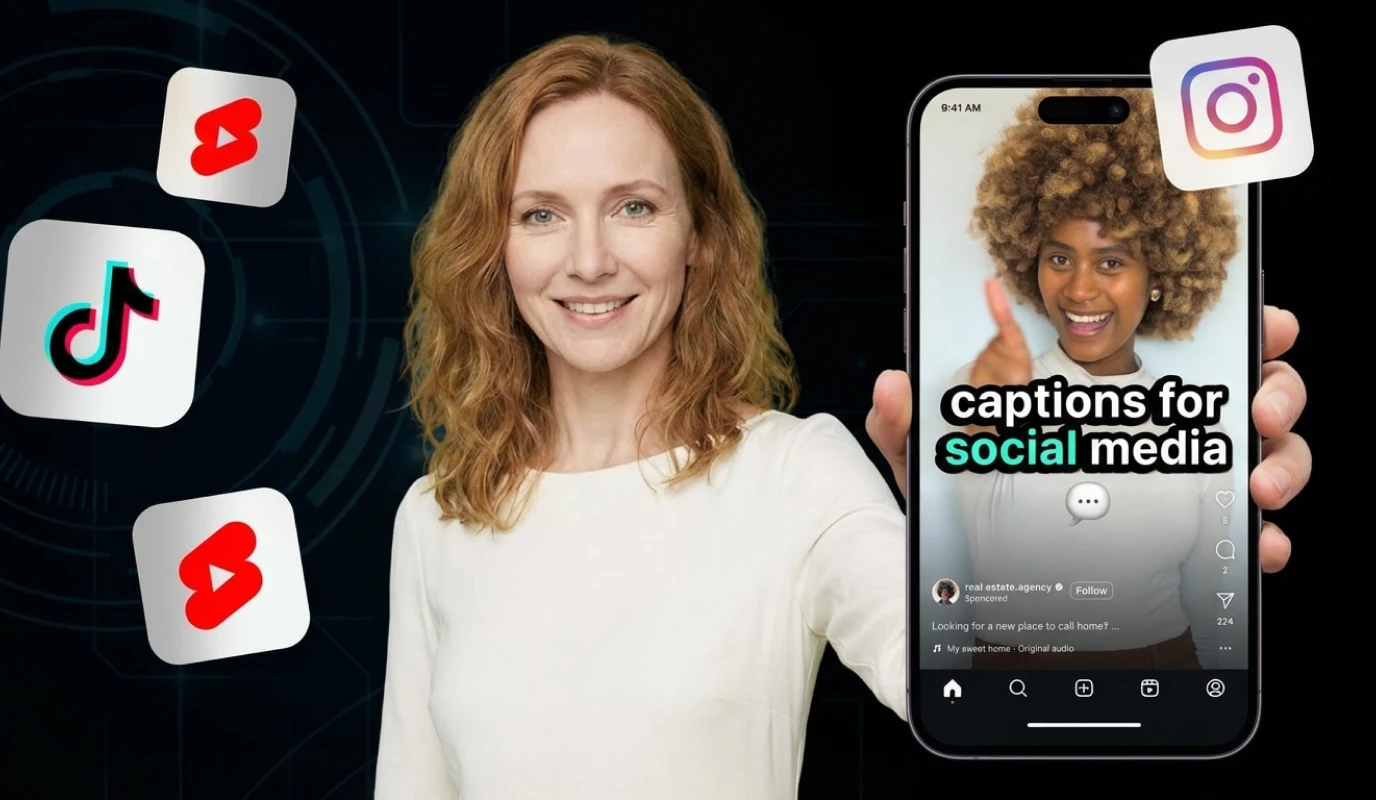
- Repurpose Long-Form into Shorts: Use AI Auto-Shorts to transform a single long-form video into multiple short clips optimized for Reels, TikTok, and YouTube Shorts. The AI identifies the strongest moments automatically, saving you hours of manual editing.
- Extend Reach with Subtitles: The AI Subtitle Generator adds branded captions that boost accessibility and engagement across silent-scroll platforms. Compared to standalone subtitle tools like Clideo or Veed.io, BIGVU's subtitles integrate your Brand Kit styling automatically.
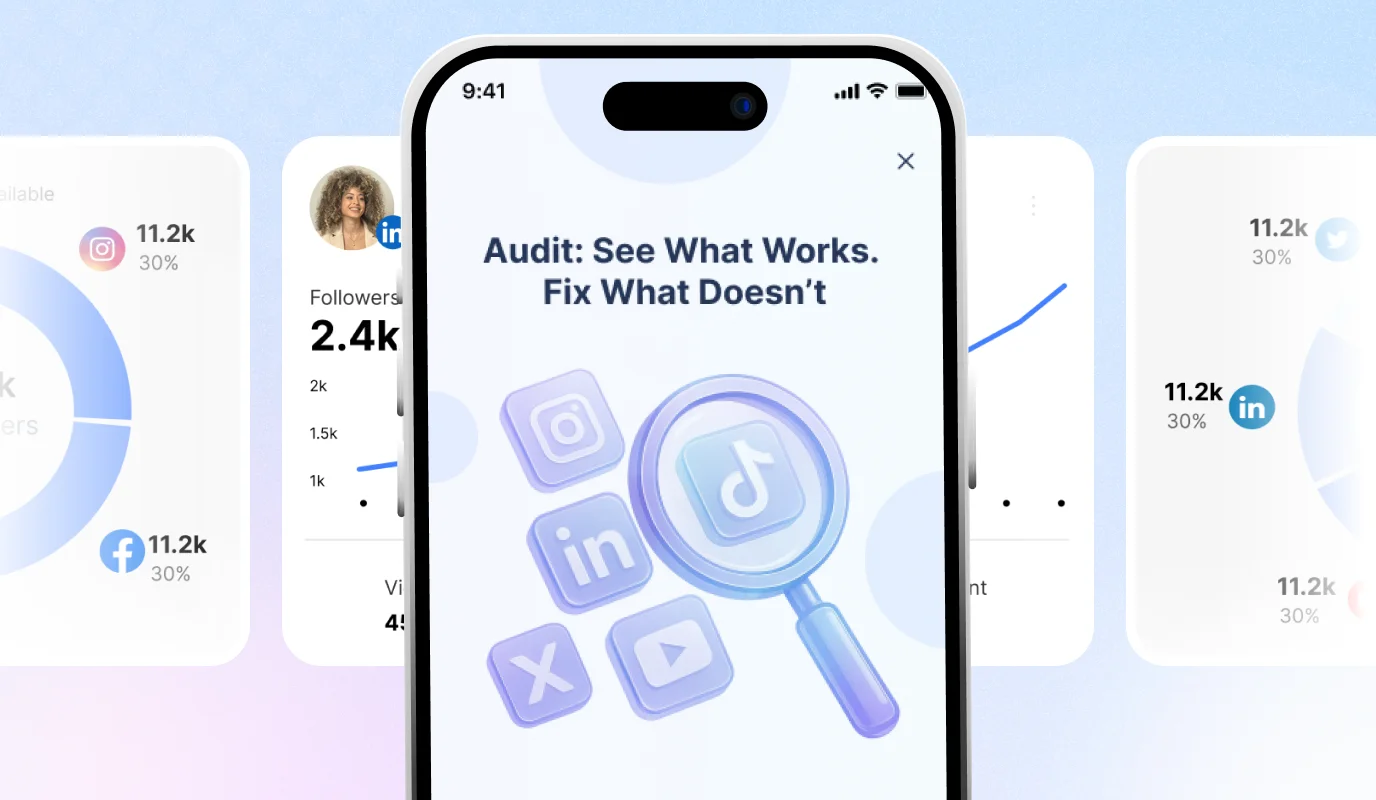
- Track What Works: Monitor performance across all connected channels from the Social Media Dashboard. See which content resonates, adjust your strategy, and double down on what drives results.
Your Video Branding Checklist
Before publishing any video, run through this final quality check:
- ✅ Script reviewed and loaded into teleprompter
- ✅ Lighting, framing, and audio confirmed
- ✅ Brand Kit applied (logo, colors, fonts, captions, outro)
- ✅ Eye contact correction enabled
- ✅ Subtitles generated and styled
- ✅ Scheduled to all target platforms
Video branding isn't about perfection—it's about consistency. With the right tools and a repeatable system, every video you publish reinforces your professional image and builds the trust that turns viewers into clients, collaborators, and advocates.