Taming the Red Light: Essential Tips to Calm Your Presentation Nerves
Public speaking anxiety often stems from the pressure to be perfect. When that recording light turns on, your brain tries to juggle your script, your body language, and the technical setup all at once. This cognitive overload is the primary trigger for "freezing" on camera, making your delivery feel stiff rather than authentic.
Shift Your Mindset from Performance to Connection
To stay calm, you must stop viewing the camera as a judge and start seeing it as a bridge to your client. When you focus on the value you are providing, the self-consciousness begins to fade.- Box Breathing: Before hitting record, inhale for four seconds, hold for four, exhale for four, and hold for four. This physically resets your nervous system. .
- The Power of the Pause: Silence is not your enemy. Taking a breath between points shows authority and gives your audience time to digest your message.
How to Use BIGVU to Eliminate Script Anxiety
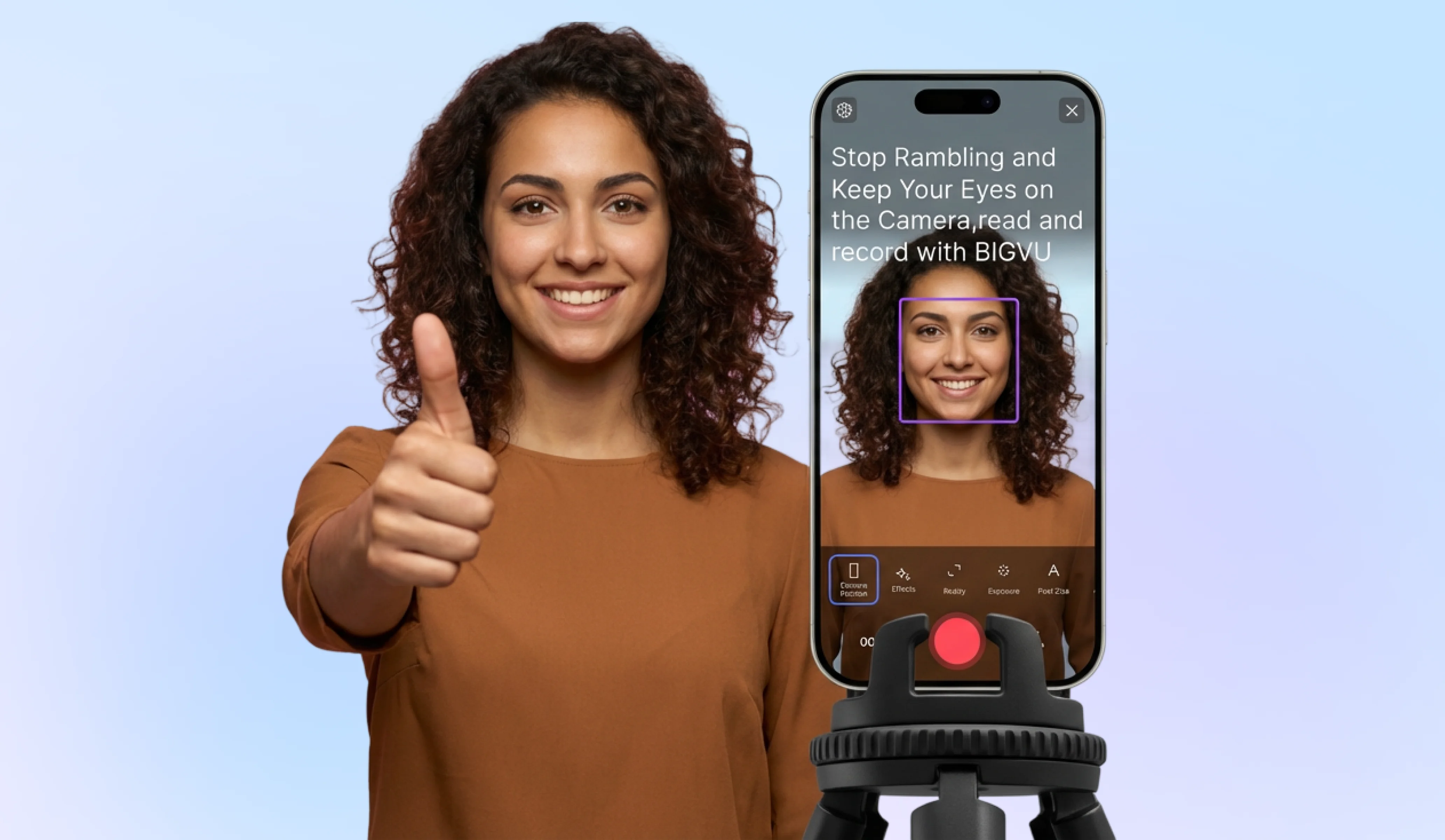
The fear of forgetting your lines is often the biggest hurdle to a confident presentation. You can systematically remove this stressor by integrating a teleprompter into your workflow:- Draft a Conversational Script: Write exactly how you speak. Avoid overly formal language that feels unnatural to read.
- Set Your Scrolling Speed: Adjust the BIGVU Teleprompter to match your natural pace. This ensures you aren't rushing to keep up or waiting for the next word. .
![[object Object]](/blog/images/airtable/section1-master-your-on-camera-presence-how-to.webp)
Commanding the Lens: Proven Techniques to Boost Your On-Camera Confidence and Build Trust
Confidence isn't just about what you say; it's about how you project yourself through the lens. To build trust with your audience, you must bridge the digital gap by appearing authoritative yet approachable. This starts with eye contact. Instead of looking at yourself on the screen, lock your gaze on the camera lens—this represents your client's eyes. When you maintain steady eye contact, you signal competence and reliability.
- Maintain Open Posture: Sit or stand tall to project authority. Avoid crossing your arms, which can create a psychological barrier between you and the viewer. .
- The "Smile Start": Begin every recording with a genuine smile. This releases endorphins that relax your facial muscles and makes you instantly more relatable to your target audience.
Optimizing Your Environment for Instant Authority
A professional appearance removes the "DIY" feel that can damage brand credibility. For small business owners, high production quality is a shortcut to building trust without a massive budget. Follow these steps to ensure your technical setup supports your confidence:- Prioritize Lighting: Position yourself facing a natural light source or use a ring light. Clear visibility reduces "visual noise" and keeps the focus entirely on your message.
- Check Your Audio: Use a dedicated lapel mic or ensure you are in a quiet, carpeted space. High-quality sound is often more critical than video resolution for retaining viewer attention.
- Frame for Connection: Position the camera at eye level. Looking down at the camera can feel condescending, while looking up can seem submissive.
- Minimize Background Distractions: A clean, uncluttered background ensures the viewer stays focused on your expertise rather than your surroundings.
The Strategic Framework: Streamlining Your Process to Become a Presentation Genius
Becoming a presentation genius isn't about natural-born charisma; it’s about removing the friction that leads to burnout. Small business owners often struggle not because they lack expertise, but because the "DIY" production process is too heavy. To maintain consistency and build authority, you need a framework that prioritizes efficiency over perfection.
The "Video Smarter" Workflow
To stop the cycle of "burst posting" followed by silence, adopt a systematic approach to your video content:- Batch Your Scripting: Use AI tools to generate scripts based on your core business goals. This eliminates "blank page" syndrome and ensures your delivery stays within the ideal 120–150 words per minute range. .
- Automated Polishing: Leverage AI-driven features to handle technical heavy lifting—like automatic noise reduction and captioning—so you don't need a dedicated editor to look professional.
Maximizing ROI Across Platforms
Don't let your hard work die on a single feed. A strategic framework ensures your content works harder for you by bridging the gap between visibility and trust:- Smart Repurposing: Record one high-quality video and use BIGVU to instantly resize it for TikTok, Instagram Reels, and LinkedIn.
- SEO Optimization: Use your script to generate keyword-rich descriptions, ensuring your expertise is discoverable by your target audience.
- Visual Consistency: Save your brand colors and logos within your workflow to ensure every video reinforces your professional identity.