Overcoming Camera Shyness and Projecting Natural Confidence
The "red light syndrome" is a psychological hurdle that even the most seasoned entrepreneurs face. To project natural confidence, you must shift your mindset from "performing for an audience" to "having a conversation with a friend." When you focus on the value you are providing rather than your own reflection, your delivery becomes more authentic and trustworthy.
Mastering Your On-Camera Presence
To bridge the gap between feeling awkward and looking professional, implement these practical strategies:- .
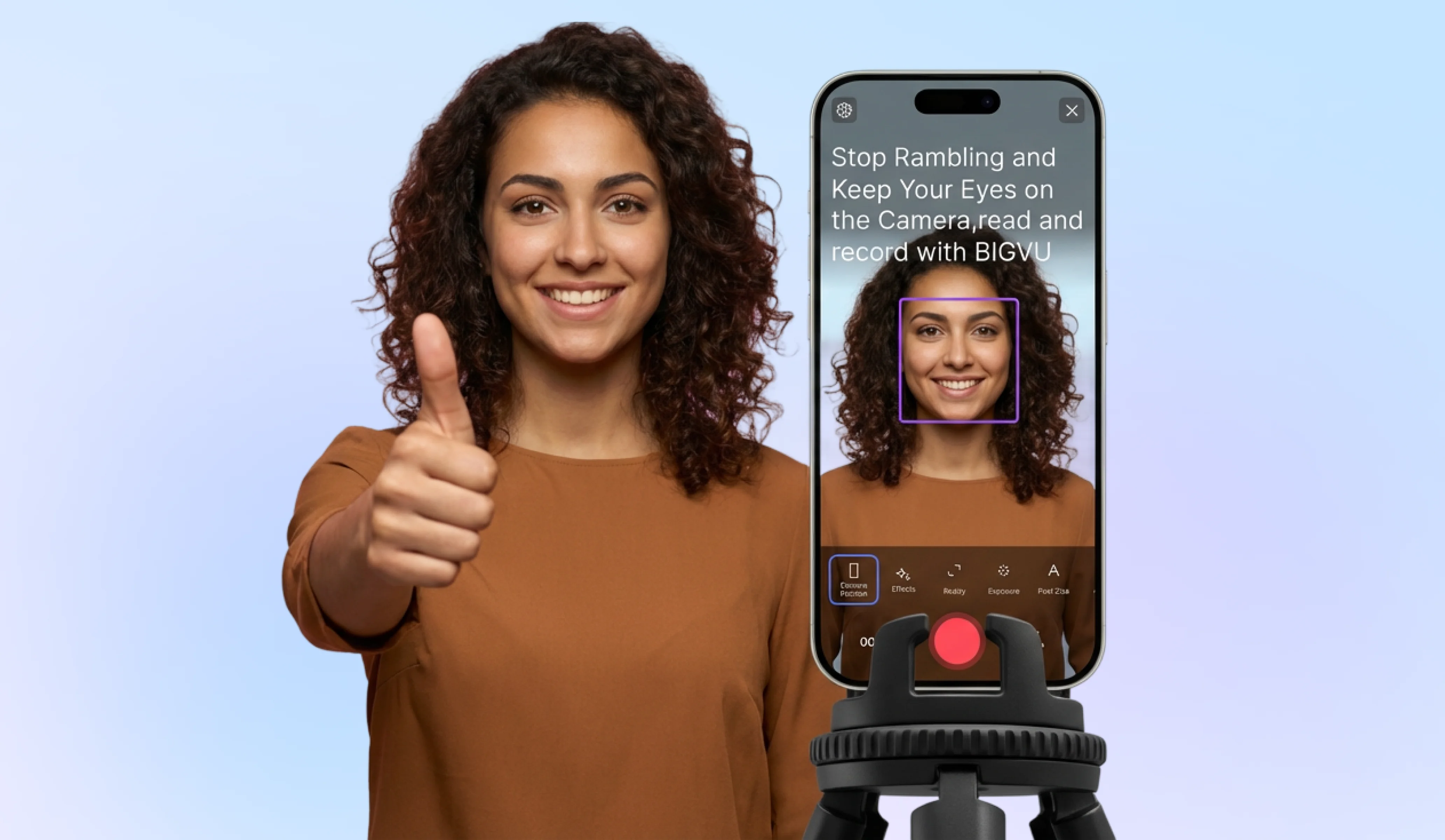
- Use the BIGVU Teleprompter: Eliminate the fear of forgetting your lines. By having your script scroll near the lens, you can stay on message while maintaining a natural gaze.
- Optimize Your Environment: Ensure you have soft, front-facing lighting and a clean background. When you know you look professional, your internal confidence naturally rises.
3 Steps to Prepare for a High-Converting Take
- Script for Brevity: Aim for a script of 120–150 words per minute. This prevents rambling and ensures your testimonial or pitch remains punchy and engaging.
- The "Power Pose" Warm-up: Before hitting record, stand tall and take deep breaths. Physical relaxation directly impacts the tone and resonance of your voice.
- Record a "Zero Stakes" Version: Do one full run-through without the intention of publishing it. This lowers the pressure and helps you find your natural rhythm.
![[object Object]](/blog/images/airtable/section1-master-on-camera-confidence-to-record-high.webp)
Mastering the Technical Setup for High-Quality Recording on Desktop and Mobile Devices
While mindset is the foundation, your technical environment is the frame that holds your message together. You do not need a Hollywood studio, but you must eliminate distractions that pull focus away from your expertise. High-quality production signals to your audience that you are a professional worth their time, whereas poor lighting or audio can instantly damage brand trust.
Optimizing Your Recording Environment
To ensure your video looks and sounds professional on any device, focus on these three pillars:- ...
3 Steps to a Perfect Technical Frame
- Clean Your Lens: A quick wipe of your smartphone or webcam lens removes smudges that cause "hazy" video quality. This is the simplest way to instantly improve clarity.
- Check Your Background: Ensure your background is tidy and professional. A cluttered space can subtly erode viewer confidence in your message.
- Test Your Framing: Use the BIGVU webcam recorder to preview your shot. Ensure there is a small amount of "headroom" above you and that you are centered in the frame to keep the focus on your delivery.
Turning Customer Praise into Unshakeable Brand Trust through Innovative Video Testimonials
Video testimonials are the ultimate shortcut to credibility. While you can claim your service is life-changing, a customer saying it carries ten times the weight. By transforming raw praise into a structured video asset, you move from "selling" to "proving". This shift is essential for small businesses that need to compete with larger brands on trust rather than budget.
Why Video Testimonials Outperform Text
- Emotional Resonance: Viewers see micro-expressions and hear the tone of voice, making the endorsement feel personal and real.
- Visual Evidence: Seeing a real person in their own environment validates that your business serves actual human beings with real problems.
- Reduced Friction: A well-produced video testimonial addresses common objections before a prospect even speaks to your sales team.
3 Steps to Systematize Your Testimonial Collection
- Frame the Transformation: Don't just ask for "a review." Ask your client to describe their "before and after" state. This creates a narrative arc that resonates with prospects facing similar pain points. . Provide a loose script or bullet points so they stay on track without losing their natural voice.
- Optimize for Multi-Platform Distribution: Once recorded, edit the testimonial into different formats. A 60-second vertical clip works for TikTok and Reels, while a longer version is perfect for your LinkedIn profile or website landing page.