Why Your AI Voice Needs to Match Your Use Case
Most people approach AI voice generation backwards. They browse a library of pre-made voices, pick one that sounds pleasant, and use it for everything — ads, tutorials, emails, social posts. The result? A voice that sounds fine but connects with no one.
The truth is, voice is context. The same way you wouldn't use the same tone in a job interview and a birthday party, your AI voice needs to shift based on where it's being heard and what it's trying to accomplish.
Here's how to think about voice-to-use-case matching:
**Ads and Promotions**
Your voice needs energy. Think punchy, confident, and fast enough to hold attention in the first 3 seconds. A slightly younger voice (mid-20s to early 30s) works well for consumer products, while a deeper, more authoritative tone suits B2B or luxury brands. In your prompt, specify things like "energetic," "upbeat pacing," and "confident delivery."
**Social Media Content**
Social thrives on authenticity. The voice should feel like a real person talking to a friend — casual, fast-paced, and relatable. Avoid anything that sounds overly polished or corporate. Think "a 28-year-old content creator explaining something they're genuinely excited about."
**Training and Explainer Videos**
Clarity is king. The voice should be calm, measured, and easy to follow over longer stretches. A moderate pace with clear enunciation keeps learners engaged without exhausting them. A mid-30s to mid-40s voice persona often carries the right blend of expertise and approachability.
**Sales and Landing Pages**
Trust is the currency here. The voice needs to feel warm, knowledgeable, and persuasive without being pushy. Think "a confident advisor who genuinely wants to help" — moderate pacing, smooth timbre, and a tone that invites rather than demands.
**Video Emails**
This is the most personal use case. The voice should feel like a one-on-one conversation with a colleague — warm, approachable, and natural. Overly produced voices kill the intimacy that makes video emails effective. Specify "conversational," "friendly," and "personal" in your prompt.
**AI Voice Agents (Website and Video Landing Pages)**
Your AI voice agent is essentially a digital concierge — it's often the first interaction a visitor has with your brand. The voice needs to be friendly, professional, and helpful. Think "a knowledgeable customer success rep who's happy to be there." Clarity and warmth matter most here, since the voice needs to handle questions and guide visitors without feeling robotic.
The age of your voice persona ties all of this together. A 22-year-old voice on a corporate compliance video feels off. A 55-year-old voice narrating a TikTok trend sounds disconnected. Match the persona's age to your audience's expectations and the content's context.
![[object Object]](/blog/images/airtable/section1-how-write-prompts-make-ai-voice-sound-human-convert.webp)
The Anatomy of a Great Voice Design Prompt
A good AI voice prompt isn't just a list of adjectives — it's a character brief. The more intentional and specific you are, the closer the output will be to what you're imagining.
Here's the formula that works:
**1. Start with the basics: Language, Gender, and Age**
These are the foundation. They set the broadest parameters for the voice the AI will generate. Be specific — "female, early 30s, American English" is far more useful than just "female."
**2. Define the delivery: Pacing, Timbre, and Accent**
Pacing controls the energy. Fast pacing for social and ads, moderate for sales and training, slow for dramatic or emotional content. Timbre is the texture of the voice — warm, bright, deep, husky, smooth. Accent adds character and localization — and can be the difference between connecting with your audience or alienating them.
**3. Add the secret sauce: Additional Notes**
This is where your voice goes from generic to distinctive. The "additional notes" field in your prompt is where you describe the vibe, the personality, the character. This is the most important part.
Here are prompt styles that produce dramatically different results:
• **"Radio Star Voice"** — Bright, polished, high energy. Perfect for ads and promos.
• **"Cinematic Narrator"** — Deep, slow, dramatic. Great for brand storytelling and trailers.
• **"Podcast Host"** — Casual, warm, conversational. Ideal for explainers and thought leadership.
• **"Friendly Coach"** — Encouraging, clear, patient. Built for training and onboarding content.
• **"Late Night DJ"** — Smooth, low, intimate. Works for luxury brands and atmospheric content.
• **"News Anchor"** — Crisp, authoritative, neutral. Strong for reports and professional updates.
• **"Quirky Sidekick"** — Fun, slightly exaggerated, playful. Perfect for social media and younger audiences.
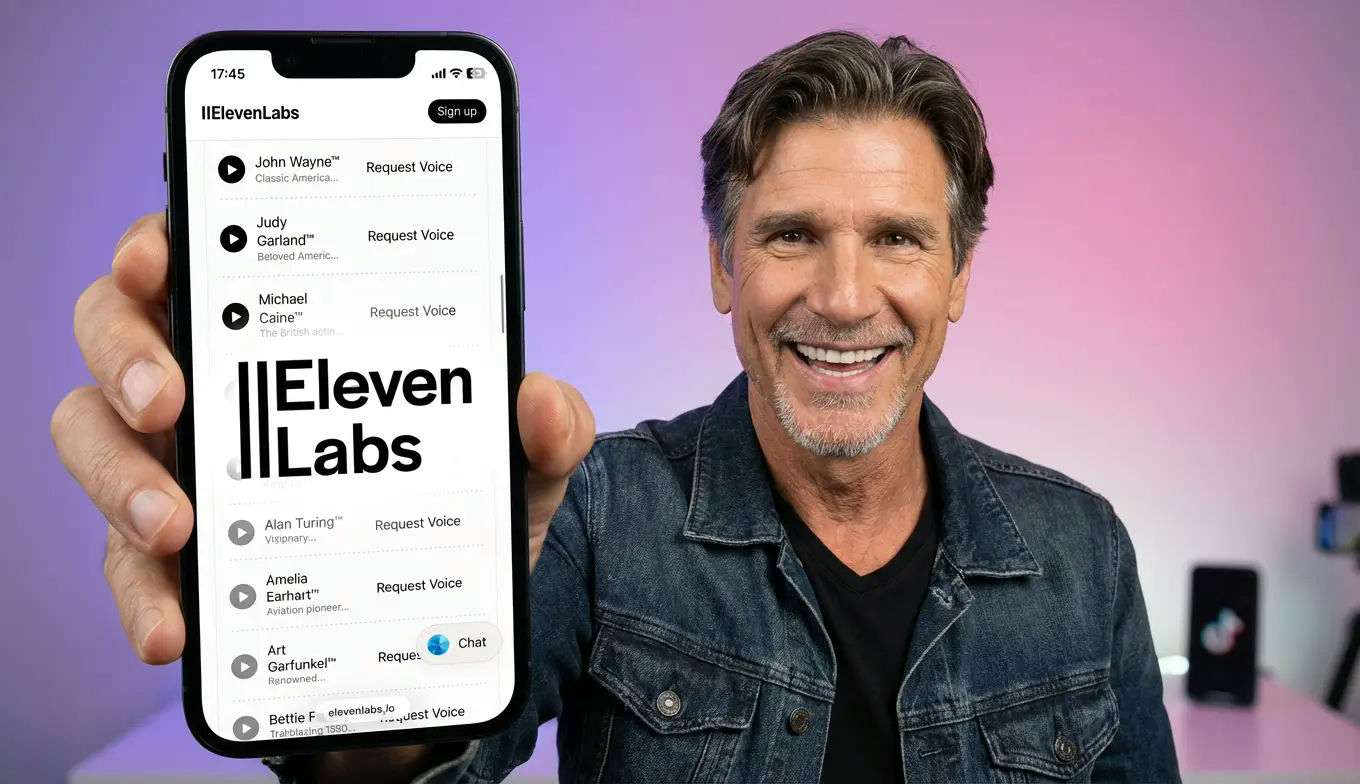
The key insight from industry leaders like ElevenLabs is that the best prompts read like everyday speech — short, specific, and jargon-free. Instead of saying "a voice with rising intonation patterns and forward proximity," say "a voice that sounds like it's smiling while talking to you."
**Example prompt for a video email voice:**
"A warm, friendly female voice, early 30s, American English, moderate pacing. Conversational and approachable — like a coworker sharing helpful advice over coffee. Slight smile in the delivery. Professional but never stiff."
**Example prompt for a social media ad:**
"An energetic male voice, mid-20s, neutral American accent, fast pacing. Confident and excited — like someone who just discovered something amazing and can't wait to tell you about it. Bright timbre, punchy delivery."
How BIGVU Makes Voice Design Effortless
Writing a great prompt is the hard part. Turning that prompt into a usable, branded voice should be the easy part — and that's exactly what BIGVU's Voice Design feature delivers.
Here's how it works in three simple steps:
**Step 1: Define Your Voice**
Inside BIGVU's Brand Kit, navigate to Branded Media and open the Voice Design tool. You'll see a clean interface where you set your voice characteristics: language, accent, gender, pacing, age, and timbre. Then — and this is where the magic happens — you add your additional notes. This is where you write your character prompt: "Radio star energy," "cinematic and dramatic," "warm and funny like a morning show host," or any of the styles we covered above.
**Step 2: Generate and Choose**
BIGVU generates three unique voice variations from your prompt. Each one interprets your description slightly differently, giving you options to compare. Preview each voice with a sample script, and select the one that best matches your vision. You'll also see a natural-language description of what was generated — so you know exactly what you're getting.
**Step 3: Name, Save, and Go**
Give your voice a name (BIGVU can suggest one based on the language and culture), review the description, and hit Save. Your new voice is automatically submitted to the Content Bank with AI-generated portrait images attached — headshot, upper body, and full body — so you can immediately use it in videos.
The result? A complete voice persona — ready for video creation — in under two minutes. No voice acting experience needed. No studio. No casting calls.
**And it works in every language.** Whether you need a professional Japanese voice for your Tokyo market, a warm Portuguese voice for Brazil, or a fast-paced Spanish voice for Latin American social media, the same prompt-based workflow applies. Just change the language, adjust the accent and cultural notes, and generate.
This is what makes AI voice design a conversion tool, not just a production shortcut. When your voice matches your use case, speaks your audience's language — literally and emotionally — and carries the right brand tone, it doesn't just narrate your video. It sells.