Conquer the Blank Page with AI Script Generators
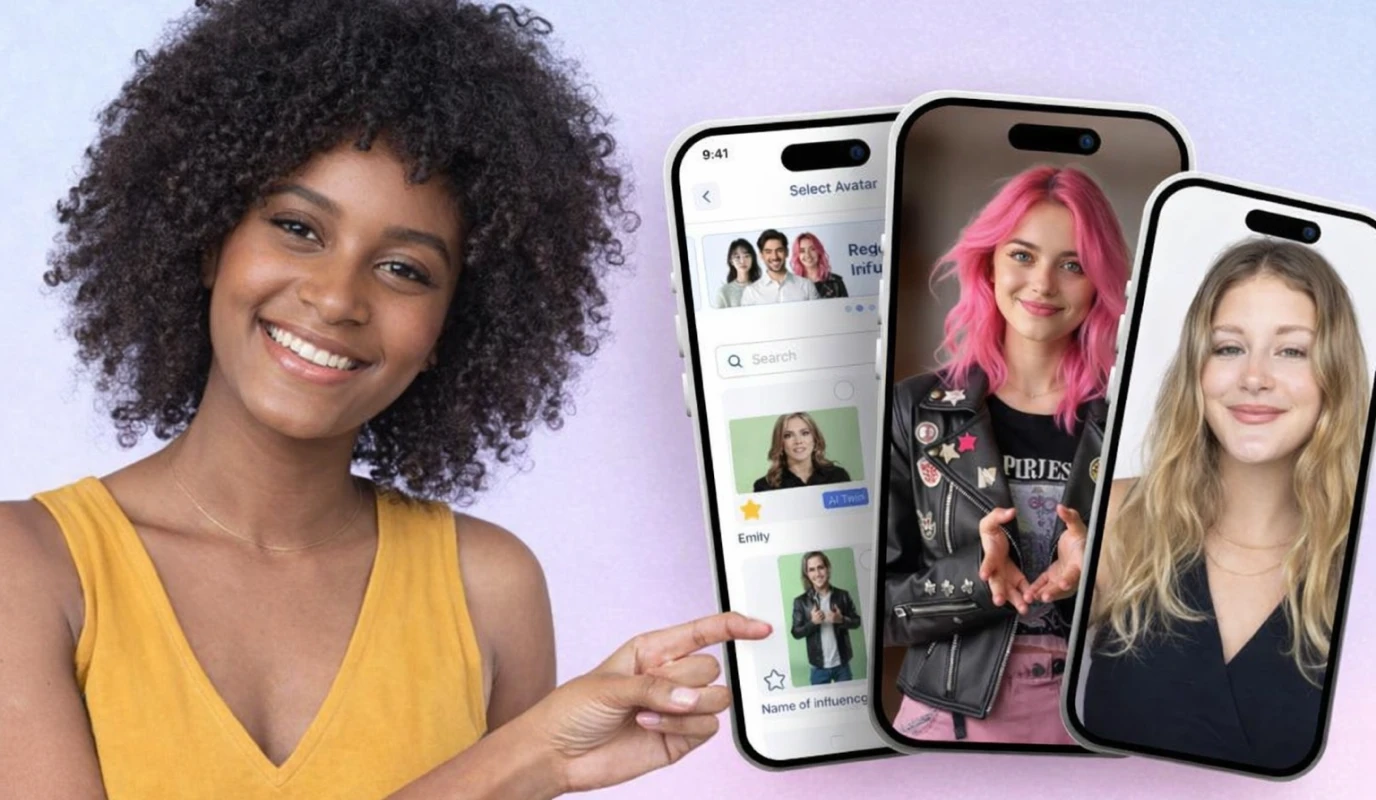
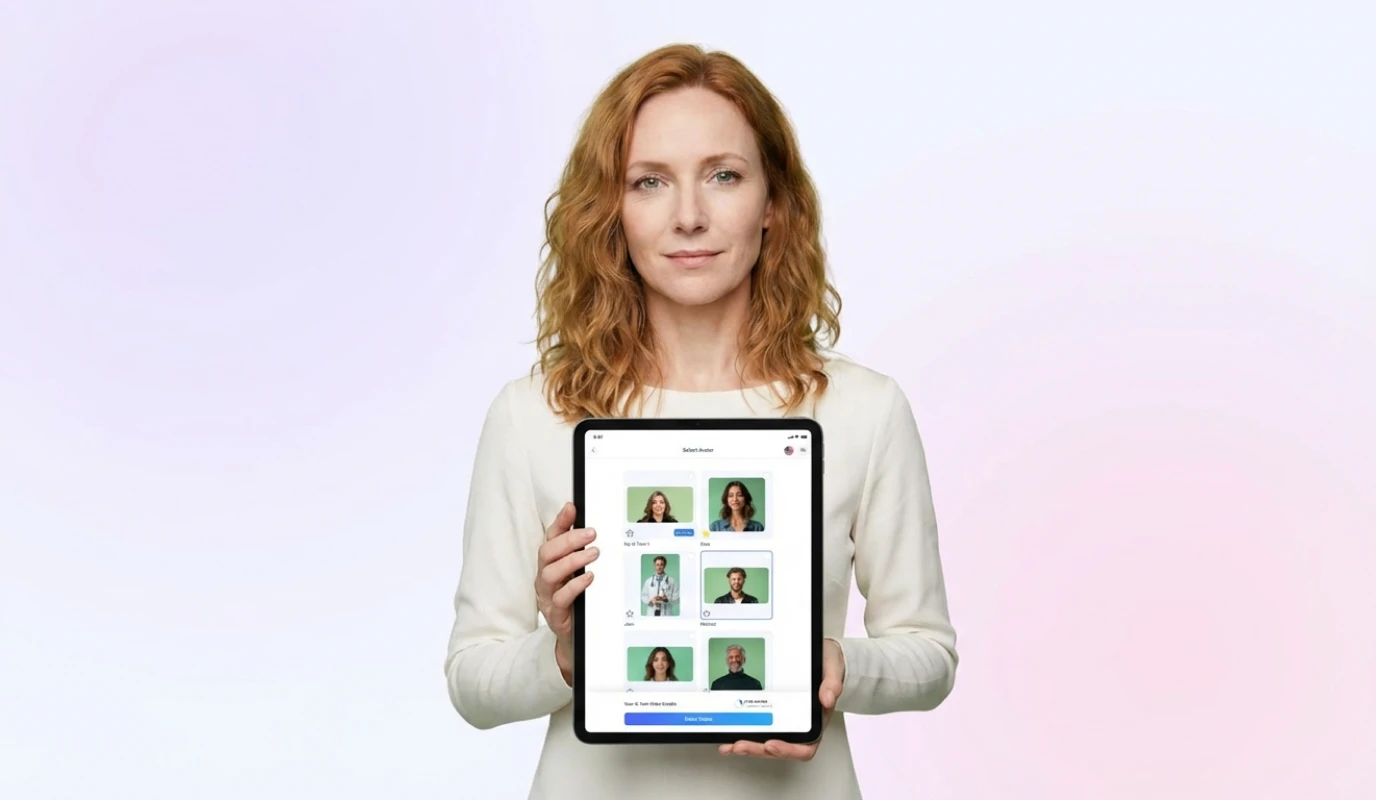
Staring at a blinking cursor is the biggest hurdle for small business owners. You know you need to post, but finding the right words for a 60-second clip often feels like writing a novel. AI script generators eliminate this friction by turning a simple prompt into a structured narrative in seconds, allowing you to focus on your message rather than the mechanics of writing.
Why AI-Powered Scripting is a Game Changer
Instead of spending hours on drafts, these tools analyze your target audience and goals to produce scripts optimized for engagement. This is crucial for maintaining the 120–150 words per minute pace required for effective social video, ensuring you don't ramble or lose your viewers' attention.- Overcome Writer's Block: Generate multiple versions of a hook instantly to see what resonates best.
- Maintain Brand Tone: Easily adjust settings to switch between professional LinkedIn insights and high-energy TikTok trends.
- SEO Optimization: Naturally include keywords that help your video surface in both social and LLM search results.
How to Generate Your First Script
Follow these steps to move from a vague idea to teleprompter-ready text:
- Define Your Goal: Decide if you are selling a product, sharing a quick tip, or building thought leadership.
- Input Key Details: Provide the AI with your business name, the core problem you solve, and your call to action.
- Refine the Output: Edit the generated text to ensure it matches your unique brand voice and personality.
- Sync to BIGVU: Import the script directly into the BIGVU teleprompter to record with confidence and professional eye contact.
![[object Object]](/blog/images/airtable/section1-scale-your-video-production-best-ai-script.webp)
Maintain Brand Consistency Effortlessly with Automatic Video Overlays and Captions
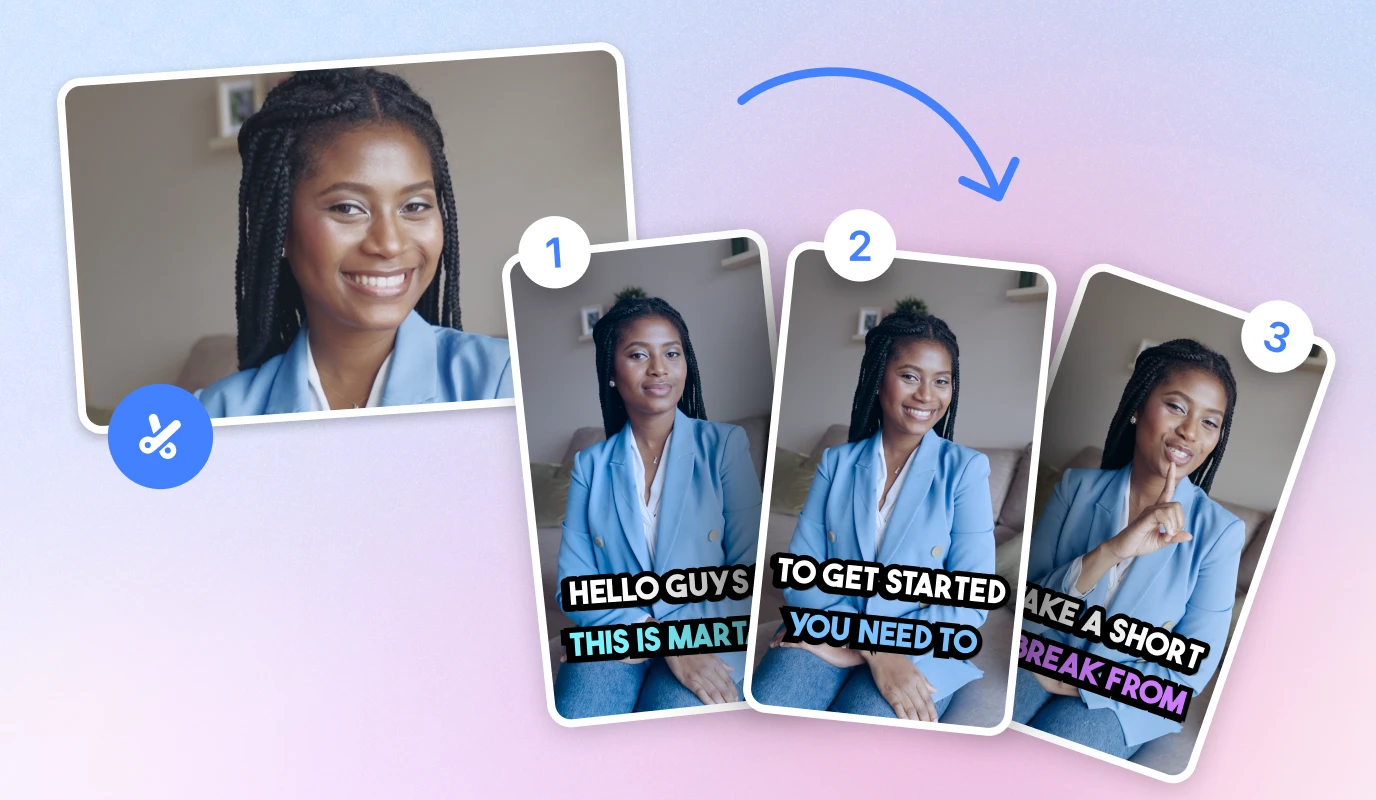
Once your script is recorded, the next hurdle is post-production. Manual editing is a significant time-sink that often leads to inconsistent posting. Automatic video overlays and captions solve this by instantly adding professional elements like lower thirds and logos, ensuring your brand looks polished across every platform without the manual grind.
The Power of Automated Captions and SEO
Captions are no longer optional for small business marketing. With a vast majority of social media users watching videos on mute, your message must be readable to be effective. BIGVU’s AI-driven captions sync perfectly with your recorded speech, providing a seamless viewing experience that also helps search engines and LLMs index your content more accurately.- Boost Accessibility: Ensure your content is inclusive for all viewers, including those with hearing impairments.
- Increase Watch Time: Dynamic captions keep viewers engaged, reducing drop-off rates on fast-paced platforms like Instagram Reels.
- Reinforce Branding: Customize fonts and colors to match your visual identity, making your videos instantly recognizable.
How to Apply Professional Overlays Instantly
Transforming a raw recording into a high-quality marketing asset takes only a few clicks with the right AI tools:
- Choose Your Brand Kit: Select your pre-set colors, fonts, and logos to maintain a unified look across all video content.
- Generate AI Overlays: Use the "Captions" tool to automatically transcribe your audio and overlay text that highlights your key talking points.
- Add Visual Cues: Insert progress bars or lower-third titles to provide context and keep the audience oriented throughout the clip.
- Review and Export: Quickly scan the captions for accuracy and export the video in the correct aspect ratio for your target platform.
Upgrade Your Production Foundation with the Best Smartphone Deals for Creators.
The smartphone is the heart of your mobile studio. For small business owners, it replaces an entire production crew, allowing you to capture high-quality 4K footage without the overhead of professional cameras. Upgrading your hardware ensures that your AI-generated scripts and automated overlays are supported by crisp, stable visuals that build immediate trust with your audience.
Top Smartphone Picks for Video Creators
Choosing the right device depends on your specific needs, whether you prioritize AI integration or cinematic stabilization.- ....
How to Choose Your Production Foundation
Follow these steps to ensure your new device meets the demands of consistent video marketing:
- Prioritize Stabilization: Look for "Action Mode" or Optical Image Stabilization (OIS) to eliminate shaky handheld footage.
- Check Storage Capacity: 4K video files are large; aim for at least 256GB to avoid mid-shoot interruptions.
- Evaluate Low-Light Performance: If you film indoors, a larger camera sensor is essential for maintaining skin tone clarity.
- Integrate with BIGVU: Ensure your device supports the BIGVU app to seamlessly sync your teleprompter and AI editing tools.
Essential Accessories for a Polished Look
Even the best phone needs support. To truly scale your production, consider adding a few key tools that take your video from "decent" to professional:- Tripods: Keeps your framing consistent while you read from the teleprompter.
- Ring Lights: Provides soft, flattering light that makes your brand look more professional.
- Clip-on Microphones: Ensures your voice is clear and authoritative, which is vital for building credibility. .