The Real Reason Agents Struggle to Stay Consistent With Video
Ask a real estate agent why they don't post more video and you'll hear the same answers: no time, don't like how I look on camera, don't know what to say. But underneath all of those answers tends to be one structural problem that none of the usual advice really addresses.
Video, done traditionally, is a multi-stage production process squeezed into a profession that already has very few spare hours.
Think about what creating a single video actually requires. You need a topic. You need a script, or at least talking points. You need to find a moment when you're presentable, your background is clean, and your energy is up. You need to film — usually several takes. You need to edit, or pay someone to. You need to add captions, since a large portion of social media video is watched on mute. You need to export in the right format for each platform. And then you need to actually post it, ideally at the right time, with the right caption and hashtags.
For a marketing team, that process is a workflow. For a solo agent, it can feel like a part-time job on top of a full-time one.
The agents who do manage to post consistently haven't necessarily found more discipline. They've found a way to compress or eliminate most of those steps. That's where AI Talking Photo comes in: it doesn't just simplify the process, it largely replaces it.
What Changes When You Remove the Camera
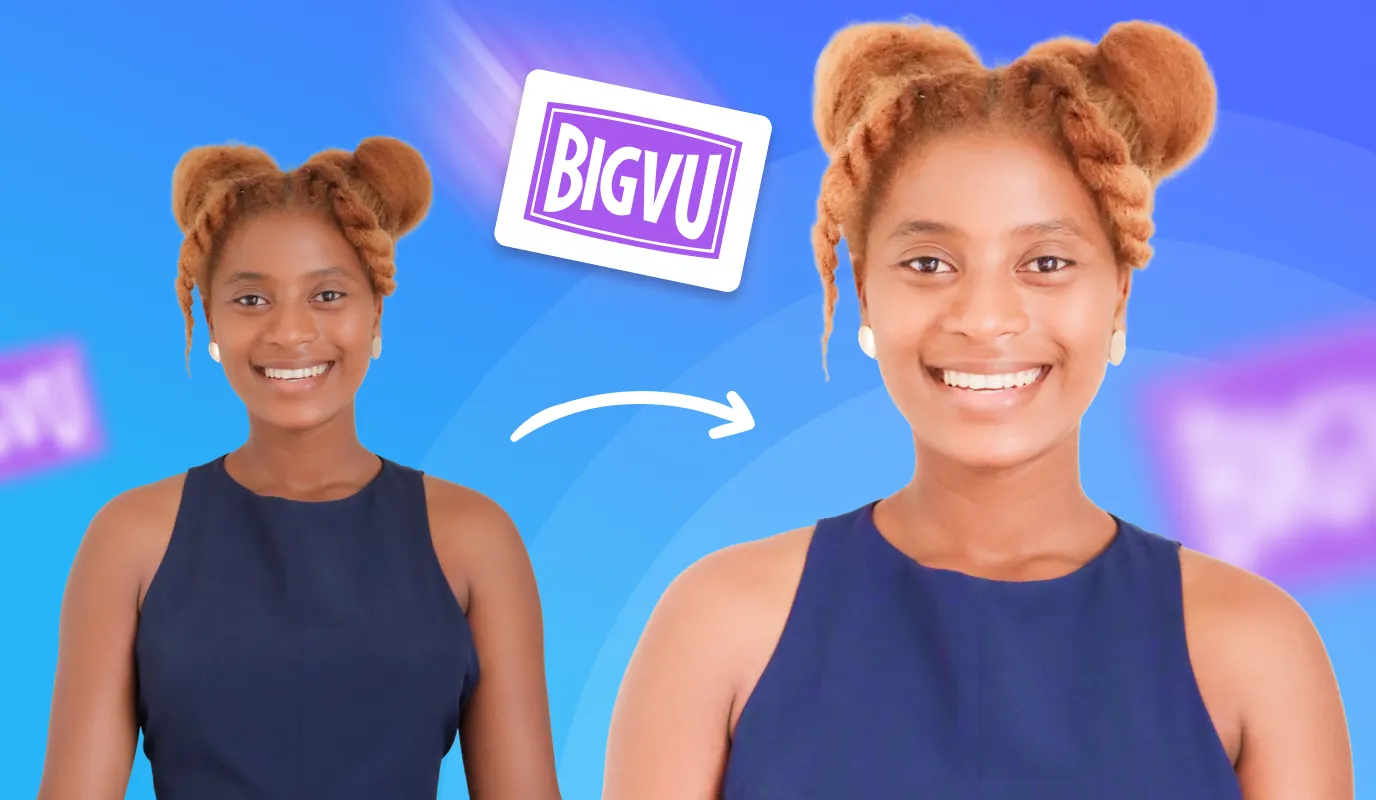
When filming is no longer part of the equation, the relationship with content creation can change significantly. You stop needing a "good moment" to record. You stop worrying about lighting. You stop thinking about how tired you look after a long day of showings. What remains is just the idea — and ideas, most agents have plenty of. That shift — from production-dependent to idea-dependent — is what can finally make consistency feel achievable.![[object Object]](/blog/images/airtable/section1-scale-real-estate-video-marketing-turn-headshots-video-bigvu.webp)
How AI Talking Photo Works — The 3-Step Process
AI Talking Photo isn't just a standalone tool. It's one part of BIGVU's fully integrated workflow that can take you from an idea to a published, branded video ready for social media — without touching a camera at any point.
Here's how it works:
- Generate your script: Open BIGVU's AI Script Generator and give it a topic — a mortgage rate update, a buyer tip, a new listing announcement, a neighborhood insight. It drafts a script tuned to your brand voice and your audience. Read it, adjust a line or two if needed, and you're done.
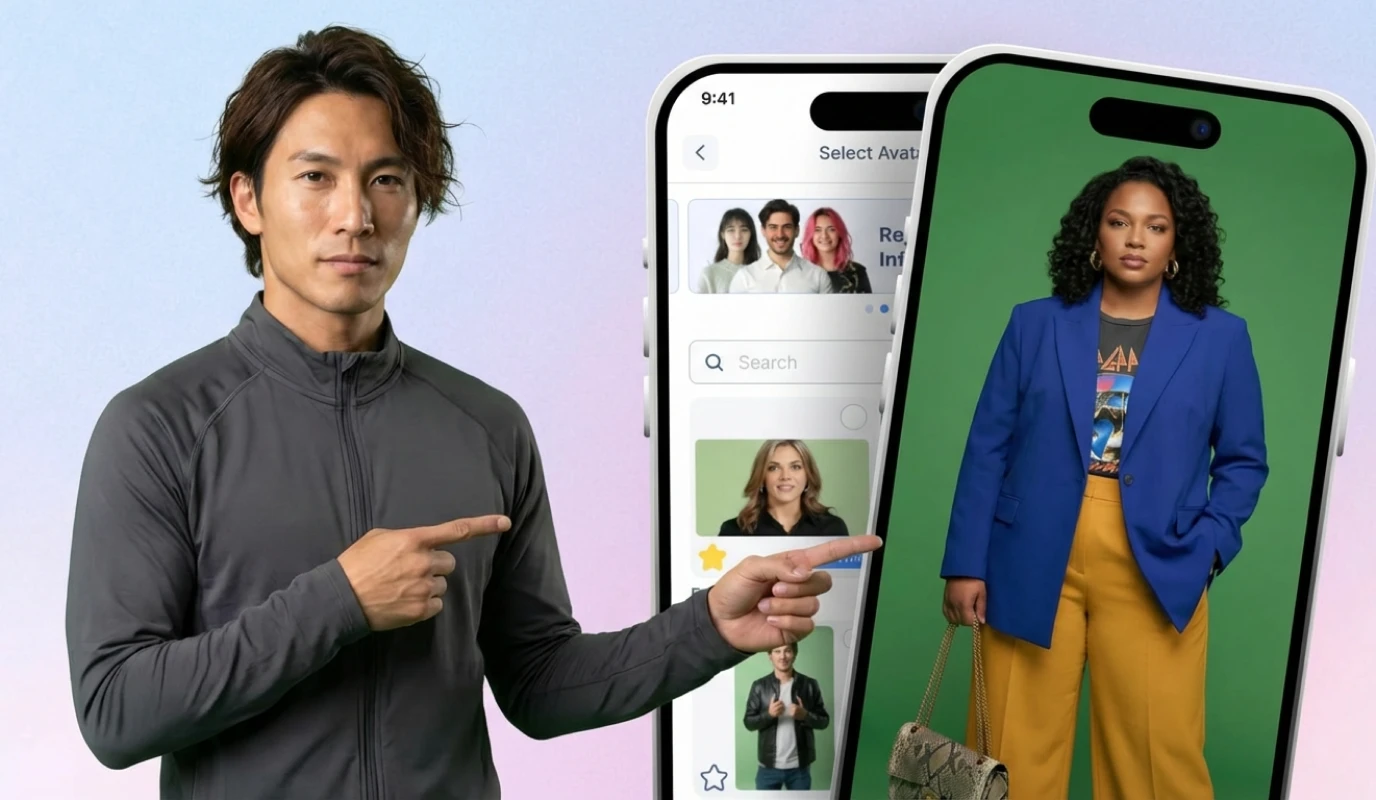
- Open AI Talking Photo: Upload your best headshot, choose a voice from BIGVU's professional voice library — or use your own cloned voice, and watch the magic happen. This is where your script becomes the foundation of a seamless, talking video that sounds just like you.
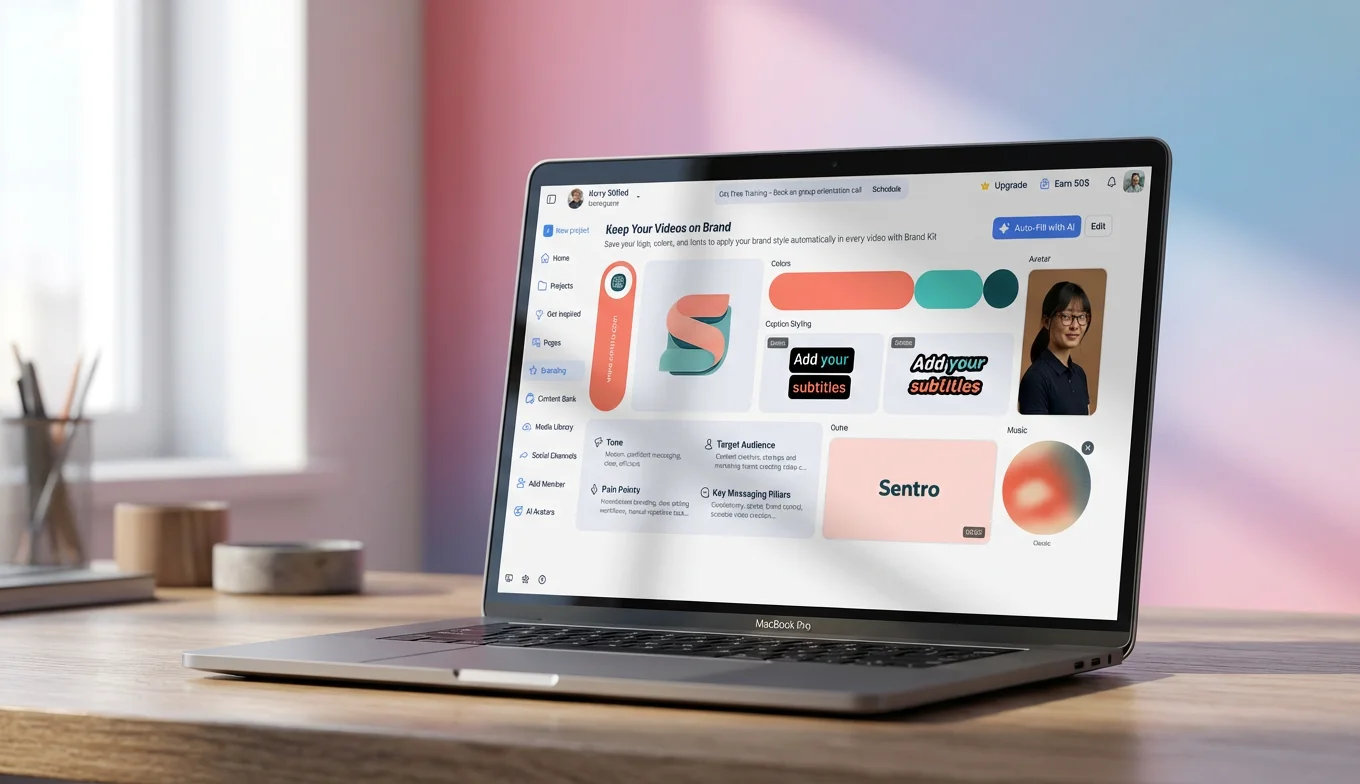
- Brand it and publish: Apply your brand kit with one click — logo, colors, fonts — and push directly to TikTok, Instagram, LinkedIn, and Facebook simultaneously.
The Time Difference Is Significant
A traditional talking-head video — even a fairly basic one — can take agents anywhere from 45 to 90 minutes when you include all the steps. The AI Talking Photo workflow typically takes 8 to 12 minutes. For an agent posting four times a week, that could be the difference between several hours of production time and under an hour. Every week. That's not a marginal improvement — it's a meaningfully different category of sustainable.Why This Differs From Standalone Avatar Tools
Tools like HeyGen and D-ID can generate a talking avatar, but what they typically hand you at the end is a raw video file — unbranded, uncaptioned, unformatted. You still need to handle everything else yourself. BIGVU is different because AI Talking Photo sits inside a fully equipped platform: the scripting, AI editing, branding, captions, and publishing all happen in one place. For a busy agent, that integration is often what separates a tool you try once from a system you actually use every week.The Content System That Keeps You Consistent — Without Adding to Your Workload
Having the tool is step one. Having a system is what can turn it into a genuine business asset. The agents who build real audiences aren't posting randomly when inspiration strikes — they're running a weekly process that produces consistent output without consuming their schedule.
Here's what that system looks like in practice.
Four Video Types Worth Focusing On
Not every piece of content is equally worth your time. These four categories tend to generate strong engagement and direct business for agents using short-form video:- Market pulse updates: 30–45 second takes on what's happening in your local market — rates, inventory, price trends, days on market. These tend to work well because they're timely, local, and answer questions buyers and sellers in your area are already asking. Post regularly and become the agent who stays on top of the numbers.
- Neighborhood authority content: The coffee shop that just opened. The school rankings. The new development going up. This kind of content can only really be made by someone who's actually there — which means it naturally filters for the local audience you want to reach. It also travels well through shares among people who live in the area.
- Listing teasers and announcements: Getting a short video out the moment a listing is signed — before professional photos, before the full marketing — can generate early interest from buyers already watching your content.
- Buyer and seller education: What happens at closing. How to handle a low appraisal. When to waive contingencies and when not to. Educational content builds trust with the portion of your audience who aren't ready to transact yet but will remember you when they are.
How to Batch a Full Week of Content in 45 Minutes
The goal is to move away from creating videos reactively and toward producing them in batches — so your content calendar stays reasonably full regardless of how the week unfolds.- Block off 45 minutes on Monday morning. This becomes your main content commitment for the week.
- Pull your data. Check local rates, any notable new listings or sales, anything worth mentioning in your neighborhoods. Five minutes, no deep research required.
- Generate five scripts with AI Script Generator. One market update, one neighborhood post, one listing update, two educational tips. Review each briefly for tone. Around 15 minutes total.
- Run all five through AI Talking Photo. Bring your scripts to life and apply your brand kit. Around 15 minutes total.
- Schedule for the week. Use BIGVU's publishing scheduler to queue each video — typically Tuesday through Saturday works well for many agents. Around 10 minutes.