BIGVU
AI Video Editing

Master Mobile Video Editing and Viral Growth Strategies for 2026

Jessica Becker
Jessica BeckerMar 5, 202612 min read
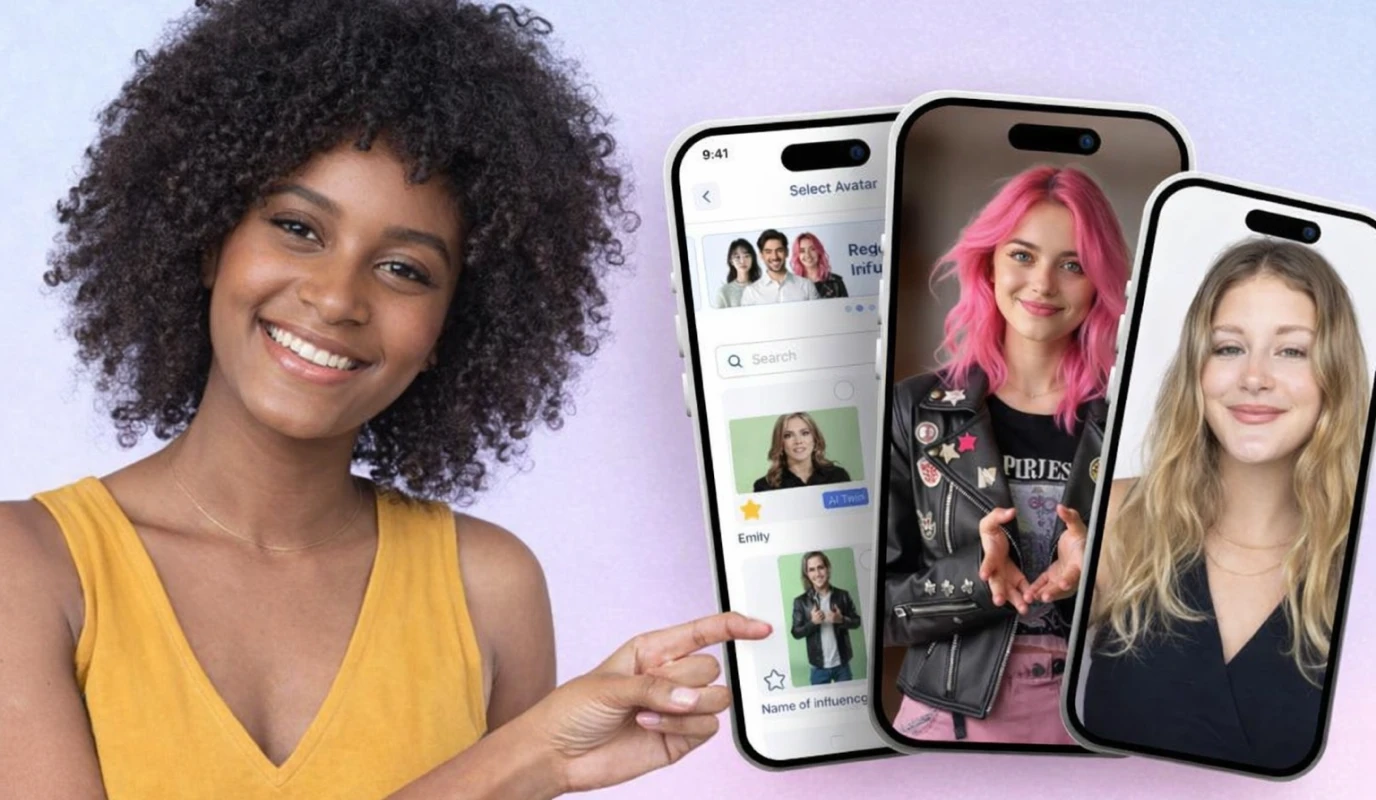
The rules of video content have split in two. On one side, AI can now generate polished videos from a text prompt — complete with avatars, voiceovers, and branded visuals. On the other, audiences are craving raw, face-to-camera authenticity more than ever. The creators and businesses winning in 2026 aren't choosing between these two worlds. They're using both — and ideally, they're doing it from a single app. That last part matters more than it sounds. When your AI script generator lives in one tool, your teleprompter in another, your video editor in a third, and your caption tool in a fourth, every video becomes a logistics project. The friction between tools is where most content dies — not from a lack of ideas, but from the overhead of stitching a workflow together across five different apps. BIGVU was built around this exact problem. It's a single mobile platform where you can generate scripts with AI, record with a teleprompter for confident on-camera delivery, edit with AI-powered tools, add captions, apply your brand kit, and even create AI avatar videos or turn a photo into a talking video with Fototale — all without leaving the app. That means the gap between "I have an idea" and "it's published" shrinks from hours to minutes. In this guide, we'll cover the three layers of building a video strategy that actually scales in 2026:
  • How to set up your phone as a real production tool — and edit like a pro using AI and manual controls together.
  • What makes short-form video go viral — the structural patterns behind content that stops the scroll on TikTok, Reels, and YouTube Shorts.
  • How to build a repeatable content engine that mixes AI-generated and self-recorded video without burning out.

How to Edit Videos on Your Phone Like a Pro in 2026

The gap between amateur and professional video was never about camera quality — phone sensors have been good enough for years. The real divide is in three areas: lighting, audio, and the confidence that comes from knowing what you're going to say before you press record.

Nail the Fundamentals Before You Open Any App

Lighting makes or breaks mobile video. Natural light from a window is the simplest upgrade — position yourself facing it so your face is evenly lit without harsh shadows. For evening shoots, a basic ring light eliminates the grainy, underexposed look that instantly signals amateur content. For audio, your phone's built-in microphone picks up everything: air conditioning, street noise, keyboard clicks. A clip-on lavalier mic for under $20 is the single highest-ROI accessory you can buy. Then there's the scripting problem. Most people don't struggle with recording — they struggle with what to say. The "blank screen" paralysis before filming kills more content than bad lighting ever will. This is where having a teleprompter built into the same app as your video editor changes the game. With BIGVU, you go from a topic idea to an AI-generated script to a teleprompter-guided recording — and you never leave the app. No copying scripts between tools, no separate teleprompter downloads.

AI Editing + Manual Control in One Place

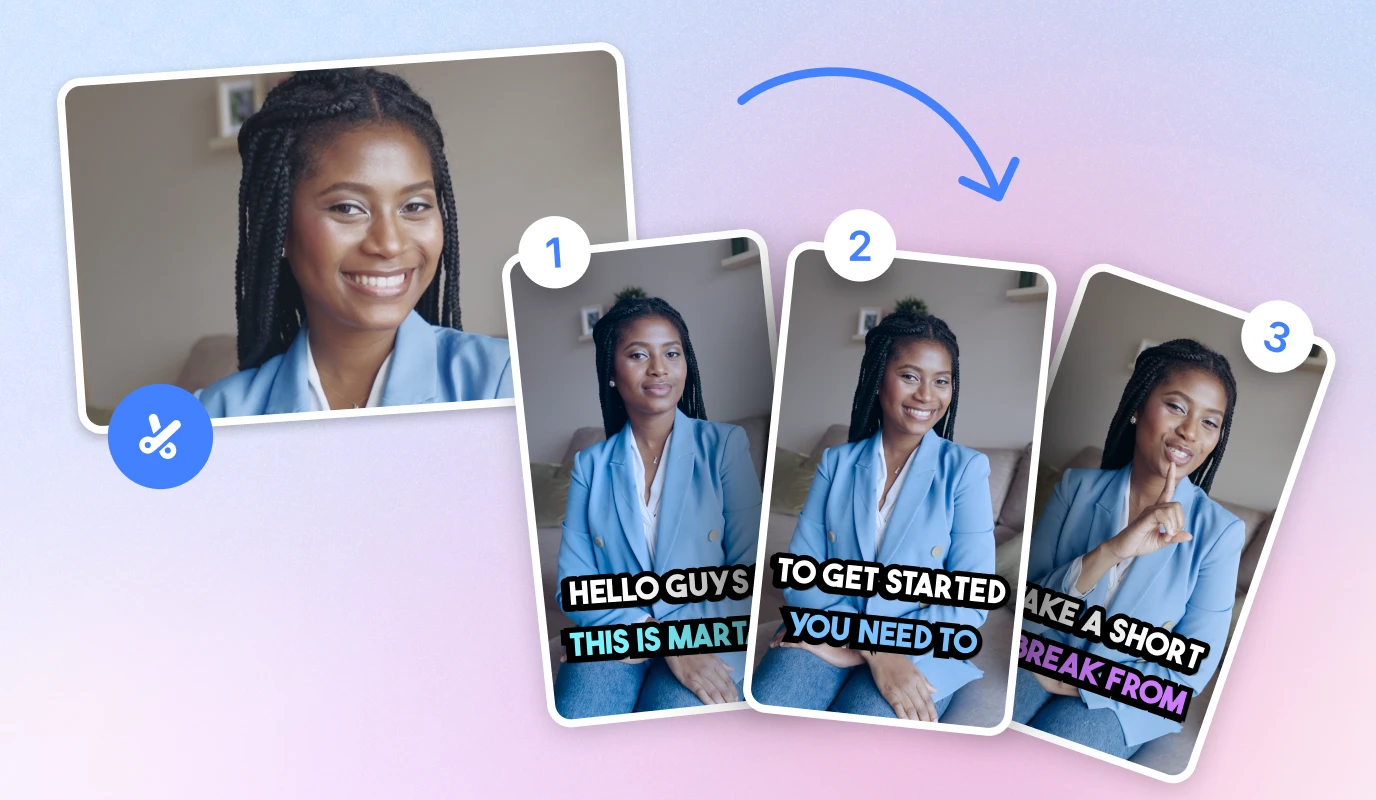
Once your footage is captured, editing should sharpen your message — not reinvent it. The biggest shift in mobile video editing in 2026 is that the best video editing apps now blend AI automation with hands-on control. You shouldn't have to choose between speed and precision. BIGVU's AI Video Editing handles the heavy lifting: it removes filler words and long pauses, tightens pacing, and gets you to a clean cut in minutes instead of hours. But you still have full manual control when you need it — trim specific sections, adjust timing, reorder segments. WordTrim lets you edit your video by editing the transcript text, so cutting a section is as easy as deleting a sentence. Three things are non-negotiable for every video you publish. First, captions — the majority of social media video is watched on mute, so auto-generated captions aren't optional, they're the baseline. Second, visual branding. Consistent colors, fonts, and logo placement build instant recognition that compounds over time. BIGVU's Brand Kit saves these once and applies them automatically. Third, platform-ready formatting. A video that works on TikTok needs different aspect ratios and pacing than one built for YouTube Shorts or LinkedIn. Having one app that handles all of this eliminates the need to bounce between CapCut, Canva, and a scheduling tool.
How to Edit Videos on Your Phone Like a Pro in 2026

The Anatomy of a Viral Short-Form Video

Virality isn't random. When you study videos that break through — across TikTok, Reels, and YouTube Shorts — the same structural patterns repeat. Understanding those patterns doesn't guarantee every video goes viral, but it dramatically increases your odds by aligning your content with how algorithms and human attention actually work.

The Hook: You Have Two Seconds

Every platform algorithm measures the same core signal: do people keep watching? If viewers scroll past in the first two seconds, the algorithm buries your video regardless of how good the rest is. Effective hooks fall into three categories. Visual disruption — an unexpected image, sudden movement, or bold text overlay that interrupts the scroll. Curiosity gaps — opening with a statement that creates an information imbalance ("Most people get this completely wrong about video marketing"). And direct value promises — leading with a specific outcome ("This one change doubled my engagement in a week"). The worst hooks? Starting with "Hey guys" or a logo animation. You've already lost them. BIGVU's AI Scripts lets you generate multiple hook variations for the same topic in seconds. Write five different openings, record each one, and let your retention data tell you which style your audience responds to. Over time, you build an instinct for what works — but that instinct is built on testing, not guesswork.

Structure That Holds Attention Past the Hook

Getting someone to stop scrolling is step one. Keeping them through the full video is what triggers algorithmic distribution. The retention curve of most failed videos shows a steep drop right after the hook — meaning the middle of your content matters just as much as the opening. The fix is layered tension. Every 5–10 seconds, introduce a new point, a visual change, or a micro-payoff that rewards the viewer for staying. Think of it as a chain of small hooks rather than one big one at the start. Pattern interrupts — a cut to a different angle, a text overlay, a shift in vocal energy — reset the viewer's attention clock. Auto B-Rolls in BIGVU can insert relevant visual cutaways automatically, so your talking-head footage gets natural variety without manual editing.

Platform-Specific Distribution

A single video can perform completely differently on TikTok versus YouTube Shorts versus LinkedIn because each platform rewards different behaviors. On TikTok and Reels, raw energy and trend participation outperform polish. These platforms reward content that feels native — personality-driven, imperfect, and fast. YouTube Shorts functions more like a search engine — SEO-optimized titles and descriptions capture long-term discovery traffic that TikTok can't match. Learning how to make a YouTube Short with search-friendly metadata is one of the lowest-competition opportunities in content right now. LinkedIn rewards professional framing — the same tip that plays as a quick hack on TikTok works better on LinkedIn when positioned as strategic thought leadership. The efficient approach: record once with a universal message, then adapt your hook, pacing, and captions per platform. BIGVU's Social Media Manager lets you customize and schedule platform-specific versions from a single dashboard.
The Anatomy of a Viral Short-Form Video

Building a Content Engine That Mixes AI and Authentic Video

The biggest mistake creators make isn't producing bad content — it's producing good content unsustainably. You have one great week where you post four videos, then burn out and disappear for a month. Algorithms penalize inconsistency, and audiences forget you faster than you'd like to admit. The answer in 2026 isn't choosing between AI-generated content and face-to-camera recording. It's building a system that uses both strategically — and runs from a single platform so the workflow stays frictionless.

When to Use AI Video vs. Recording Yourself

Not every piece of content needs you on camera, and not every piece should be fully AI-generated. The highest-performing content strategies mix both based on the purpose of each video. Use AI-generated video — like BIGVU's Text to Video or AI Avatar Videos — for evergreen explainers, product walkthroughs, FAQ content, and repurposed blog posts. These are videos where the information matters more than the personal connection, and where AI lets you produce at scale without blocking your calendar for recording sessions. Fototale takes this even further, turning a single photo into a talking video — perfect for when you need a professional-looking spokesperson video without being on camera yourself. Record yourself for thought leadership, storytelling, customer-facing updates, and anything where your audience needs to trust the person behind the message. Authenticity is the one thing AI can't replicate, and it's what builds the kind of audience loyalty that turns viewers into customers. Use BIGVU's AI Scripts to draft your talking points, the built-in teleprompter to stay sharp on delivery, and the Beauty Filters Cam to look polished without over-produced. The strategic advantage is using one app for both modes. When your AI tools, teleprompter, editor, captions, brand kit, and publishing dashboard all live in the same place, you eliminate the "app tax" — the time lost switching between tools — that kills consistency.

Batch Everything, Publish Consistently

The single most impactful workflow change is batching. Instead of scripting, recording, editing, and posting one video at a time, block a single session for each phase across multiple videos. Generate five scripts with AI Scripts in one sitting. Record all five back-to-back while your lighting is set. Edit them in sequence with AI Video Editing and auto-captioning. What used to take five separate days fits into one focused afternoon. Batching eliminates the startup cost of context-switching. Every time you set up your space, open a new app, or log into a scheduling tool, you spend energy on logistics instead of creativity. Consolidating that overhead into blocks is how prolific creators stay consistent without working more hours.

Repurpose With Intention

One recording session should never produce just one piece of content. A single 3-minute video can become a YouTube Short, a TikTok, a Reel, a LinkedIn clip, and a text-based post — but only if you plan for it. Before you record, identify which segments could stand alone as shorter clips. Record with multiple platforms in mind, and use AI to rewrite captions and descriptions for each audience's expectations. BIGVU makes this practical by keeping everything in one workspace — your original recording, your edits, your AI-generated variations, and your scheduled posts.
#AI Video Editing#BIGVU#Educational
Share article
FacebookX (Twitter)LinkedIn

FAQ

Quick Poll

If you could only post one type of video, what would it be?

Related articles

How Video Testimonials and AI Eye Contact Turn Viewers Into Clients
AI Video EditingMar 5, 2026

How Video Testimonials and AI Eye Contact Turn Viewers Into Clients

Read article
How to Brand Your Videos: Add Logos, Voiceovers, and Save on AI Caption Pricing
AI Video EditingMar 1, 2026

How to Brand Your Videos: Add Logos, Voiceovers, and Save on AI Caption Pricing

Read article
How to Caption and Trim Videos: Master Opus Clips and iPhone Editing
AI Video EditingFeb 26, 2026

How to Caption and Trim Videos: Master Opus Clips and iPhone Editing

Read article
How to Build a High-Converting TikTok Brand Using AI Voice and CapCut Templates
AI Video EditingFeb 26, 2026

How to Build a High-Converting TikTok Brand Using AI Voice and CapCut Templates

Read article