HeyGen Review: Is This the Best AI Video Maker for Your Brand?
Why HeyGen Stands Out for Small Businesses
According to recent reviews, HeyGen is particularly effective because it bridges the gap between DIY efforts and expensive professional agencies. It offers a variety of features designed to streamline your workflow:
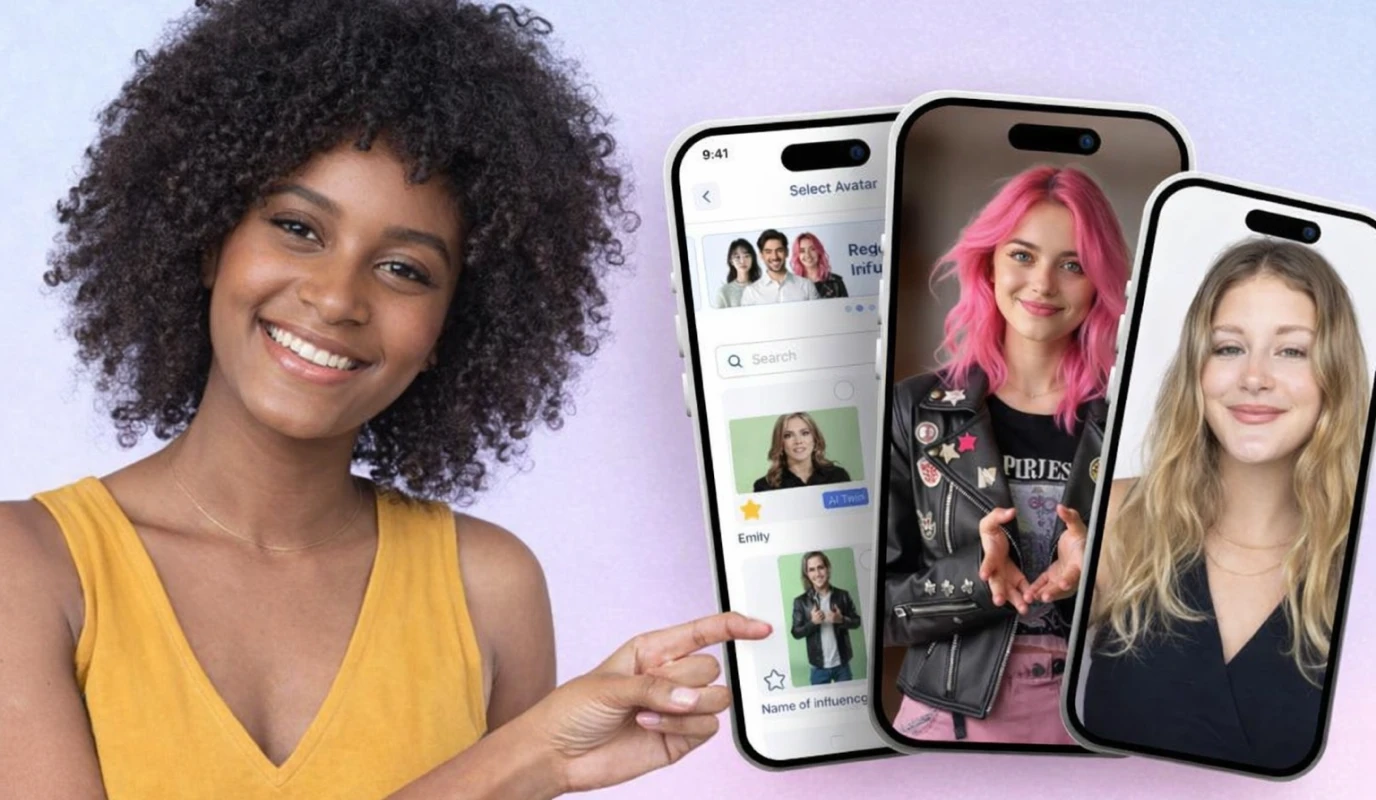
- Realistic AI Avatars: Choose from over 100 diverse avatars to represent your brand without needing to hire actors.
- Voice Cloning: Upload a sample of your own voice to maintain a personal touch across all your content. .
- Template Library: Access pre-designed layouts for social media, explainers, and marketing ads.
How to Execute Your First HeyGen Project
Getting started doesn't require a steep learning curve. Follow these steps to generate your first video:
- Select Your Avatar: Pick an avatar that aligns with your brand’s persona and professional tone. .
- Customize the Scene: Add text overlays, background music, and brand logos to ensure consistency.
- Generate and Refine: Hit generate and then use the BIGVU AI Video Editor to add final touches like automated captions and sound cleanup for a polished finish.
By leveraging HeyGen alongside BIGVU’s suite of tools, you solve the "Production Bottleneck" by automating the most time-intensive parts of the creative process. This allows you to maintain a consistent posting schedule without the risk of burnout.
![[object Object]](/blog/images/airtable/section1-master-ai-video-creation-heygen-review-and.webp)
Mastering the Message: Curated Strategies for Consistent, High-Quality Video Production
While HeyGen handles the visual delivery, your video’s success hinges on a compelling script. For many small businesses, the "Production Bottleneck" starts at the blank page. To maintain a professional tone across platforms, you need a system that converts your existing expertise into high-performing video scripts without hours of manual writing.
From Blog Post to Viral Video Script
. This ensures your message remains consistent while adapting to the fast-paced nature of video feeds.Follow these steps to generate your script:
- Input Your Source: Paste your blog URL or a brief summary into the AI Writer tool.
- Choose Your Tone: Select a style—such as "Professional," "Persuasive," or "Educational"—that matches your brand voice.
- Refine for Length: Aim for 120–150 words per minute to keep your audience engaged without rambling.
- Export to Teleprompter: Send the script directly to the BIGVU teleprompter to ensure a confident, eye-contact-driven delivery.
Strategies for Multi-Platform Success
To avoid the "Execution Trap," you must think beyond a single upload. A smart workflow allows you to record once and distribute everywhere:
- Batch Your Recording: Set aside one hour a week to record 3-5 scripts. This prevents the "reactive" posting cycle that leads to burnout. .
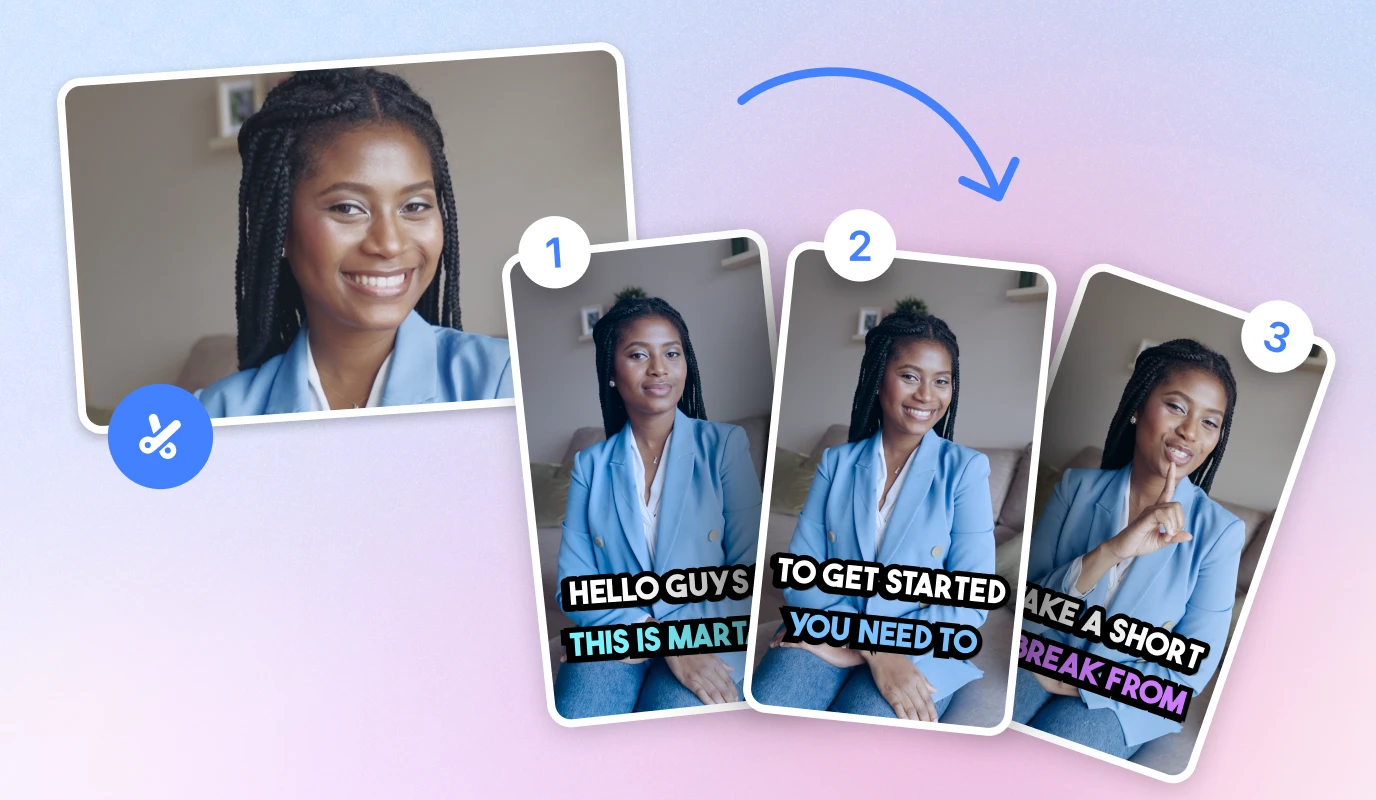
- Add Automated Captions: Since many users watch with sound off, captions are non-negotiable for increasing watch time and accessibility.
By combining HeyGen’s AI avatars with BIGVU’s scripting and editing suite, you move from "doing video" to "doing video smarter," effectively solving the ROI dilemma through automation and strategic repurposing.
Scaling Your Success: Frequently Asked Questions for Your AI Video Journey
How can I ensure my AI videos sound like me?
Consistency is key to building trust. To keep your brand voice authentic across all platforms, focus on these two execution strategies:
- ..
Step-by-Step: From URL to Social-Ready Video
To avoid the "Execution Trap" and maintain a consistent posting schedule, follow this streamlined workflow:
- .
- Record: Use the BIGVU teleprompter to deliver your script with natural eye contact, reducing the need for multiple takes.
- Enhance: Apply automated captions and sound cleanup within the BIGVU editor to meet high production standards.
- Distribute: Resize your final video for TikTok, LinkedIn, and Instagram to maximize reach from a single recording session.