Crafting a Stunning Video Resume That Opens Doors
A traditional PDF resume tells an employer what you’ve done, but a video resume shows them who you are. In a digital economy where attention is the primary currency, a polished video pitch bypasses the "black hole" of applicant tracking systems. It transforms a static list of skills into a compelling narrative that builds immediate trust and credibility before you even step into the room.
Mastering the 60-Second Pitch
To avoid the rambling that often plagues DIY videos, you must treat your resume like a professional production. Follow this streamlined workflow to ensure quality without the burnout:- Draft a Concise Script: Aim for 120–150 words to keep your video under one minute. Focus on a specific problem you solve rather than a chronological history of your roles.
- Optimize Your Environment: Use natural light facing you and ensure your background is professional. High-quality audio is non-negotiable; even a basic smartphone mic works better in a quiet, carpeted room.
- Record with a Teleprompter: This is the secret to maintaining eye contact. By reading your script directly off your screen with BIGVU, you eliminate "umms" and awkward pauses, appearing confident and prepared.
Key Elements of a Winning Video
- The Hook: Start with a bold statement or your unique value proposition within the first 5 seconds to grab attention.
- The Evidence: Briefly mention one "hero" achievement with data-backed results to prove your impact.
- The Call to Action: Clearly state the next step, such as "Let’s schedule a brief call to discuss how I can help your team."
![[object Object]](/blog/images/airtable/section1-how-to-build-professional-video-resumes-scale.webp)
Scaling Your Coaching Impact by Creating a Month of Content in One Day
For coaches and small business owners, the "execution trap" is the biggest hurdle to growth. You need to stay top-of-mind, but client work often pushes marketing to the sidelines. The solution is content batching—a systematic approach that allows you to produce a month’s worth of professional video in a single afternoon.
The 4-Step Content Batching Blueprint
To overcome production bottlenecks and maintain quality, follow this streamlined workflow:- Define Your Pillars: Choose four core themes for the month. This ensures your messaging remains consistent across all platforms and prevents "one-size-fits-all" content failure.
- Leverage AI Scripting: Use the BIGVU AI Scriptwriter to transform your ideas into 120-word scripts. This prevents rambling and keeps your message punchy for short-form platforms.
- Record in One Session: Set up your lighting and audio once. Use the BIGVU teleprompter to record 10–15 videos back-to-back, maintaining perfect eye contact and professional delivery throughout.
- Batch Edit and Brand: Apply your logo, brand colors, and captions to all videos at once. This ensures a cohesive visual identity without the friction of manual post-production.
Essential Content Types for Coaches
- The Educational Deep Dive: Solve one specific pain point for your target audience to build trust.
- The Myth Buster: Challenge a common misconception in your industry to establish authority.
- Micro-Tips: 30-second "quick wins" optimized for the fast pacing of TikTok and Instagram Reels.
- The Social Proof: Briefly highlight a client transformation or testimonial to provide evidence of your impact.
Mastering SRT Subtitles to Boost Accessibility and Searchability
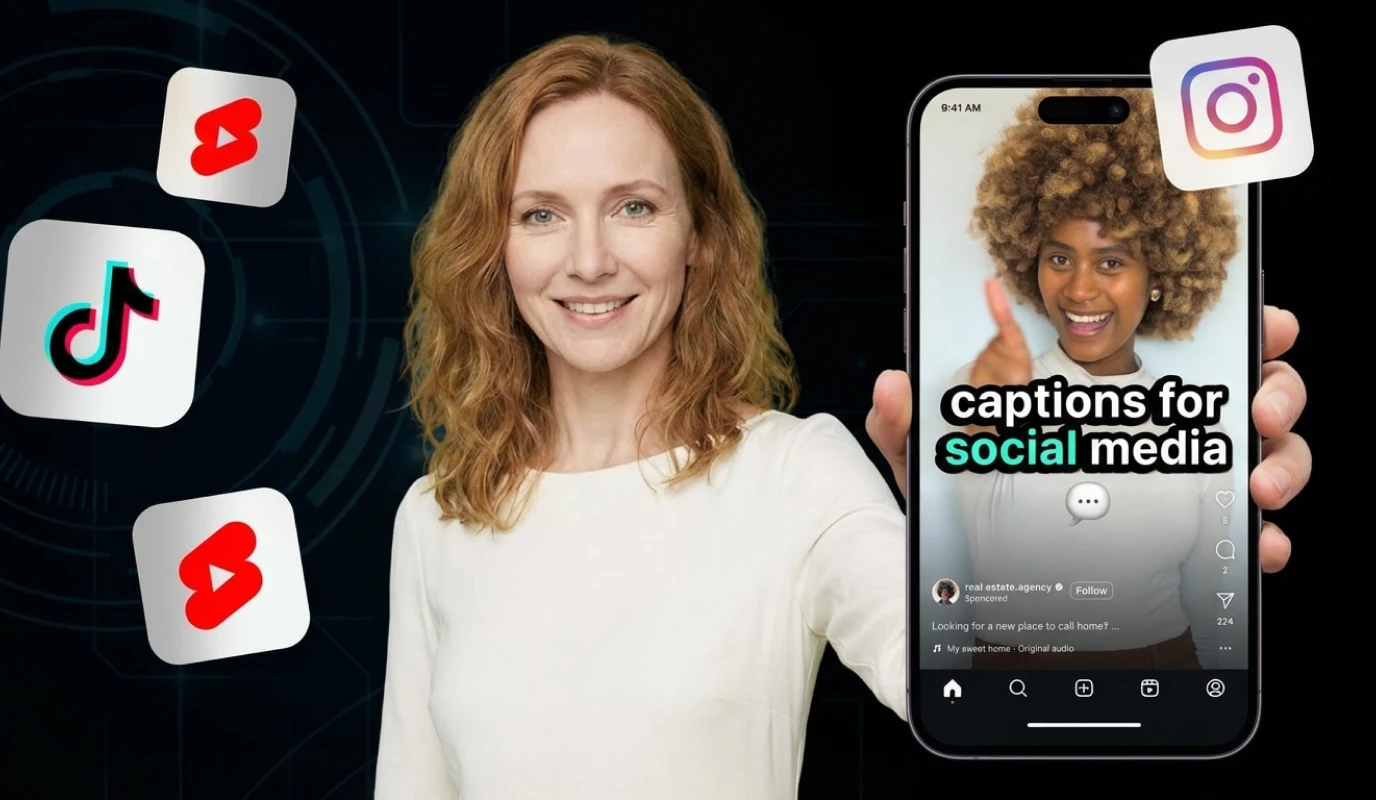
While your visuals grab attention, it’s your subtitles that keep it. In a world where the vast majority of social media videos are watched on mute, failing to include captions means losing your audience before you even speak. Mastering SRT files ensures your message is heard, even when the volume is down, and provides a massive boost to your discoverability.
Why SRT Files are Your Secret SEO Weapon
An SRT (SubRip Subtitle) file is a simple text document containing your video’s dialogue and precise timing data. Unlike "open captions" that are permanently burned into the video, SRT files are "closed captions." This distinction is critical because search engines like Google and YouTube can "read" and index the text within an SRT file, directly improving your rankings for specific keywords.How to Implement a Professional Subtitle Workflow
- Generate with AI: Use BIGVU to automatically transcribe your speech into text. This saves hours of manual typing and ensures your timing is frame-perfect.
- Refine and Edit: Quickly scan the transcript to fix any technical jargon or brand names. Professionalism lies in the details.
- Download the SRT: Export the specific .srt file from your BIGVU dashboard. This file is your ticket to multi-platform optimization.
- Upload to Native Players: When posting to LinkedIn, YouTube, or Facebook, upload the SRT file separately. This allows the platform to display captions in the user's preferred style and language.
The Triple Impact of Captions
- Accessibility: Make your content inclusive for the millions of viewers who are d/Deaf or hard of hearing.
- Engagement: Captions act as a visual hook, increasing watch time by helping viewers follow along in loud or sensitive environments.
- Global Reach: Once you have an SRT file, it is much easier to translate your content into multiple languages, expanding your coaching or job search footprint globally.