Crafting a Coonant TikTok Brand Identity
Establishing Your Brand Pillars
Before you open the camera, define the three core topics your brand will own. This focus helps the TikTok algorithm categorize your content and serve it to the right "FYP" (For You Page). To maintain this identity without the production burnout mentioned earlier, focus on these three pillars:
- ...
Step-by-Step: Setting Up Your Brand Identity
- Audit Your Assets: Ensure your profile picture, bio, and pinned videos all use the same color palette and tone.
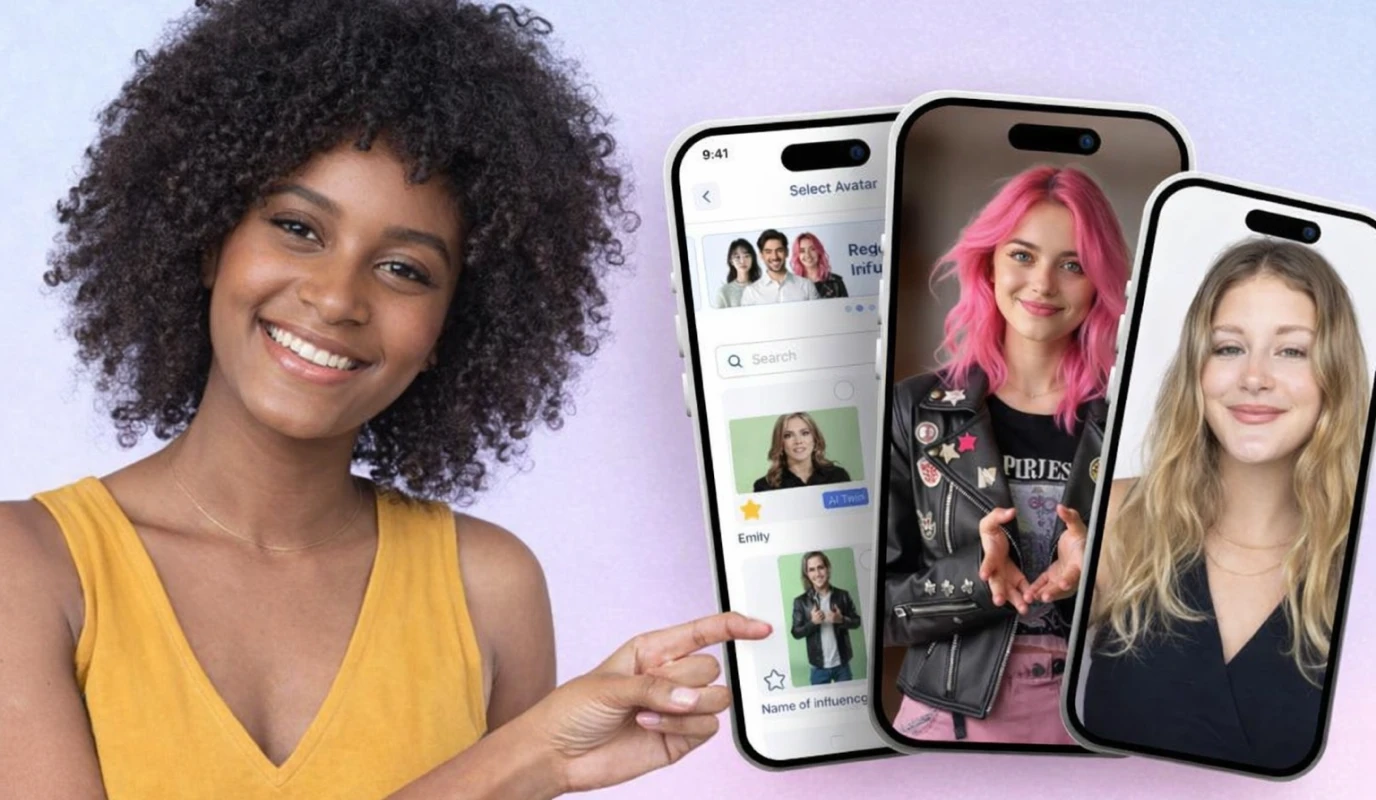
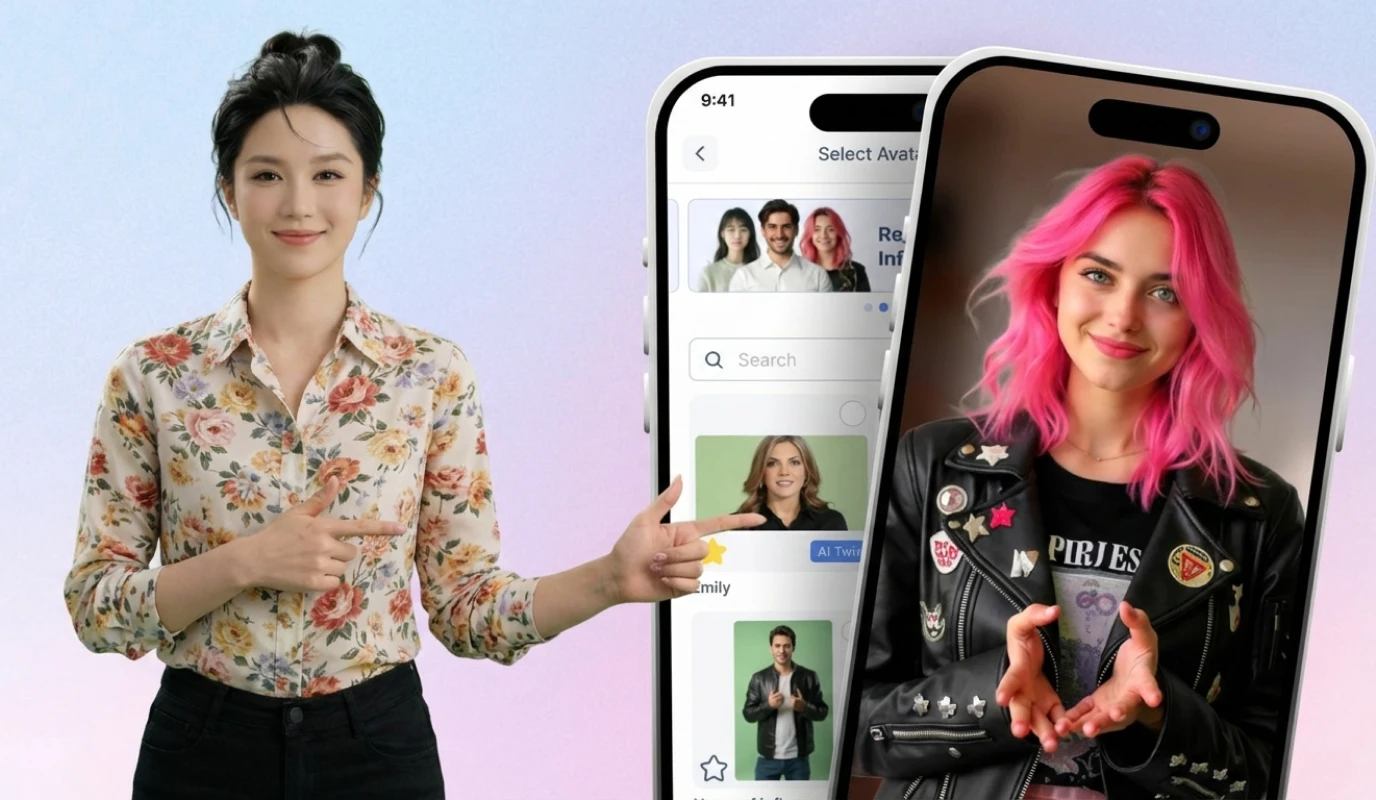
- Leverage BIGVU’s AI Video Editing: Use AI tools to script and edit your videos in batches. This ensures your messaging stays on-brand even when you're short on time. .
By systematizing these elements, you transform your TikTok from a series of one-off posts into a powerful conversion engine. You aren't just making videos; you're building a digital storefront that works 24/7 to build trust with your target audience.
![[object Object]](/blog/images/airtable/section1-how-to-build-a-high-converting-tiktok.webp)
Mastering CapCut Templates and AI Tools for Polished Video Production
Why CapCut Templates are a Game Changer
.Step-by-Step: Using Templates for Rapid Production
- Select Your Template: Open CapCut and search for "TikTok trends" or "Business Showcase" to find a layout that fits your brand pillars.
- Import BIGVU Footage: Record your talking-head segment using the BIGVU AI teleprompter to ensure a concise, professional delivery without rambling. .
- Adjust and Export: Swap the placeholder clips with your own, adjust the text to match your brand colors, and export in 1080p for maximum clarity.
Pro-Tips for Polished Results
- Maintain Visual Continuity: Even when using different templates, keep your fonts and color palettes consistent to avoid brand fragmentation.
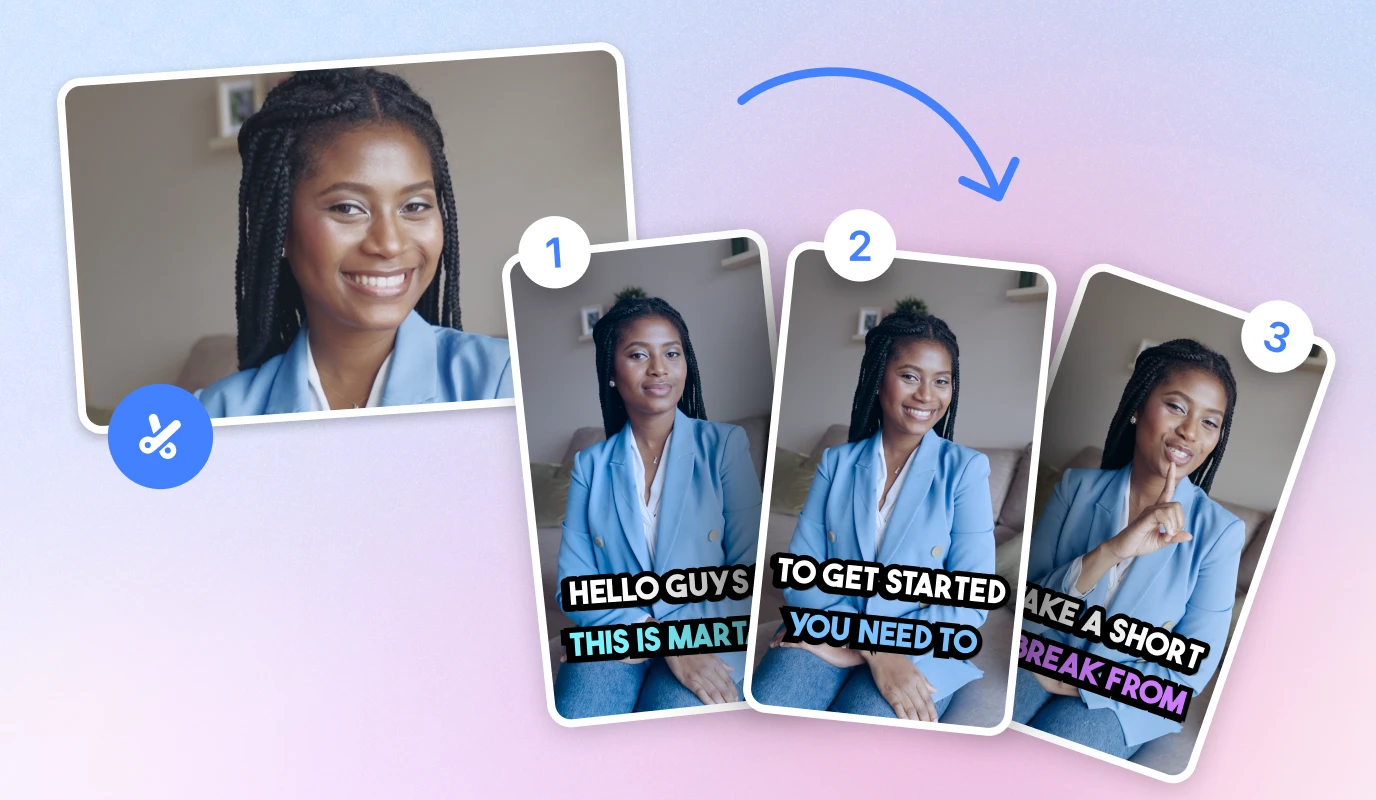
- Optimize for Sound-Off: Use BIGVU’s AI captions to ensure your message lands even when viewers have their volume muted.
- Batch Your Edits: Once you find a template that works, use it for a batch of 3-5 videos to save hours of post-production time.
By leveraging these tools, you bypass the resource constraint trap. You don't need a full production team to create videos that convert; you just need a smart workflow that combines AI efficiency with proven visual frameworks.
Finding Your Brand’s Signature Sound with the Right AI Voice Generator
Matching Voice to Brand Persona
The voice you choose must align with your brand pillars. A mismatch between your visual style and your audio can confuse the algorithm and alienate viewers. Consider these factors when selecting your AI persona:
- The Authority: Deep, steady tones for B2B or educational content.
- The Hype-Man: High-energy, fast-paced voices for product launches or viral trends.
- The Relatable Friend: Natural, conversational tones for lifestyle and service-based brands.
Step-by-Step: Implementing Your AI Voice
- ..
- Sync with Visuals: Import your AI-generated audio into CapCut. Align the voiceover with your BIGVU talking-head footage or B-roll to ensure a seamless viewer experience.
Maximizing Impact with Audio Consistency
To avoid brand fragmentation, stick to one or two primary voices across all your videos. This creates a predictable experience for your followers. Additionally, always use BIGVU’s AI captions to complement your AI voice; this ensures your message is accessible to the high percentage of users who scroll with the sound off.
By systematizing your audio production, you solve the resource constraint trap. You no longer need a quiet studio or expensive microphones to sound professional—you just need a smart workflow that pairs AI efficiency with a clear brand strategy.