Master the Clean Shot: Top AI Tools for Instant Background Removal
Transform Your Space with BIGVU AI
. This tool effectively removes the "equipment dilemma" by making DIY mobile recordings look like high-budget productions.Why background removal is a game-changer for consistency:
- Brand Alignment: Use your brand colors or a custom logo backdrop to ensure every video looks like it belongs to your company.
- Visual Clarity: By removing distractions, you force the audience to focus entirely on your message and your face.
- Versatility: Record once and change the background to fit different platforms—professional for LinkedIn, or vibrant for Instagram Reels.
Step-by-Step: How to Remove Video Background Instantly
:- Record: Use the BIGVU teleprompter to maintain eye contact while delivering your script.
- Select: Open your video in the AI Video Editor and choose the "Remove Background" feature.
- Replace: Browse the library of professional backdrops or upload your own high-resolution image.
- Fine-tune: Adjust the edges to ensure a seamless blend between you and your new environment.
By leveraging these best video editing software features, you bypass the friction of post-production. Instead of spending hours masking frames, you can focus on what matters: telling your story and converting your audience.
![[object Object]](/blog/images/airtable/section1-create-high-converting-videos-faster-the-essential.webp)
Scale Your Impact: Time-Saving Strategies for High-Converting Multi-Platform Content
Creating content for TikTok, LinkedIn, and Instagram shouldn't feel like a full-time job. The secret to high-converting video isn't working harder; it’s using an ai video editor to automate the tedious parts of distribution and formatting. By shifting from a reactive mindset to a systematic workflow, you can overcome the common production bottlenecks that stall growth.
Maximize Efficiency with Content Batching
Small business owners often fall into the "execution trap" of recording one video at a time. Instead, dedicate a single hour to record multiple scripts. This eliminates the repetitive setup time for lighting and audio, allowing you to produce a week’s worth of content in one sitting.
- Script in Advance: Use AI to generate 120–150 word scripts that keep your message punchy and on-brand.
- One Setup, Multiple Clips: Record 5-10 videos back-to-back while your energy and environment are already optimized.
- Vary Your Hooks: Record three different openings for the same video to test which one performs best on different platforms.
Step-by-Step: The "Record Once, Post Everywhere" Workflow
You don't need to film separate versions for YouTube and Reels. Use these steps to adapt your core message to fit every algorithm instantly:
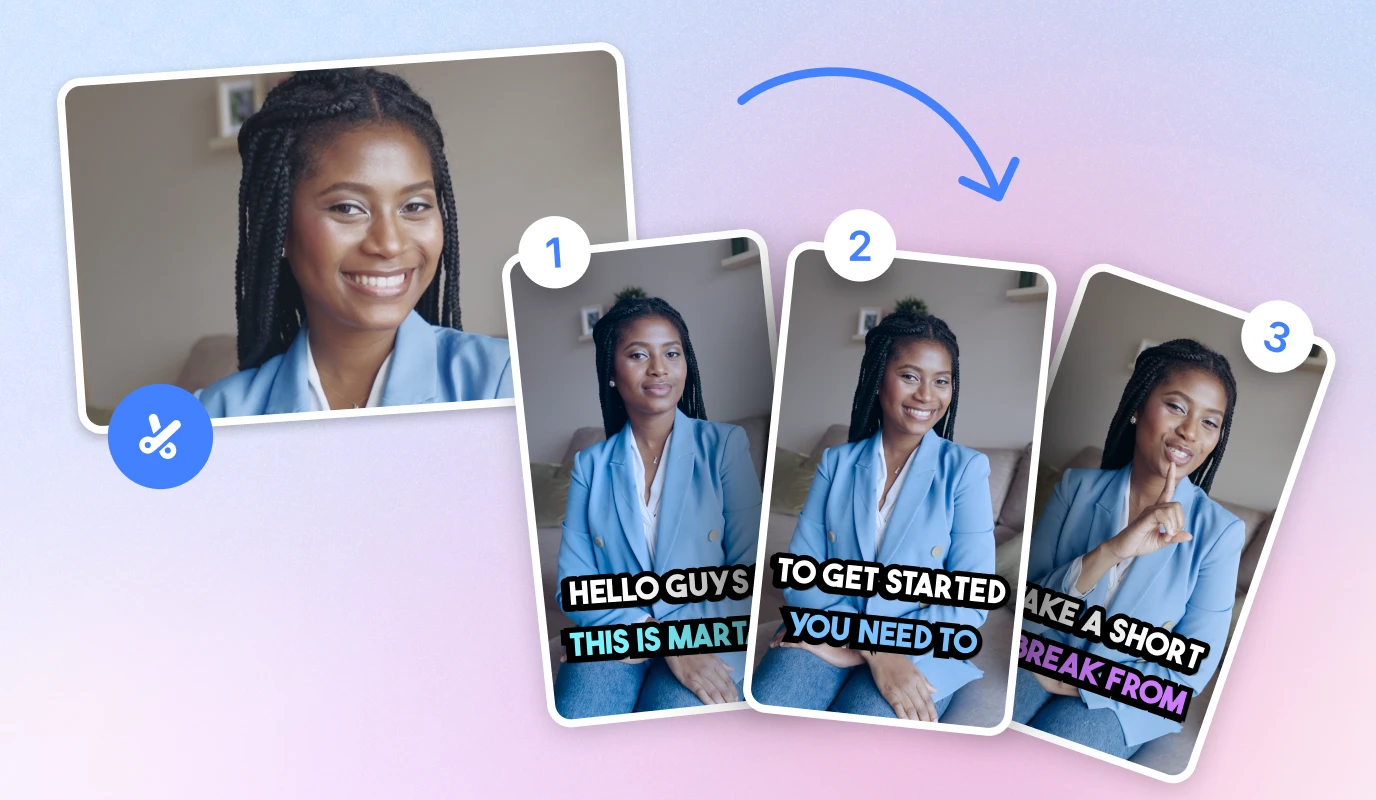
- Master Edit: Finalize your primary video with captions and brand colors using the BIGVU best video editing software features.
- Resize Instantly: Use the AI tool to switch aspect ratios—9:16 for TikTok, 4:5 for Instagram, and 16:9 for YouTube.
- Generate AI Captions: Automatically create platform-specific descriptions and hashtags to improve searchability and SEO.
- Direct Distribution: Schedule and post your content to all social channels directly from the app to maintain consistency.
By leveraging these time-saving strategies, you solve the "equipment dilemma" and resource constraints. You move from being a stressed creator to a strategic marketer, ensuring your brand stays top-of-mind without sacrificing your limited time.
Sustain Your Success: Maintain Long-Term Consistency with AI Video Editors
Build a Scalable Brand Library
The most successful creators don't start from scratch every time. They use the best video editing software to maintain a digital asset library that ensures every video stays on-brand with zero extra effort. This eliminates production bottlenecks and keeps your visual identity sharp across all platforms.
- Save Your Brand Kit: Store your logos, fonts, and primary colors within the BIGVU dashboard for instant application. .
- Archive AI Scripts: Keep a library of high-performing scripts to repurpose or update for seasonal promotions.
Step-by-Step: The "Always-On" Video Strategy
:- Batch Update: Spend 30 minutes updating your "Master Edit" templates based on what the data tells you.
- Automated Scheduling: Use the BIGVU social media scheduler to queue up your batched content for the next 30 days.
- Iterate with AI: Use AI-generated insights to tweak your captions and hashtags for better SEO performance.
![[object Object]](/blog/images/airtable/section3-create-high-converting-videos-faster-the-essential.webp)