Mastering Natural Eye Contact for Authentic Delivery
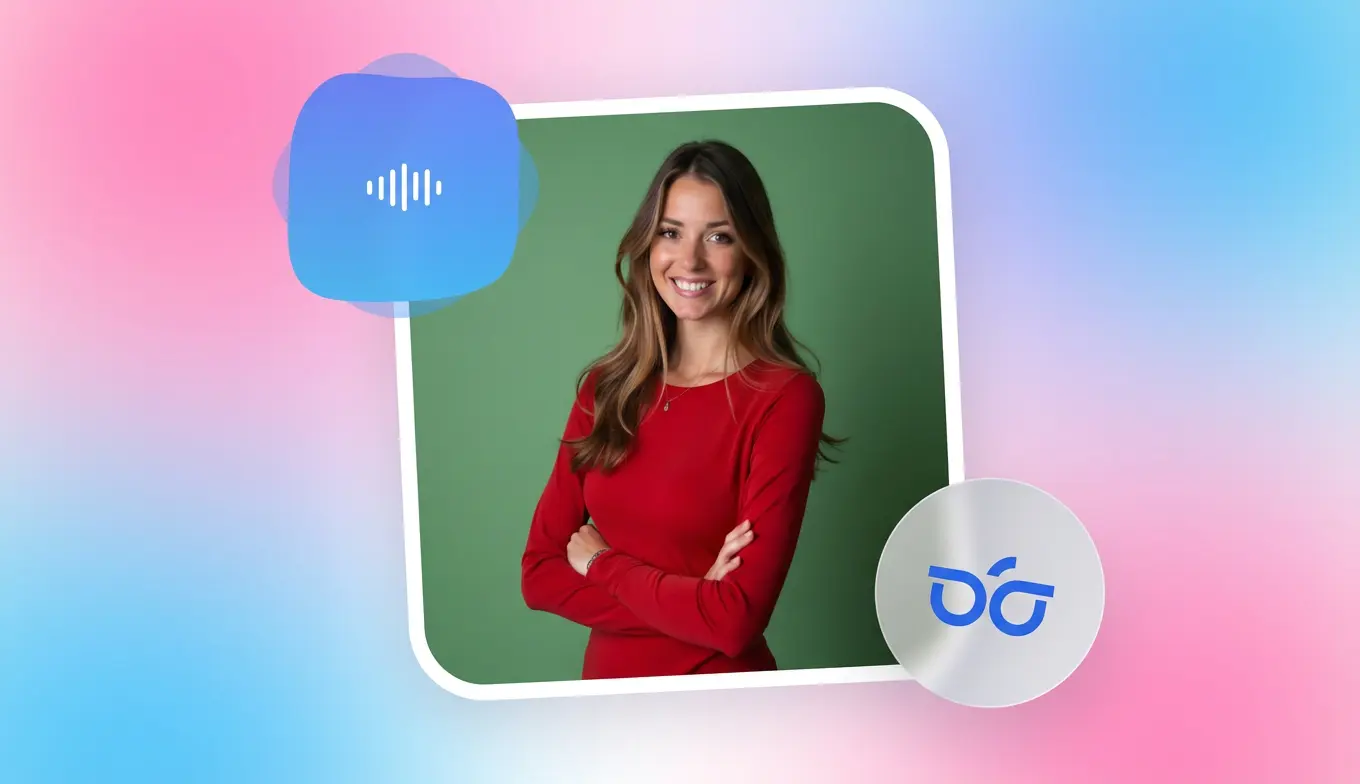
Maintaining eye contact while reading a script is the secret sauce to building trust. When your eyes wander or look "shifty," viewers subconsciously disconnect. To bridge this gap, you must treat the teleprompter lens as a portal to your ideal client rather than a piece of hardware.
The "One-Friend" Mental Shift
As expert Kerry Barrett emphasizes, the goal is to stop performing for a crowd and start talking to a single friend. This mental shift instantly softens your facial expressions and makes your delivery feel conversational rather than clinical. It turns a technical hurdle into a bridge for authentic connection.How to Set Up Your iPad for Maximum Connection
- Position at Eye Level: Place your iPad or Elgato teleprompter so the lens is directly at eye level. Looking down or up breaks the illusion of a face-to-face meeting.
- Distance Matters: Stand at least 3 to 5 feet away. This distance reduces visible eye movement as you read the text scrolling across the screen, making the "read" undetectable.
- Align the Script: In the BIGVU app, narrow the text margins. Keeping the words centered near the camera lens minimizes the side-to-side "scanning" motions that signal you are reading.
Pro Tips for a Natural Look
- .
- Vary Your Pacing: Don't let the scroll dictate your breath. Use BIGVU’s voice-flow feature to let the script wait for you, allowing for natural pauses and emphasis.
- Use Your Hands: Natural gestures pull the viewer's focus away from your eyes, making the overall performance feel more organic and less like a news broadcast.
![[object Object]](/blog/images/airtable/section1-convert-viewers-into-clients-best-ipad-teleprompter.webp)
Top iPad Teleprompter Apps to Power Your 2026 Video Strategy
Selecting the right software is the first step in overcoming production bottlenecks that stall your marketing. In 2026, the iPad remains the gold standard for mobile creators, balancing a large, readable display with the portability required for frequent, high-quality business updates.
The 2026 Leaderboard: Efficiency Meets Quality
To turn viewers into clients, your app must do more than scroll text; it must streamline your entire workflow and solve the multi-platform distribution trap.- . It directly addresses distribution friction by allowing you to resize and post videos to TikTok, LinkedIn, and YouTube from a single interface..
- Teleprompter Premium: A robust option for those who prefer a traditional interface. It offers excellent mirror-mode support for use with physical glass rigs and professional camera setups.
3 Steps to Choosing Your App
- ..
- Test for Script Syncing: Save time by choosing a platform that allows you to write scripts on your computer and sync them instantly to your iPad, avoiding manual data entry.
Closing the Deal: Final Expert Strategies to Turn Your Viewers into Loyal Clients
Once you have mastered natural delivery and selected your software, the final hurdle is conversion. To turn a viewer into a client, your video must move beyond "good content" and become a strategic sales tool. This requires a blend of professional branding and a frictionless path to action.
Branding for Instant Credibility
. Professional overlays signal to your audience that you are an established expert they can trust.- Add Your Logo: Reinforce brand recognition by placing your logo in the corner throughout the video to stay top-of-mind.
- Use Lower Thirds: Introduce yourself and your title with professional text overlays to establish immediate authority and credibility.
- Replace the Background: If your filming environment isn't "client-ready," use a virtual background to maintain a consistent corporate aesthetic.
The "Frictionless" Call to Action (CTA)
The "Execution Trap" often ends with a video that has no clear next step. Your CTA should be the natural conclusion of your script, not an afterthought. In 2026, viewers expect a direct link to the value you promised, and providing this path is essential for ROI measurement.
- State the Value: Briefly recap how your service solves the viewer's specific pain point.
- Give One Clear Instruction: Avoid "choice paralysis" by offering only one action, such as "Click the link in my bio to book a consultation."
- Use Visual Cues: Point toward the link or use on-screen text to reinforce the verbal command during the final seconds of the video.