CapCut: Mastering the Viral Social Media Workflow
CapCut has redefined the "video editor online free" category by prioritizing speed and trend-alignment. For small businesses struggling with production bottlenecks, it offers a low-friction entry point into high-impact social content. Its ecosystem is designed to move as fast as the TikTok algorithm, allowing you to transition from a mobile shoot to a desktop polish in minutes without requiring a professional editing background.
Why CapCut Dominates Social Workflows
The platform’s strength lies in its library of pre-set assets that eliminate the need for technical expertise. This directly addresses the "skill gap" pain point that often stalls small business marketing.- Trending Templates: Instantly sync your footage to viral audio tracks to boost algorithmic reach.
- One-Tap Background Removal: Create professional-looking product shots or "talking head" videos without a physical studio.
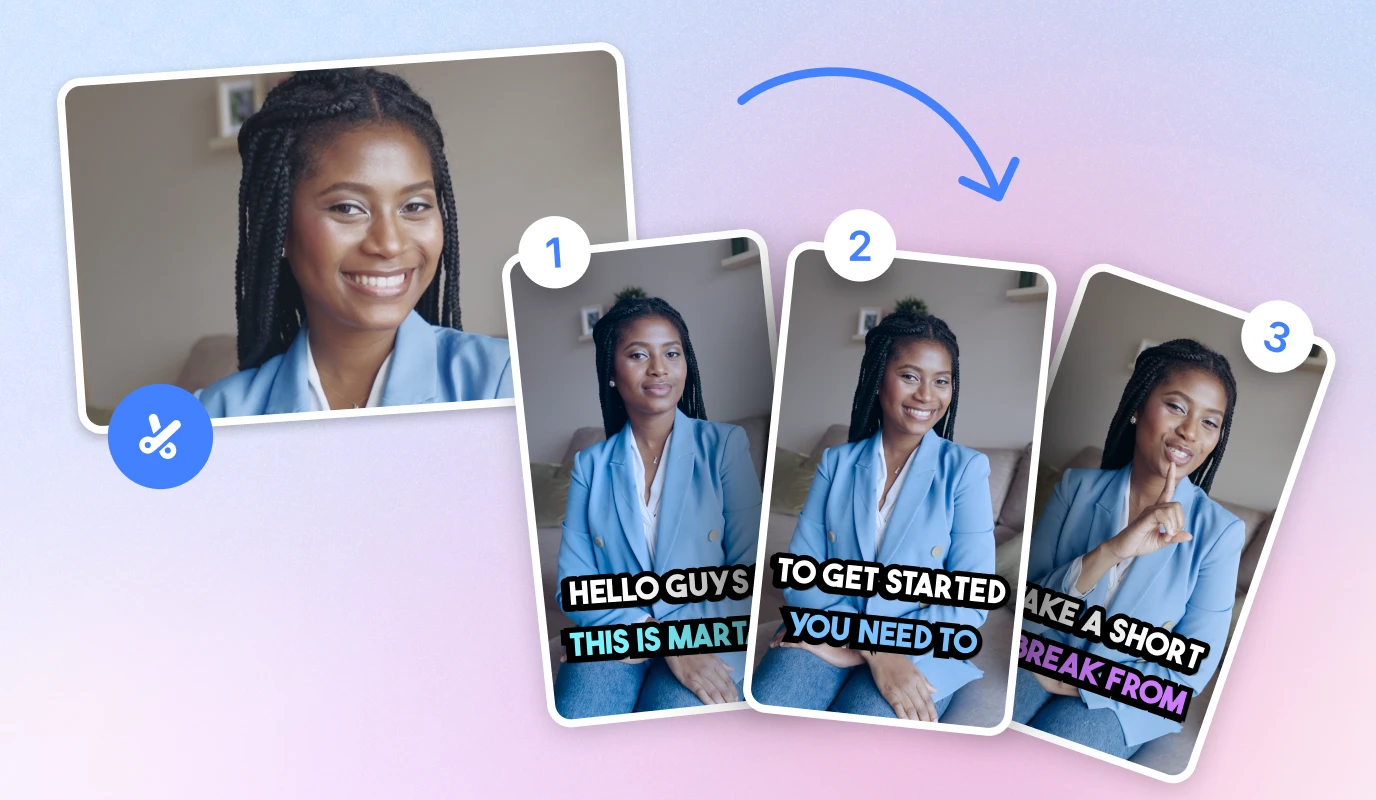
- Smart Auto-Captions: Solve the "silent scrolling" problem with high-accuracy text overlays that keep viewers engaged.
- Cross-Platform Syncing: Start editing on your phone during a commute and finish on your desktop for a more precise final cut.
Step-by-Step: From Raw Clip to Viral Ready
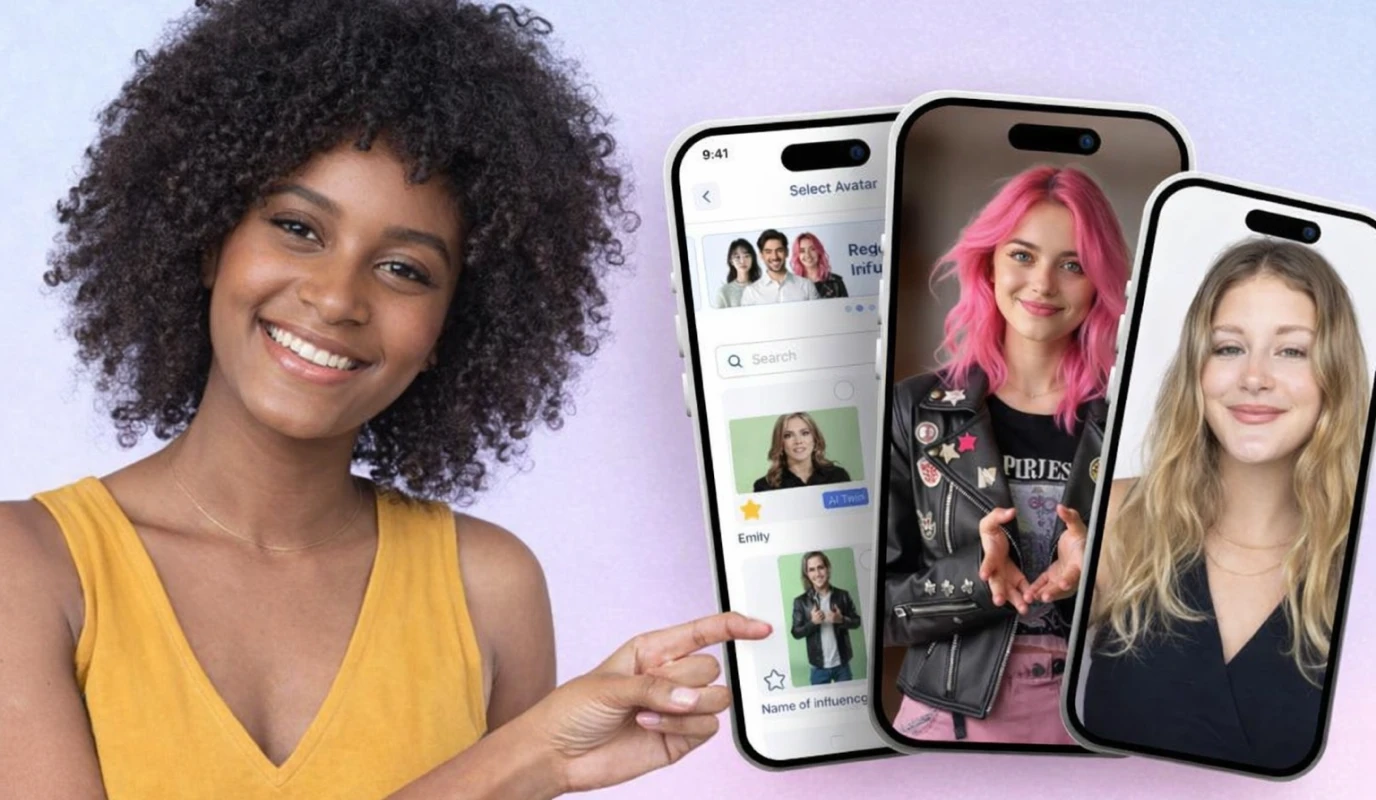
To maximize ROI and maintain posting consistency, follow this streamlined execution:- Capture with BIGVU: Use the BIGVU teleprompter to ensure your message is concise and on-brand, eliminating the need for multiple takes.
- Import to CapCut: Bring your polished BIGVU recording into CapCut to add social-specific flair and visual "hooks."
- Apply Trending Effects: Use the "Auto-cut" feature or select a trending template to match the current platform vibe.
- Optimize for Multi-Platform Distribution: Use the "Resize" tool to instantly switch between 9:16 for Reels and 1:1 for Facebook feeds.
![[object Object]](/blog/images/airtable/section1-choose-the-best-online-video-editor-capcut.webp)
Vyond vs. Kapwing: Professional Animation Meets Collaborative Cloud Agility
While CapCut masters the viral trend, Vyond and Kapwing serve businesses needing high-authority storytelling and seamless team collaboration. These tools address the "equipment dilemma" and "operational overload" by moving the entire production pipeline into the cloud.
Vyond: Professional Animation for Brand Authority
Vyond eliminates the need for a physical studio, solving the pain points of poor lighting or shaky framing. It allows small businesses to create "explainer" style content that builds deep trust without requiring a videographer.- AI-Powered Script-to-Video: Generate full animated scenes from a simple text prompt to bypass creative blocks.
- Character Consistency: Build brand mascots that maintain a professional look across every marketing campaign.
- Enterprise Security: Unlike many free tools, Vyond offers the data protection required for internal corporate training.
Kapwing: The Collaborative Cloud Powerhouse
Kapwing functions as the "Google Docs of video," making it the ideal choice for teams managing multi-platform distribution. It streamlines the "post-production friction" that often leads to marketing burnout.- Real-Time Editing: Multiple team members can trim, caption, and review the same project simultaneously.
- Smart Subtitle Generator: Automatically translate and hardcode captions to reach global audiences on LinkedIn and Facebook.
- Brand Kits: Store logos, fonts, and colors to ensure every video remains on-brand, regardless of who is editing.
Execution Guide: Scaling Professional Output
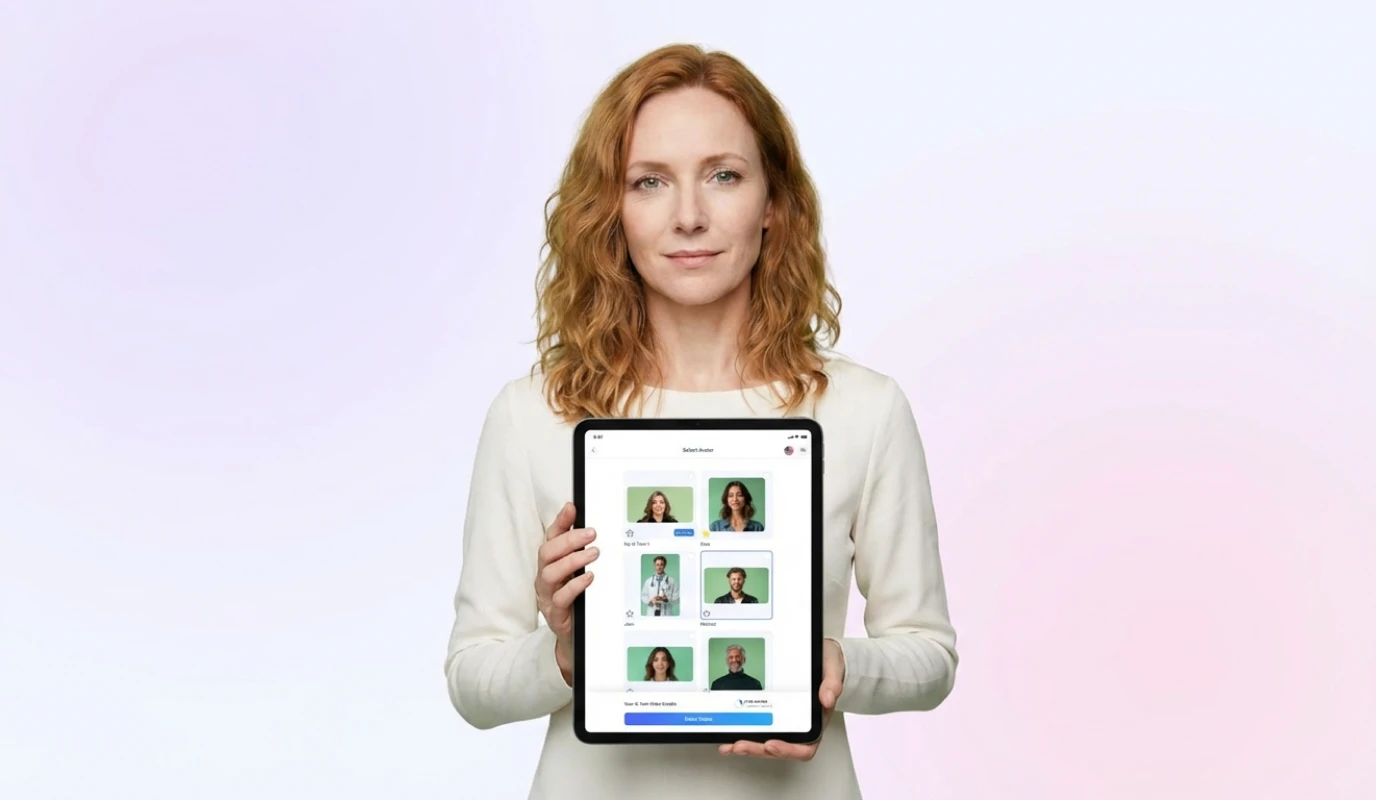
To overcome resource constraints and maintain a consistent posting schedule, integrate these tools with your BIGVU workflow:- Script and Record in BIGVU: Use the AI Eye Contact feature to record a professional "talking head" intro.
- Enhance with Vyond: Import your BIGVU clip into Vyond to overlay animated data visualizations or character skits that illustrate your points.
- Finalize in Kapwing: Move the project to Kapwing for final team review and to use the "Repurpose to Social" tool for instant resizing.
The Final Verdict: Choosing the Best Editor for Your Distribution and ROI Challenges
Selecting the right tool is about matching your production workflow to your specific marketing goals. Whether you prioritize viral reach or brand authority, the goal is to eliminate the "operational overload" that leads to marketing burnout.
Which Editor Fits Your Business Goal?
Your choice should align with where your audience lives and how you measure ROI.- ...
The "Video Smarter" Execution Strategy
To maximize ROI and solve production bottlenecks, use BIGVU as your command center before moving into specialized editing.- Script and Record: Use the BIGVU teleprompter and AI Eye Contact to ensure a professional delivery on the first take, cutting pre-production time in half.
- AI-Powered Refinement: Leverage BIGVU’s AI Video Editing to trim your clip and generate initial captions before exporting to your chosen editor.
- Specialized Polish: Move your polished BIGVU clip into CapCut for social hooks, Vyond for animations, or Kapwing for team review.