What Is a Brand Kit and Why Does It Matter for Video?
A brand kit is a centralized collection of your visual identity assets stored in a single, accessible location. For print and static design, tools like Canva and Adobe Express have offered this for years. But video introduces layers that static design never had to worry about: voice, music, pacing, on-screen text styling, and presenter appearance.
The Gap Between Static Branding and Video Branding
Most small businesses cobble together their video branding manually. They pick a font in one tool, match a color in another, and hope the final result looks consistent. Video branding also includes audio identity, caption styling, intro and outro sequences, and even the tone of AI-generated scripts.
What BIGVU Brand Kit Covers
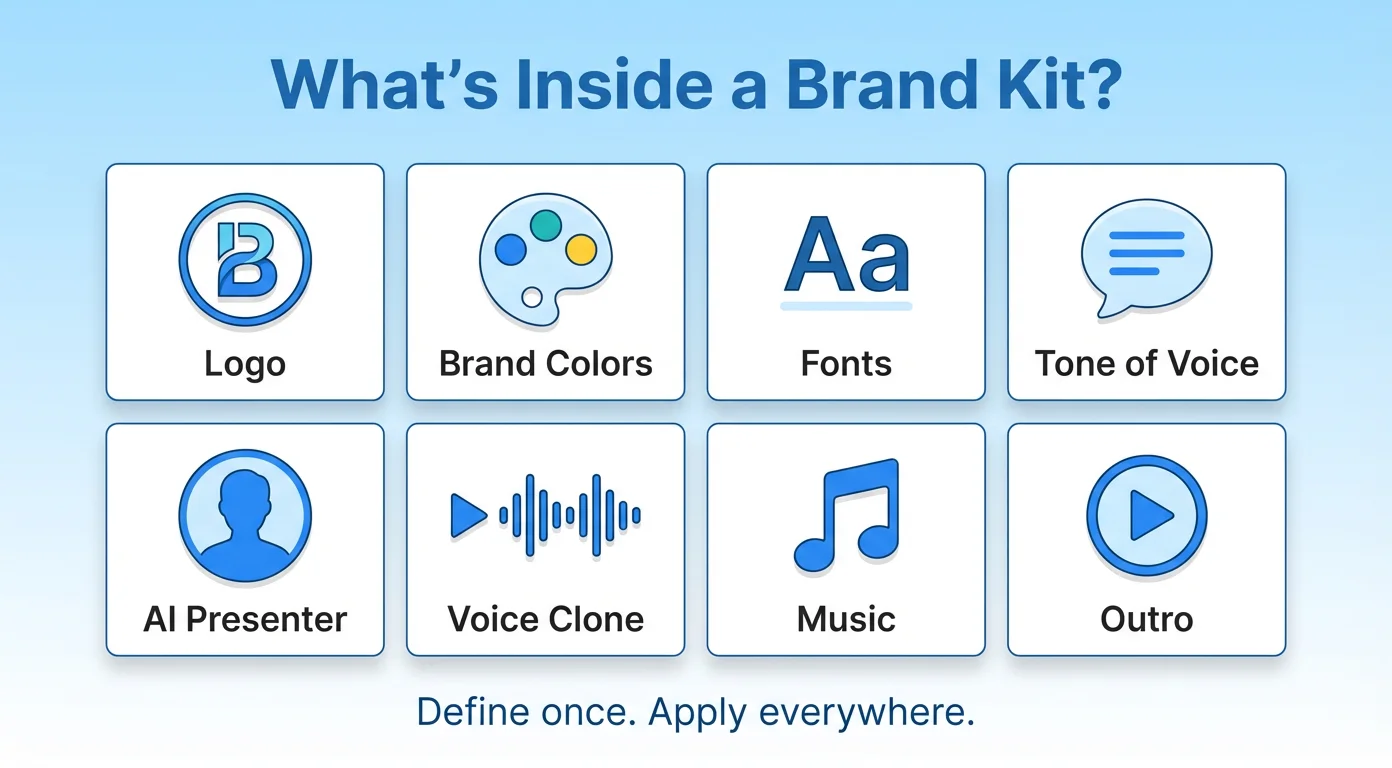
BIGVU's Brand Kit is built specifically for recurring video content. It lets you define your brand profile — company name, logo, website, target audience, pain points, and messaging pillars — alongside your visual identity: colors, fonts, caption styles, and avatar choices. You can also set up branded media assets like AI-generated music, avatar twins, voice clones, and reusable outros.
Three Features That Set BIGVU Brand Kit Apart
1. Brand Profile and Voice System
Most tools let you upload a logo and pick colors. BIGVU starts there but adds a complete brand voice layer. You define your tone of voice, target audience, key pain points, and messaging pillars. When you use BIGVU's AI writer, it draws from this profile to generate scripts that actually sound like your brand.
2. Auto-Applied Visual Identity
Logos, brand colors, font families, caption styling, and layout choices are all configured once and applied automatically. BIGVU includes a live brand preview so you can see how your settings translate before you record a single frame. For teams, this means no more sending brand guideline PDFs that nobody reads.
3. Branded Media and AI Assets
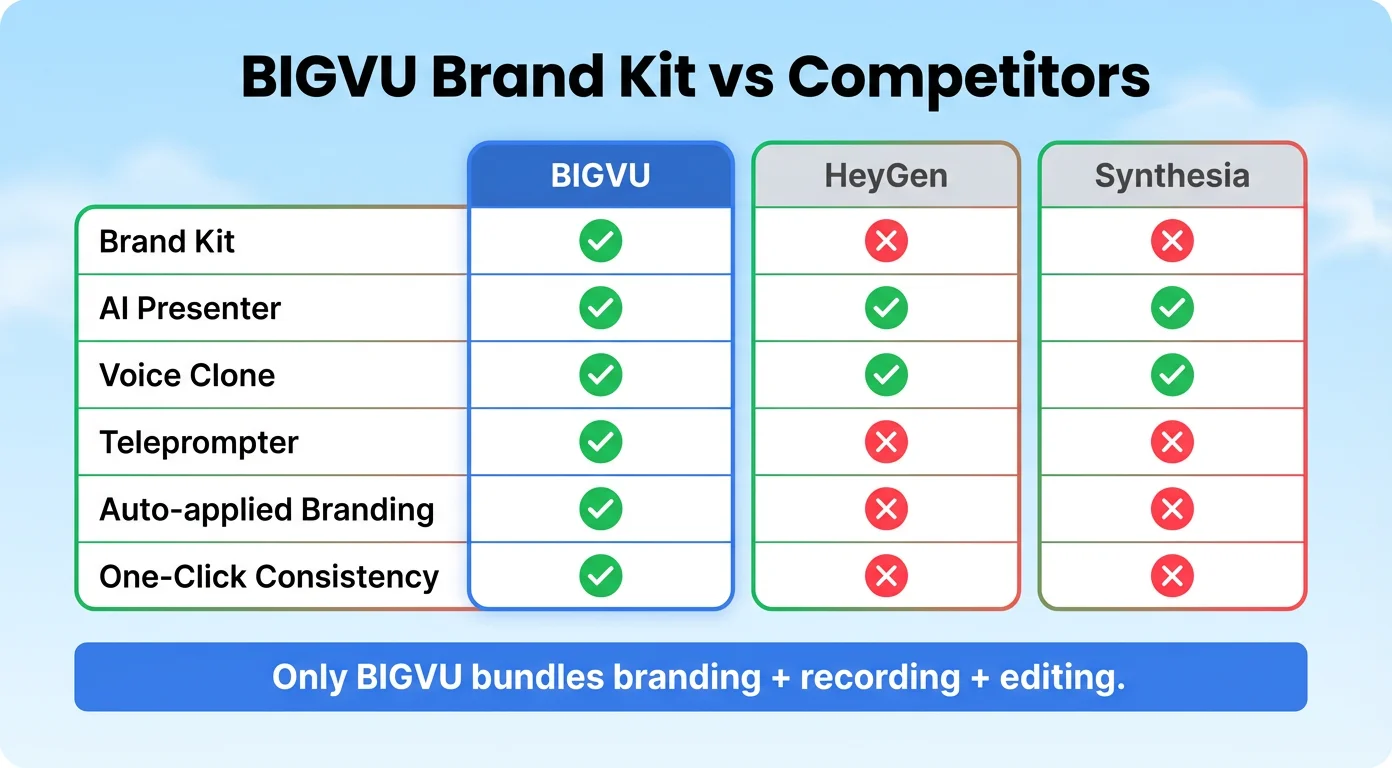
Beyond visual identity, you can generate brand-specific AI music, create avatar twins, clone your voice for multilingual content, and build reusable outros. HeyGen and Synthesia focus on AI avatar generation. Veed.io offers strong editing. But neither provides a unified system where your brand strategy informs AI-generated content, visual output, and audio identity in one place.
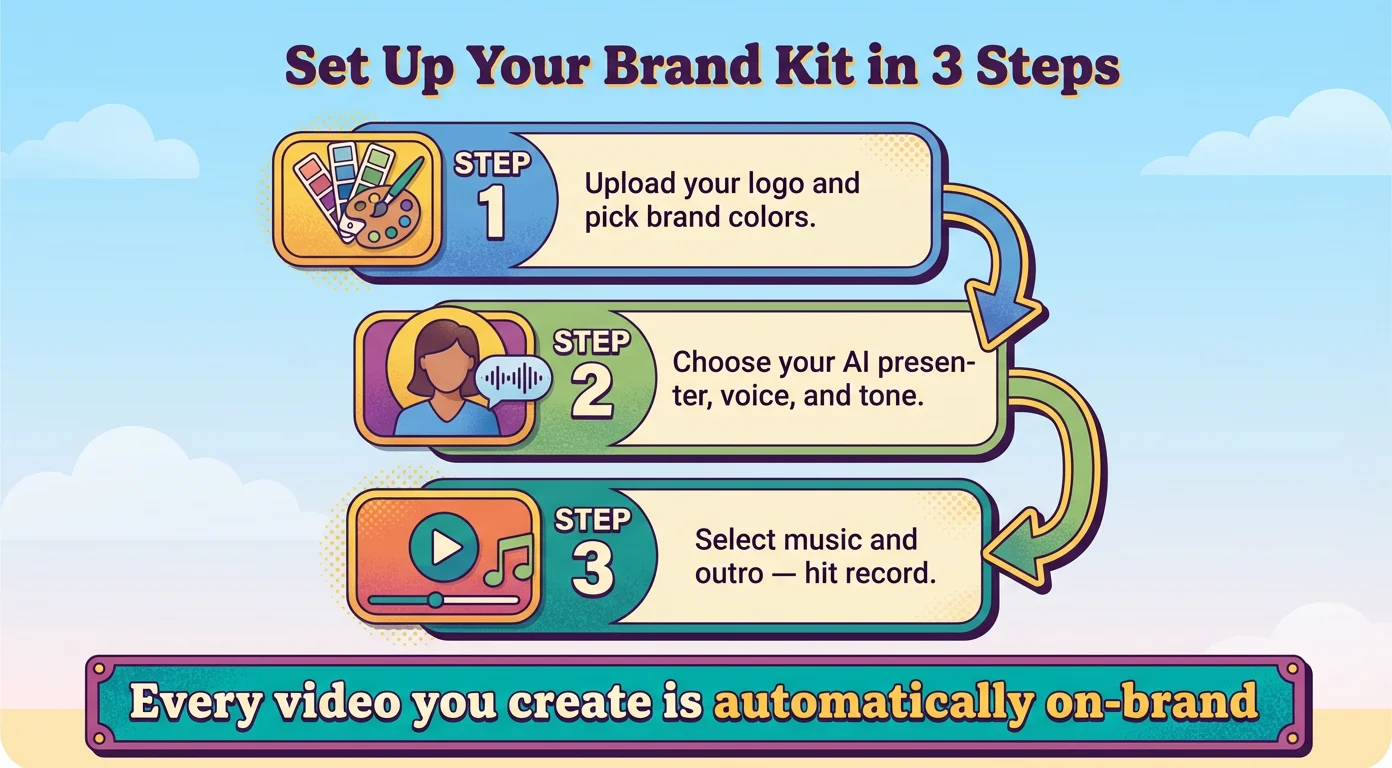
How to Set Up Your Brand Kit in BIGVU
Step 1: Define Your Brand Profile
Enter your company details, specify your target audience and their core pain points, and upload your knowledge base. The AI writer will reference this material when generating scripts.
Step 2: Set Your Visual Identity
Upload your logo, select brand colors, choose fonts, and configure caption appearance. Use the live brand preview to confirm everything looks right.
Step 3: Configure Media Assets
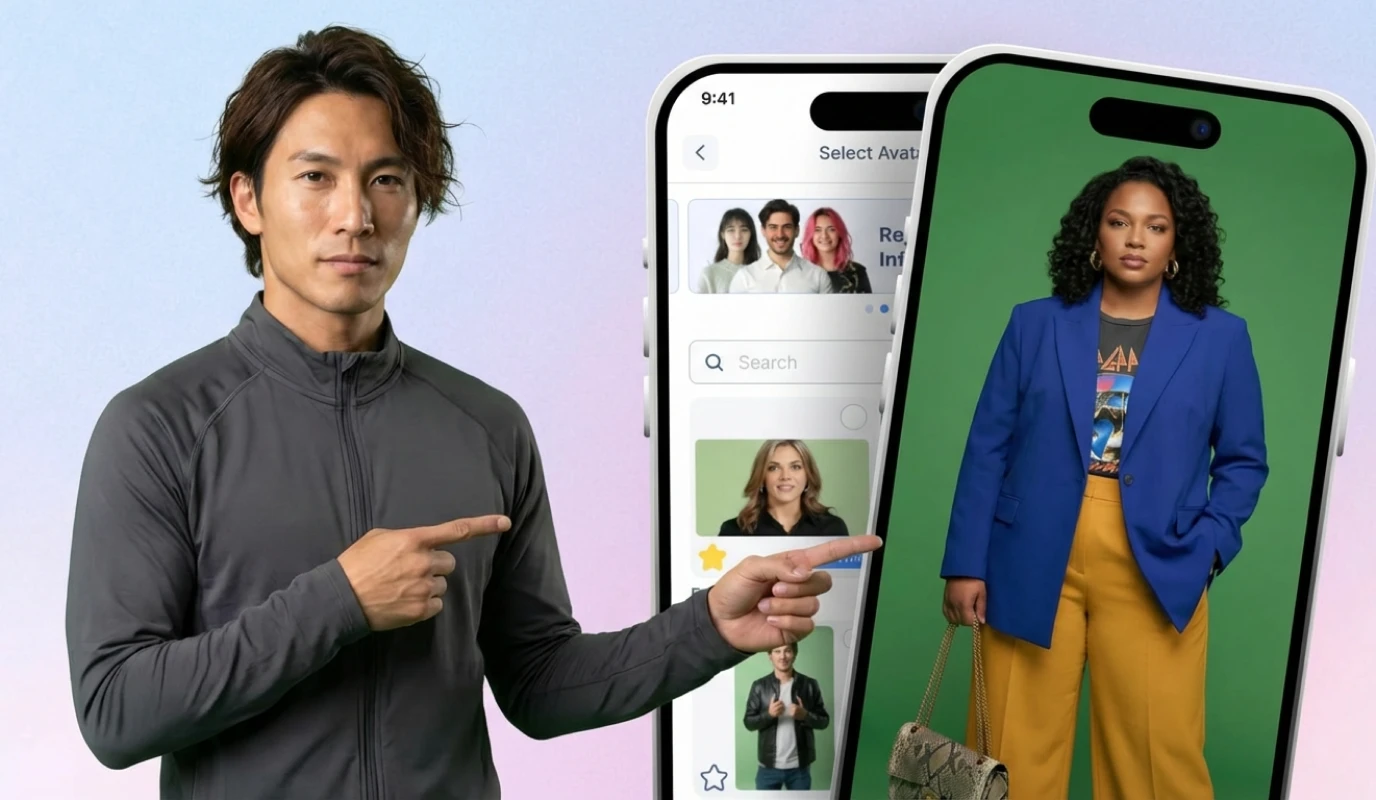
Generate AI music, create an avatar twin from reference video, set up a voice clone, and design a reusable outro with your call to action and logo.
Step 4: Create and Let Brand Kit Do Its Job
Every new video project in BIGVU now has your brand settings pre-applied. Scripts reflect your messaging. Captions use your fonts and colors. You focus on what to say — Brand Kit handles how it looks and sounds.
Who Should Use This?
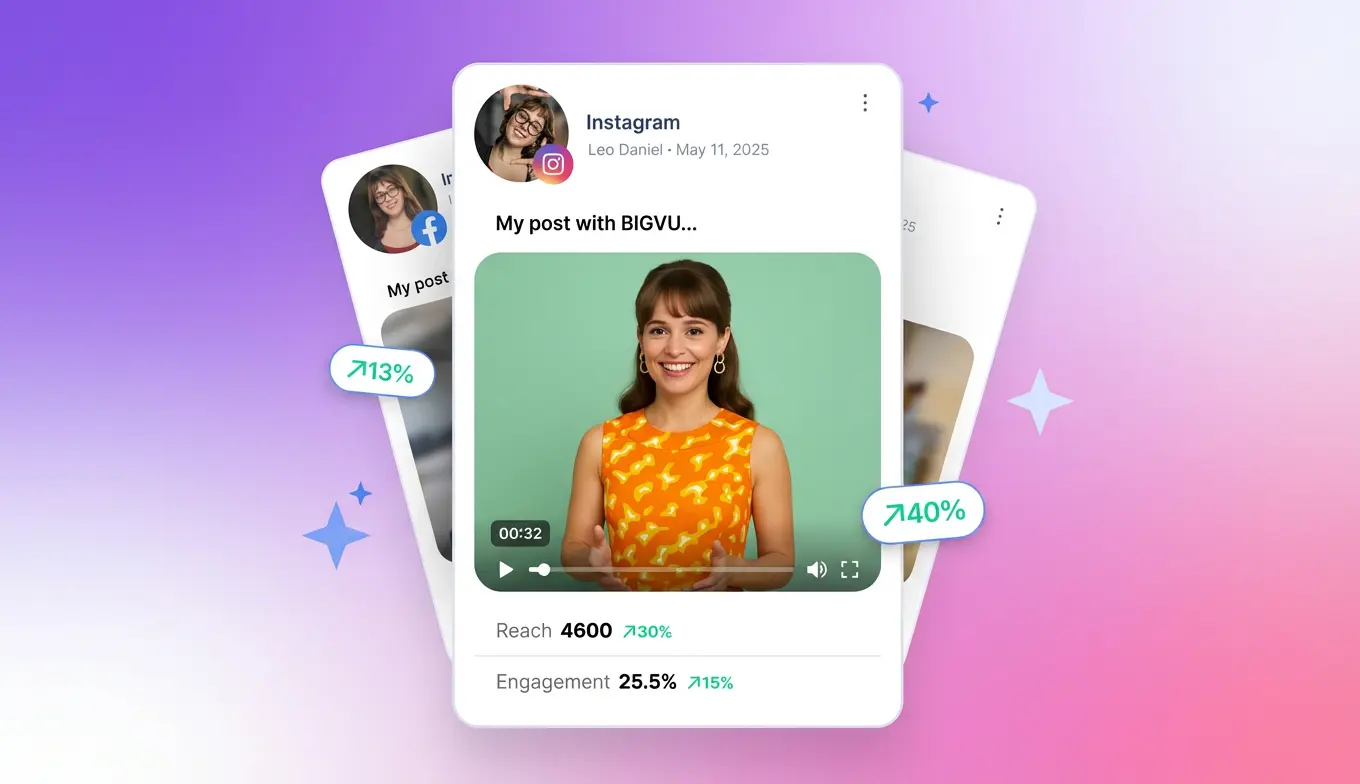
Brand Kit is ideal for small business owners producing weekly social video, marketing teams standardizing output across contributors, agencies handling several client brands, and solo creators who want cohesive personal branding across every platform.