Biteable vs. InVideo: Side-by-Side Feature Comparison (2026)
Quick Comparison Table
Core ApproachAI Video Assistant (AVA) — script-to-video pipeline with branded templatesMulti-model AI platform — 200+ AI models (Sora 2, Veo 3.1, Kling 3.0) with credit system User Base9M+ users, 10,000+ companies (Nike, Amazon, Siemens)50M+ creators globally AI Video CreationAVA turns scripts into storyboards then into videos. Also supports URL-to-video conversionText-to-video from a single prompt, generates up to 30 minutes of content AI AvatarsLife-like and animated avatars, plus custom avatar uploads. 20-40 clips/month depending on plan4 to 40 AI avatars depending on plan, plus AI Twins created from recordings Voice Features50+ AI voices from dozens of countries, text-to-speech, multi-language translationAI Voice Cloning from 30-second snippet, 50+ languages, ElevenLabs integration Templates1,000s of customizable templates across 15+ categories7,000+ marketing templates in InVideo Studio Stock MediaMillions of clips via Storyblocks and Pexels, royalty-free musiciStock, Storyblocks access (100-1,000 clips depending on plan) Export QualitySD 720p (Pro), HD 1080p, 4K UHD (Premium+)Up to 4K, no watermark on paid plans Max Video Length10 min (Pro), 20 min (Premium)Up to 30 min from a single AI prompt Pricing (Annual)Pro $15/mo, Premium $49/moFree $0, Plus $25/mo, Max $60/mo, Generative $200/mo Team Features3 users included (Premium), SSO, collaboration, permissions (Business)Team & Enterprise plans available separately Screen RecordingBuilt-in screen + camera recording with Record RequestNot a core feature Video AnalyticsView count, engagement, views by locationBasic analytics only BrandingAuto-brand from URL, up to 20 brand profiles, custom fontsBasic branding options Mobile AppNoYes (paid subscribers) TeleprompterNoNoBiteable: A Closer Look
Biteable positions itself as the easiest online video maker powered by AI. Its standout feature is AVA (Automated Video Assistant), which turns a simple text prompt into a fully branded video through a guided workflow. You describe your topic, choose a style, and AVA generates a script, storyboard, and finished video with matching visuals, voiceover, and music.
There are multiple entry points for video creation in Biteable: you can use AVA for AI-assisted creation, start from scratch with a blank canvas, pick from thousands of templates, or start a screen recording. The platform also supports creating videos directly from an article or webpage URL, which is a unique feature for content repurposing.
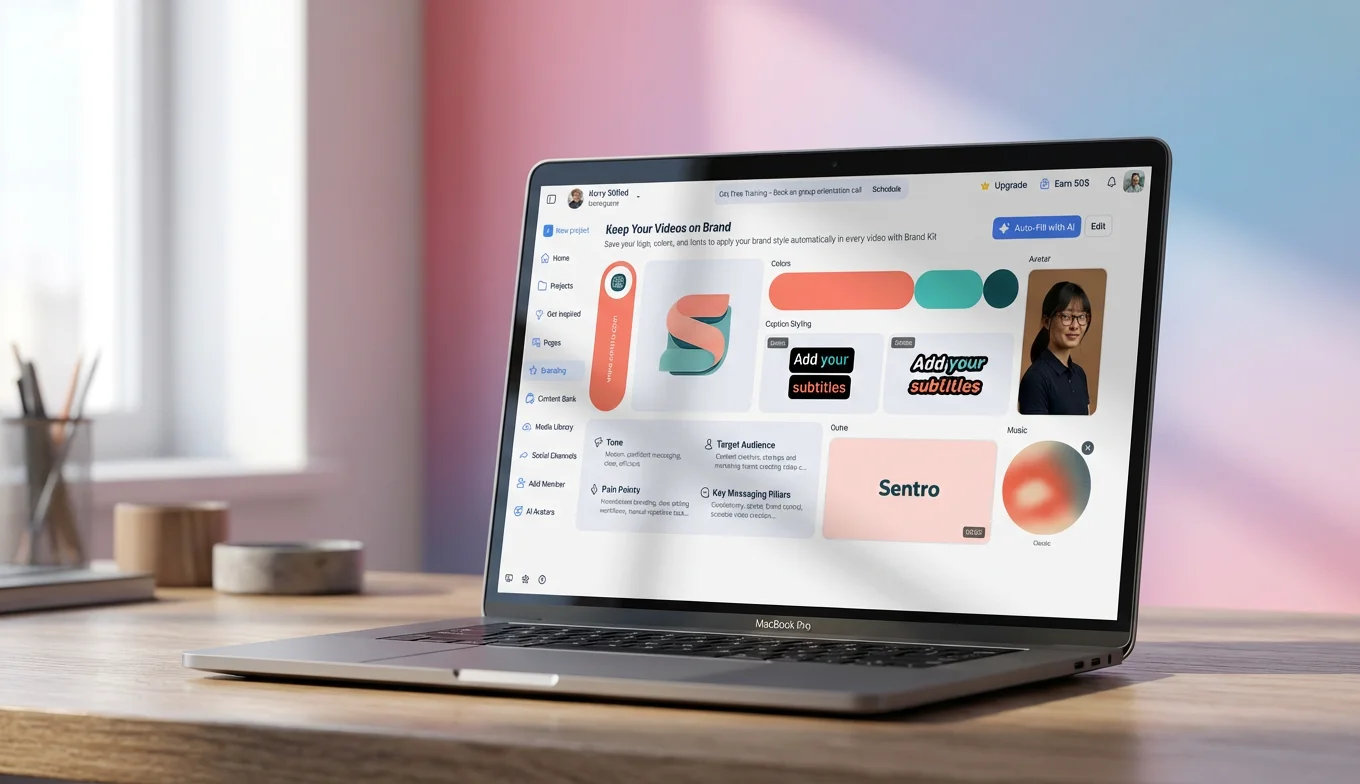
Biteable's AI avatar library includes both life-like and animated characters, and you can even upload your own image to create a custom avatar. With 50+ AI voices from dozens of countries and built-in translation tools, the platform is well-suited for global teams producing multi-language content.
Biteable Pricing Breakdown
Biteable offers a 7-day free trial (no credit card required) and two main paid plans:
- Pro — $15/mo (annual) or $29/mo (monthly): 1 user, unlimited HD exports, 20 avatar clips/month, millions of stock clips, 1 brand profile, screen recording, video analytics, max 10-min videos
- Premium — $49/mo (annual) or $99/mo (monthly): 3 users, unlimited 4K/HD/SD exports, 40 avatar clips/month, 40+ AI voices, AI text translation, auto closed captions, custom fonts, max 20-min videos
- Business — Custom pricing: Unlimited users, enforceable SSO, priority support, invoice billing
Biteable: Strengths and Weaknesses
Biteable's biggest strength is its simplicity. The Script Mode lets you create videos as easily as writing an email, and the auto-branding feature saves significant time by pulling your brand colors, fonts, and logos from your URL. The built-in video analytics with view counts, engagement metrics, and location data give you insight into performance without needing a separate hosting platform.
However, Biteable has notable limitations. The Pro plan ($15/mo) does not include closed captions or text-to-speech — you need the Premium plan ($49/mo) for those features. There is no teleprompter for on-camera recording, and video length caps at 20 minutes even on Premium. The editing interface, while improved, still relies on a timeline that can feel complex for true beginners.
InVideo: A Closer Look
InVideo takes a fundamentally different approach. Rather than a single proprietary AI, it aggregates 200+ AI models including OpenAI's Sora 2, Google's Veo 3.1, and Kling 3.0 into a unified creative platform. This multi-model approach means you get access to cutting-edge AI capabilities as they emerge, without being locked into one vendor's technology.
The platform's flagship product, invideo AI, can generate up to 30 minutes of video from a single text prompt — writing the script, selecting visuals, adding voiceovers, subtitles, and music automatically. You can edit the result either by giving AI commands or by manually adjusting scenes in the editor.
InVideo also offers AI Avatars and AI Twins (digital versions of yourself created from uploaded recordings), voice cloning from a 30-second audio snippet in 50+ languages, and a separate InVideo Studio product with 7,000+ marketing templates and a traditional timeline editor.
InVideo Pricing Breakdown
InVideo uses a credit-based pricing system:
- Free — $0: Limited AI access, exports with InVideo watermark
- Plus — $25/mo (annual): 100 credits/month, all AI models, 4 AI avatars & voice clones, 20 GB storage, 100 iStock clips, no watermark
- Max — $60/mo (annual): 400 credits/month, 16 AI avatars & voice clones, 2x concurrency, 100 GB storage, unlimited image generation
- Generative — $200/mo (annual): 1,000 credits/month, 40 AI avatars & voice clones, 10x concurrency, 2 TB storage
InVideo: Strengths and Weaknesses
InVideo's greatest strength is its AI horsepower. Access to Sora 2, Veo 3.1, and dozens of other frontier models through one platform is unmatched. The 30-minute video generation from a single prompt is impressive for content teams producing at scale, and AI Twins and voice cloning open up personalized video at scale.
The weaknesses? The credit-based system can be confusing and potentially expensive for heavy users. The free plan is extremely limited (watermarked exports, no voice cloning, no stylish captions). There is no teleprompter feature — InVideo is designed to replace the human presenter with AI, not help you present better. And the learning curve for InVideo Studio's timeline editor can be steep for beginners.
![[object Object]](/blog/images/airtable/section1-biteable-vs-invideo-online-ai-video-generator-choose.webp)
Biteable vs. InVideo: Which AI Features Actually Matter for Your Business?
Both Biteable and InVideo have invested heavily in AI, but they've taken very different paths. Understanding these differences is critical for choosing the right platform.
AI Video Generation
Biteable's AVA creates videos through a structured, step-by-step process: choose your video type (explainer, ad, announcement, listicle), provide your business info, and AVA generates a complete storyboard and video. This guided approach produces consistent, on-brand results but offers less creative flexibility. AVA supports 11 specific video types including business explainers, product demos, event announcements, tips listicles, and hiring ads.
InVideo's approach is more open-ended. You write a text prompt describing what you want, select your audience and platform, and the AI generates a complete video with script, visuals, voiceover, subtitles, and music. The v4 agent can produce up to 30 minutes of content from a single prompt, and you can iterate using natural language commands ("make the intro more energetic" or "replace the background music with something upbeat").
AI Avatars
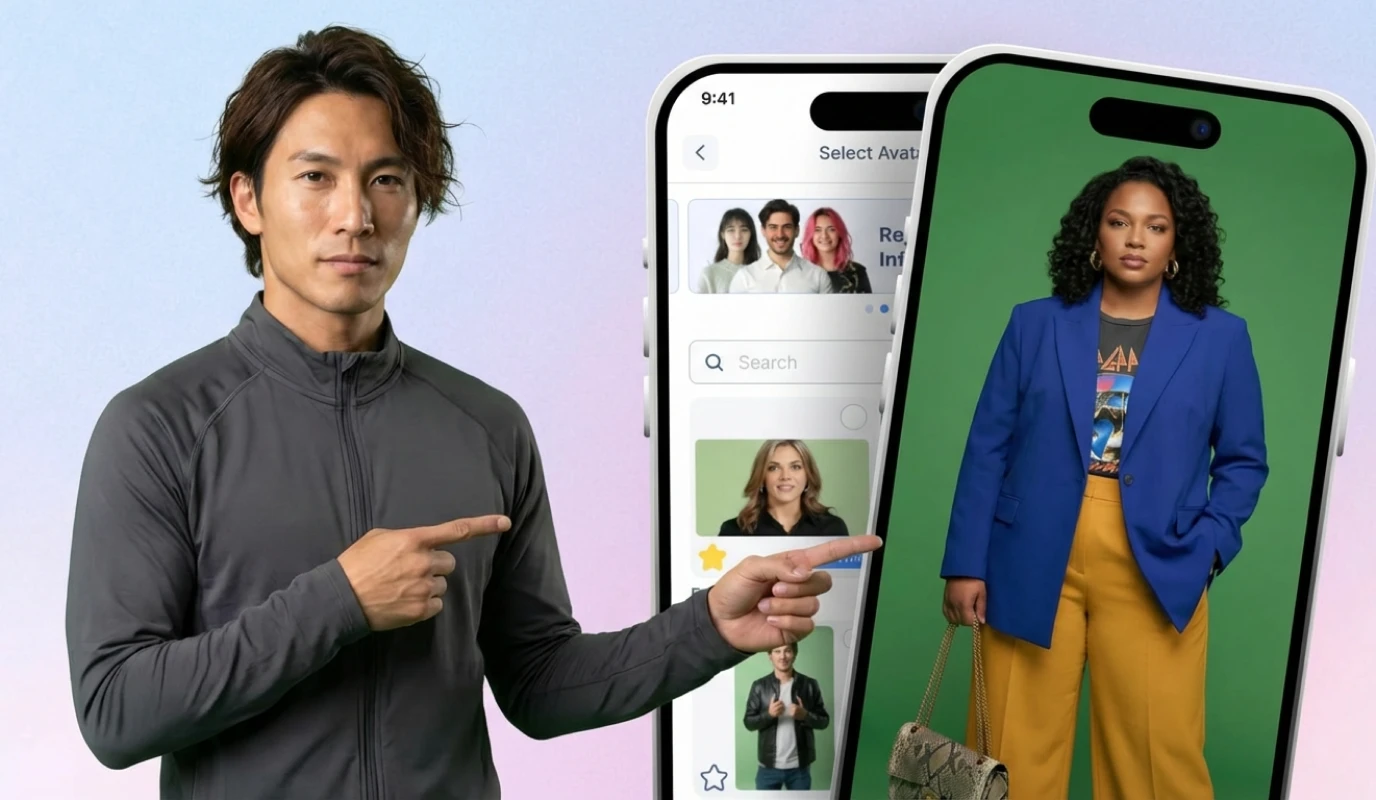
Biteable offers both life-like and animated avatars built into the platform. You can upload your own image to create a custom avatar, which is useful for maintaining brand consistency. The Pro plan includes 20 avatar clips per month (up to 10 minutes), and Premium includes 40 clips (up to 20 minutes).
InVideo provides 4 to 40 AI avatars depending on your plan, plus the unique AI Twins feature — you can create a digital version of yourself from a YouTube link, uploaded recording, or self-recording. This goes beyond simple avatars into personalized video at scale, which is valuable for UGC ads, explainers, and customer outreach.
Voice and Language
Biteable includes 50+ diverse AI voices from dozens of countries with built-in text translation to any language. The Premium plan adds 40+ AI text-to-speech voices and automatic closed captions.
InVideo offers AI voice cloning from just a 30-second audio snippet, supporting 50+ languages. This means your AI-generated videos can sound like you, which is powerful for personal branding. InVideo also integrates with ElevenLabs for high-quality voice synthesis and music generation.
The AI Model Advantage
Here is where InVideo pulls ahead technically. While Biteable uses its proprietary AVA engine, InVideo integrates with 200+ external AI models including OpenAI's Sora 2, Google's Veo 3.1, Kling 3.0, Pixverse AI, and Hailuo AI. This multi-model approach means InVideo users automatically get access to the latest breakthroughs in AI video generation without waiting for the platform to build its own version.
However, this power comes with complexity. Biteable's single-AI approach means a more streamlined, predictable experience — you always know what you are getting. For teams that prioritize consistency over cutting-edge capabilities, Biteable's approach may actually be preferable.
Bottom Line on AI Features
Choose Biteable if you want a guided, predictable AI workflow that produces consistent branded content with minimal learning curve. Choose InVideo if you want access to frontier AI models, voice cloning, and the ability to generate longer-form content from a single prompt.
![[object Object]](/blog/images/airtable/section2-biteable-vs-invideo-online-ai-video-generator-choose.webp)
Why BIGVU Is the Smarter Choice for Coaches and Personal Brands
Both Biteable and InVideo are powerful video creation platforms, but they share one critical gap: neither is designed for people who want to appear on camera themselves. Both platforms lean heavily into AI-generated content with avatars, stock footage, and automated visuals. If your goal is to build trust, authority, and personal connection through video — which is essential for coaches, consultants, and personal brands — you need a platform built for human-on-camera content.
That platform is BIGVU.
BIGVU is an all-in-one platform that lets you script, shoot, style, and share your videos from a single app. Unlike Biteable and InVideo, BIGVU puts you in front of the camera and gives you the tools to look professional doing it.
The Teleprompter Advantage
Neither Biteable nor InVideo offers a teleprompter feature. This means if you want to record yourself speaking on camera, you have to memorize your script or read from notes off-screen — which leads to lost eye contact, fumbling, and unprofessional-looking videos.
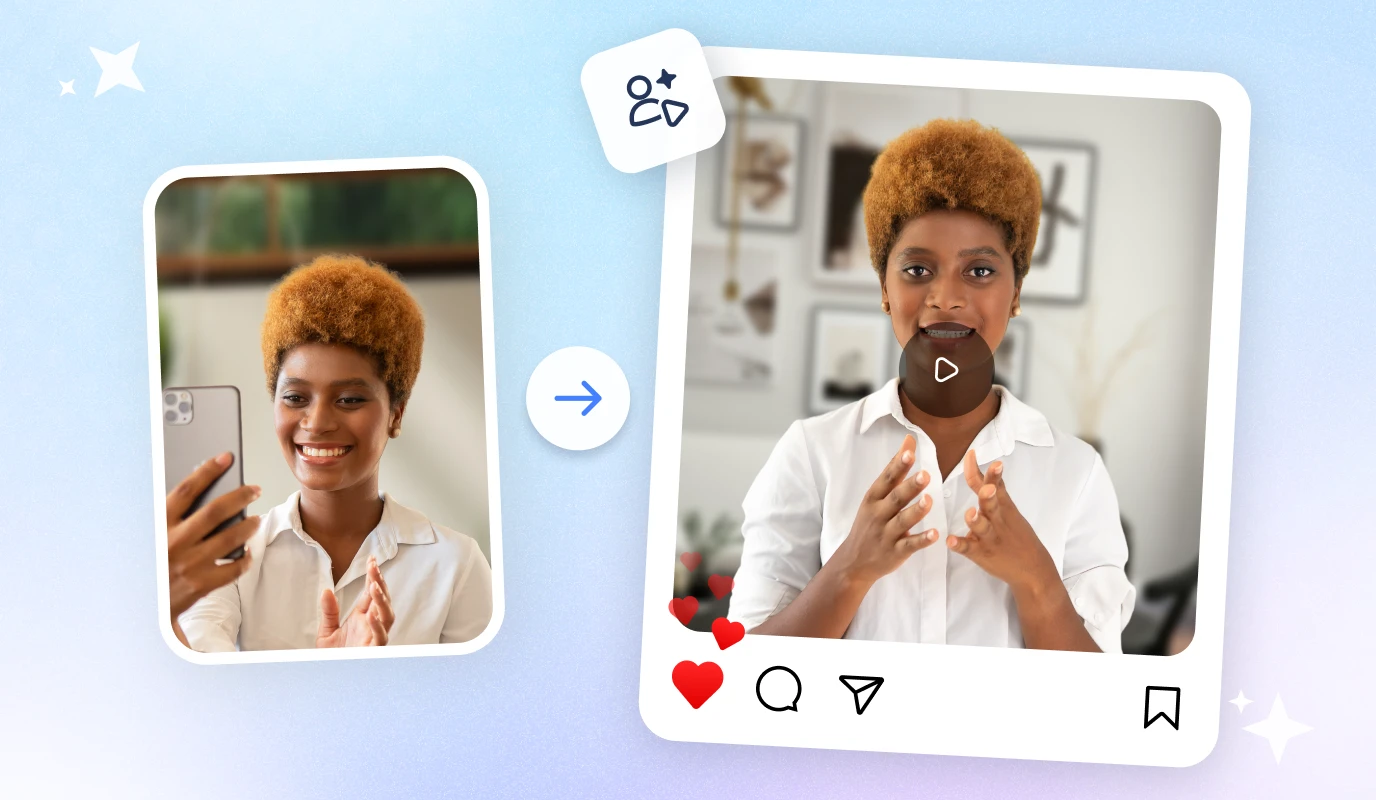
BIGVU's built-in teleprompter (available on both Android and iOS) scrolls your script in front of the camera lens. You read naturally while maintaining direct eye contact with your audience, creating the trust and authority that AI avatars simply cannot replicate.
AI Script Generation That Feeds Your Teleprompter
With the BIGVU AI Script Generator, you can generate a complete video script for any topic in your brand voice within seconds. The script flows directly into the teleprompter, creating a seamless workflow: generate script → record with teleprompter → edit and style → share.
Compare this to Biteable (where AVA generates a video with stock footage and avatars) or InVideo (where AI creates the entire video from a prompt). BIGVU's approach keeps you at the center of your content, which is exactly what your audience wants when they are choosing a coach or service provider.
Professional Editing Without the Complexity
After recording, BIGVU lets you add auto-captions (critical since 74% of social media videos are watched without sound), apply video filters and retouching, and use the AI Voice Generator for human-like voiceovers. You can even clone your own voice to maintain consistency across your content library.
Unlike Biteable's timeline-based editor or InVideo Studio's complex interface, BIGVU's editing is intuitive and mobile-first. No production team required.
Pricing That Makes Sense
BIGVU's pricing starts at just $8/month and goes up to $14/month (billed yearly) — significantly less than Biteable's Pro at $15/month or InVideo's Plus at $25/month. And you get features that neither competitor offers: teleprompter, voice cloning, auto-captions, and social media scheduling with up to 20 connected accounts.
![[object Object]](/blog/images/airtable/section3-biteable-vs-invideo-online-ai-video-generator-choose.webp)
Pricing Showdown: Biteable vs. InVideo vs. BIGVU — Which Delivers the Most Value?
Let us break down the real cost of each platform when you factor in the features you actually need as a coach, content creator, or small business.
Complete Pricing Comparison
Entry Price (Annual)$15/mo (Pro)$25/mo (Plus)$8/mo AI Video GenerationIncluded (AVA)Included (200+ models)AI Script + Voice Generator Closed Captions$49/mo (Premium only)LimitedIncluded Voice CloningNot available$25/mo+ (Plus plan)Included TeleprompterNot availableNot availableIncluded AI Avatars20-40 clips/mo4-40 depending on planAI Voice Videos Video AnalyticsIncludedBasicBasic Social Media SchedulingNot includedNot includedUp to 20 accounts Team Collaboration3 users ($49/mo)Team plans (separate)Team features available Max Video Length20 min (Premium)30 min (AI prompt)Flexible Mobile AppNoYes (paid only)Yes (Android + iOS) Free Trial7 days, no CCFree plan (limited)Free plan availableThe Hidden Costs
With Biteable, the $15/mo Pro plan looks attractive until you realize it lacks closed captions, text-to-speech, and custom fonts. To get those essentials, you need Premium at $49/mo ($588/year). For a small coaching business, that adds up fast.
With InVideo, the credit-based system means your monthly cost can spike if you produce more content than your plan allows. The Plus plan at $25/mo gives you only 100 credits, and credit top-ups add additional costs. Heavy users may find themselves on the $60/mo Max plan or higher.
BIGVU at $8-14/month gives you the teleprompter, AI script generation, auto-captions, voice cloning, and social media scheduling — all the tools a coach or personal brand actually needs, at a fraction of the cost.
Who Should Choose What?
Choose Biteable if: You are a marketing team that needs to produce branded template videos, training content, and internal communications at scale. Biteable's team collaboration, SSO, and brand management features make it ideal for organizations with 3+ users.
Choose InVideo if: You are a content agency or creator who needs cutting-edge AI generation with access to frontier models like Sora 2 and Veo 3.1. InVideo's multi-model platform and 30-minute AI videos are best for high-volume content production.
Choose BIGVU if: You are a coach, consultant, entrepreneur, or personal brand who needs to appear on camera, build trust with your audience, and create authentic video content efficiently. BIGVU's teleprompter, AI scripting, and one-tap sharing make it the clear winner for authority-building video.
Your Action Plan: How to Start Creating Better Videos Today
Now that you understand the strengths and limitations of each platform, here is a practical action plan to get started:
Step 1: Define Your Video Strategy
Ask yourself: Will my videos primarily feature me on camera, or will they use animations, stock footage, and AI-generated content? If you need to build personal trust and authority (coaching, consulting, thought leadership), you need a platform that supports on-camera recording. If you need marketing videos, ads, and explainers with stock footage, a template-based tool may be more efficient.
Step 2: Test Before You Commit
Take advantage of free trials to compare the actual experience:
- Biteable: 7-day free trial (no credit card required) — test AVA's AI video generation, explore templates, try the avatar feature
- InVideo: Free plan available — test the AI video generation with a text prompt, explore the template library in InVideo Studio
- BIGVU: Free plan available — test the teleprompter, generate an AI script, record a video and add captions
Step 3: Evaluate on What Matters
During your trial, evaluate each platform on these criteria:
- Time to first video: How long does it take to go from idea to published video?
- Quality of output: Does the video look professional enough for your brand?
- Audience connection: Will your audience trust and engage with this type of content?
- Scalability: Can you maintain consistent output without burnout or budget overruns?
Step 4: Commit and Build Your Library
Once you have chosen your platform, commit to a consistent publishing schedule. For coaches and personal brands, aim for 2-3 on-camera videos per week using BIGVU's teleprompter workflow. For marketing teams, set up your brand profiles in Biteable or InVideo and create a template library your team can reuse.
The most important thing is to start. Every day you delay creating video content is a day your competitors are building their audience. Pick the tool that matches your needs, and start publishing today.