
iPhone Duoの7.6インチ大画面で原稿を読みながら撮影。Voice Control、DualShot、Cuesを初日から使えます。
iPhone Duoのためのテレプロンプター
iPhone Duoの7.6インチ大画面で原稿を読みながら撮影。Voice Control、DualShot、Cuesを初日から使えます。
iPhone Duoで3ステップ撮影
大画面で原稿を開き、撮影の準備をして、1回の撮影ですべてのプラットフォームに対応しましょう。
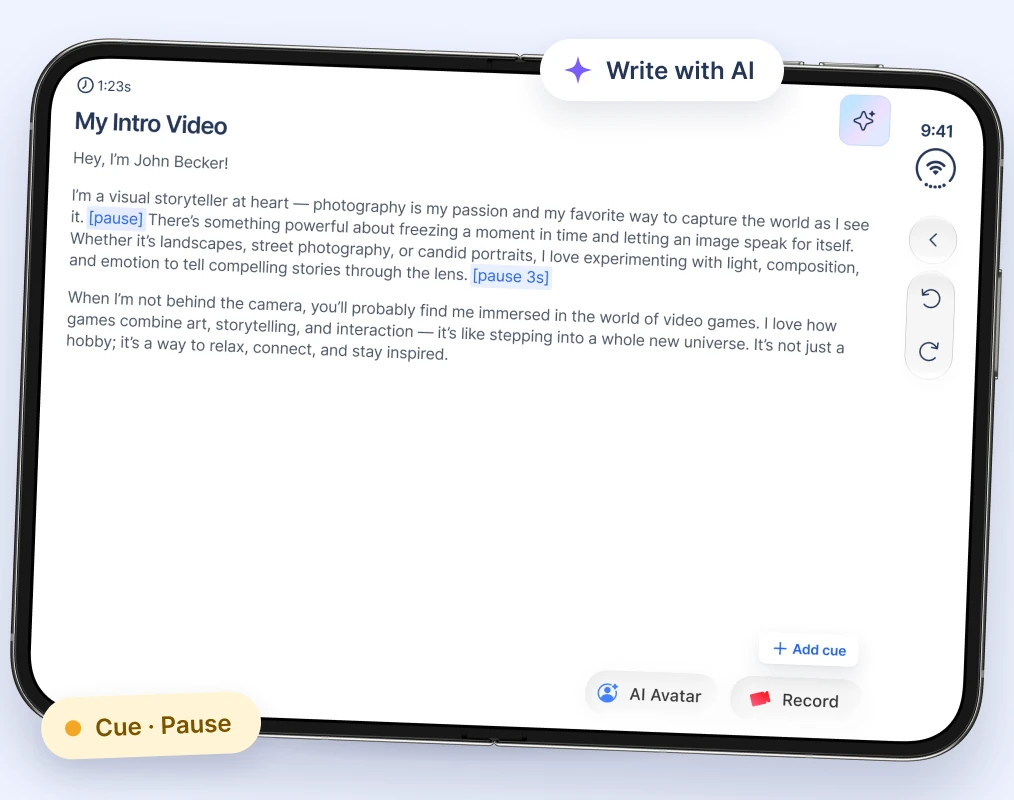
1. iPhone Duoで原稿を開く
iPhone Duoを開いて原稿を読み込むか、AIで作成。間やメモにはCuesを追加します。
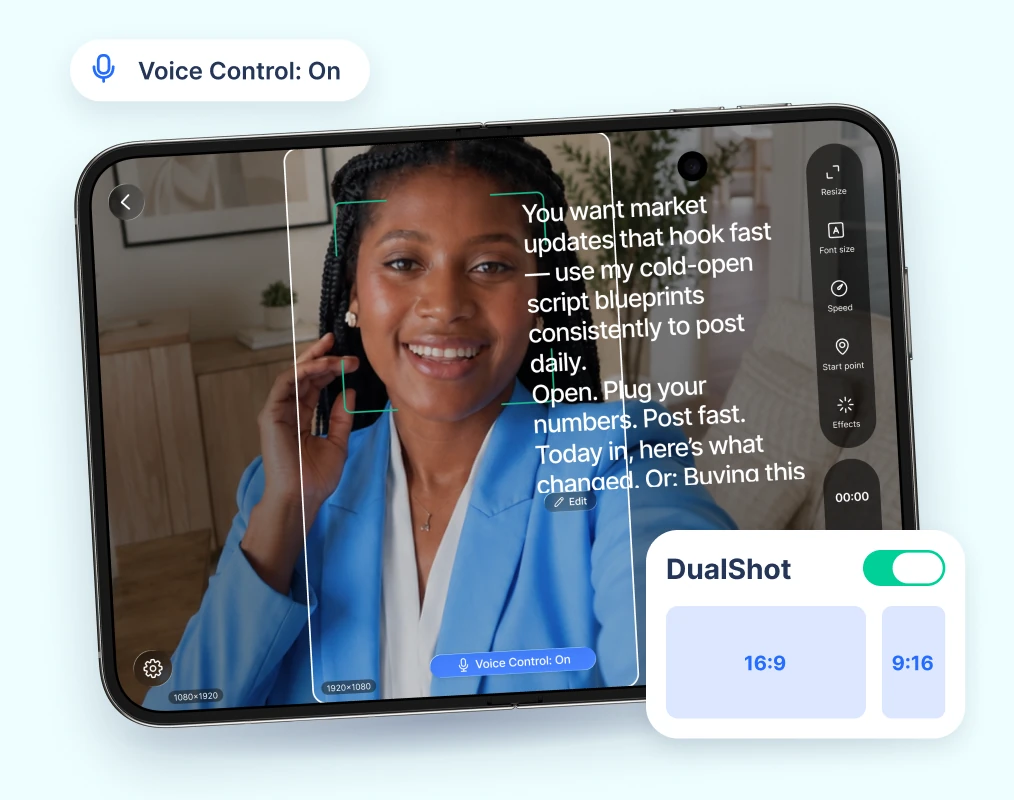
2. 撮影の準備をする
原稿をカメラの真下にサイズ調整し、Voice Controlをオン。DualShotをオンにすれば2つの形式で撮影できます。
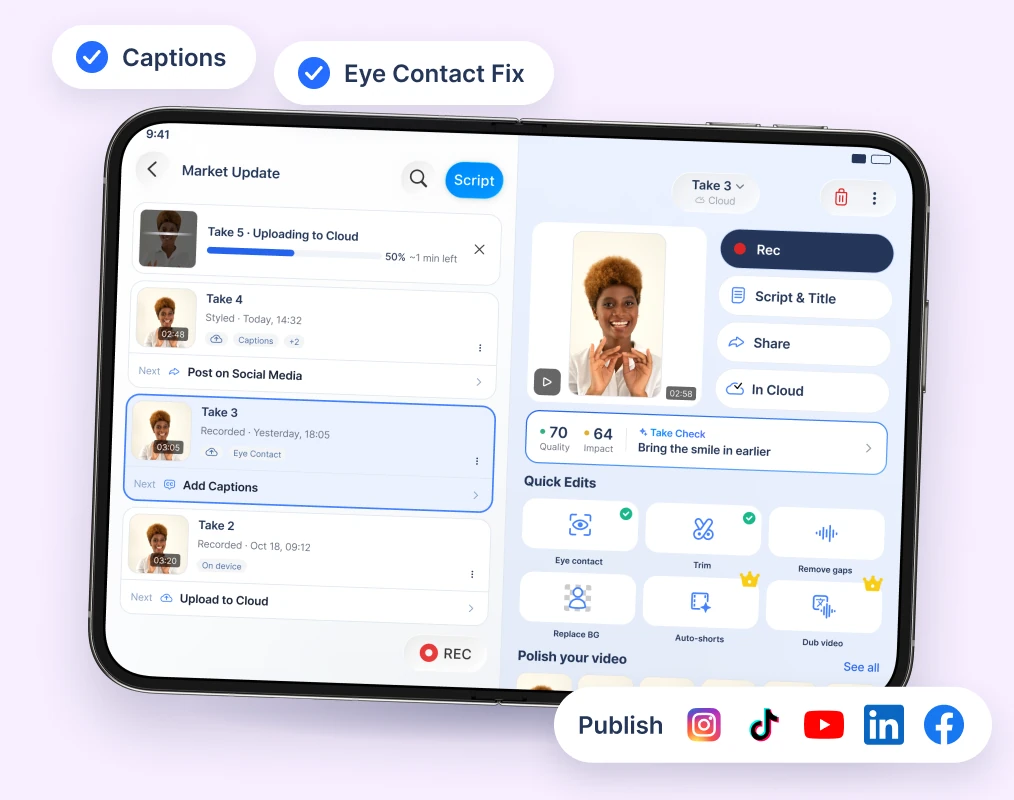
3. 一度の撮影で、どこにでもシェア
1テイク撮影したら、字幕とEye Contact Fixを追加して、あらゆるプラットフォームに公開しましょう。
iPhone DuoでのBIGVU
iPhone Duoの大画面で動くテレプロンプターをご覧ください。
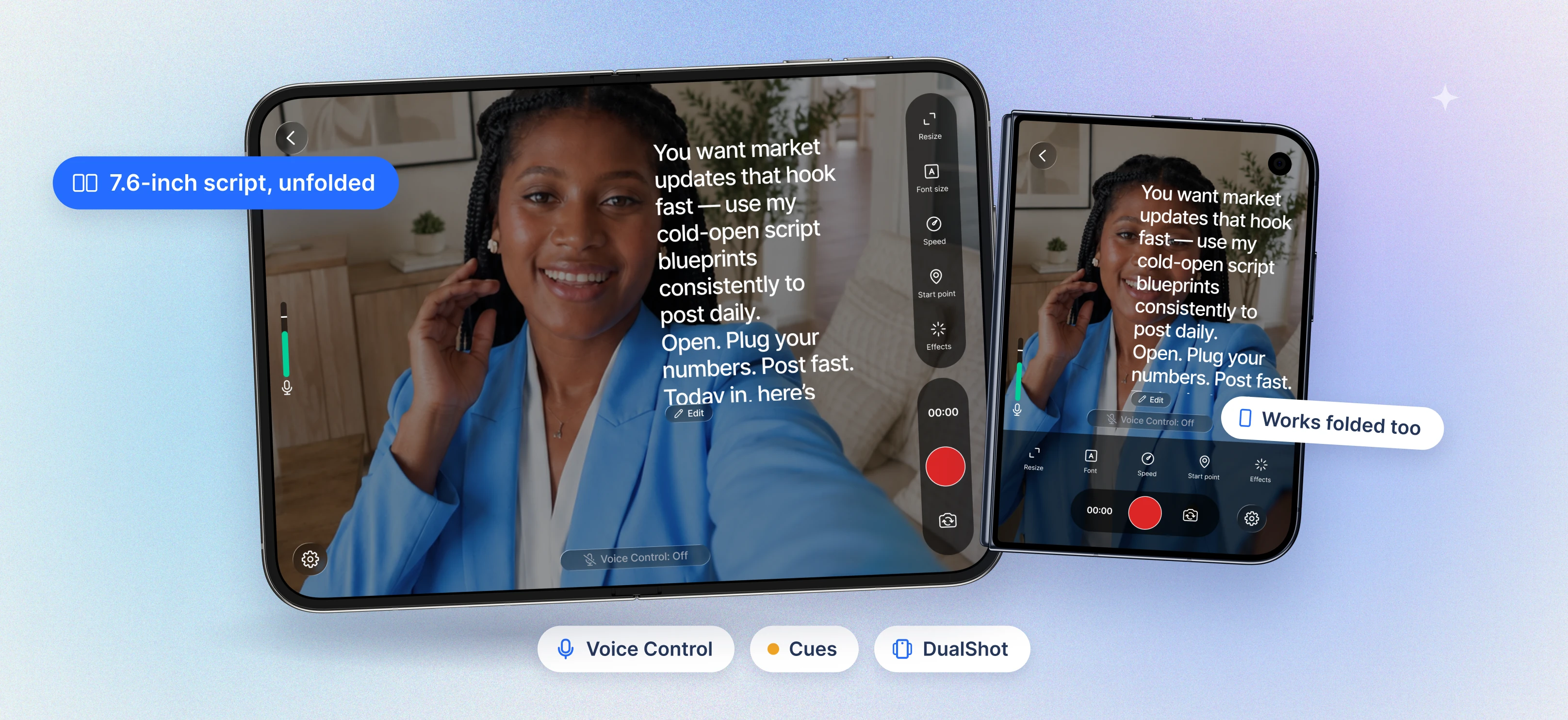

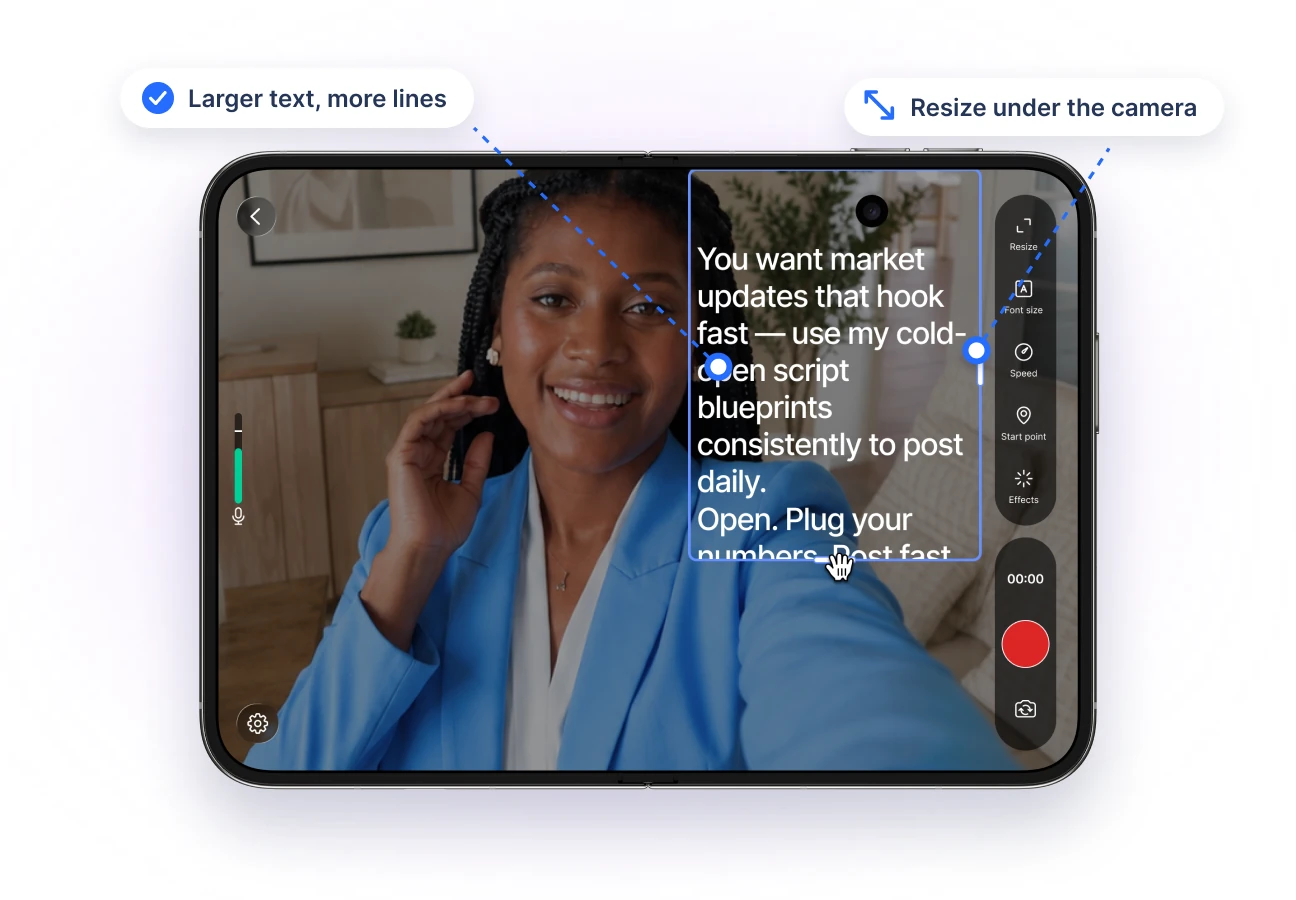
More room for your script
Read larger text with more lines on screen.
Resize and move the script so it sits right under the camera.
Made for iPhone Duo's unfolded 7.6-inch display.
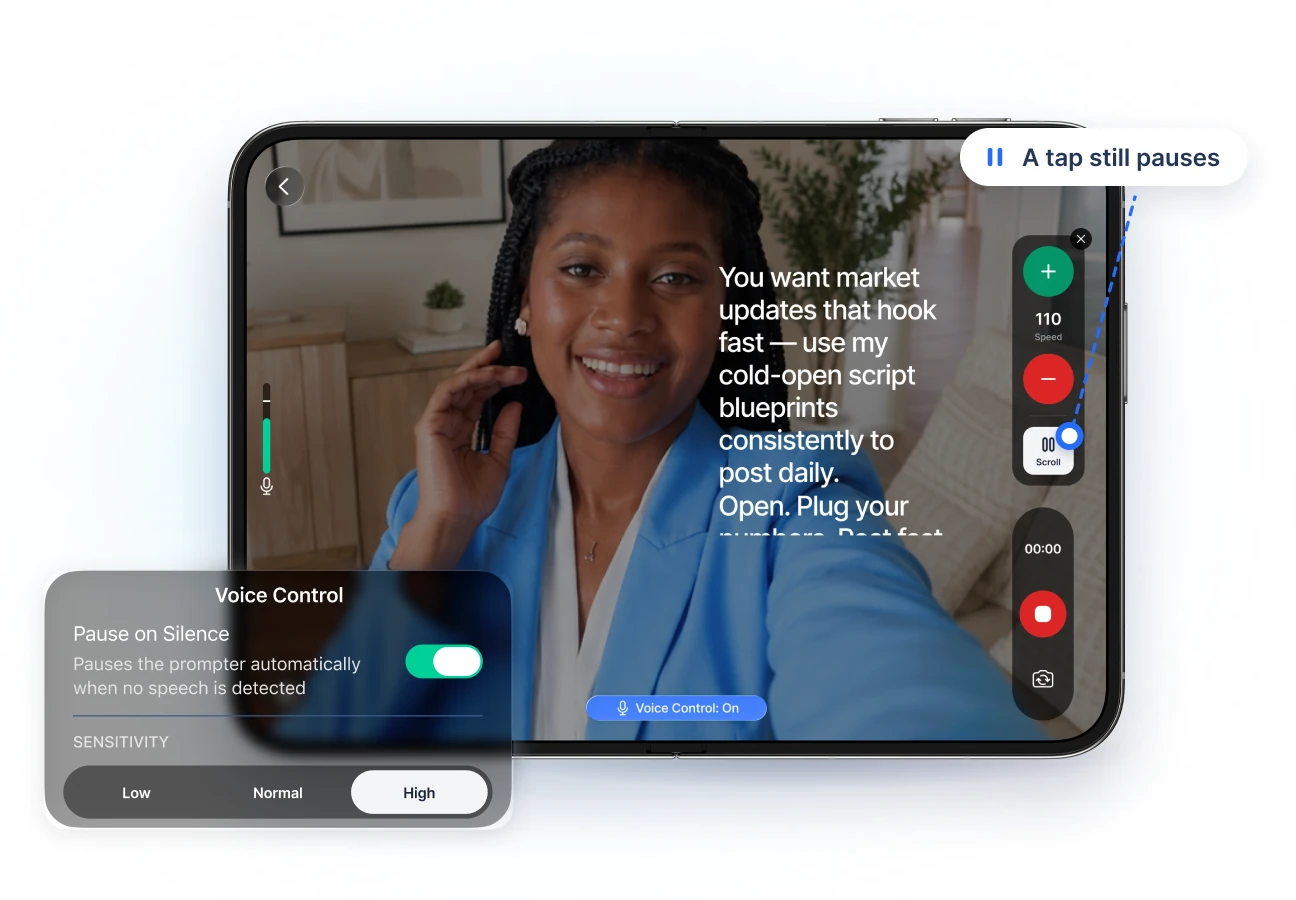
Your script follows your voice
Voice Control scrolls while you talk and waits when you pause.
Set the mic threshold so background noise doesn't move the text.
A tap still pauses anytime.
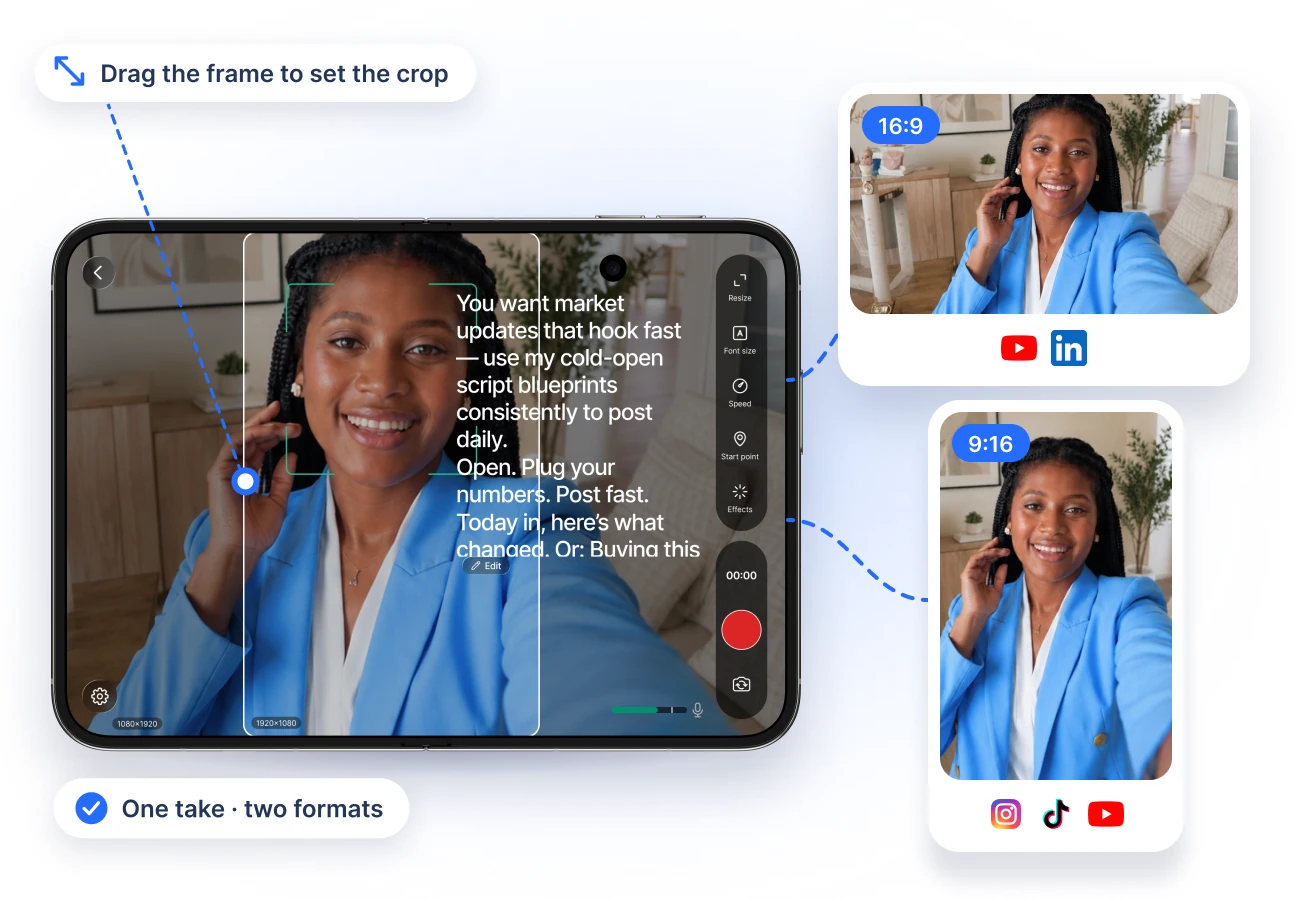
DualShot: two formats, one take
Record a 16:9 and a 9:16 video at the same time.
Drag the horizontal frame to set the crop.
Post to YouTube and to Reels, TikTok, and Shorts from one take.
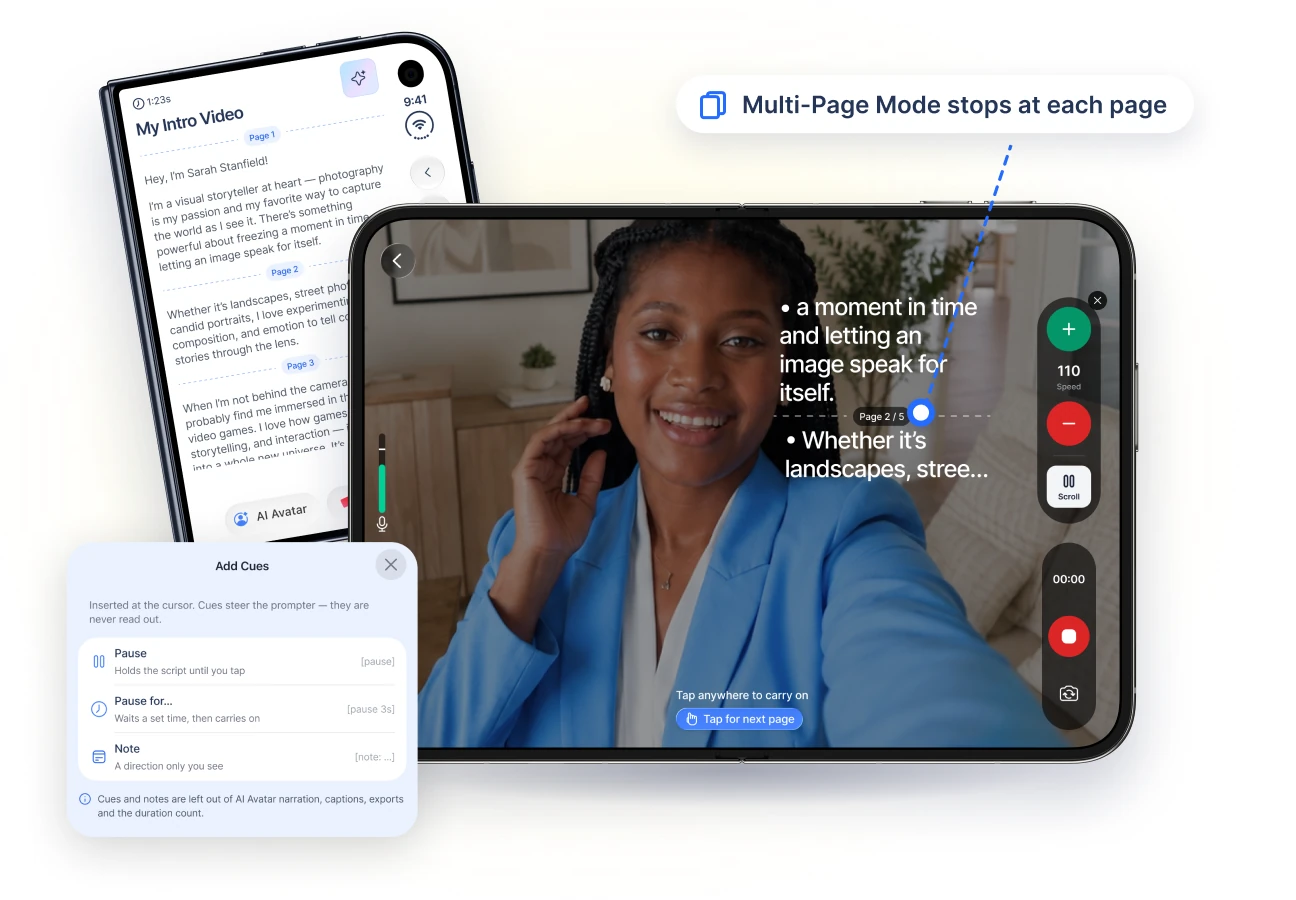
Cues and pages for longer scripts
Add a Pause, a timed pause, or a private note anywhere in your script.
Multi-Page Mode stops at each page so you can reset.
Notes never appear in captions or exports.
Look your best on camera
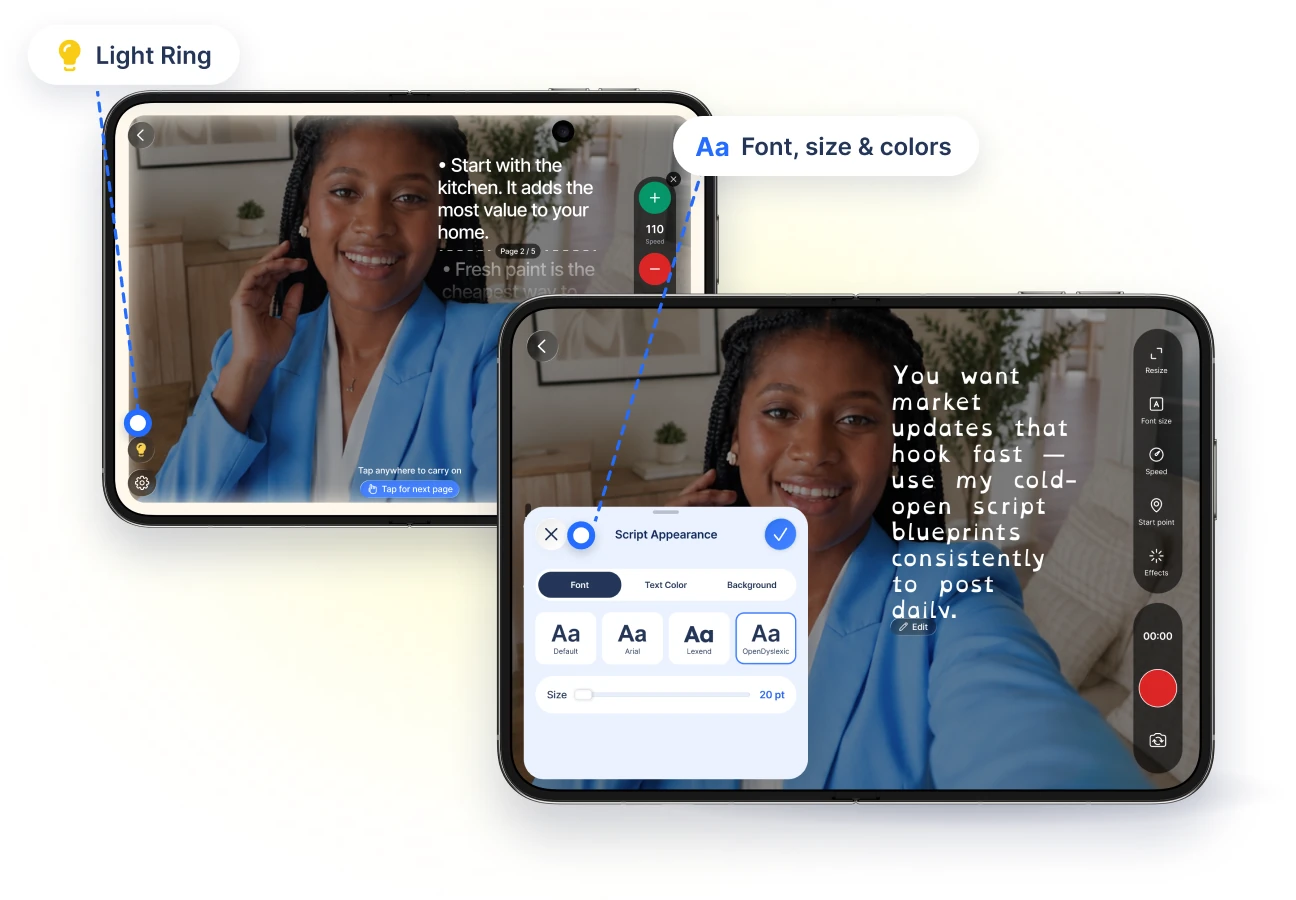
Light Ring turns the big screen's edges into a soft ring light.
Beauty filters, color looks, and background blur.
Choose the font, size, and colors that are easiest to read.
From script to published video
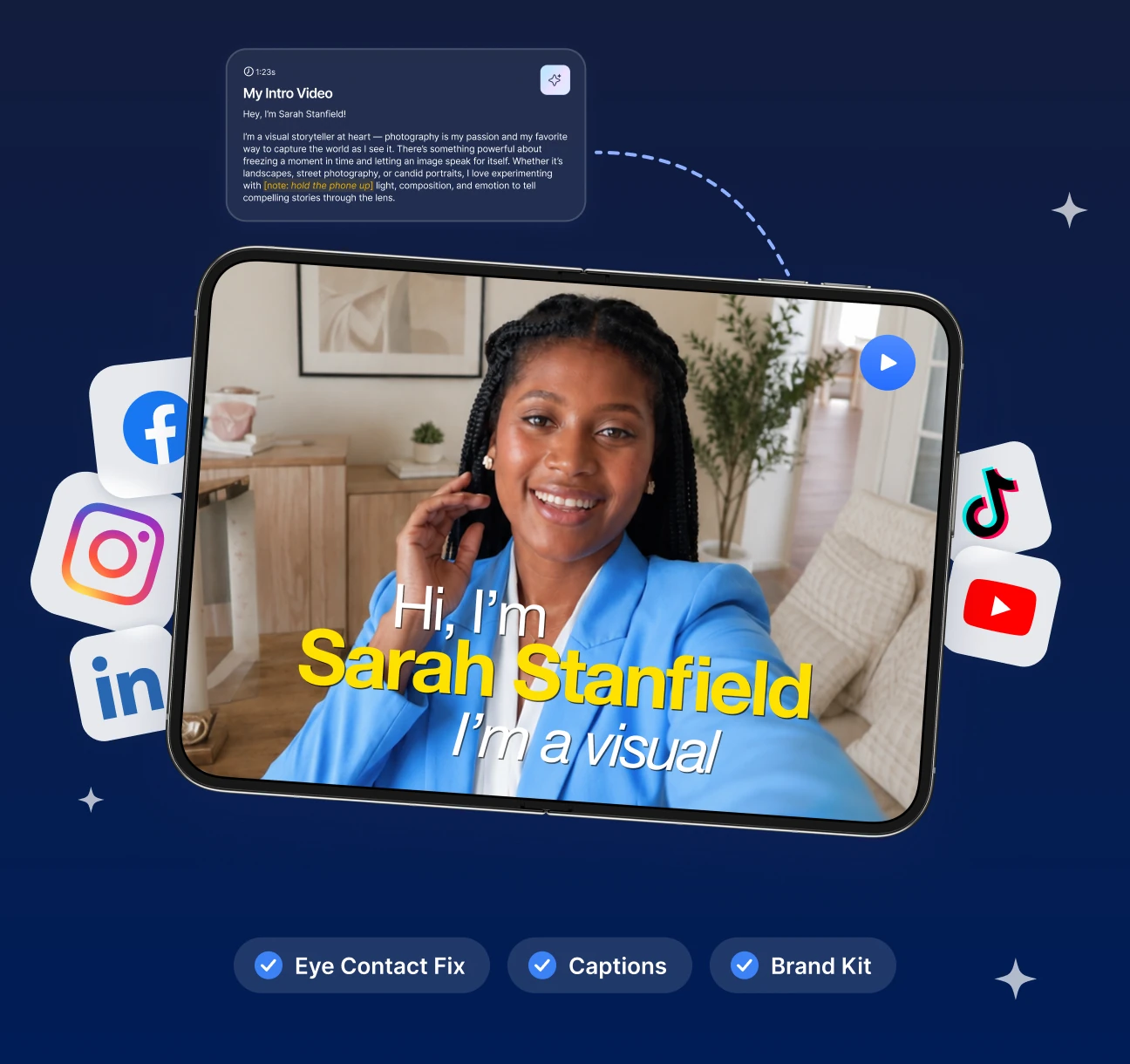
Write scripts with the AI Script Generator.
Fix eye contact with AI, then add captions and your Brand Kit.
Publish to Instagram, YouTube, TikTok, and LinkedIn.