
動画を1本追加するだけで、VideoCheck AI がアイコンタクト、笑顔、フレーミング、照明、音声、話すペースをチェックし、良かった点と直すべき点を示して、より良い次のテイクにつなげます。
投稿する前に、改善点がわかる。
動画を1本追加するだけで、VideoCheck AI がアイコンタクト、笑顔、フレーミング、照明、音声、話すペースをチェックし、良かった点と直すべき点を示して、より良い次のテイクにつなげます。
3ステップで、あなたの動画からより良い次のテイクへ
動画を1本追加して、話し方や見せ方についてわかりやすいレポートを受け取り、より良いテイクを撮影しましょう。
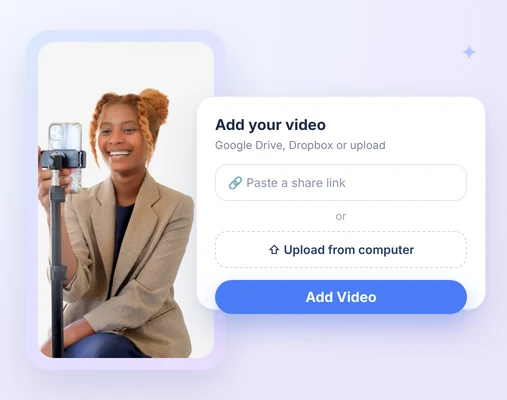
1. 動画を追加
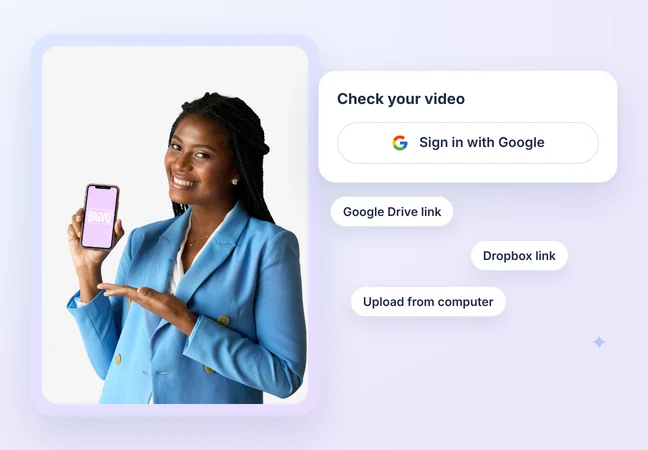
Google でサインインし、Google Drive または Dropbox の共有リンクを貼り付けるか、パソコンからファイルをアップロードします。BIGVU アカウントは不要です。
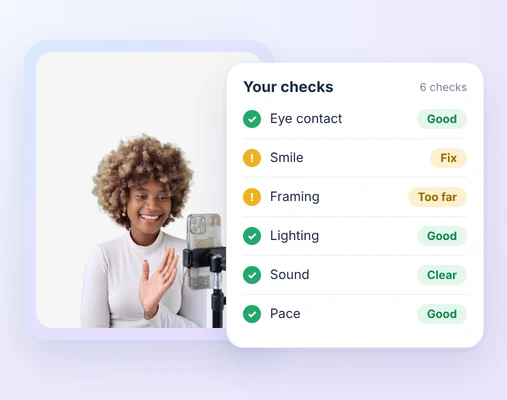
2. 分析を確認
わかりやすい要約と、6つのチェック項目で良かった点と直すべき点を、それぞれの根拠となる動画内の場面とともに確認できます。
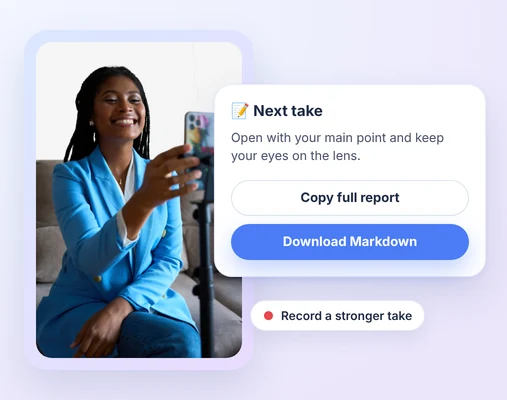
3. 次のテイクを改善
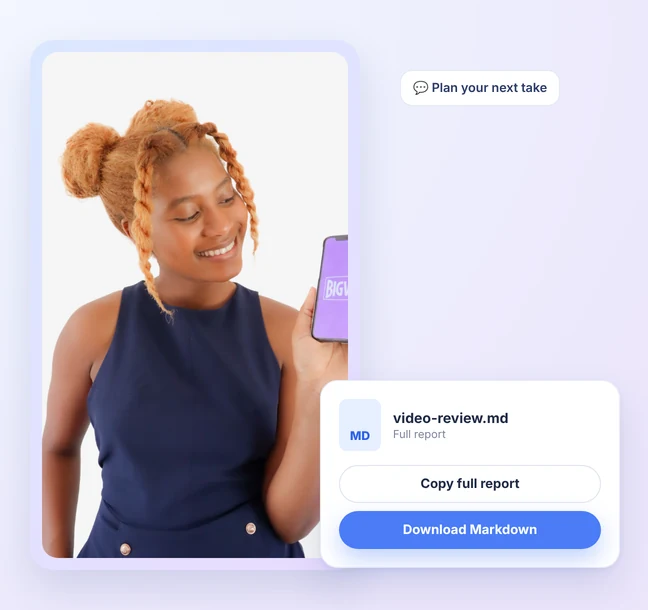
レポート全体をコピーするか Markdown でダウンロードして、より良いテイクを撮影しましょう。Claude に貼り付けたりアップロードしたりして、次のテイクを計画することもできます。
VideoCheck AI の動作を見る
1本の動画がアップロードから、アイコンタクト、笑顔、フレーミング、照明、音声、話すペースについての明確なフィードバックになるまでをご覧ください。
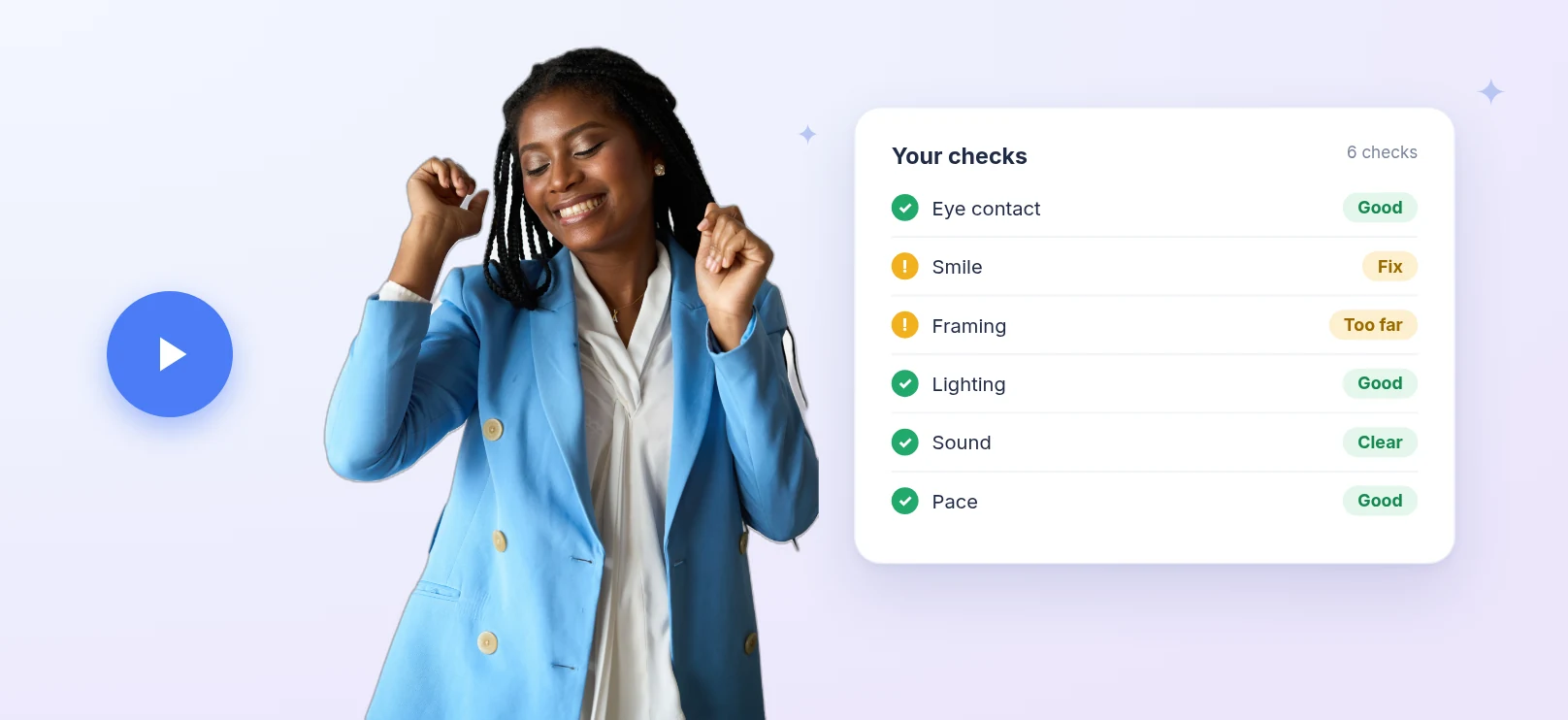

 Aiチェック
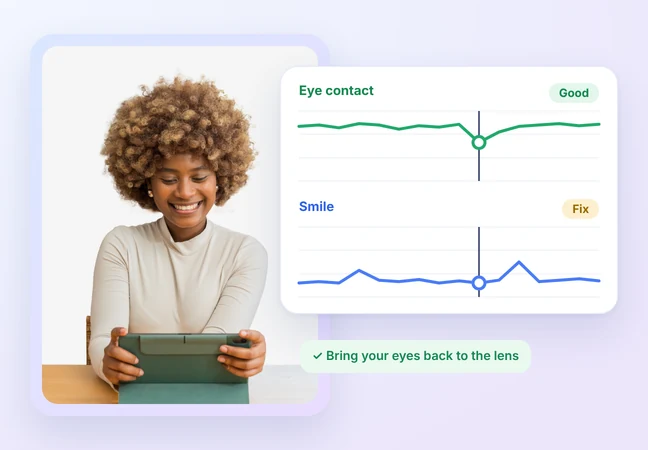
Eye contact and smile, checked

See how often you look at the lens while you speak.

Your smile is judged for warmth at key moments, against the purpose of your video.

Every point comes with the moment in your video it's based on.
 Aiチェック
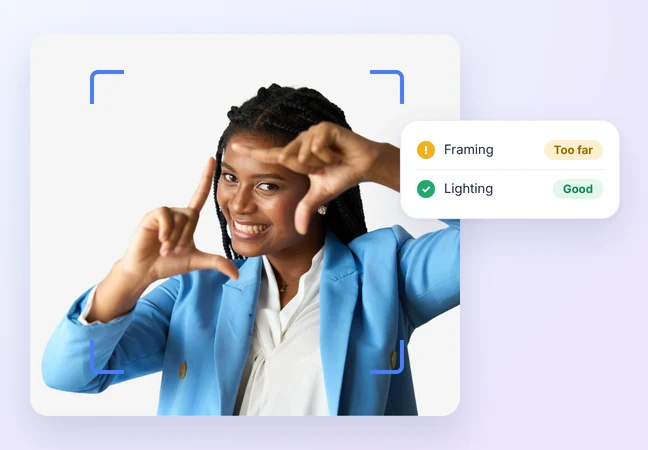
Framing and lighting, checked

Check your distance and position in the frame.

See your exposure and how evenly your face is lit.

Know what to change in your setup before you record again.
 Aiチェック
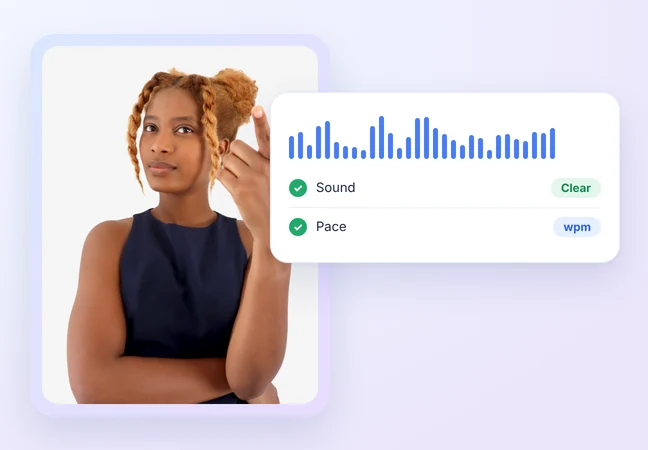
Sound and pace, checked

Check your voice clarity and background noise.

See your speaking speed in words per minute.

If a check can't be assessed, like no face or no speech, it's marked "Not assessed," never scored zero.
 Aiチェック
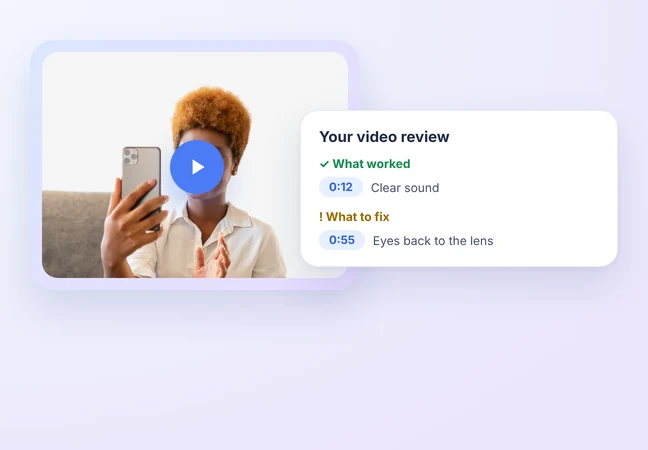
A report you can act on

A plain-language summary of your video.

What worked and what to fix, in one report.

Each point shows the moment in your video it comes from.
 Aiチェック
Free, no BIGVU account needed

Sign in with Google and check your video.

Paste a Google Drive or Dropbox share link, or upload from your computer.

Add one video and get your report in a few minutes.
 Aiチェック
Take your report anywhere

Copy the full report or download it as Markdown.

Paste or upload it in Claude to plan your next take.

Instagram and YouTube imports are coming later.