
Aggiungi un video e VideoCheck AI verifica contatto visivo, sorriso, inquadratura, illuminazione, audio e ritmo, poi ti mostra cosa ha funzionato e cosa correggere per una prossima ripresa migliore.
Scopri cosa migliorare prima di pubblicare.
Aggiungi un video e VideoCheck AI verifica contatto visivo, sorriso, inquadratura, illuminazione, audio e ritmo, poi ti mostra cosa ha funzionato e cosa correggere per una prossima ripresa migliore.
Dal tuo video a una prossima ripresa migliore in 3 passaggi
Aggiungi un video, ricevi un report chiaro sulla tua presentazione e registra una ripresa migliore.
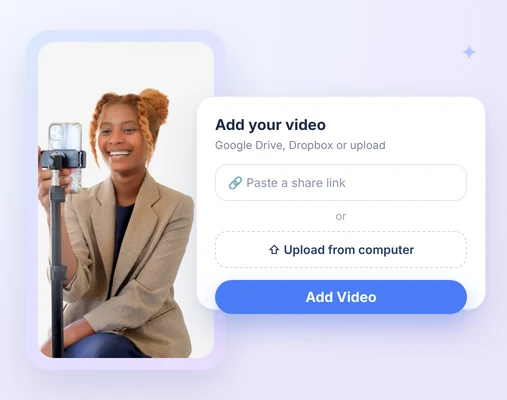
1. Aggiungi il tuo video
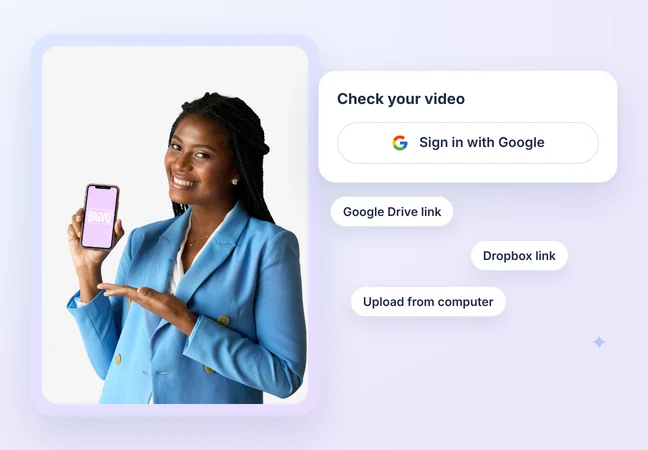
Accedi con Google, poi incolla un link di condivisione di Google Drive o Dropbox, oppure carica un file dal tuo computer. Non serve un account BIGVU.
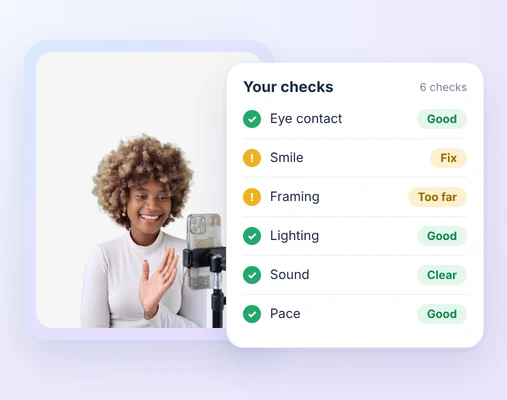
2. Rivedi l'analisi
Ricevi un riepilogo chiaro, cosa ha funzionato e cosa correggere in sei verifiche, con i momenti del tuo video da cui proviene ogni punto.
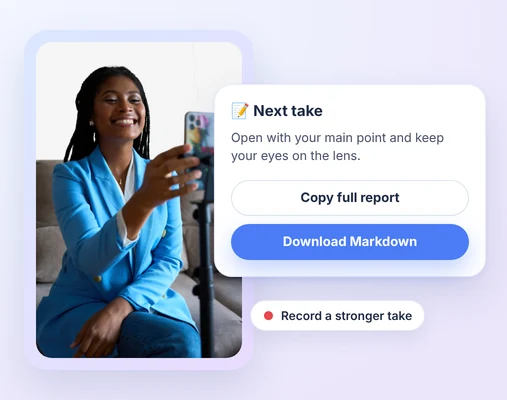
3. Migliora la prossima ripresa
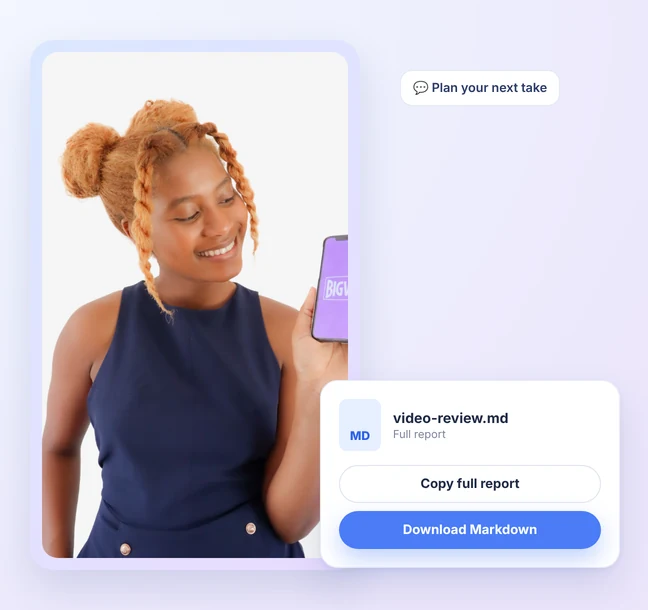
Copia il report completo o scaricalo in Markdown, poi registra una ripresa migliore. Puoi anche incollarlo o caricarlo in Claude per pianificare la prossima ripresa.
Guarda VideoCheck AI in azione
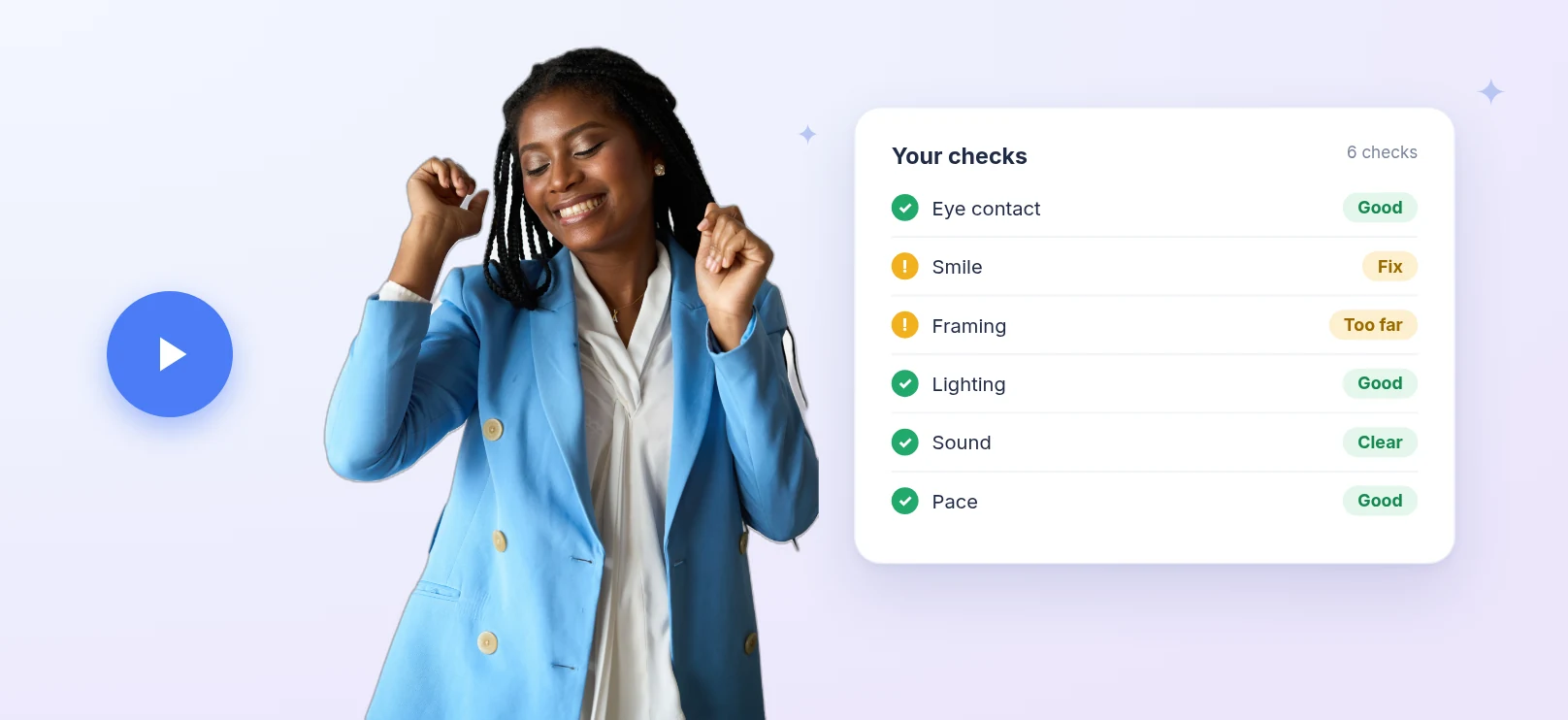
Guarda un video passare dal caricamento a un feedback chiaro su contatto visivo, sorriso, inquadratura, illuminazione, audio e ritmo.

 Verifica ai
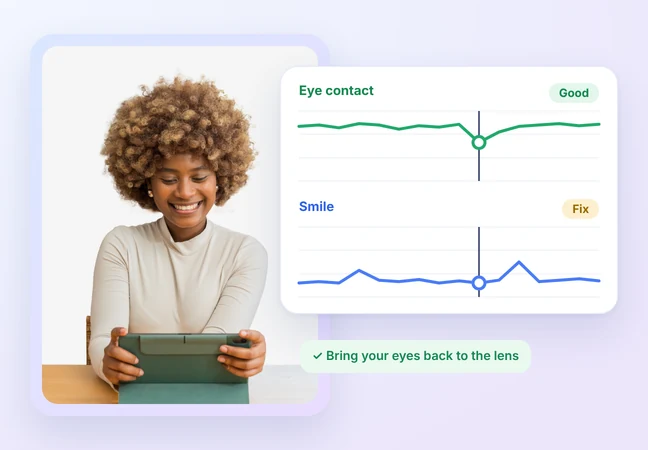
Eye contact and smile, checked

See how often you look at the lens while you speak.

Your smile is judged for warmth at key moments, against the purpose of your video.

Every point comes with the moment in your video it's based on.
 Verifica ai
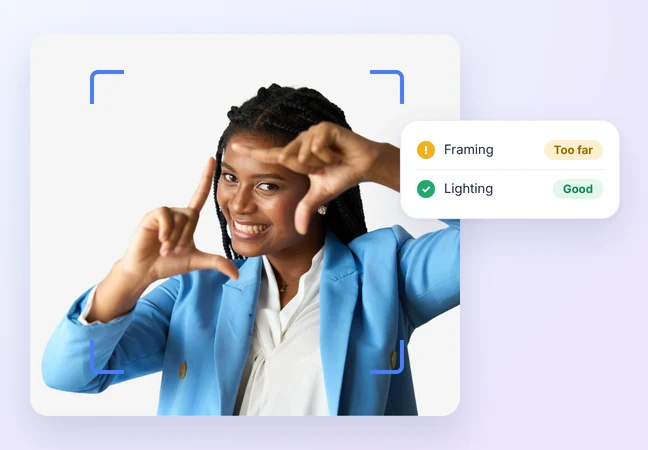
Framing and lighting, checked

Check your distance and position in the frame.

See your exposure and how evenly your face is lit.

Know what to change in your setup before you record again.
 Verifica ai
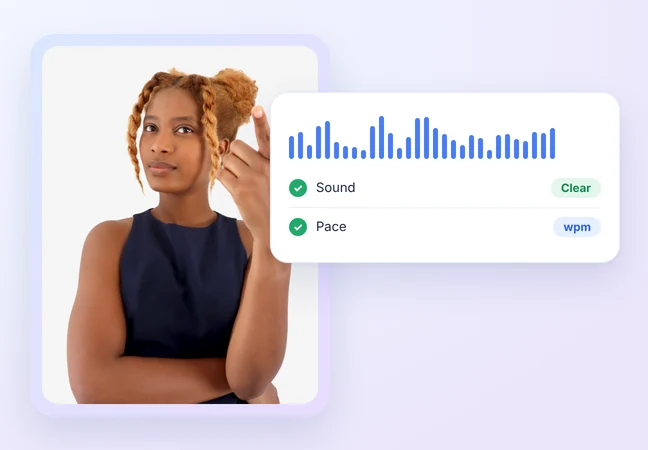
Sound and pace, checked

Check your voice clarity and background noise.

See your speaking speed in words per minute.

If a check can't be assessed, like no face or no speech, it's marked "Not assessed," never scored zero.
 Verifica ai
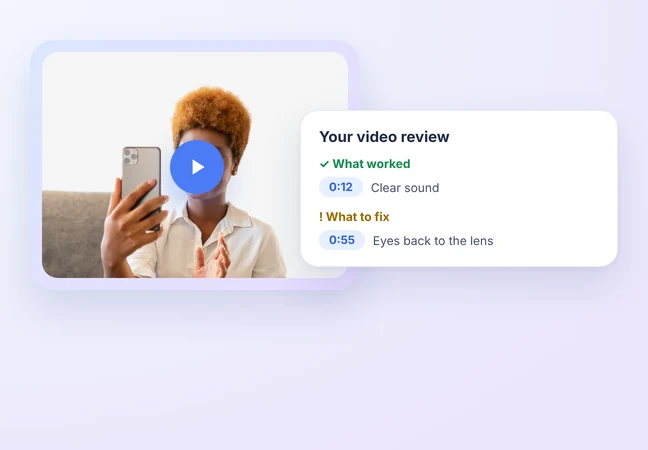
A report you can act on

A plain-language summary of your video.

What worked and what to fix, in one report.

Each point shows the moment in your video it comes from.
 Verifica ai
Free, no BIGVU account needed

Sign in with Google and check your video.

Paste a Google Drive or Dropbox share link, or upload from your computer.

Add one video and get your report in a few minutes.
 Verifica ai
Take your report anywhere

Copy the full report or download it as Markdown.

Paste or upload it in Claude to plan your next take.

Instagram and YouTube imports are coming later.