
קראו את התסריט על מסך ה-7.6 אינץ' הגדול של iPhone Duo בזמן ההקלטה. Voice Control, DualShot ו-Cues מוכנים מהיום הראשון.
הטלפרומפטר שנבנה ל-iPhone Duo
קראו את התסריט על מסך ה-7.6 אינץ' הגדול של iPhone Duo בזמן ההקלטה. Voice Control, DualShot ו-Cues מוכנים מהיום הראשון.
מקליטים ב-iPhone Duo ב-3 שלבים
פתחו את התסריט על המסך הגדול, הכינו את הצילום והקליטו פעם אחת לכל הפלטפורמות.
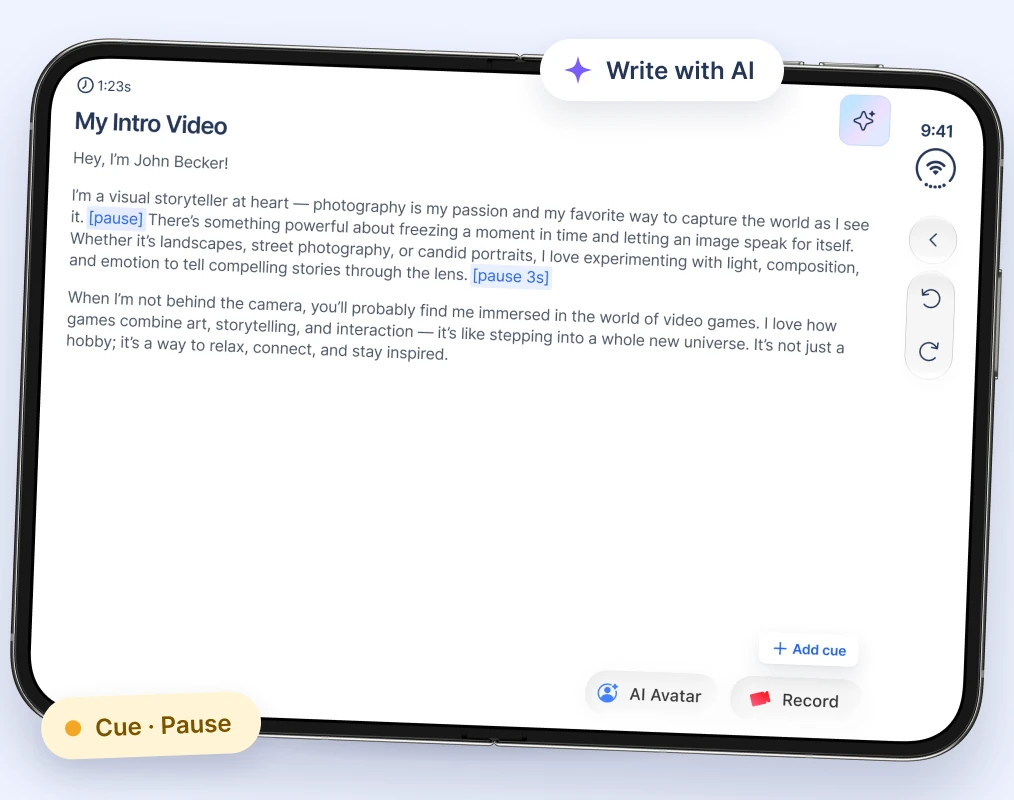
1. פתחו את התסריט ב-iPhone Duo
פתחו את iPhone Duo וטענו את התסריט, או כתבו אחד עם AI. הוסיפו Cues להפסקות ולהערות.
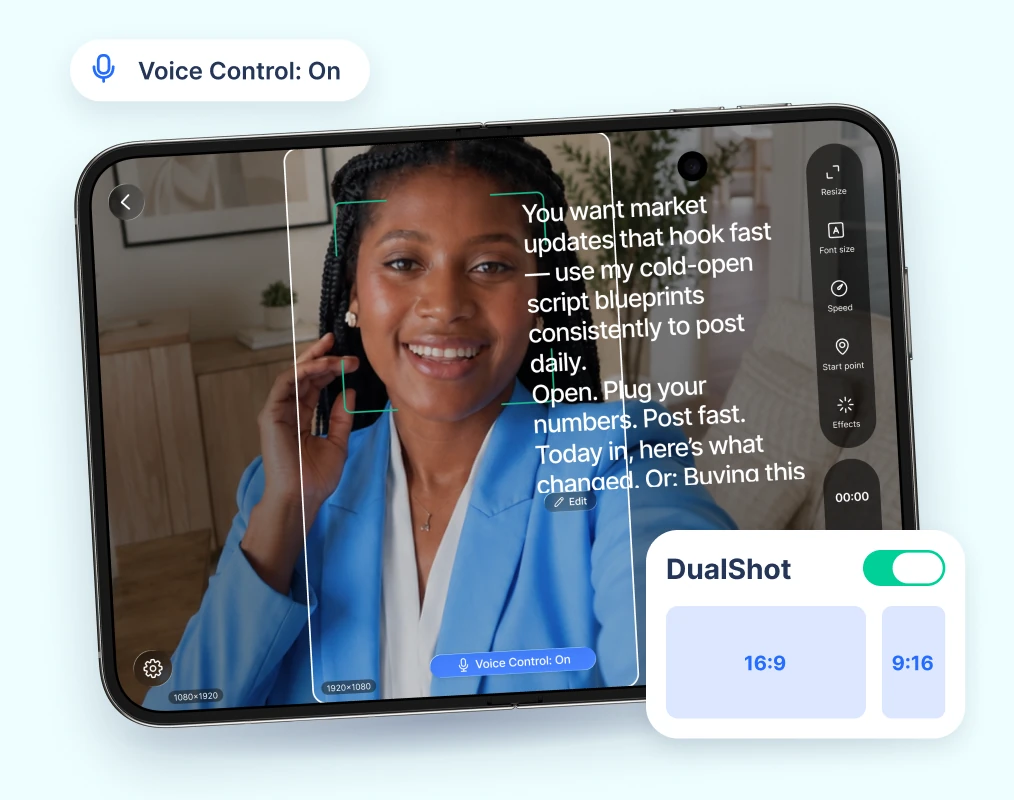
2. הכינו את הצילום
שנו את גודל התסריט כך שיישב מתחת למצלמה, הפעילו את Voice Control והדליקו את DualShot לשני פורמטים.
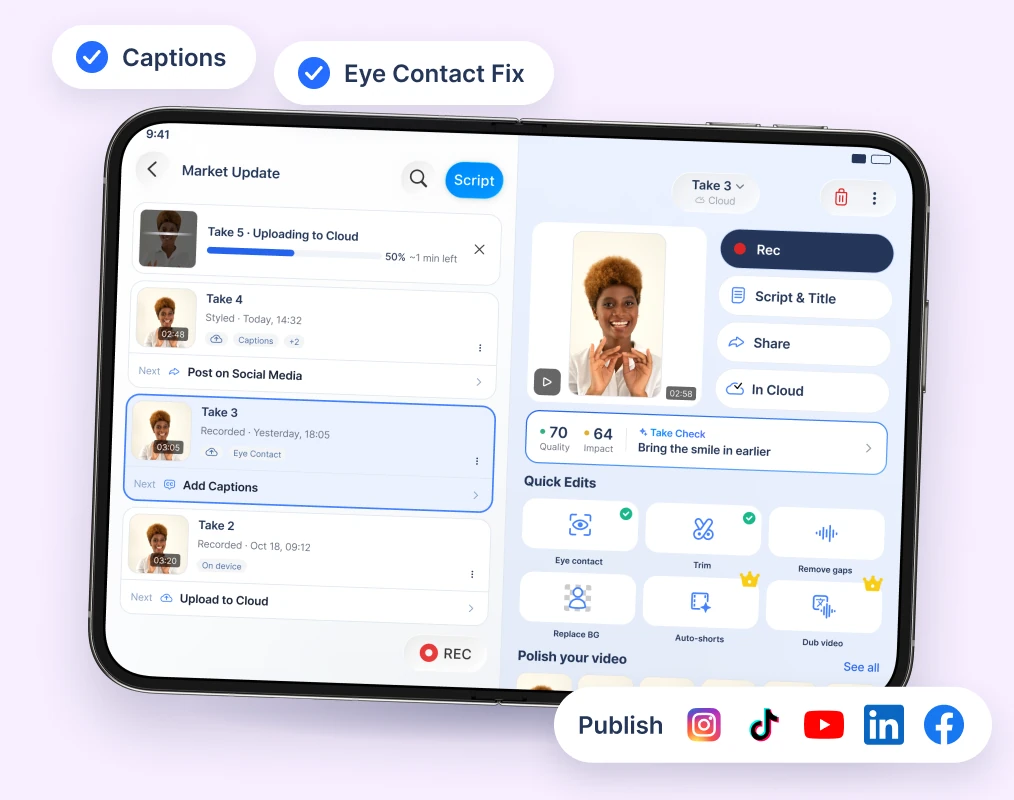
3. הקליטו פעם אחת, שתפו בכל מקום
הקליטו טייק אחד, הוסיפו כתוביות ו-Eye Contact Fix ופרסמו בכל הפלטפורמות.
BIGVU על iPhone Duo
ראו את הטלפרומפטר על המסך הגדול של iPhone Duo.
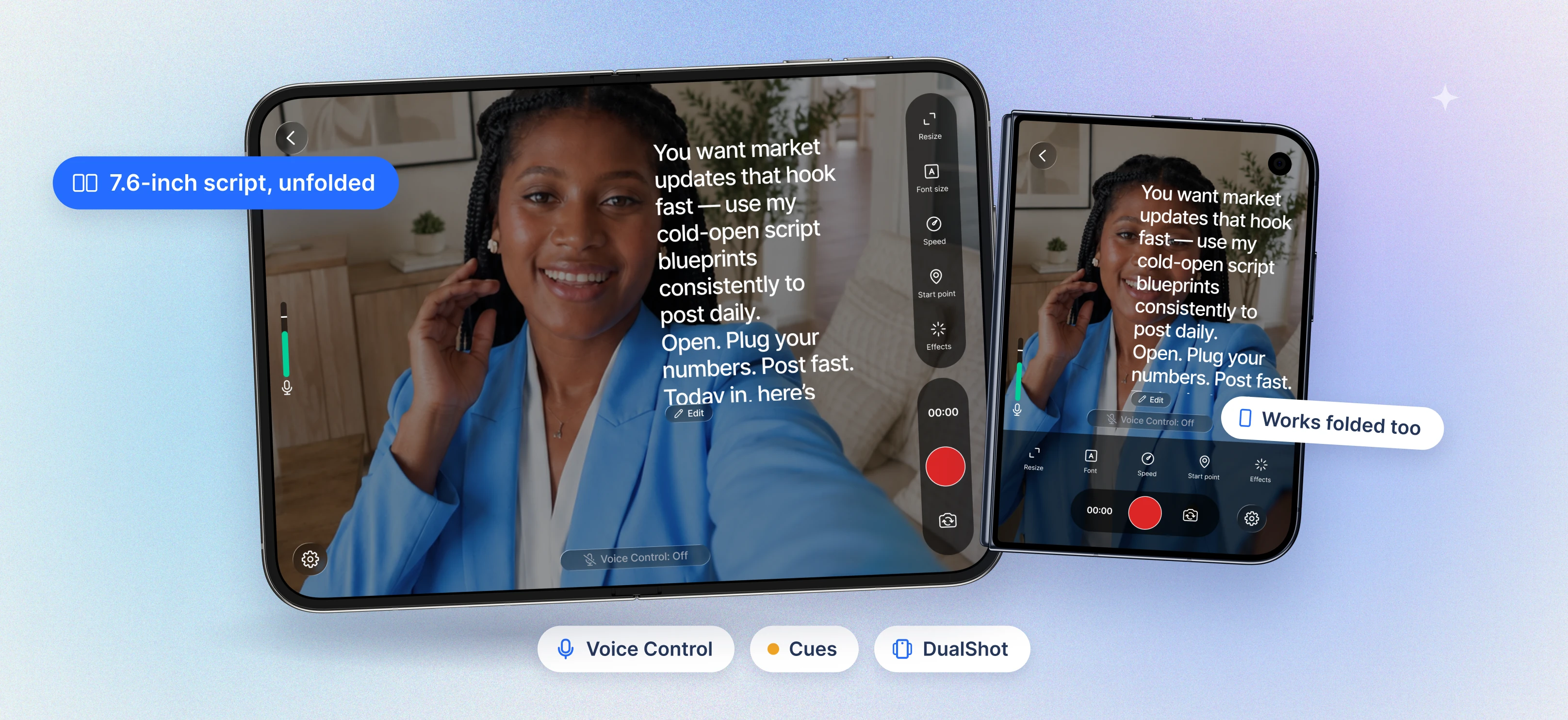

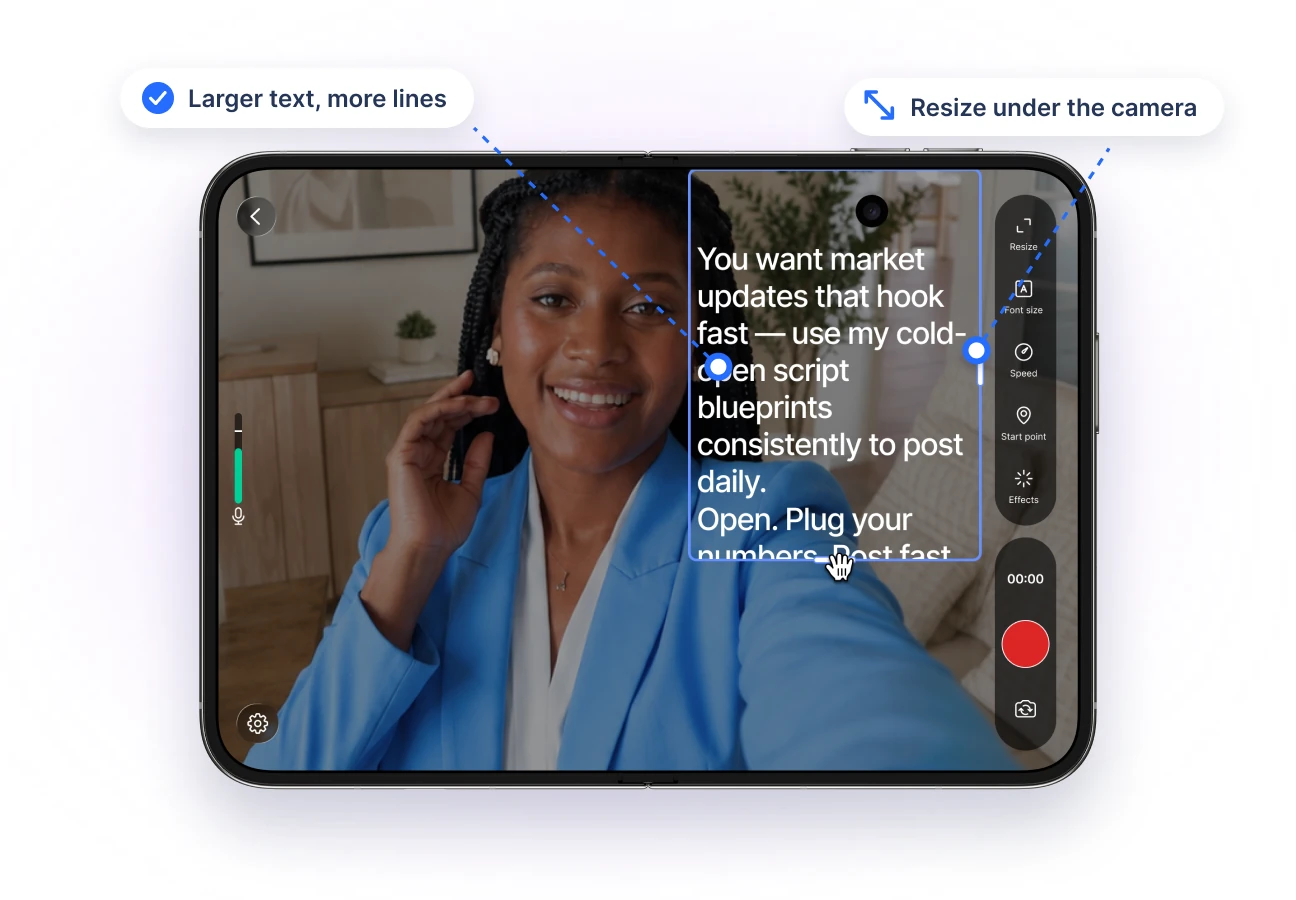
More room for your script
Read larger text with more lines on screen.
Resize and move the script so it sits right under the camera.
Made for iPhone Duo's unfolded 7.6-inch display.
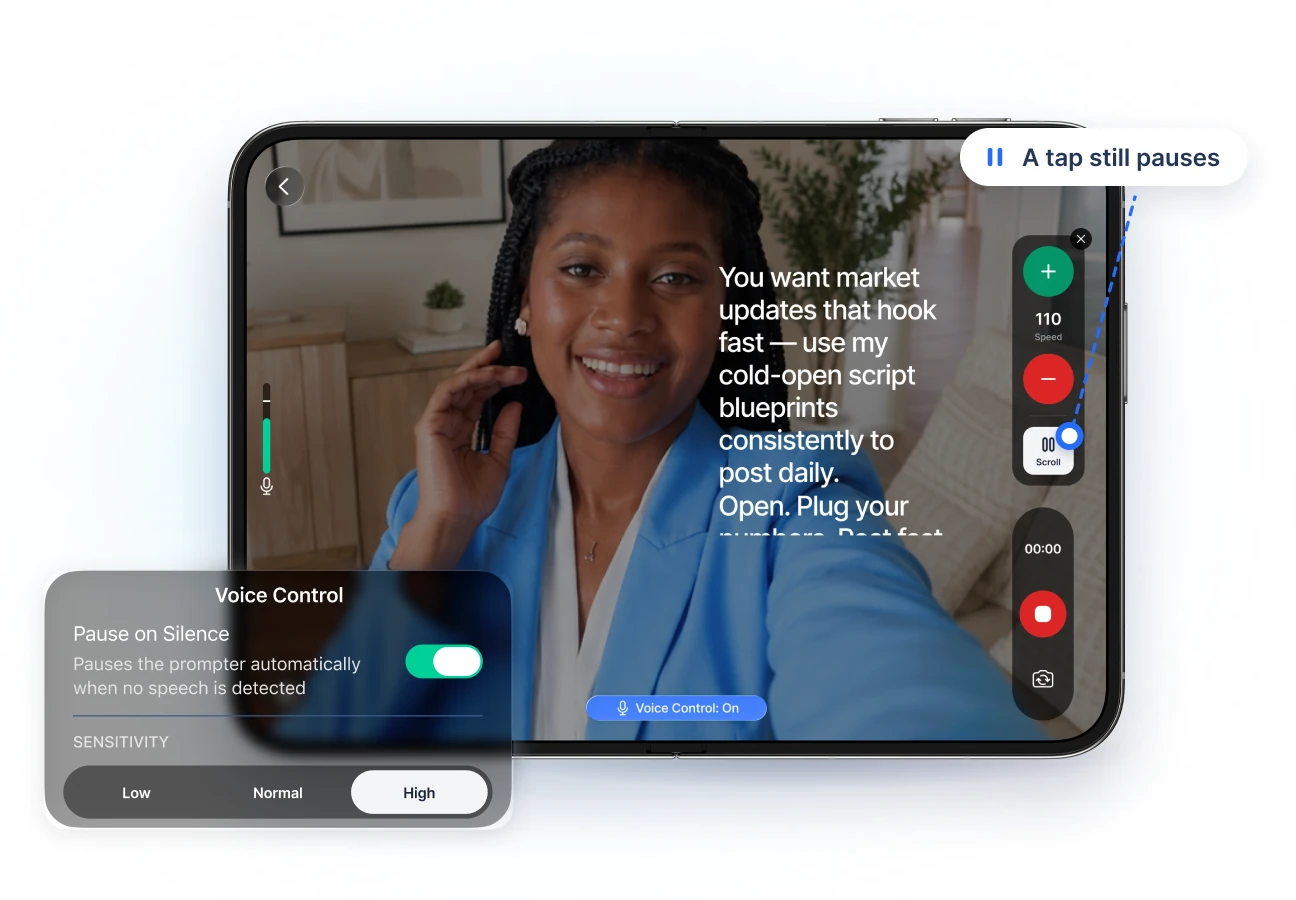
Your script follows your voice
Voice Control scrolls while you talk and waits when you pause.
Set the mic threshold so background noise doesn't move the text.
A tap still pauses anytime.
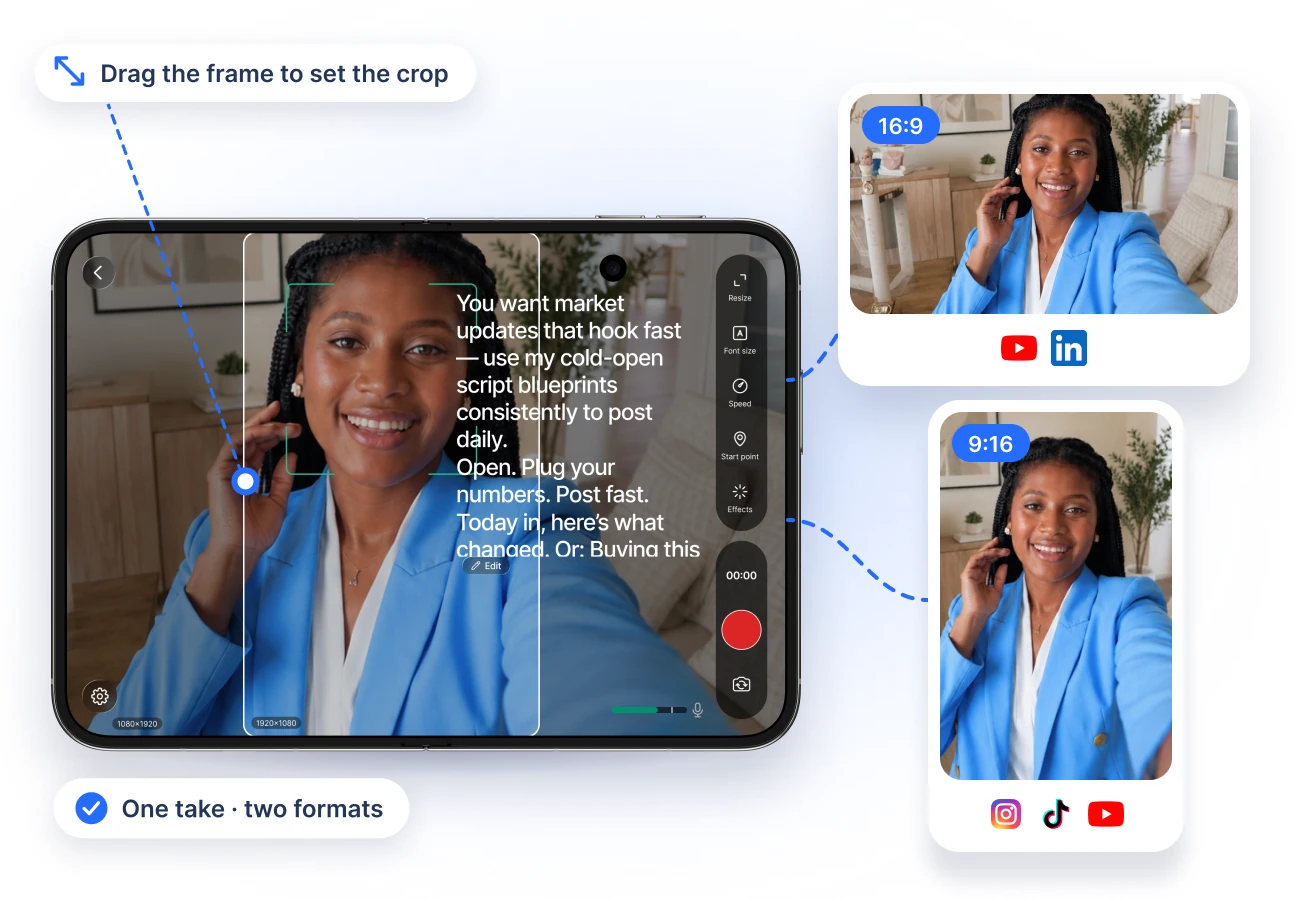
DualShot: two formats, one take
Record a 16:9 and a 9:16 video at the same time.
Drag the horizontal frame to set the crop.
Post to YouTube and to Reels, TikTok, and Shorts from one take.
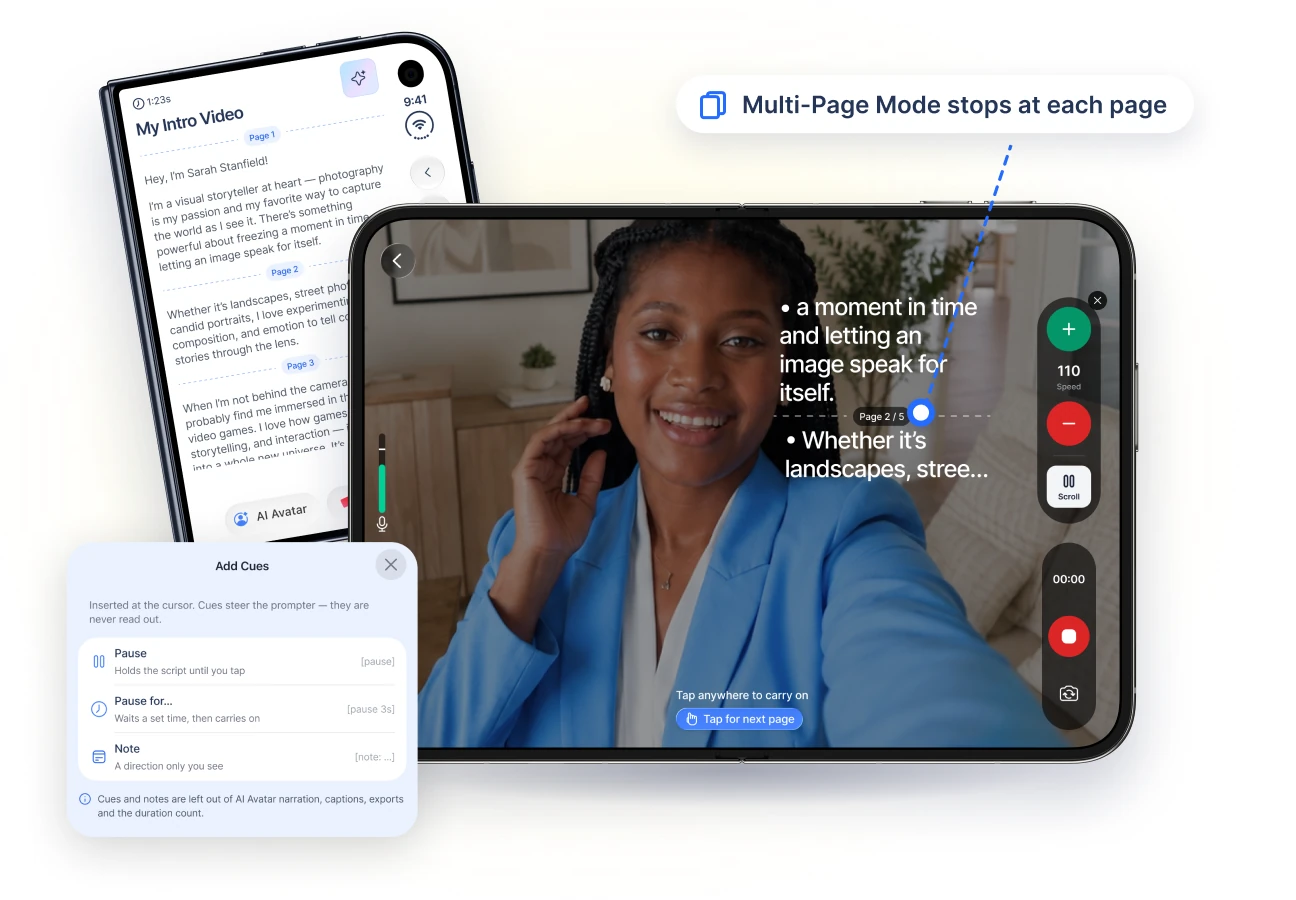
Cues and pages for longer scripts
Add a Pause, a timed pause, or a private note anywhere in your script.
Multi-Page Mode stops at each page so you can reset.
Notes never appear in captions or exports.
Look your best on camera
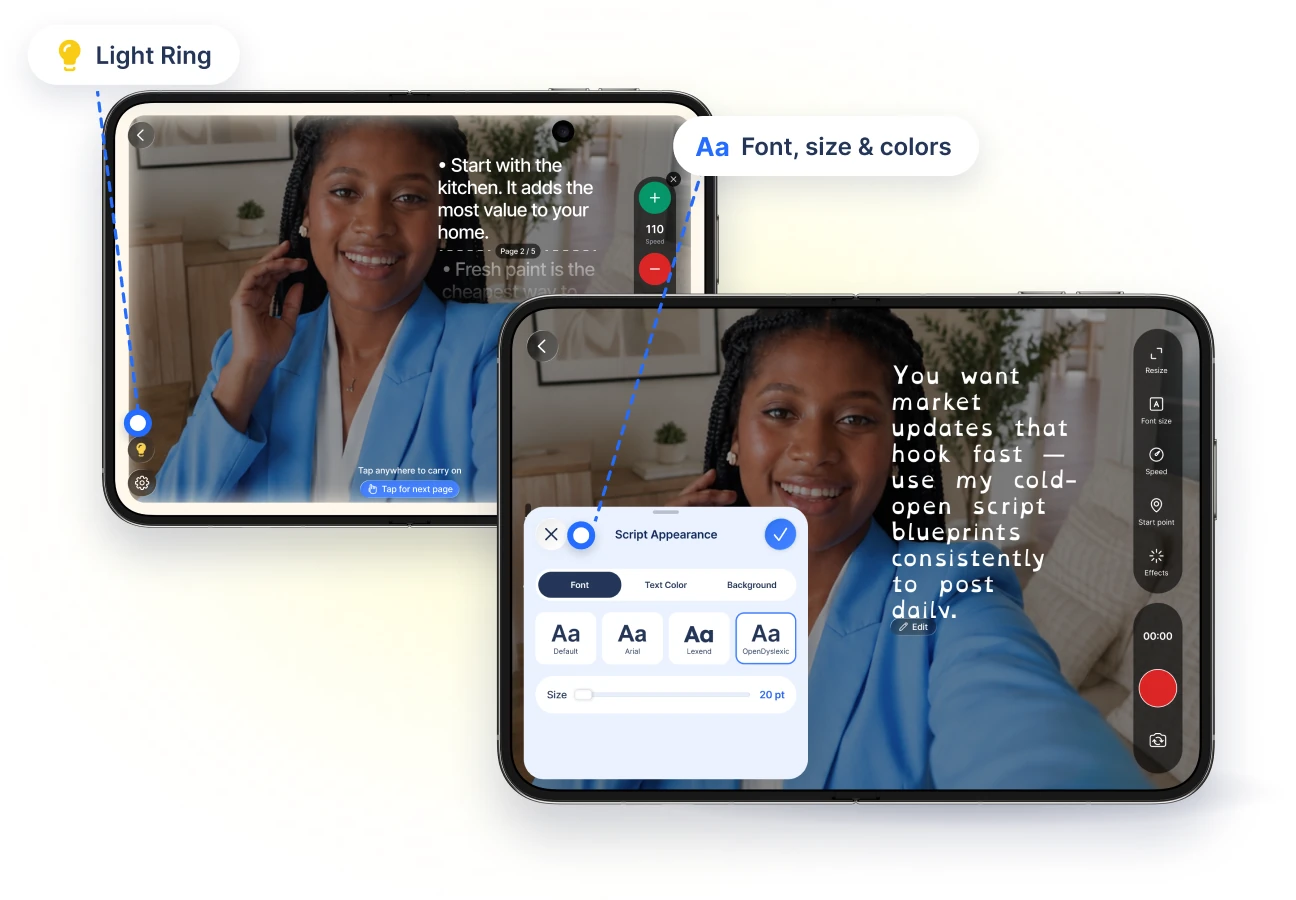
Light Ring turns the big screen's edges into a soft ring light.
Beauty filters, color looks, and background blur.
Choose the font, size, and colors that are easiest to read.
From script to published video
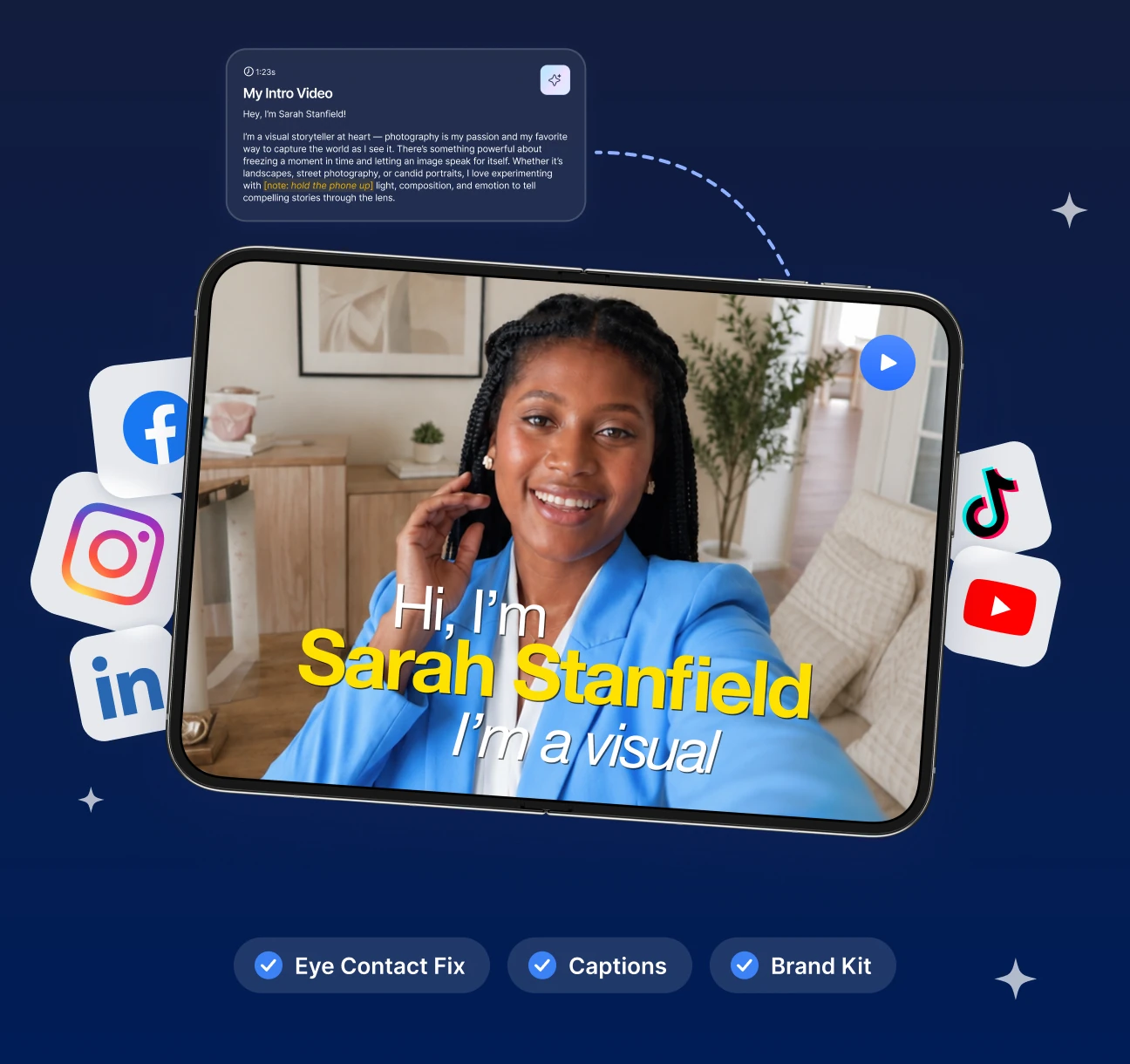
Write scripts with the AI Script Generator.
Fix eye contact with AI, then add captions and your Brand Kit.
Publish to Instagram, YouTube, TikTok, and LinkedIn.